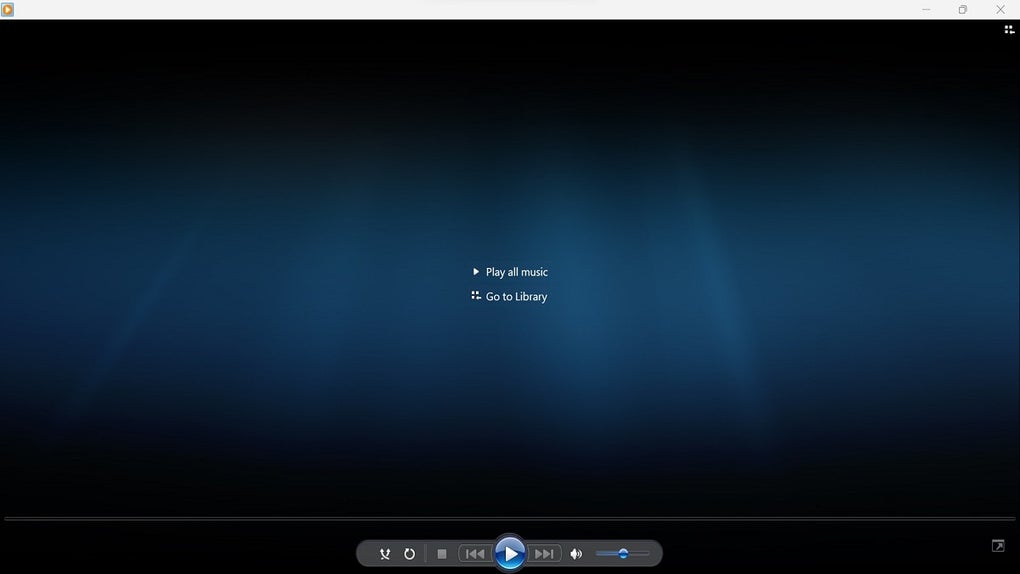
ProgTV UWP is a versatile and user-friendly universal Windows 10 application designed to provide a seamless multimedia experience. This comprehensive guide delves into the features, functionalities, and benefits of ProgTV UWP, exploring its capabilities as a powerful platform for enjoying music, radio stations, and various other media content. We will explore the application’s core strengths, its compatibility, user experience, and its place within the broader landscape of Windows multimedia applications.
Exploring ProgTV UWP’s Core Functionality: Music, Radio, and Beyond
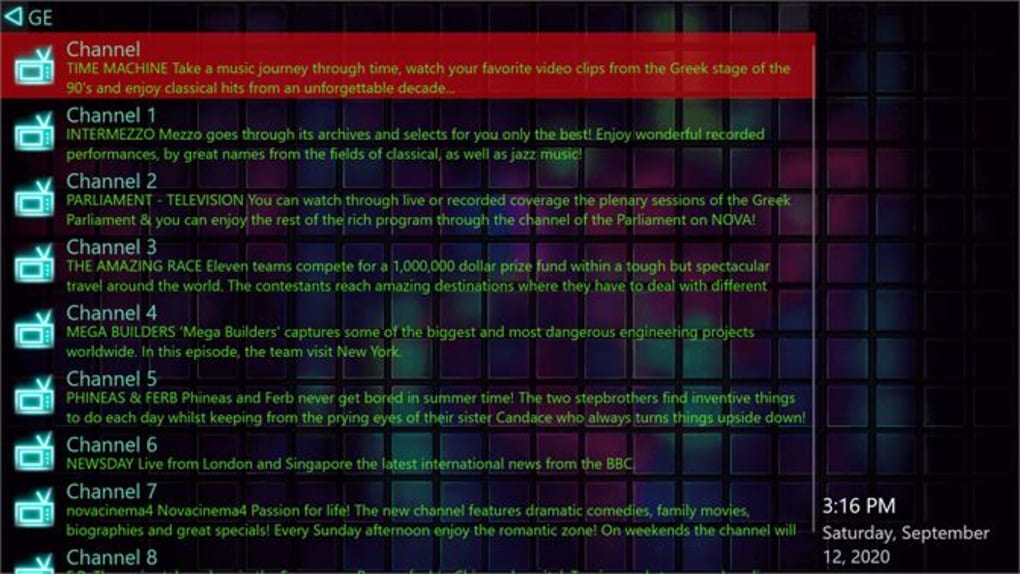
At its heart, ProgTV UWP is a powerful music and radio streaming application. It offers a vast library of radio stations spanning diverse genres, catering to a broad spectrum of musical tastes. Whether you’re a fan of classic rock, contemporary pop, soulful blues, upbeat hip-hop, or mellow jazz, ProgTV UWP likely has a station perfectly tailored to your preference. The app’s intuitive interface makes navigating this extensive selection remarkably straightforward. Finding your favorite station or discovering new ones is a breeze, thanks to a well-organized and searchable library.
Beyond its music and radio capabilities, ProgTV UWP distinguishes itself through its remarkable versatility. It supports multiple data source types, including Kartina TV, Xtream-Codes IPTV, Stalker, M3U (M3U8), and XSPF channel lists, along with VOD (Video on Demand) support. This adaptability allows users to integrate a wider array of streaming services and content sources into the application, making it a true one-stop shop for a diverse range of entertainment options. This feature positions ProgTV UWP as a powerful central hub for all your multimedia consumption, simplifying the management of multiple accounts and streaming services. The ability to seamlessly switch between various sources enhances convenience and ensures that users are not locked into a limited range of content.
Enhanced Audio Experience: The 10-Band Equalizer and Audio Quality
ProgTV UWP goes beyond simply providing access to audio content; it aims to enhance the listening experience. A key feature contributing to this enhanced audio quality is the inclusion of a 10-band equalizer. This powerful tool provides users with precise control over the audio output, allowing for customized sound profiles to suit personal preferences or even to compensate for imperfections in the listening environment. The ability to fine-tune the equalizer settings enables users to adjust bass, treble, and mid-range frequencies to achieve the optimal sound balance for their ears and their audio equipment. This level of customization is uncommon in many streaming applications, highlighting ProgTV UWP’s commitment to providing a superior auditory experience. The ability to personalize the sound, in conjunction with the broad range of content sources, solidifies its position as a premium multimedia platform.
User Interface and Experience: Simplicity and Functionality Combined
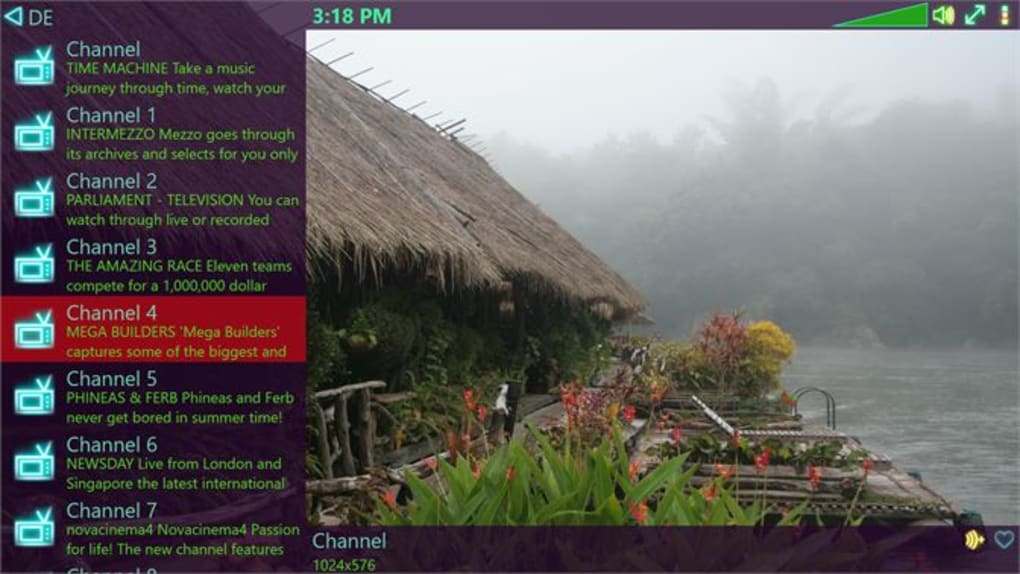
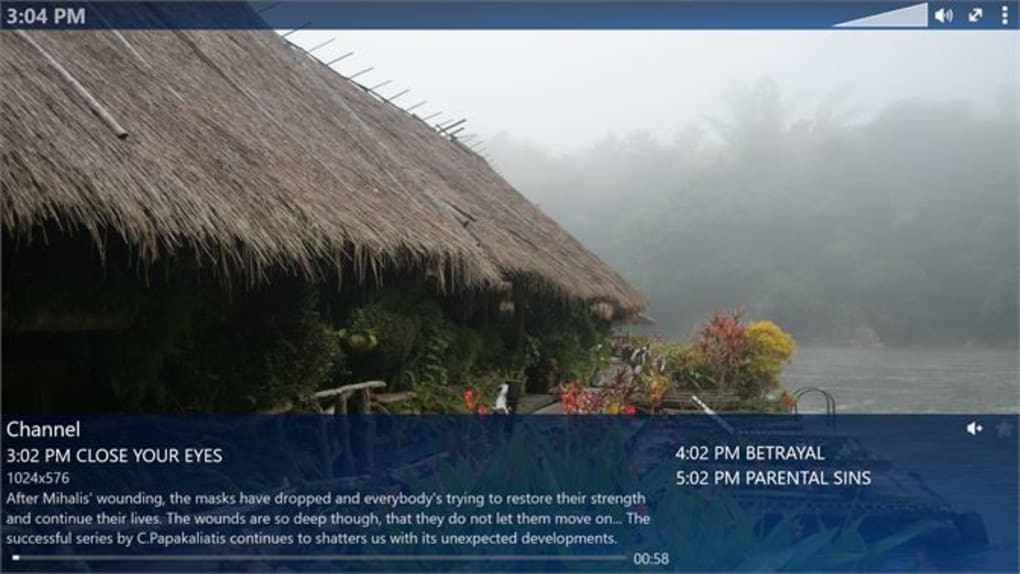
One of the strengths of ProgTV UWP lies in its user-friendly interface. The app is designed for simplicity and ease of use, ensuring a seamless experience for users of all technical skill levels. The layout is intuitive and straightforward, making it easy to navigate the various features and functions. Even users unfamiliar with the application can quickly grasp its core functionalities and begin enjoying their favorite music and radio stations within minutes. This user-friendly approach contrasts with some multimedia applications that prioritize complex feature sets over ease of use. ProgTV UWP prioritizes the user experience, acknowledging that accessibility and usability are critical aspects of a successful application.
Technical Specifications and System Requirements: Compatibility and Updates
ProgTV UWP is designed for the Windows operating system, specifically targeting Windows 10 and Windows 11. It is available in several languages, including English, Dutch, Czech, Spanish, French, Italian, Polish, Russian, Turkish, and Chinese, expanding its reach to a global audience. Regular updates ensure the app remains compatible with the latest operating system versions and includes bug fixes, performance improvements, and new features. The commitment to ongoing updates signals a dedication to maintaining the application’s quality and functionality over time. This ensures that users always benefit from the latest improvements and bug fixes, contributing to a stable and enjoyable user experience. The multilingual support further expands its appeal to a wider user base, reinforcing the app’s international accessibility.
ProgTV UWP’s Place in the Windows Multimedia Ecosystem
Within the crowded landscape of Windows multimedia applications, ProgTV UWP carves out a unique niche through its versatility and ease of use. While many applications focus on a single aspect of multimedia – for example, music streaming or video playback – ProgTV UWP integrates several functionalities into a single, cohesive application. This unification of several key features creates a more comprehensive multimedia solution compared to managing multiple independent applications. Its support for various data source types, along with the 10-band equalizer, positions it as a superior alternative to simpler music and radio apps. The app’s focus on a user-friendly interface further sets it apart, ensuring accessibility for users who might find other, more complex applications difficult to navigate. Therefore, ProgTV UWP distinguishes itself not only through its powerful features but also through its commitment to user experience.
In conclusion, ProgTV UWP offers a compelling combination of functionality, user-friendliness, and versatility. It’s not just a music and radio app; it’s a comprehensive multimedia platform designed to simplify and enhance the way Windows users enjoy their favorite audio and video content. The ongoing development and updates ensure the application will remain a relevant and competitive option within the Windows multimedia ecosystem for years to come. Its commitment to both functionality and user experience establishes it as a strong contender among similar applications.
File Information
- License: “Free”
- Version: “1.3.1.0”
- Latest update: “March 5, 2024”
- Platform: “Windows”
- OS: “Windows 11”
- Language: “English”
- Downloads: “734”