
ProKeys is a free Chrome extension designed to dramatically increase your typing efficiency and productivity. Developed by Aquila Softworks, this user-friendly text expander lets you create shortcuts for frequently used phrases, emails, and more, significantly reducing the time spent on repetitive typing. This in-depth review will explore ProKeys’ features, benefits, and overall usability, helping you determine if it’s the right tool to streamline your workflow.
Streamlining Your Text Input with ProKeys
ProKeys operates on a simple yet powerful principle: text expansion. You define snippets of text—anything from short greetings to lengthy email templates—and assign them custom hotkeys. Typing the hotkey instantly inserts the corresponding snippet, saving you countless keystrokes and valuable time. Imagine the time saved by instantly inserting your standard email signature, a frequently used address, or even complex code snippets.
This efficiency boost is particularly noticeable in scenarios involving repetitive tasks. Instead of manually typing the same information repeatedly, you simply trigger the assigned hotkey, resulting in a smoother and faster writing experience. This is especially beneficial for professionals, writers, and anyone who frequently uses the same phrases or templates.
ProKeys’ intuitive interface makes setting up these snippets a breeze. The process typically involves defining a shortcut (hotkey), then pasting or typing the text you want to associate with it. This straightforward approach ensures that even users with limited technical expertise can readily utilize its features.
Beyond Simple Text Expansion: Advanced Features
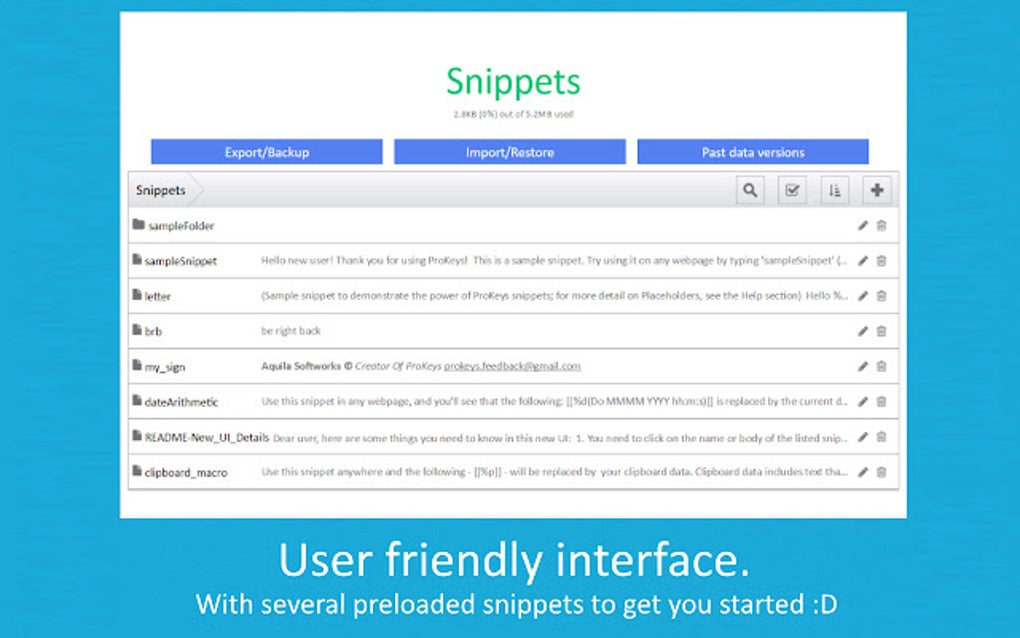
While its core functionality is text expansion, ProKeys goes beyond the basics, offering a suite of advanced features that further enhance its usefulness and versatility.
Dynamic Placeholders for Personalized Snippets
One of ProKeys’ standout features is its support for placeholders. These dynamic variables allow you to personalize your snippets without manually editing them each time. For example, you could create a snippet for a birthday message with a placeholder for the recipient’s name. Upon inserting the snippet, the placeholder is automatically highlighted, allowing you to quickly insert the correct name before sending the message. This ensures that each message feels personalized without requiring repeated manual input. This feature extends to other variables, making it possible to automate the insertion of dates, times, and other frequently changing data.
Integrated Math Capabilities
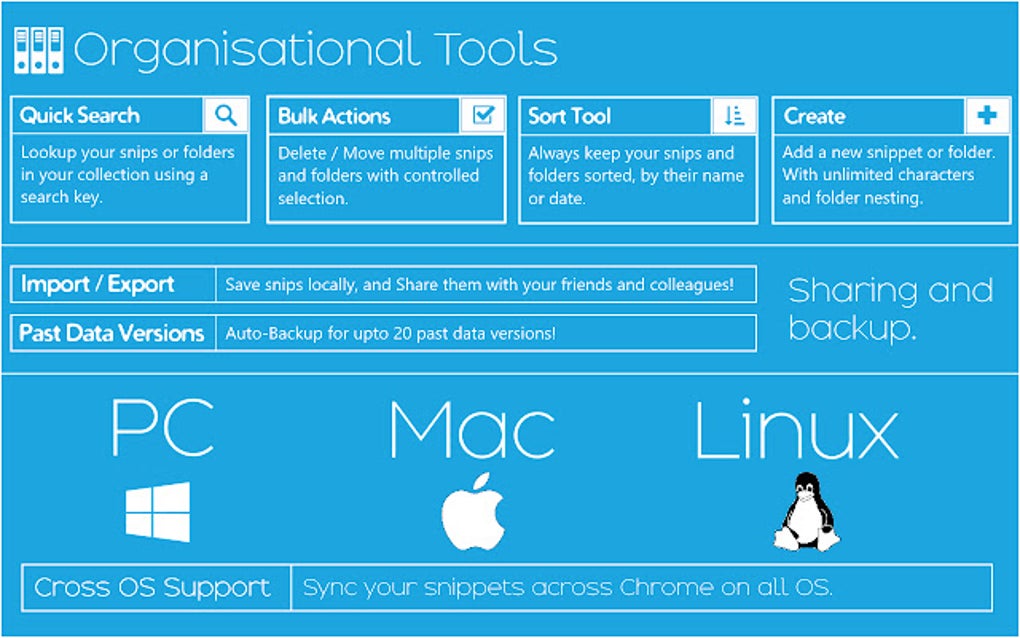
ProKeys surprisingly integrates basic math functions directly into the text expansion process. You can embed mathematical expressions within designated brackets, and ProKeys will calculate the result in real-time, inserting the answer directly into your text. This eliminates the need to switch to a calculator, maintaining workflow continuity and improving efficiency. This is particularly useful for situations requiring quick calculations within the context of writing or programming.
Comprehensive Macro Support
Further enhancing its capabilities, ProKeys offers extensive macro support. It allows the integration of date/time macros for automatically inserting current date and time stamps into your snippets. This is invaluable for timestamping documents, emails, or log entries, ensuring accurate record-keeping. The ability to insert common symbols (such as quotes, brackets, and braces) with a single keystroke further streamlines the writing process, reducing errors and improving speed.
Omnibox Expansion and Clipboard Integration
ProKeys extends its functionality beyond simple text insertion. It boasts omnibox expansion, allowing you to trigger snippets directly from your browser’s address bar. This feature is particularly useful when working with web forms or online applications where frequently used information needs to be entered. Furthermore, clipboard access allows you to easily integrate the contents of your clipboard into your snippets, making copying and pasting even more efficient. This cohesive integration across various aspects of text input helps build a robust and user-friendly experience.
Data Security and Management
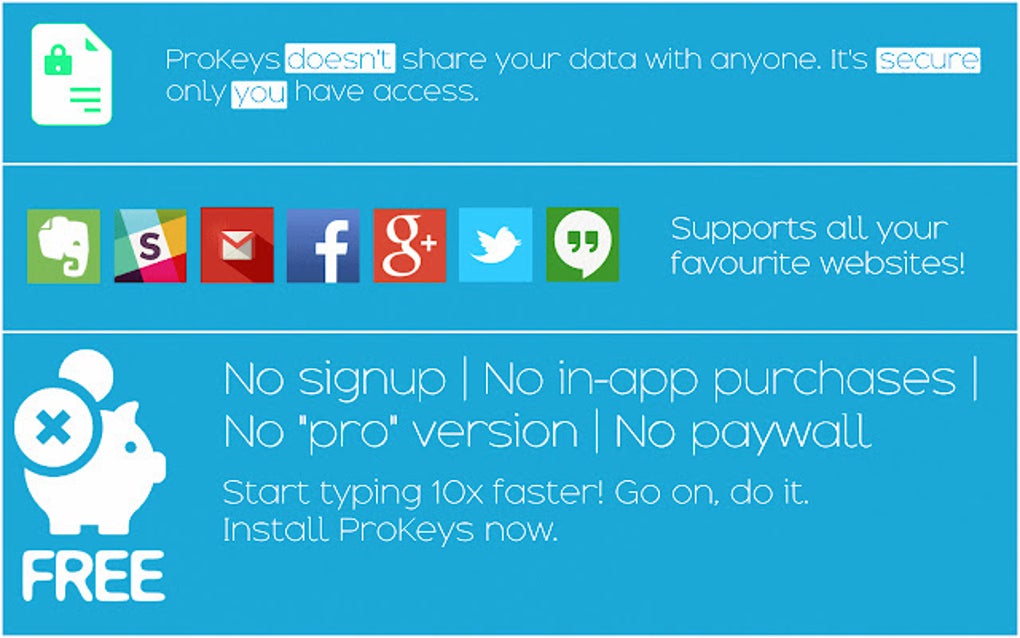
Data security is a primary concern for any software application that handles user information. ProKeys addresses this by storing all data locally on your computer or synchronizing it across your Chrome sign-ins. This approach ensures that your personal data remains secure and accessible only to you. Furthermore, the ability to easily backup, restore, and print your data provides an added layer of security and control over your information. This level of user control over data handling instills confidence in the application’s security measures.
ProKeys: A Comprehensive Productivity Package
ProKeys is more than just a text expander; it’s a comprehensive productivity tool designed to seamlessly integrate into your workflow. Its combination of text expansion, dynamic placeholders, math capabilities, macro support, omnibox expansion, and robust data management features makes it a powerful asset for boosting efficiency. The user-friendly interface and straightforward setup ensure that its benefits are accessible to a wide range of users, regardless of their technical skills.
By eliminating repetitive typing and streamlining the process of inserting frequently used information, ProKeys allows users to focus on the content rather than the mechanics of typing. The resulting increase in words-per-minute (WPM) translates to significant time savings, ultimately leading to improved productivity and efficiency in various tasks.
User Reviews and Community Feedback (Placeholder for User Reviews)
[This section would ideally include actual user reviews and ratings collected from PhanMemFree.org or a similar platform. Since this data is not provided, a placeholder is used. The reviews should ideally be both positive and negative to provide a balanced perspective.]
Currently, no user reviews are available on PhanMemFree.org for ProKeys. This section will be updated once user reviews become available.
Alternatives and Comparison (Placeholder for Comparison)
[This section should compare ProKeys to other similar text expansion tools available on PhanMemFree.org or other platforms. The comparison should highlight the strengths and weaknesses of ProKeys relative to its competitors. Since no comparable applications are provided, this section is a placeholder. ]
A comparative analysis of ProKeys with alternative text expansion software will be added once relevant information becomes available on PhanMemFree.org or other reputable sources.
Conclusion: Is ProKeys Right for You?
ProKeys presents a compelling case for those seeking to enhance their typing efficiency and overall productivity. Its intuitive design, advanced features, and focus on data security make it a strong contender in the text expansion software market. While user reviews are currently unavailable, the potential benefits of using ProKeys are clear. If you frequently find yourself repeating the same phrases or struggling with repetitive typing tasks, ProKeys deserves serious consideration. Its ease of use and powerful features can significantly improve your writing experience and help you achieve a new level of productivity. Consider trying it out and experiencing the difference firsthand. The potential time savings alone may justify its use. Remember to check the PhanMemFree.org page for updated user reviews and comparisons to other software before making your decision.
File Information
- License: “Free”
- Version: “4.0.2”
- Latest update: “June 27, 2024”
- Platform: “chrome”
- Downloads: “344”


