
PureRef is a free and open-source application designed for managing reference images during creative projects. It offers a straightforward and efficient solution for artists, designers, and other professionals who rely on multiple reference images for their work. This review delves into its functionality, usability, and overall effectiveness as a reference image management tool.
Core Functionality and Features
At its core, PureRef is a simple yet powerful image organizer. Its primary function is to allow users to collect and arrange numerous reference images within a single, easily navigable workspace. This eliminates the need for multiple windows, browser tabs, or physical printouts, streamlining the workflow and reducing distractions. Users can drag and drop images directly into the application window, organizing them through resizing, repositioning, and layering.
One of PureRef’s key strengths lies in its intuitive interface. The minimalist design prioritizes functionality over flashy aesthetics, making it easy to learn and use, even for those unfamiliar with specialized image management software. The application’s simplicity fosters a user-friendly experience, allowing users to focus on their creative process without being bogged down by complex settings or menus. The intuitive drag-and-drop functionality allows for quick and seamless organization of reference materials. Images can be easily resized, rotated, and layered to create a customized workspace that reflects the specific needs of the project. Users can zoom in and out for detailed examination of specific image elements.
Beyond basic image organization, PureRef offers several features that enhance its usability. Users can create multiple workspaces to organize projects separately. This is particularly beneficial for managing numerous simultaneous projects, each with its own unique set of reference images. The program supports a wide variety of image formats, ensuring compatibility with most standard image files. The ability to save and reload workspaces is invaluable, allowing users to resume their work at any point without losing their meticulously organized references. This feature is crucial for maintaining productivity and preventing disruptions in the creative workflow.
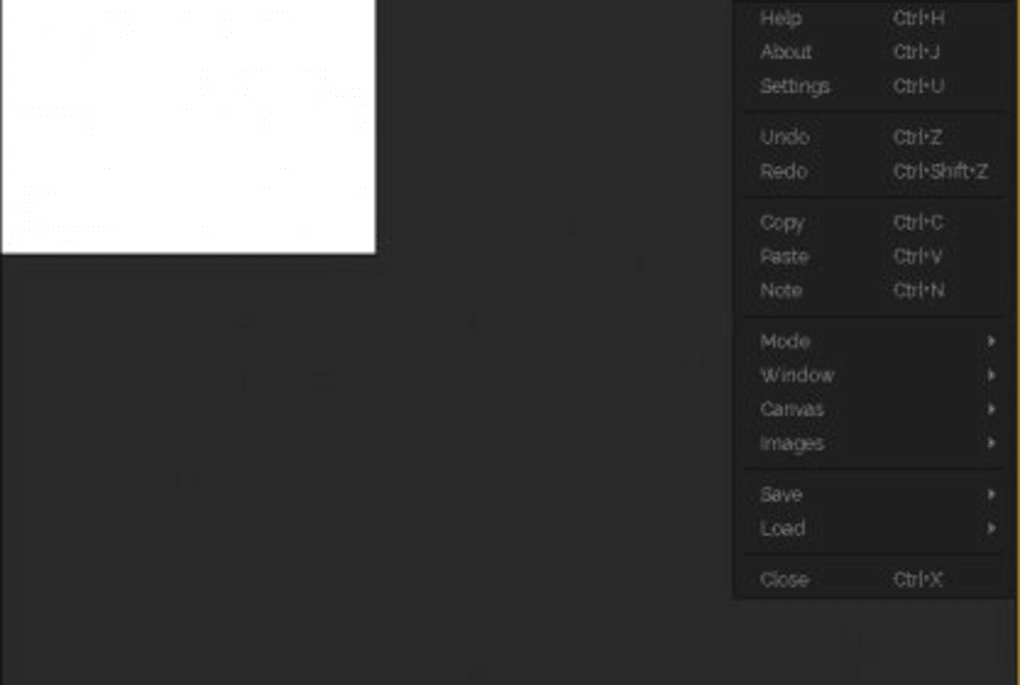
Usability and User Experience
PureRef’s user experience is remarkably streamlined. The application’s interface is remarkably clutter-free, focusing on efficient image management rather than superfluous features. The lack of overwhelming options and intricate settings ensures a user-friendly experience, allowing even novice users to quickly grasp the software’s functionality. The intuitive drag-and-drop interface significantly reduces the learning curve associated with other, more complex image management tools.
The application’s responsiveness is another notable aspect of its usability. Images load quickly and are easily manipulated, ensuring a smooth and uninterrupted workflow. The absence of significant lag or delays allows users to focus on their creative tasks without experiencing frustrating interruptions. This responsiveness significantly enhances the overall user experience, maximizing productivity and preventing interruptions in the creative process.
The ability to customize the workspace is also a crucial component of PureRef’s usability. Users can adjust the size and position of each image individually, creating a customized layout that caters to their specific workflow preferences. This level of flexibility allows users to arrange their reference images in a manner that best supports their creative process, fostering a more efficient and enjoyable user experience.
Performance and System Requirements
PureRef is known for its lightweight nature. It consumes minimal system resources, making it suitable for use on a wide range of computers, including those with limited processing power or memory. This efficiency ensures optimal performance without causing system slowdowns or performance issues, even when managing a substantial number of high-resolution images. This aspect is particularly beneficial for users who may be working on older or less powerful machines. The low system requirements make PureRef accessible to a broader user base, regardless of hardware limitations.
The application’s compatibility with various operating systems expands its accessibility further. Its seamless operation across diverse platforms ensures widespread usability without compromising functionality or user experience. This broad compatibility demonstrates PureRef’s commitment to inclusivity, ensuring accessibility for users regardless of their operating system preferences.
Comparison with Alternative Software
While several other image management tools exist, PureRef distinguishes itself through its simplicity and focused functionality. Many alternatives offer a plethora of advanced features that can be overwhelming for users solely needing basic image organization. PureRef’s minimalist approach avoids this complexity, focusing instead on providing a streamlined, efficient solution for managing reference images. While other software might incorporate extensive editing capabilities or sophisticated organizational features, PureRef prioritizes usability and efficiency in its core function: managing reference materials for creative projects.
This focused approach makes PureRef an ideal choice for users who prioritize simplicity and ease of use. The application’s uncluttered interface and intuitive functionality stand in contrast to more feature-rich alternatives, which can sometimes be overly complex for the task of simply organizing reference images. This streamlined approach translates to a more efficient and user-friendly experience, especially for artists who value quick access to their reference materials.
Conclusion
PureRef offers a compelling solution for anyone needing a straightforward and efficient way to manage reference images. Its intuitive interface, lightweight design, and powerful yet simple functionality make it an excellent choice for artists, designers, and anyone working with multiple reference images. The app successfully balances simplicity with effectiveness, providing a user-friendly experience without sacrificing essential features. Its broad compatibility and minimal system requirements further enhance its accessibility and usability across diverse platforms and hardware configurations. While more feature-rich alternatives exist, PureRef excels in its niche by providing a focused, highly efficient solution for managing reference images for creative work. The software’s simplicity and ease of use contribute to an overall positive user experience, making it a valuable asset for anyone seeking to streamline their creative workflow.
File Information
- License: “Full”
- Latest update: “May 12, 2025”
- Platform: “Windows”
- OS: “Windows 11”
- Downloads: “56.3K”


