
Q Launcher is a free Android application developed by XApp Team, offering a compelling alternative to your phone’s default launcher. Inspired by the clean aesthetic and functionality of the Android 10.0 launcher, Q Launcher provides a customizable interface with a range of features designed to enhance user experience and personalize your Android device. Available for all Android 5.0+ devices, this app presents a robust solution for those seeking greater control over their mobile interface. This detailed review explores its capabilities, customization options, and potential drawbacks.
Apps, Games, and More: Seamless Integration and Organization
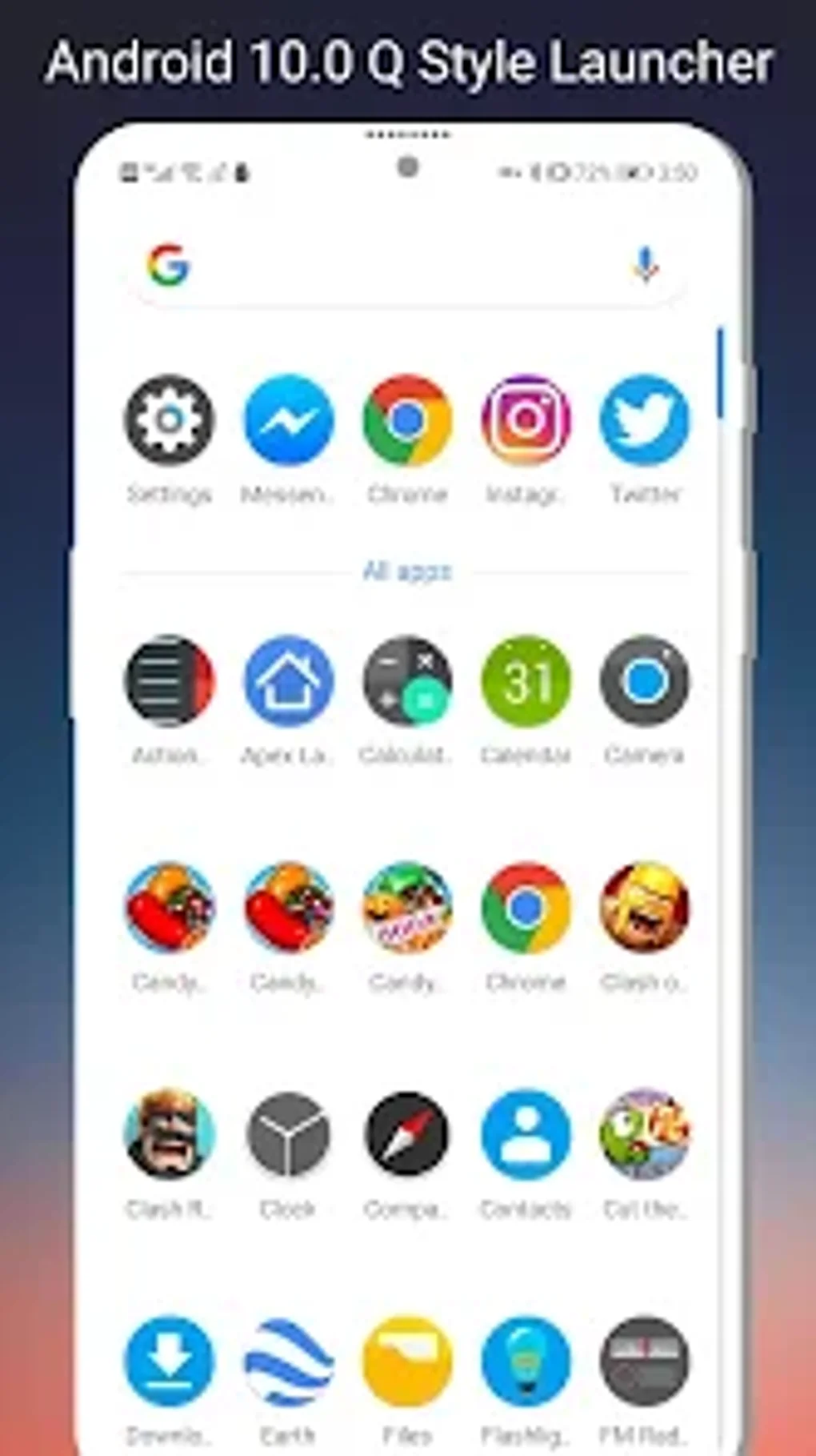
Q Launcher’s strength lies in its ability to streamline app management and organization. Its A-Z categorized app drawer allows for quick and intuitive access to your applications, eliminating the frustration of endlessly scrolling through a cluttered list. Whether you’re launching a productivity app, a casual game, or a news reader, Q Launcher ensures efficient navigation. The integration of apps within the launcher itself is smooth and intuitive, enhancing the overall user workflow. This streamlined approach extends beyond just application organization; it impacts the overall user experience, making daily tasks simpler and more efficient.
Customization: Tailoring Your Android Experience
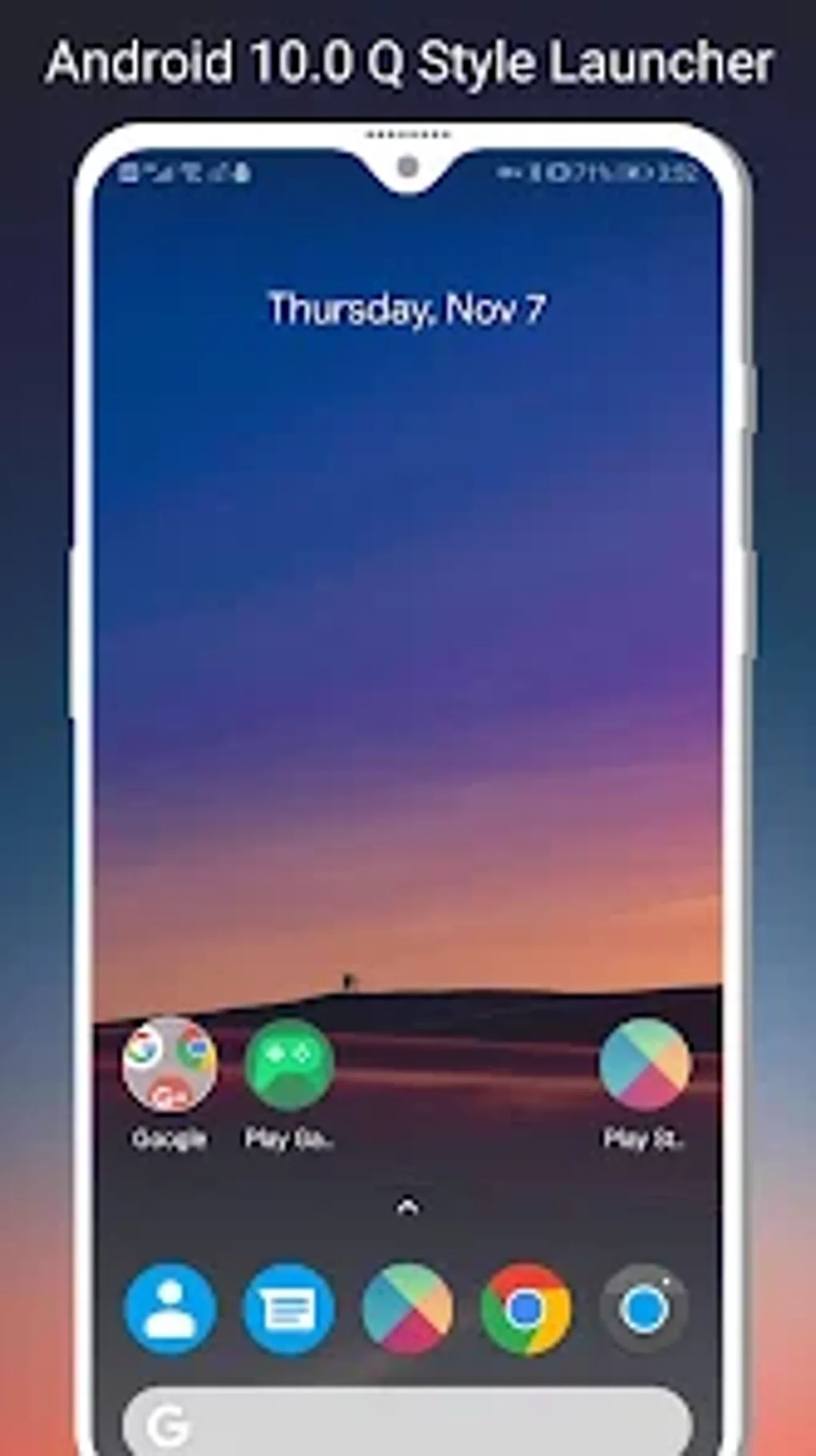
Beyond its organizational prowess, Q Launcher boasts an extensive suite of customization options. This allows users to personalize their home screens to reflect their unique style and preferences. The app offers theme and icon pack support, enabling you to completely transform the visual appearance of your device. This versatility ensures that Q Launcher can adapt to a wide range of aesthetic tastes, from minimalist designs to vibrant, colorful themes.
The ability to hide unused or private apps further enhances privacy and maintains a clutter-free home screen. This feature provides a level of control often missing in default launchers, allowing users to curate their digital space and prioritize frequently used applications. The app also comes with a curated collection of beautiful wallpapers, adding another layer of personalization.
Gestures and Side Screen Functionality: Enhancing Efficiency
Q Launcher elevates the user experience through its innovative use of gestures. Users can employ swipe up/down/left/right gestures, as well as long-press gestures, to quickly access frequently used functions and navigate between screens. This intuitive gesture-based control system streamlines interaction and reduces reliance on on-screen buttons, ultimately making the phone more responsive and efficient.
The side screen feature is a standout element of Q Launcher. This convenient feature provides quick access to essential toggles for frequently adjusted settings like data, brightness, Wi-Fi, sync, Bluetooth, location, and auto-rotation. This allows for rapid adjustments without navigating through multiple system menus, significantly enhancing usability.
Advanced Customization: Granular Control Over Your Launcher
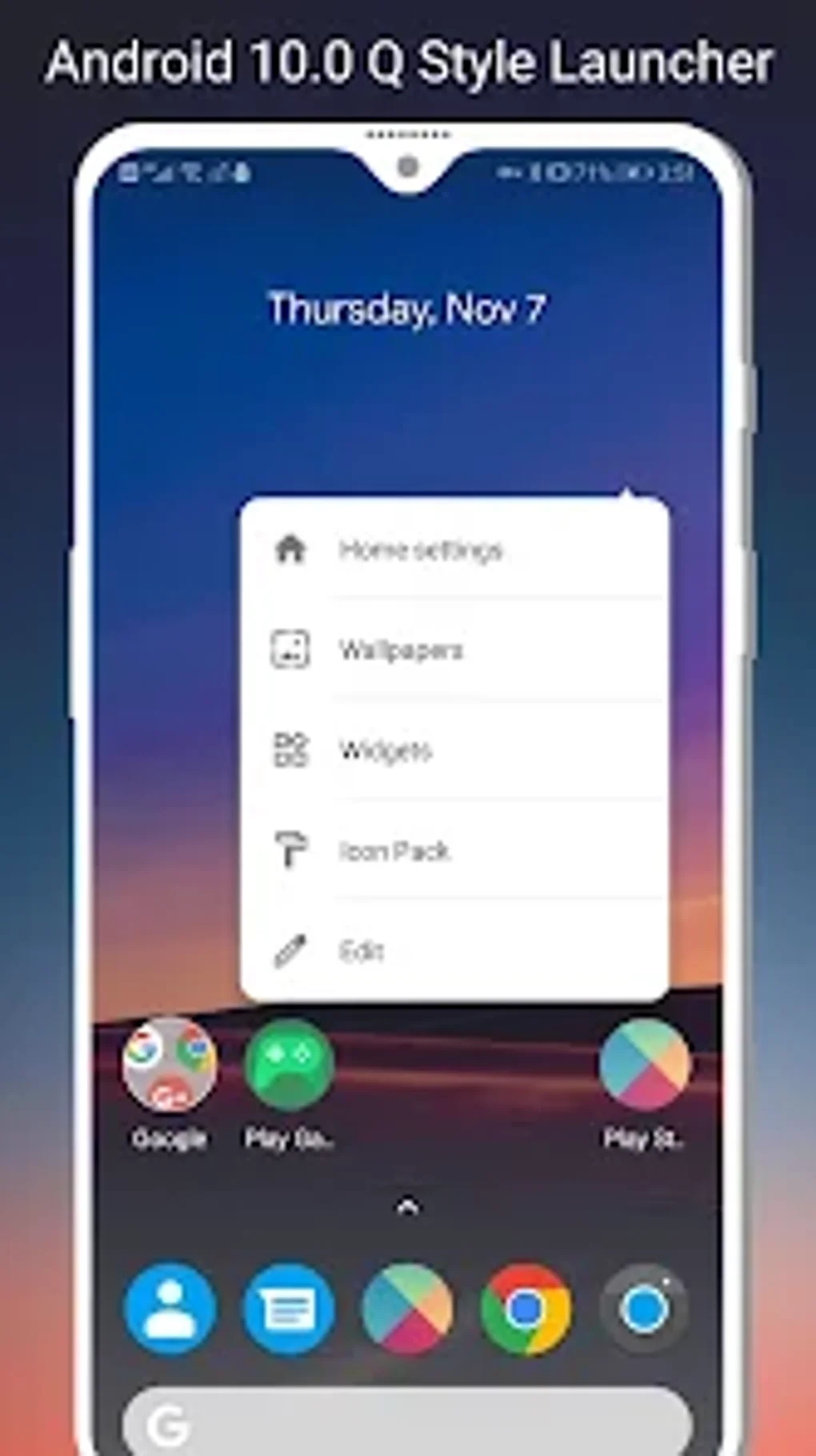
Q Launcher offers an unprecedented level of granular control, allowing users to customize nearly every aspect of the launcher’s appearance and functionality. Users can adjust the launcher drawer grid size, tailoring the layout to their preference and screen size. The launcher dock background can also be customized, enabling further personalization and aesthetic refinement. Additionally, users can choose to hide the status bar, dock bar, and even individual icon labels, enhancing visual clarity and minimizing on-screen clutter. This level of customization empowers users to truly create a launcher that perfectly aligns with their needs and aesthetic preferences. The inclusion of an Android 10.0 widgets drawer further enhances the app’s overall utility, mirroring the functionality found in more recent Android versions.
Q Launcher for Business: A Productivity Powerhouse
For business users, Q Launcher’s organizational capabilities and customization options translate to increased productivity. The ability to quickly access frequently used applications, along with the customization features that allow for streamlined workflows, can significantly improve efficiency. The side screen’s quick access toggles for data and other essential settings further contribute to a more seamless and efficient work experience. The ability to create a clean and organized workspace on your mobile device contributes to a more focused and professional environment.
Android Optimization: Performance and Compatibility
Q Launcher is optimized for Android devices running Android 5.0 and above, ensuring broad compatibility across a wide range of devices. While not an official Google product, it’s designed to mimic and enhance the features of the Android Stock Launcher. The developers have prioritized performance and stability, aiming to provide a smooth and responsive user experience on a variety of hardware configurations. The relatively small app size (9.66 MB) minimizes storage space requirements, making it suitable for devices with limited storage capacity.
Utilities & Tools: Beyond the Launcher
While primarily a launcher, Q Launcher’s thoughtful design and feature set extend beyond basic functionality, adding value as a comprehensive utility tool. The app’s gesture control, customizable widgets, and side screen toggles contribute to an overall enhanced user experience that moves beyond simple app organization. The combination of these features creates a synergy that transforms Q Launcher into more than just a launcher—it’s a productivity and customization tool.
Potential Issues and Considerations
While Q Launcher generally receives positive feedback, some users may encounter minor issues. The app utilizes the Device Administrator permission for the “Double Tap to Turn off screen” feature. This permission grants Q Launcher access to certain device functions, which may raise privacy concerns for some users. It’s important to be aware of this permission and consider its implications before granting access. However, this functionality is optional and can be disabled if desired.
Furthermore, as with any third-party application, it’s crucial to download the APK from reputable sources to ensure the app’s integrity and security. Downloading from untrusted sources may expose your device to malware or other security risks.
Alternatives to Q Launcher
While Q Launcher offers a compelling feature set, several alternative launchers are available. The optimal choice depends on individual preferences and needs. Comparing features and user reviews of competing applications can assist in selecting the most suitable launcher for a specific device and user profile. Exploring different options allows users to find the launcher that best aligns with their specific needs and desired aesthetic.
Conclusion: A Powerful and Customizable Android Launcher
Q Launcher provides a refreshing take on Android customization. It seamlessly combines the simplicity of a stock launcher with a wide range of personalization options, gesture controls, and useful utilities. The A-Z app drawer, customizable widgets, and the convenient side screen toggles add considerable value for users seeking a more efficient and personalized mobile experience. While the Device Administrator permission requires careful consideration, the overall benefits of Q Launcher’s customization and functionality often outweigh any potential drawbacks. For users looking to take control of their Android interface and enhance their productivity, Q Launcher is a compelling and versatile option worthy of exploration.
File Information
- License: “Free”
- Version: “2.0.6”
- Latest update: “May 27, 2025”
- Platform: “Android”
- OS: “Android 9.0”
- Language: “English”
- Downloads: “26”
- Size: “9.66 MB”
- Download Options: “APK, Google Play”
- Filename: “com.xappteam.qlauncher_2.0.6.apk”


