
Quest Patcher is a free, user-friendly graphical user interface (GUI) based mod installer designed specifically for il2cpp Unity applications running on the Oculus Quest. Developed by Lauriethefish, this Windows-based utility leverages Sc2ad’s Questloader for seamless mod integration and draws inspiration from RedBrumbler’s Command Line Interface (CLI) tool. Primarily created for modding the popular VR game Gorilla Tag, Quest Patcher offers a convenient method for installing, updating, and uninstalling mods, simplifying the process for players looking to enhance their gaming experience.
Understanding Quest Patcher’s Functionality and Capabilities
Quest Patcher’s primary function revolves around managing mods for compatible Oculus Quest games. While officially supporting only Windows 10, it can be installed on other Windows versions, although full functionality isn’t guaranteed. The application acts as a central hub for all your modding needs, streamlining a process that would otherwise involve complex manual steps. This simplifies the modding experience for even novice users.
The core features include:
-
Mod Installation: Quest Patcher allows users to easily browse and select mods from their local system. These mods typically come in the form of
.qmodfiles. It’s crucial to avoid downloading.dllfiles, which are designed for PC versions of games and will not work with the Oculus Quest. The program handles the necessary file transfers and integrations, eliminating the need for manual intervention. -
Mod Updates: Keeping your mods up-to-date is crucial for compatibility and access to new features. Quest Patcher simplifies this process by providing notifications about available updates and facilitating the seamless installation of those updates. This keeps your game running smoothly and prevents potential conflicts.
-
Mod Uninstallation: Cleanly removing mods is equally important. Quest Patcher allows users to uninstall mods without leaving behind residual files or causing conflicts with the base game. This ensures stability and prevents errors that might arise from incompatible or outdated mods.
-
Game Patching: Before mods can be utilized, Quest Patcher often needs to patch the game itself. This process involves downloading necessary files which allows the game to be compatible with the mods, making the process straightforward. The duration of this patching process is dependent on internet speed and requires a stable internet connection.
Installing and Using Quest Patcher: A Step-by-Step Guide
Installing Quest Patcher is a straightforward process. After downloading the installer, follow these steps:
-
Locate the Installer: Once the download completes, navigate to your downloads folder and locate the Quest Patcher installer file.
-
Run the Installer: Double-click the installer to launch the installation wizard. Be prepared for a potential “false positive” warning from your security software. This is a common occurrence with modding tools.
-
Bypass Security Warnings: If a security warning appears, click “More Info” and then select “Run Anyway.” This allows the installer to proceed.
-
Installation Options: Choose between “Install for All Users” or “Install for Me Only,” depending on your preferences. Click “Yes” to confirm your selection.
-
License Agreement: Review and accept the license agreement.
-
Complete Installation: Continue clicking “Next” until you reach the final installation screen. The program will then install the necessary files.
After the installation is complete, the application is ready to use. Remember that the application will download several files before you can start patching or installing mods. This initial download is necessary for compatibility with the Oculus Quest and your game.
To begin patching the game, click the “Patch My App” button. The duration of this process will depend on your internet connection. Crucially, do not close the application while the patching process is underway, as this can cause errors.
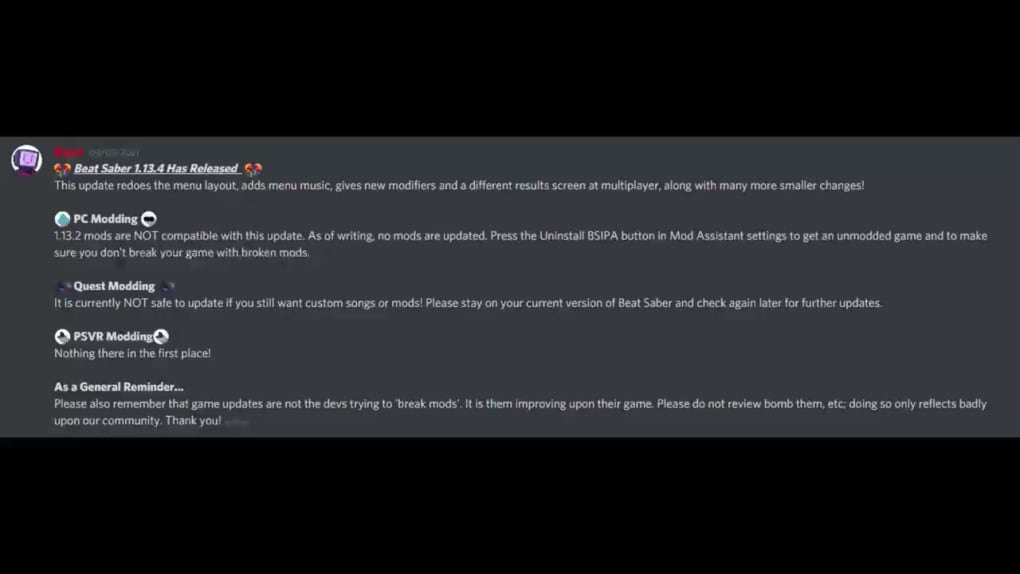
To install mods, navigate to the “Mod Management” section and click the “Browse” button. Select the .qmod files you wish to install and click “Open.” Again, ensure you only select .qmod files; .dll files are incompatible and will not work correctly.
Quest Patcher: Advantages and Disadvantages
Quest Patcher offers several advantages that make it a popular choice among Gorilla Tag players:
Pros:
-
User-Friendly GUI: The intuitive interface simplifies the modding process, making it accessible to both experienced and novice mod users. The visual nature of the application avoids the complexity associated with command-line tools.
-
Simplified Game Patching: The built-in game patching functionality automates a crucial step in the modding process. This eliminates the need for users to manually patch the game, ensuring compatibility with mods.
-
Easy Mod Installation and Management: The straightforward mod installation and management system allows users to easily install, update, and remove mods, ensuring a streamlined workflow.
-
Cosmetic and Item Management: The application supports managing cosmetic items and other in-game elements, adding another layer of customization.
However, there are some limitations to consider:
Cons:
-
Limited Official Support: While functional on other versions, only Windows 10 receives official support. Users of other operating systems might encounter compatibility issues or unexpected behavior.
-
Potential Issues with Cosmetic Deletion: Some users have reported occasional issues when deleting cosmetic items. While not universally experienced, it’s a potential drawback.
-
Occasional Bugs: As with any software, bugs can occur. Lauriethefish actively maintains the application and releases updates, but occasional issues may still arise.
Quest Patcher: A Comparison with Alternative Modding Methods
While Quest Patcher presents a user-friendly approach, other methods exist for modding Oculus Quest games. These often involve manual file manipulation and command-line instructions, requiring a more technical understanding. Quest Patcher’s GUI significantly lowers the barrier to entry, making modding accessible to a wider audience. Its ease of use and straightforward design stand in stark contrast to the more complex alternatives. For users unfamiliar with command-line interfaces or manual file editing, Quest Patcher is the preferred choice due to its intuitive interface and user-friendly design.
Conclusion: Is Quest Patcher Right for You?
Quest Patcher provides a valuable service for players seeking to enhance their Gorilla Tag experience through modding. Its intuitive interface, streamlined processes, and ease of use make it an excellent choice for anyone looking to add mods without navigating the complexities of manual installation. While it has some limitations, particularly concerning official support beyond Windows 10 and the occasional bug, the overall ease of use and functionality outweigh these minor drawbacks for many users. If you’re a Gorilla Tag player looking to improve your game experience through mods, Quest Patcher is a powerful and user-friendly tool well worth considering.
File Information
- License: “Free”
- Latest update: “May 23, 2023”
- Platform: “Windows”
- OS: “Windows 7”
- Language: “English”
- Downloads: “21.5K”
- Size: “22.40 MB”


