
Quick Browser - Smart & Easy is a free Android utility application designed to streamline your internet browsing experience. This versatile browser offers a range of features, going beyond basic web surfing to provide a comprehensive all-in-one platform for accessing information and enjoying online content. Its user-friendly interface prioritizes ease of use, making it accessible to users of all technical skill levels. This review will delve into the key features, performance, and overall user experience offered by Quick Browser, highlighting its strengths and addressing any potential weaknesses.
Feature-Rich Functionality: Beyond Basic Browsing
Quick Browser isn’t just another web browser; it integrates several essential tools and features to simplify your online activities. Its core functionality centers around providing a fast and secure browsing experience, but it also extends into areas often requiring separate applications.
Private Browsing: Protecting user privacy is a key consideration for many internet users. Quick Browser addresses this concern by including a robust private browsing mode. This feature ensures that your browsing history, cookies, and other data aren’t stored on your device, offering a greater level of anonymity and security while browsing. This is particularly valuable for users who access sensitive information online or prefer to maintain a high degree of control over their digital footprint.
Built-in Video Player: The browser incorporates a built-in video player, eliminating the need to switch to a separate app when viewing online videos. This streamlined approach enhances the overall user experience, making the process of watching videos more convenient and efficient. The integrated player likely supports various video formats, offering seamless playback without the need for additional codecs or plugins. This feature is a significant advantage, especially for users frequently consuming video content online.
Download Management: Quick Browser facilitates easy and efficient downloading of files from the internet. The built-in download manager likely provides features such as pausing, resuming, and managing multiple downloads simultaneously. This integrated functionality eliminates the need for a separate download manager, contributing to a cleaner and more organized user experience. The browser’s download management system also likely includes options for selecting download locations and managing downloaded files efficiently.
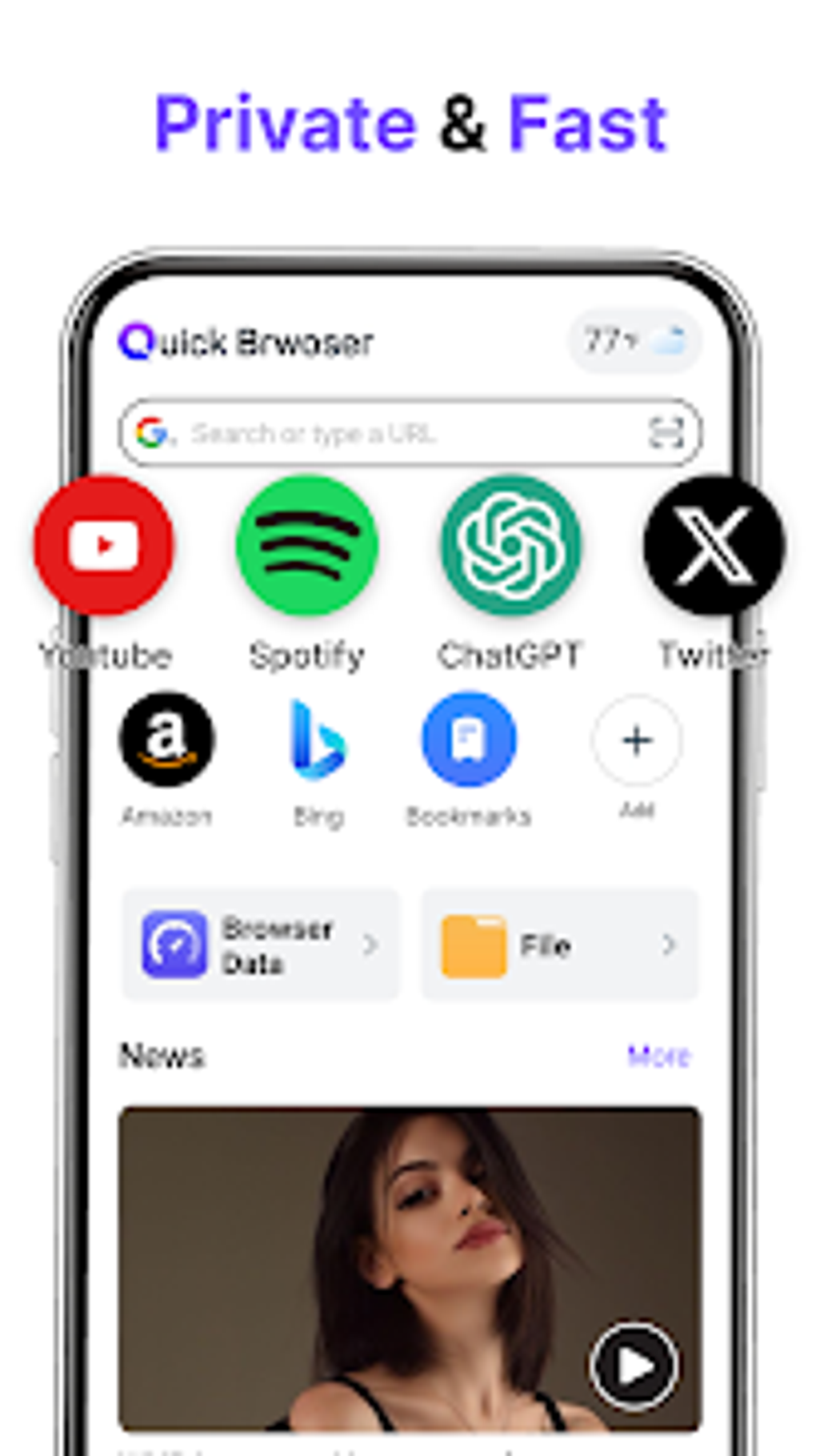
Real-time Information Updates: Staying informed about current events and weather conditions is often a daily requirement for many people. Quick Browser attempts to simplify this by providing access to real-time news updates and weather forecasts directly within the application. This integrated approach saves users the time and effort of opening separate news and weather applications, offering a centralized hub for information access. The accuracy and reliability of these updates are important factors to consider, along with the customization options available for news sources and weather locations.
User-Friendly Interface: The application’s design prioritizes user-friendliness. A clean and intuitive interface makes navigating the browser and accessing its features simple and straightforward, even for those unfamiliar with the application. This ease of use is a significant factor in its overall appeal and practicality. A well-designed interface often contributes to a more positive user experience, promoting efficient and enjoyable browsing sessions.
Security and Privacy Considerations
In today’s digital landscape, security and privacy are paramount concerns when using any online application. Quick Browser acknowledges these concerns by implementing features designed to protect user data and enhance online security. While the exact specifications of its security measures aren’t explicitly detailed, the mention of private browsing mode implies a commitment to protecting user privacy.
Further investigation into the browser’s underlying security mechanisms, such as its handling of HTTPS connections and its resistance to common online threats, would be necessary to fully assess its security capabilities. A review of user feedback and security audits could provide further insight into the practical effectiveness of its security features.
Performance and User Experience
The effectiveness of a browser often boils down to its performance and the overall user experience it provides. Quick Browser’s claim of providing a fast and efficient browsing experience needs to be evaluated through real-world usage. Factors such as page loading speeds, responsiveness to user input, and overall stability are key indicators of performance. Testing the browser on various websites and under different network conditions would be necessary to gain a comprehensive understanding of its performance capabilities.
User reviews and ratings provide a valuable source of feedback on the user experience. Examining user comments can reveal insights into the application’s strengths and weaknesses from a practical perspective. Factors such as ease of use, intuitive navigation, and the overall satisfaction of users contribute significantly to the overall user experience.
Comparison with Alternative Browsers
Quick Browser competes with a wide array of other Android browsers, each offering its own unique features and advantages. A comparison with popular alternatives, such as Chrome, Firefox, and other specialized browsers, could highlight Quick Browser’s competitive position. This comparison would involve analyzing factors such as performance, feature sets, security features, and overall user experience. Identifying Quick Browser’s unique selling points and areas where it might excel or fall short compared to its competitors is crucial for assessing its value proposition.
Conclusion
Quick Browser - Smart & Easy presents itself as a versatile and user-friendly Android browser offering a range of features beyond basic web surfing. Its integrated tools, such as the private browsing mode, built-in video player, and download manager, aim to simplify online activities. The emphasis on user privacy and a straightforward interface contributes to its overall appeal. However, a thorough evaluation of its performance, security mechanisms, and comparison with alternative browsers is necessary to fully assess its value and effectiveness. Ultimately, whether Quick Browser becomes a preferred choice for Android users will depend on individual needs and preferences. Further testing and user feedback are crucial in confirming its claims and assessing its long-term performance and reliability. The availability of updates and ongoing support from the developer are also critical factors contributing to the overall user experience and the longevity of the application.
File Information
- License: “Free”
- Version: “1.5.0”
- Latest update: “March 27, 2025”
- Platform: “Android”
- OS: “Android 13.0”
- Language: “English”
- Downloads: “4.7K”
- Download Options: “Google Play”


