
Volume Key Auto Clicker is a free Android utility app that leverages your device’s volume buttons to automate repetitive tapping actions. This functionality proves useful in various contexts, from simplifying gaming tasks to increasing productivity in other applications. While simple in its core function, the app offers surprising levels of customization, allowing users to fine-tune its behavior to suit individual needs. This detailed review explores the app’s features, benefits, limitations, and overall usability.
Streamlining Repetitive Tasks with Automated Clicks
Auto-clicker applications have long been a staple for PC users, providing efficient solutions for automating repetitive actions in games and productivity software. Volume Key Auto Clicker brings this functionality to Android devices, offering a unique approach by utilizing the readily accessible volume buttons as the primary trigger mechanism. Unlike mouse-based auto-clickers on PCs, this app cleverly bypasses the need for on-screen controls or complex configurations, focusing instead on a straightforward and intuitive user experience. This simplicity makes it particularly appealing to novice users who might find more complex auto-clicker apps overwhelming.
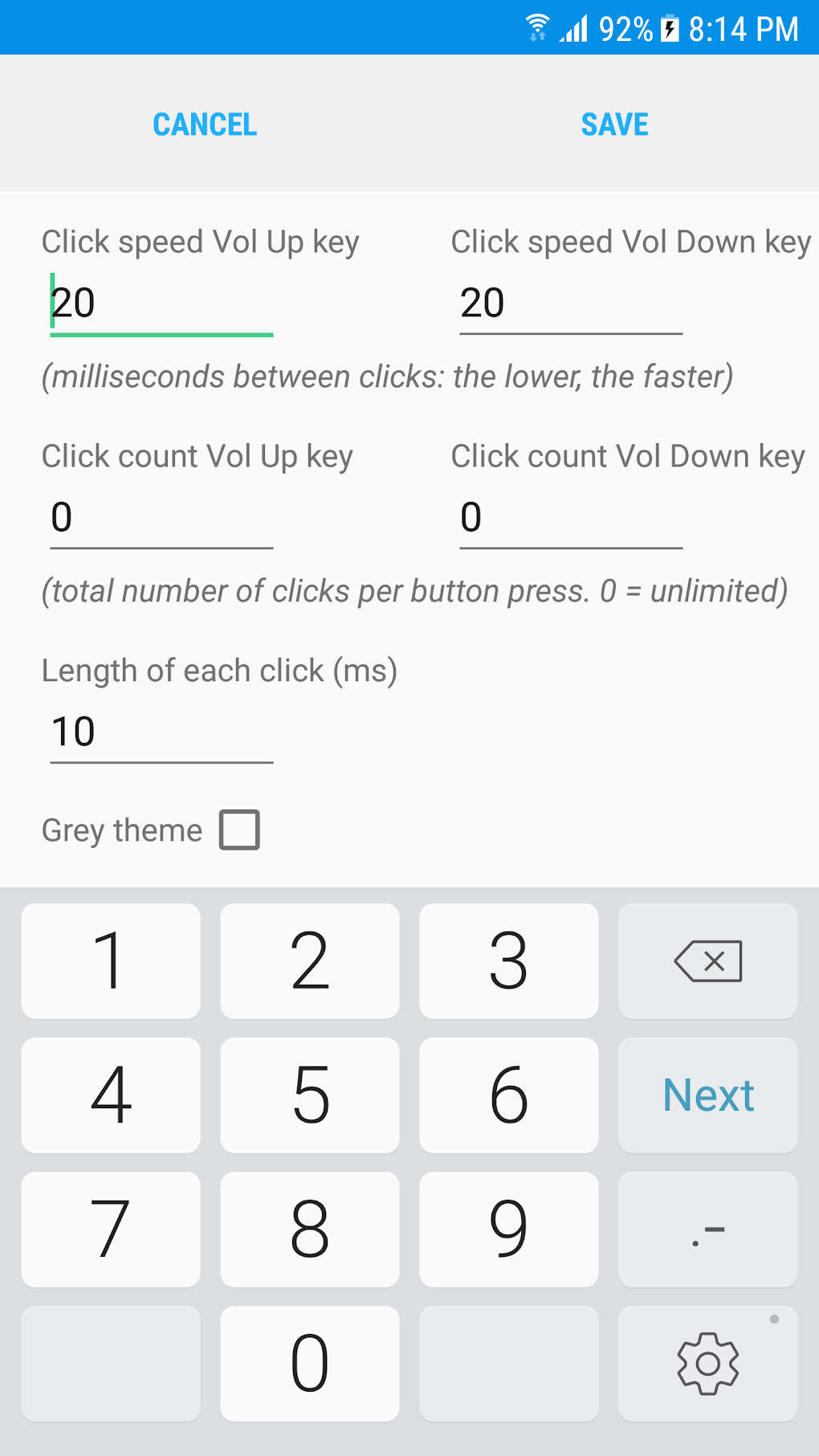
The core function of Volume Key Auto Clicker is to translate presses of the volume up and down buttons into simulated touchscreen taps. This means you can program the app to perform a set number of clicks at a specified interval, simply by pressing the volume keys. This eliminates the need for constant manual tapping, freeing up your hands for other tasks or allowing for more precise control in demanding situations. The app’s configurability extends to setting the number of clicks per press (up to a maximum of 1000), the interval between clicks (measured in milliseconds), and the precise location of the simulated tap on the screen. This granular control allows for a high degree of customization tailored to the specific needs of different applications and games.

Customizable Features and User Interface
Beyond its fundamental auto-clicking capabilities, Volume Key Auto Clicker boasts an impressive array of customization options. Users can fine-tune numerous parameters to optimize the app’s performance and integration with their workflows. The ability to set the click location on the screen is crucial, as it allows for precision targeting of specific on-screen elements, regardless of the screen’s resolution or the application’s interface. This level of precision eliminates the guesswork often associated with less configurable auto-clickers. Setting the click interval (in milliseconds) allows users to control the speed of the automated clicks, facilitating seamless integration with various applications and games that require different interaction speeds. The option to adjust the number of clicks per volume button press adds further versatility, enabling users to automate complex sequences of actions with a single button press.
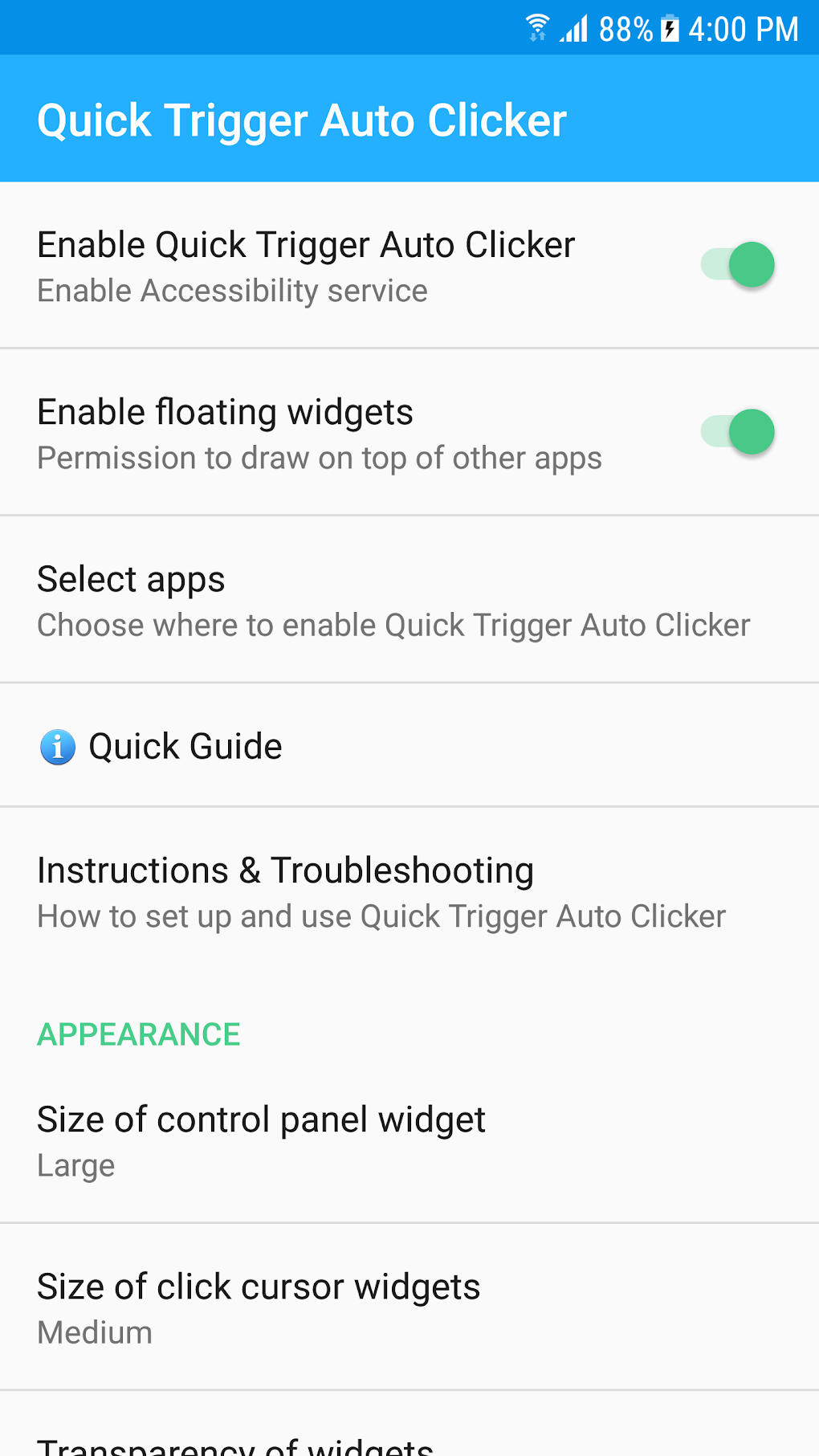
The app also includes a floating widget, providing easy access to its control panel from anywhere on the screen. This is especially beneficial during gameplay or when multitasking, as it eliminates the need to navigate back to the app’s main interface. The widget itself can also be extensively customized, allowing users to adjust its size, transparency, and color to match their aesthetic preferences and ensure optimal visibility without obstructing the main screen content. This thoughtful design feature significantly improves usability, ensuring easy access to crucial controls without interfering with the primary application or game. The ability to personalize the widget’s appearance and functionality demonstrates the app’s commitment to user comfort and ease of use.
Leveraging Android’s Accessibility Services: Advantages and Considerations
Volume Key Auto Clicker leverages Android’s Accessibility services to function effectively. This integration offers several advantages, including the ability to seamlessly integrate the auto-clicking functionality with various applications without requiring root access or complex permissions. By using the accessibility service, the app can monitor and interpret volume button presses, converting them into simulated touchscreen events. This indirect method of interaction avoids interfering directly with keyboard input, thus maintaining user privacy and preventing accidental logging of sensitive information. This design choice showcases a commitment to security and user privacy, which are often overlooked considerations in utility apps.
However, using Android’s Accessibility services also introduces a significant limitation: the interruption of ongoing touch input. When the volume keys are used to trigger an automated click, any existing manual touch interaction on the screen is interrupted. This limitation can be particularly problematic in games or applications requiring continuous touch input for smooth gameplay or functionality. For example, in a game requiring constant character movement, using the auto-clicker to perform another action might momentarily disrupt character control. Understanding this limitation is crucial, as it helps manage expectations and ensures the app is utilized effectively in appropriate contexts where this interruption is minimal or tolerable. This is a critical point to consider before relying on the app for applications demanding constant touch interaction.
A Focused Approach: Simplicity and its Implications
Unlike some more comprehensive auto-clicker apps that provide a broader range of features and functionalities, Volume Key Auto Clicker adopts a focused approach, concentrating solely on auto-clicking triggered by volume buttons. This streamlined design leads to a simplified user experience, making it exceptionally easy to learn and use, even for beginners unfamiliar with auto-clicker software. The lack of unnecessary features simplifies the interface and reduces the learning curve, allowing users to quickly understand and utilize its core functions. This design philosophy prioritizes simplicity and ease of use over extensive functionality, making it an ideal choice for users who need a straightforward and readily accessible auto-clicking solution.
This focused approach, however, also represents a limitation. Users seeking more advanced features, such as scripting capabilities, pattern recognition, or support for multiple simultaneous clicks from different sources, might find the app’s functionalities insufficient. The app’s strength lies in its simplicity and ease of use, making it a highly effective tool for specific tasks but potentially less versatile than more feature-rich alternatives. Therefore, the choice between Volume Key Auto Clicker and a more comprehensive app depends largely on the user’s individual needs and priorities.
Conclusion: A Practical Tool for Specific Needs
Volume Key Auto Clicker presents a straightforward, easy-to-use, and highly customizable solution for automating repetitive tapping actions on Android devices. Its unique use of volume buttons as a trigger mechanism provides a convenient and intuitive approach to auto-clicking, setting it apart from many other similar applications. While the interruption of ongoing touch input presents a limitation, the app’s robust customization features and the inclusion of a floating widget effectively mitigate this drawback.
The app’s strength lies in its simplicity and ease of use. For users requiring a quick, reliable, and user-friendly auto-clicker primarily for straightforward tasks, this app is a compelling option. However, those seeking advanced features or complex automation capabilities might need to explore more feature-rich alternatives. Overall, Volume Key Auto Clicker represents a practical and valuable tool for those who find its limitations acceptable in exchange for its simplicity and user-friendly design.
File Information
- License: “Free”
- Version: “1.1.6”
- Latest update: “October 16, 2024”
- Platform: “Android”
- OS: “Android 9.0”
- Language: “English”
- Downloads: “1.2M”
- Size: “1.10 MB”
- Download Options: “APK, Google Play”
- Filename: “com-phonephreak-volumekeyclicker-17-60435162-25334565162cffff8bc908be53524b2b.apk”


