
QuicKeys is a powerful Mac utility designed to significantly boost your productivity by automating repetitive tasks and streamlining your workflow. This macro recorder application allows you to create custom shortcuts and abbreviations, saving you valuable time and effort. Whether you’re a power user or simply someone who wants to optimize their daily computer usage, QuicKeys offers a range of features to enhance your Mac experience. However, as a pre-release application, it’s essential to be aware of potential bugs and instability.
Apps, Games, News, and Business Applications: QuicKeys Integration
QuicKeys transcends the limitations of a simple macro recorder; its potential applications extend across various domains. Imagine the time saved automating tasks in your favorite applications, streamlining your gaming experience, or even managing your business workflow. Here’s how QuicKeys can transform different aspects of your digital life:
Apps: QuicKeys’s ability to automate sequences of actions within specific applications offers immense productivity gains. For instance, you could create a shortcut to launch a specific app, open a particular document, and then perform a series of edits, all with a single keystroke combination. This is particularly beneficial for tasks involving multiple applications where context switching eats into valuable time. The possibilities are extensive, limited only by your imagination and the apps you regularly use.
Games: While not directly a game enhancer in terms of providing gameplay advantages, QuicKeys can contribute to a more efficient and enjoyable gaming experience. It can automate repetitive actions within games, such as launching the game, setting specific in-game options, or even executing sequences of actions during gameplay. This can greatly enhance your gaming experience, allowing you to focus more on the core gameplay and less on tedious routine tasks.
News and Information Consumption: QuicKeys can simplify your news consumption process. You could create a shortcut to open your preferred news websites, navigate to specific sections, and even perform searches, all within a few keystrokes. This streamlined approach to accessing information saves time and enhances the overall news consumption experience.
For Business: The potential of QuicKeys in a business setting is substantial. Automating routine tasks such as creating and sending emails, generating reports, or managing spreadsheets can significantly increase productivity and efficiency. The ability to create custom shortcuts for complex business processes can improve accuracy and reduce human error, leading to considerable time savings and increased overall output. This can contribute to a more streamlined and efficient work environment.
QuicKeys for Mac: A Deep Dive into Functionality
QuicKeys is specifically designed for macOS, leveraging the operating system’s capabilities to offer a seamless and intuitive user experience. Its core functionality revolves around two key features: Abbreviations and Shortcuts.
Abbreviations: These are essentially customizable text expansions. You define a short abbreviation, such as “salute,” and QuicKeys automatically replaces it with a longer phrase, such as “Sincerely, [Your Name]”. This feature is invaluable for writing emails, creating documents, or composing any text that involves repetitive phrases. It drastically reduces typing time and eliminates the need for repetitive copy-pasting.
Shortcuts: QuicKeys empowers you to record sequences of actions and assign them to custom shortcuts. These shortcuts can involve a variety of actions, including launching applications, opening files, performing specific actions within an application, and much more. For example, you could record a shortcut to launch your email client, compose a new email to a specific recipient, and attach a pre-selected document – all with a single key combination. This eliminates the need for multiple mouse clicks and keystrokes, drastically reducing the time it takes to complete routine tasks.
The process of creating shortcuts is straightforward. You simply initiate the recording feature, perform the desired actions, and then stop the recording. QuicKeys will then generate a macro based on your actions, which you can subsequently assign to a custom shortcut. The ability to preview the recorded macro ensures accuracy before saving, eliminating potential errors.
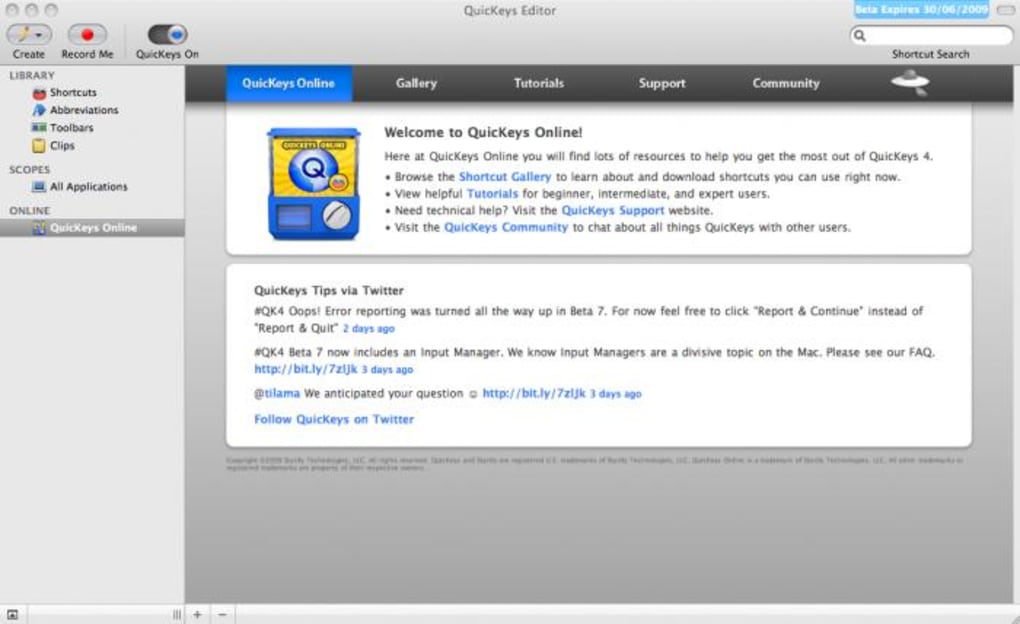
QuicKeys also offers advanced features, including the ability to schedule actions to be executed at specific times and dates. While the voice control functionality is mentioned, the review indicates it may not be as reliable as other features. This aspect requires further development to achieve consistent performance.
The planned addition of an iPhone and iPod Touch remote feature further enhances QuicKeys’ versatility, allowing users to control the application from their mobile devices. This added capability underscores the app’s ambition to create a truly integrated and versatile automation system.
QuicKeys: A Detailed Look at the Pros and Cons
While QuicKeys holds great promise, it’s important to acknowledge both its strengths and weaknesses, especially considering its pre-release status.
Pros:
- Ease of Use: Recording shortcuts and macros is remarkably simple and intuitive. The recording process is straightforward, and the interface is well-designed for easy navigation and understanding.
- Sleek User Interface: The application boasts a visually appealing and user-friendly interface, making navigation and configuration a smooth and pleasant experience. The design is clean and uncluttered, allowing users to focus on the task at hand without being overwhelmed by unnecessary complexities.
- Time Saving Potential: The core functionality of QuicKeys is designed to drastically reduce the time spent on repetitive tasks, allowing users to focus on more productive or creative endeavors. This time-saving potential is the app’s primary strength and greatest selling point.
Cons:
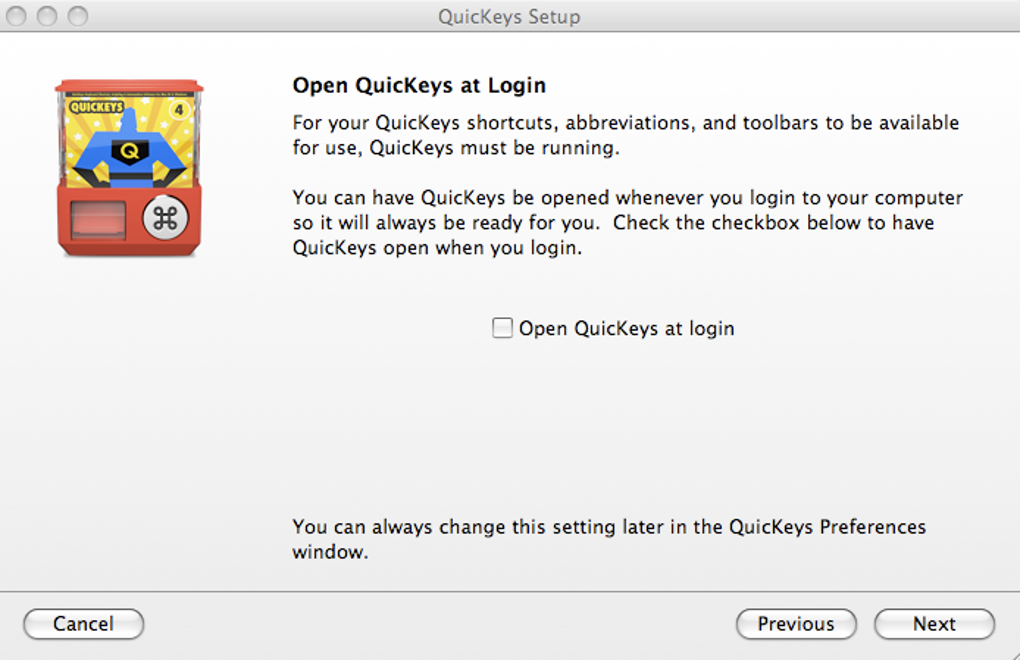
- Lengthy Setup Process: The initial configuration process is reported as somewhat lengthy and potentially cumbersome. This could be a deterrent for users looking for a quick and easy solution.
- Prone to Bugs and Crashes: Being a pre-release application, QuicKeys is naturally susceptible to bugs and occasional crashes. This inherent instability is a significant drawback and might be frustrating for users who rely heavily on its functionality.
QuicKeys: Technical Specifications and User Feedback
App Specs:
- License: Trial version (currently)
- Version: 4.0.7 (as of the writing of this review)
- Latest Update: May 23, 2023
- Platform: macOS, macOS X
- Language: English (with support for other languages via translated download links)
- Downloads: 3.9K (at the time of this review)
- Size: 27.07 MB
- Developer: Startly
User Reviews:
At the time of this review, there were no user reviews available. This lack of user feedback makes it challenging to gauge the real-world performance and user experience. Further user reviews will be crucial in providing a more comprehensive assessment of the application’s reliability and usability.
Conclusion: The Promise and Potential of QuicKeys
QuicKeys presents a compelling solution for automating repetitive tasks on macOS. Its intuitive interface, ease of macro creation, and potential for significant time savings are highly attractive. However, its pre-release status and potential for instability must be considered. Users should carefully weigh the benefits against the risks associated with using a pre-release application. As the application matures and receives further development, including improvements to the voice control functionality and addressing reported bugs, QuicKeys could become an indispensable tool for boosting productivity on macOS. The future updates and user feedback will be crucial in determining QuicKeys’ ultimate success and long-term viability.
File Information
- License: “Trial version”
- Latest update: “May 23, 2023”
- Platform: “Mac”
- OS: “Mac OS X”
- Language: “English”
- Downloads: “3.9K”
- Size: “27.07 MB”


