
QuickLook, developed by Paddy Xu, brings the renowned file preview functionality of Apple’s macOS to the Windows ecosystem. Inspired by the speed and efficiency of QuickLook on Apple devices, this application provides users with a rapid and convenient method for previewing file contents without the need to open each file individually. This significantly streamlines workflow, enhancing productivity for both casual and professional users. The simple, yet powerful, functionality centers around a single keystroke—the Spacebar—transforming how users interact with their files.
Seamless File Previews with a Single Keystroke
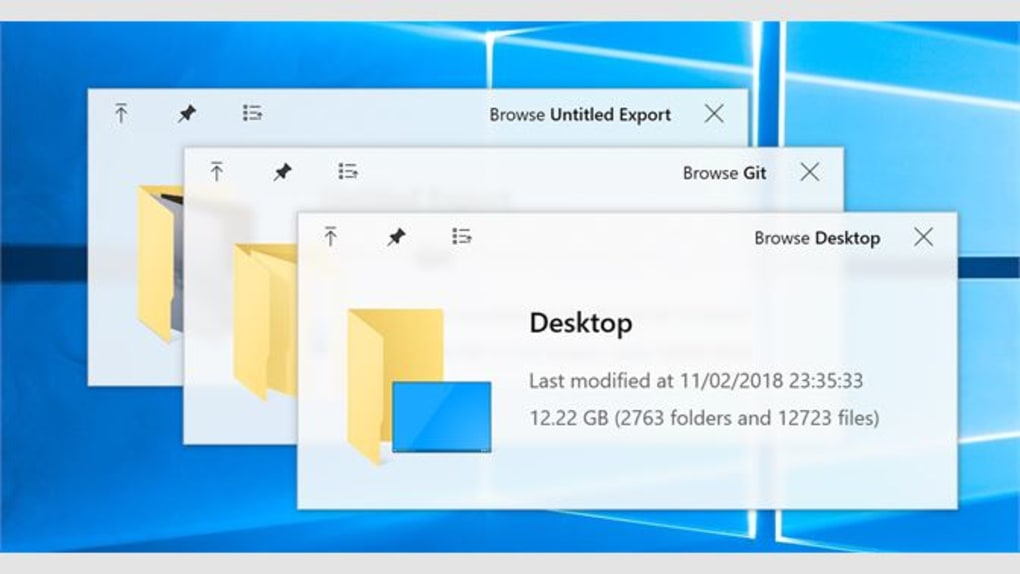
The core functionality of QuickLook revolves around its intuitive design. A user simply needs to navigate to the desired file in File Explorer and press the Spacebar. Instantly, a preview window appears, displaying the contents of the file. This preview allows users to quickly assess the file’s nature, content, and relevance without the overhead of launching the associated application. This single action eliminates the time and effort required to open, review, and then close numerous files, dramatically accelerating everyday tasks.
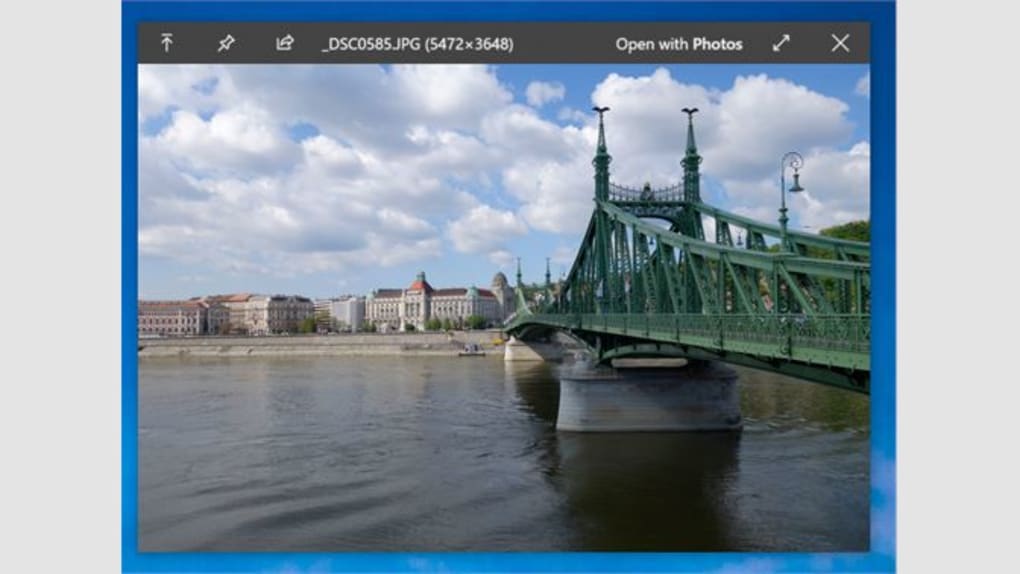
The supported file types are extensive, encompassing documents, images, videos, and audio files, among others. This broad compatibility ensures that QuickLook can be integrated seamlessly into diverse workflows, catering to a wide range of users and their diverse file needs. The application cleverly handles various file formats, presenting previews tailored to each type. For example, a PDF document will show page previews, while an image file will display a full-size preview, making the process intuitive and effective.
Boosting Productivity and Efficiency
QuickLook’s impact on productivity is multifaceted. Its ability to provide immediate visual context significantly reduces the time spent browsing files. Instead of opening each file to examine its contents, users can quickly scan through multiple files using QuickLook, making decisions about which files to open and work with much faster. This is especially beneficial when working with large numbers of files, such as image editing, document review, or media management.
For professionals, QuickLook can be a game-changer. Imagine a graphic designer reviewing hundreds of images for a project. With QuickLook, the process is streamlined, allowing for rapid selection and organization of assets without the delay of opening each image individually in a dedicated application. This translates to significant time savings and increased efficiency, allowing for more time focused on creative tasks rather than file management. Similarly, lawyers, writers, and researchers can benefit from the rapid file preview, allowing for swift sifting through documents to locate specific information.
Furthermore, the application’s lightweight nature ensures minimal system resource consumption. Unlike resource-intensive applications, QuickLook operates efficiently, preventing any performance bottlenecks or system slowdowns, even when used with numerous files.
Comparison to Similar Applications and Alternatives
While QuickLook fills a specific niche, providing a seamless preview experience, it’s worth comparing it to alternative methods and applications that offer similar functionality, albeit often with different approaches and limitations.
Several operating systems incorporate built-in file preview functionalities. For instance, macOS’s QuickLook (the inspiration for this Windows application) and some Linux desktop environments offer comparable features. However, these built-in functionalities often lack the level of customization and extensive file support found in QuickLook.
Other third-party applications attempt to provide similar file preview capabilities but frequently lack the simplicity and speed of QuickLook. Some are bundled with additional features, leading to a more complex and resource-intensive user experience. The focused nature of QuickLook, however, keeps it lean and efficient.
Cortana, Microsoft’s virtual assistant, provides limited file preview capabilities, but it’s not a dedicated solution for this purpose. Its functionalities are broader, and file previews are not its primary focus. Similarly, other file management tools may include thumbnail previews, but these lack the detailed preview functionality of QuickLook, which displays content directly.
Ultimately, QuickLook distinguishes itself through its unique combination of simplicity, speed, and broad file format support. This targeted approach surpasses the more generalized functionalities of other applications or built-in operating system features.
Technical Aspects, System Requirements, and Future Developments
QuickLook is a lightweight application, designed for minimal resource consumption. It is compatible with various versions of Windows, specifically targeting Windows 10 and above (although it is explicitly noted to be incompatible with Windows 10 S). The installation process is straightforward, and the application requires minimal configuration. This ease of use adds to its appeal, making it accessible to users of all technical skill levels.
While the current version offers comprehensive file support, future updates could potentially include even broader compatibility and added features. These might include customizable preview options, allowing users to adjust the size and appearance of previews, or the ability to integrate with other applications for seamless workflow. The developer’s commitment to addressing user feedback suggests ongoing improvements and additions based on community input.
The application’s security status is consistently monitored and updated. The developer prioritizes secure coding practices to ensure user data is protected and the application remains free from malware. Regular updates address potential vulnerabilities and improve stability, providing users with a reliable and secure file previewing experience.
In summary, QuickLook provides a compelling solution for Windows users seeking a rapid and efficient file previewing experience. Its straightforward design, extensive file compatibility, and lightweight nature make it a valuable productivity tool for a broad audience. Its continued development and ongoing updates signal a promising future for this innovative application.

File Information
- License: “Free”
- Version: “3.7.1”
- Latest update: “February 5, 2024”
- Platform: “Windows”
- OS: “Windows 10”
- Language: “English”
- Downloads: “15K”
- Size: “64.73 MB”


