
QuickShortcutMaker is a free Android application designed to simplify access to your apps and device settings by creating custom shortcuts. If you find yourself navigating through multiple screens to launch frequently used applications, QuickShortcutMaker offers a streamlined solution. This app empowers users to personalize their Android experience, saving valuable time and enhancing overall usability. Its ease of use, coupled with its customizable features, makes it a popular choice among Android users seeking greater control over their mobile interface. This comprehensive guide delves into the features, functionality, and safety aspects of QuickShortcutMaker, providing a complete understanding of this helpful tool.
What is QuickShortcutMaker?
QuickShortcutMaker, as its name suggests, is a straightforward application for generating shortcuts to various apps, tools, and system settings directly on your Android home screen. Instead of hunting through numerous app drawers or menus, users can create readily accessible shortcuts for frequently used applications such as WhatsApp, Gmail, Maps, or the Gallery. The app’s strength lies not only in its ease of shortcut creation but also in its customization options. Users can personalize these shortcuts by choosing custom names, icons, and other visual elements, creating a uniquely tailored mobile experience. Furthermore, the ability to hide shortcuts adds an extra layer of privacy, preventing unauthorized access to specific applications or settings.
.webp)
The app goes beyond simple shortcut creation. QuickShortcutMaker enables users to group apps logically, improving organization and categorization within the phone’s interface. This feature significantly enhances the user experience, particularly for individuals with a large number of installed applications. The app’s intuitive design caters to both novice and experienced Android users, making the entire process intuitive and uncomplicated.
How to Use QuickShortcutMaker
Employing QuickShortcutMaker is remarkably simple. After installation, the process involves a few easy steps:
- Long-Press the Home Screen: Begin by performing a long press on an empty space on your Android home screen.
-
Access Widgets: A menu will appear; select the “Widgets” option.
-
Locate QuickShortcutMaker: In the widgets menu, locate and long-press the “Activities” widget, which should display the QuickShortcutMaker icon.
-
Place the Widget: Drag and drop the QuickShortcutMaker icon onto your home screen in your preferred location. This action launches the application.
-
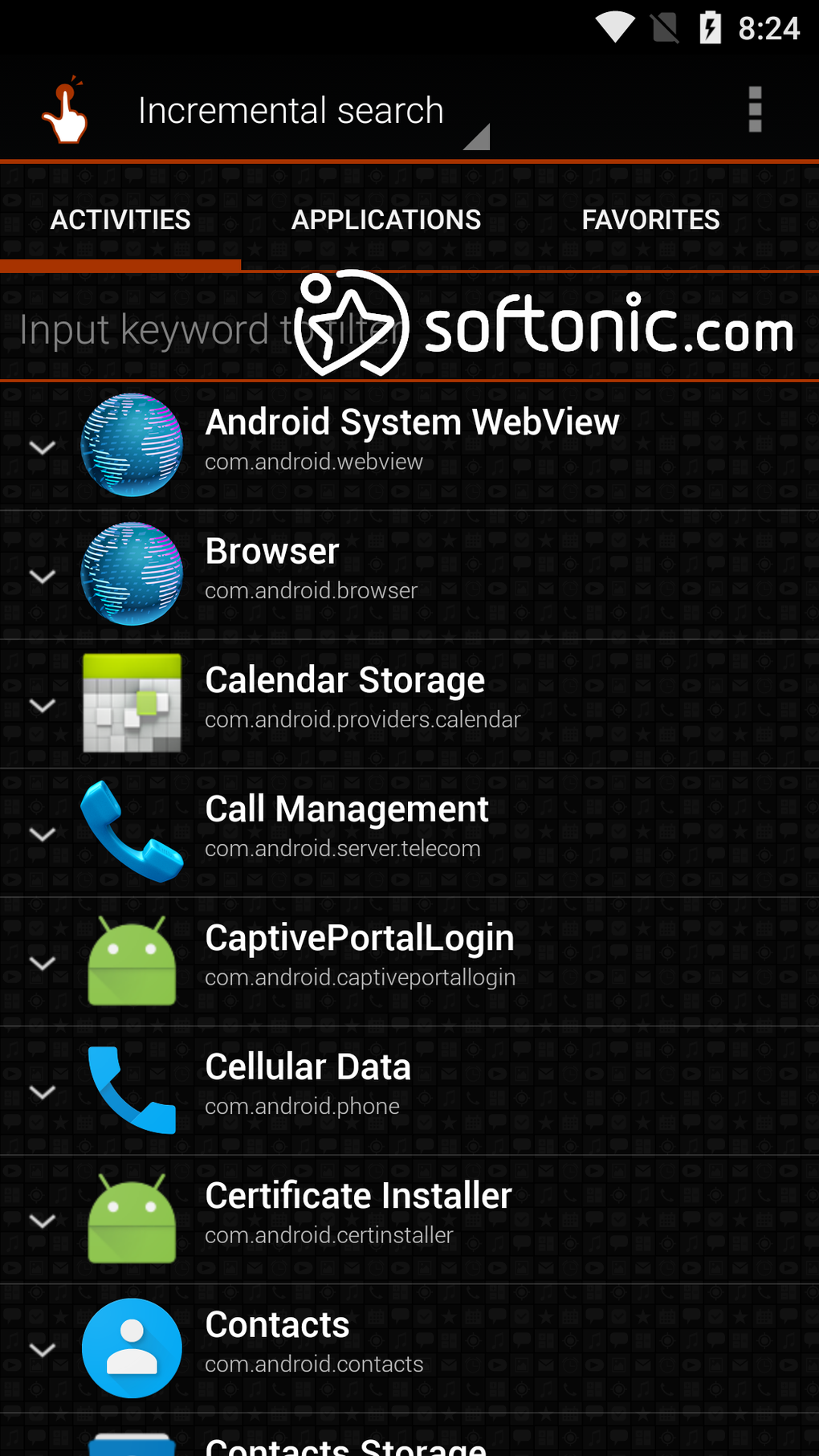
Choose an Activity: Within QuickShortcutMaker, you’ll see a list of available activities (apps and settings). Select the activity for which you want to create a shortcut.
-
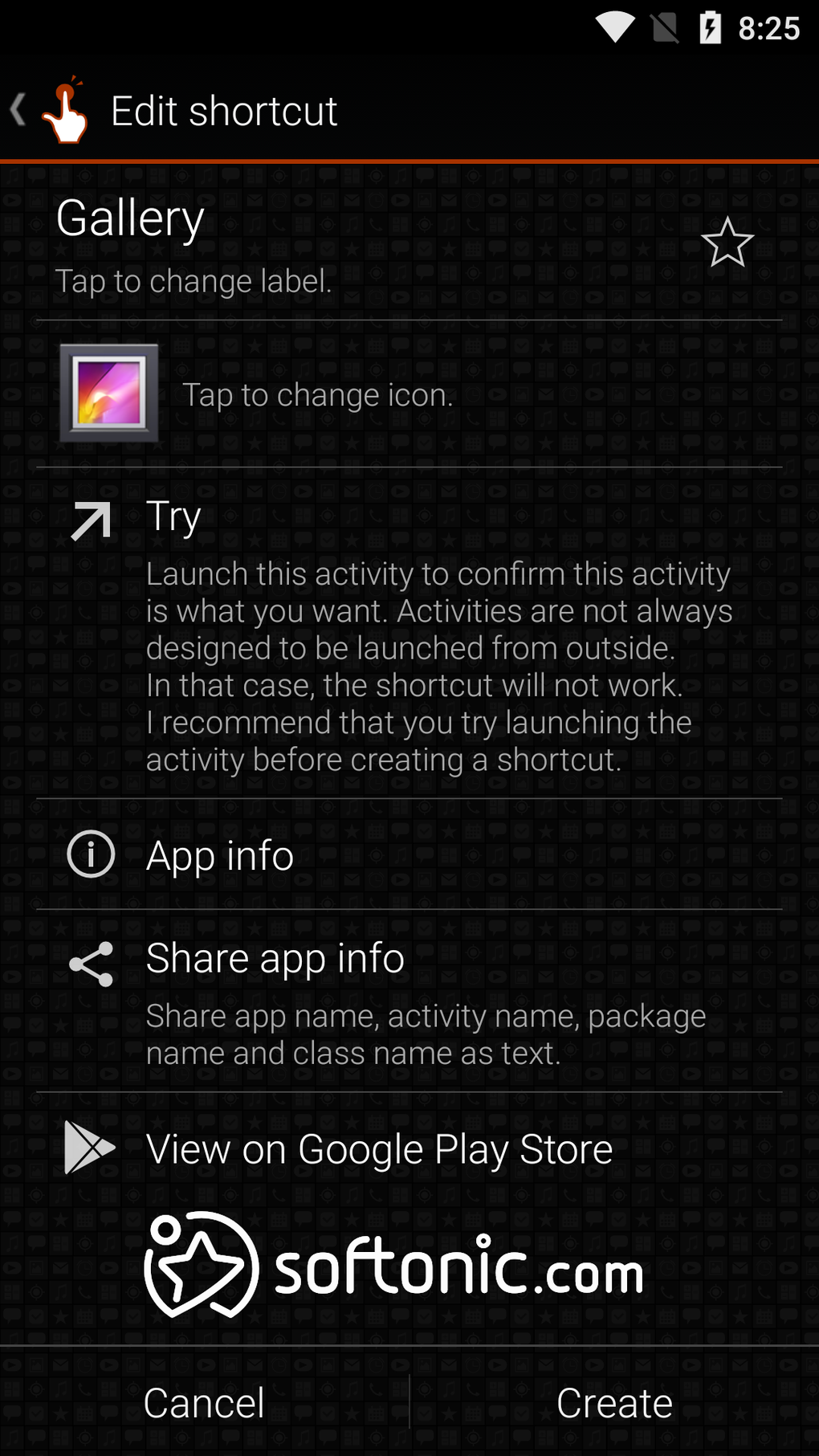
Edit Details (Optional): Customize the shortcut’s name and icon if desired.
-
Create the Shortcut: Tap the “Create” button to generate the shortcut on your home screen.
This process creates a readily accessible shortcut to the chosen application or setting, eliminating the need for extensive navigation. The simplicity of these steps contributes to the app’s widespread appeal and user-friendly nature.
Is QuickShortcutMaker Safe?
Like many applications, QuickShortcutMaker requests certain permissions upon installation. These permissions are primarily to access your device’s storage (for saving shortcut data and potentially utilizing user-selected icons) and potentially access the download folder if that’s where you’re selecting an image for a shortcut. It’s always prudent to back up your data before installing any new application, a general best practice for maintaining the security and integrity of your Android device.
While QuickShortcutMaker doesn’t access sensitive information like your contacts or messages, it’s important to be aware of the permissions it requests and only install from trusted sources like the Google Play Store. The app’s primary function is to create shortcuts; it doesn’t inherently pose a security risk when installed from a reputable source. Regular updates from the developer further address potential vulnerabilities and enhance the overall security posture of the application.
QuickShortcutMaker: Pros and Cons
QuickShortcutMaker boasts several advantages, making it a valuable tool for Android users:
Pros:
.webp)
- Rapid App Grouping: Quickly organizes applications into easily accessible groups.
- User-Friendly Interface: The intuitive design makes the app accessible to users of all technical skill levels.
- Convenient Shortcut Creation: Effortlessly generates shortcuts for apps and settings.
- Multilingual Support: Caters to a global user base with support for multiple languages.
- Lightweight and Efficient: Consumes minimal system resources, ensuring minimal impact on device performance.
- Free to Use: Available at no cost, without subscriptions or in-app purchases.
- Regular Updates: The developers consistently release updates to improve functionality and address any identified bugs.
- Access to Hidden Settings: Provides a pathway to access normally hidden menus and settings, offering increased customization.
- Alphabetical Sorting: Once groups of apps are created, they can be conveniently sorted alphabetically, enhancing organization.
Cons:
- Minor Bug Fixes Needed: While the latest version addresses many user concerns, some minor bugs may still require attention from the development team.
- Lack of Advanced Features: QuickShortcutMaker focuses primarily on shortcut creation; it doesn’t offer advanced features like theming, alternative launchers, or simulations found in more comprehensive apps.
Despite the minor drawbacks, the advantages of QuickShortcutMaker significantly outweigh the limitations, making it a worthwhile addition to any Android user’s toolkit.
Conclusion: A Time-Saving Tool for Android Users
QuickShortcutMaker emerges as a highly effective tool for Android users seeking a simple yet powerful way to enhance their mobile experience. Its core function—creating custom shortcuts—addresses a common usability challenge, simplifying access to frequently used apps and settings. The app’s intuitive design, combined with its customizable features and multilingual support, makes it a valuable asset for users of all technical proficiency. While minor bug fixes and the absence of certain advanced features remain areas for potential improvement, QuickShortcutMaker continues to be a popular and effective solution for streamlining the Android interface and saving users valuable time. Its free availability, along with regular updates, reinforces its position as a reliable and user-friendly application for Android device personalization.
File Information
- License: “Free”
- Latest update: “May 24, 2023”
- Platform: “Android”
- OS: “Android 4.1.1”
- Language: “English”
- Downloads: “2M”
- Size: “2.32 MB”
- Download Options: “APK, Google Play”
- Filename: “QuickShortcutMaker_2.5.0_.apk”


