
Raise High Volume - Booster is a free Android utility app designed to amplify your device’s audio output. Developed by Gogone, this app promises a simple interface and enhanced sound clarity, but its effectiveness and safety are questionable. This review will delve into the app’s functionality, ease of use, potential risks, and compare it to alternative solutions.
Functionality and User Interface
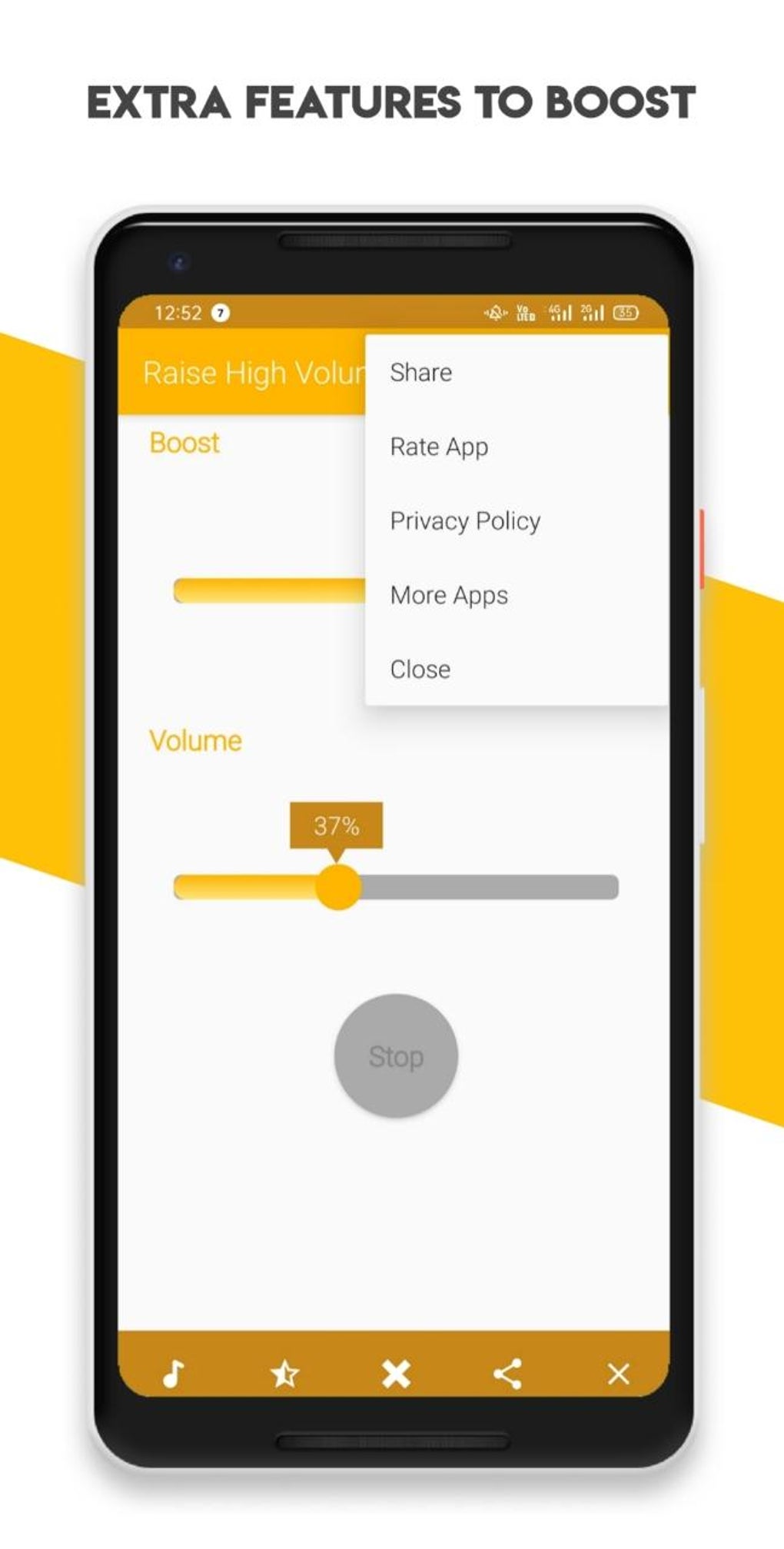
Raise High Volume - Booster presents a straightforward interface, focusing on two primary controls: a “Boost” bar and a “Volume” bar. The “Volume” bar functions as a standard volume control, increasing the overall loudness of the audio output. The “Boost” bar, however, is the app’s core feature, claiming to improve audio clarity and further amplify the sound. This dual-control system allows users to independently adjust both the volume and the amplification level, offering a degree of customization.
The simplicity of the interface is both a strength and a weakness. While users with limited technical expertise will find it easy to navigate and understand, this simplicity may lack the granular control offered by more sophisticated audio enhancement apps. The lack of additional features, such as an equalizer or specific sound profiles, limits the app’s appeal to users seeking more advanced audio customization options.
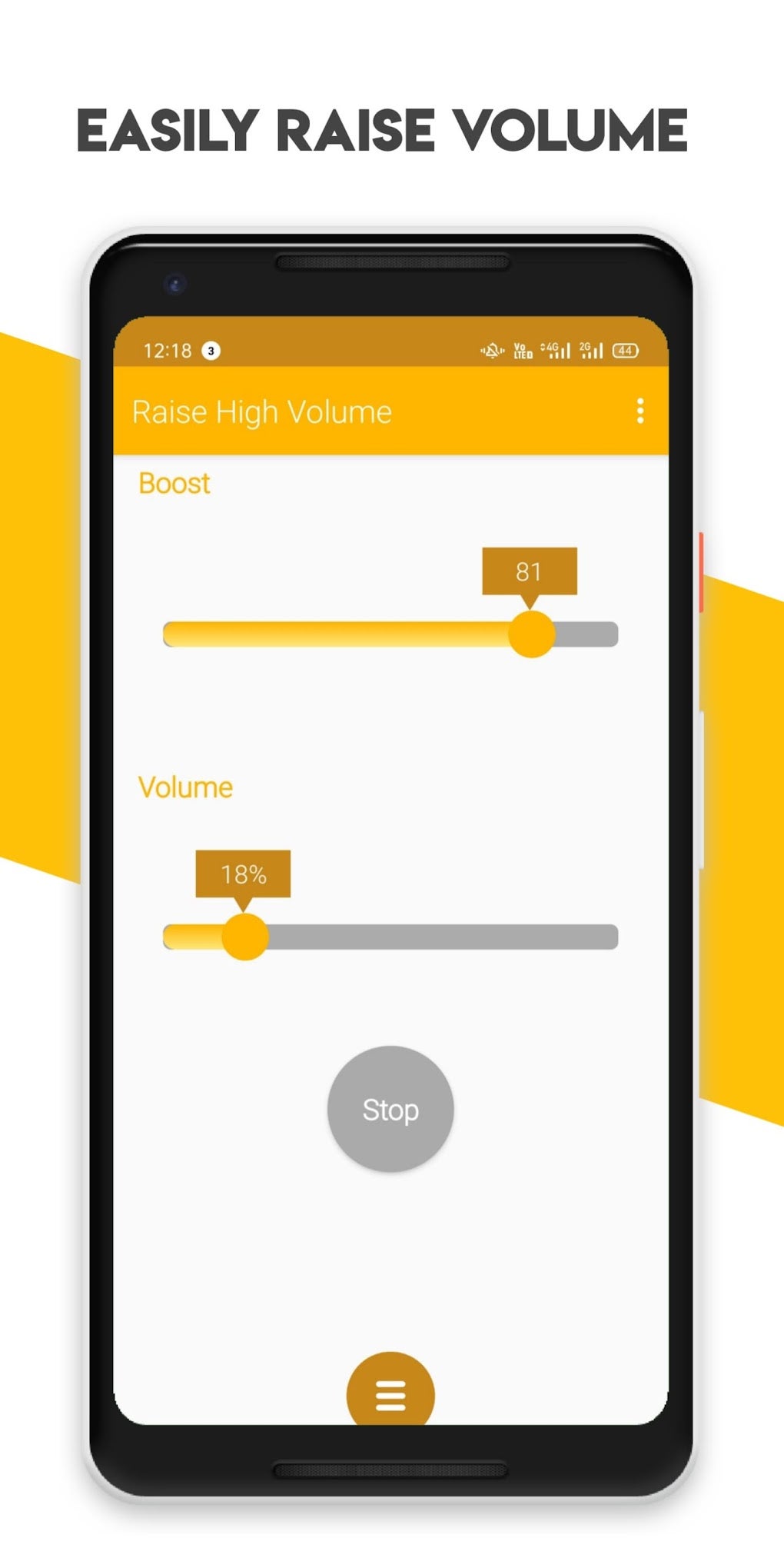
However, the app’s simplicity comes at a cost. One prominent issue is the app’s tendency to revert to its original settings upon closing. This means that any adjustments made to the “Boost” and “Volume” bars are lost each time the app is exited, requiring users to readjust the settings every time they use it. This design flaw severely impacts the user experience and renders the app less convenient for users who frequently need audio enhancements.
Performance and Potential Risks
While the app’s core functionality, volume boosting, appears simple enough, its performance and impact vary significantly depending on the device. On some devices, the app may indeed improve audio clarity and increase the overall loudness. However, users have reported several issues, including significant device overheating and unexpected freezing. These performance issues suggest that the app may not be optimally optimized for all Android devices, potentially leading to instability and reduced functionality on certain models.
Furthermore, the app carries inherent risks associated with excessive audio amplification. The app itself issues a warning that increasing the “Boost” setting above 40% could potentially damage both the device’s speakers and the user’s hearing. This warning highlights the potential for serious harm if the app is used incorrectly or if the user ignores the safety guidelines. The lack of any additional safeguards, such as automatic volume limiting based on speaker capabilities, further exacerbates these risks.
The variability in performance and the risk of damage to both hardware and hearing underscore the inherent gamble associated with using this app. While it might offer some benefits for certain users and devices, the potential for negative consequences should be carefully considered before using the app.
Ease of Use and User Experience
The app’s primary selling point is its ease of use. The minimalistic interface, with only two adjustable bars, makes it incredibly user-friendly, even for those unfamiliar with audio enhancement applications. There are no complex settings or configurations to navigate; users simply adjust the “Boost” and “Volume” sliders to achieve their desired audio levels. This straightforward approach minimizes the learning curve and ensures a quick and intuitive user experience.
However, the app’s simplicity also contributes to some usability drawbacks. The lack of feedback mechanisms, such as visual indicators of the current boost level or real-time monitoring of speaker stress, reduces the user’s awareness of potential risks. This lack of transparency makes it difficult for users to effectively manage the volume amplification without potentially causing damage. Moreover, the issue of the settings reverting to their default values after each session considerably diminishes the usability. Having to continuously re-adjust settings negates much of the convenience offered by the simple design.
Comparison with Alternatives
Several alternative volume booster and audio enhancement apps exist on the Android market, offering a wider range of features and potentially more stable performance. While Raise High Volume - Booster excels in its simplicity, competitors often provide more advanced functionality, including customizable equalizers, various sound profiles, and more robust safety measures.
Some alternative apps incorporate features like real-time volume monitoring, dynamic range compression, or even bass boost, allowing for a more fine-tuned audio experience. Furthermore, many reputable developers invest in rigorous testing and optimization to ensure their apps are compatible with a broader range of Android devices and operate without the stability issues reported with Raise High Volume - Booster.
Considering the potential risks and limitations of Raise High Volume - Booster, exploring alternative apps is recommended. Users seeking a more comprehensive and reliable audio enhancement solution should prioritize apps with better performance, more features, and robust safety measures. A thorough comparison of different apps based on user reviews and ratings can assist in making an informed decision.
Conclusion
Raise High Volume - Booster offers a simple, easy-to-use interface for boosting audio volume. However, its limitations, potential risks, and inconsistent performance across different devices raise serious concerns. The app’s tendency to revert to default settings after each use and the lack of safety measures are particularly troubling. While it might work adequately for some users on specific devices, the potential for overheating, freezing, speaker damage, and hearing damage outweighs the benefits for many. Users seeking a reliable and safe way to enhance their device’s audio should consider exploring alternative audio enhancement applications offering more comprehensive features, better stability, and built-in safety mechanisms. Choosing a well-reviewed and reputable app is crucial to avoid the potential downsides associated with less reliable volume boosting tools. The simplicity of Raise High Volume - Booster should not overshadow the importance of safety and consistent performance.
File Information
- License: “Free”
- Latest update: “July 23, 2024”
- Platform: “Android”
- OS: “Android 13.0”
- Language: “English”
- Downloads: “48.2K”
- Download Options: “Google Play”


