
The High-Efficiency Image File Format (HEIC), also known as HEIF, has gained significant popularity, particularly among Apple device users. Its ability to achieve higher compression ratios while maintaining excellent image quality makes it an attractive alternative to traditional JPEGs. However, this newer format isn’t universally supported, leading to compatibility issues when sharing images with users of older devices or software. This is where a reliable HEIC to JPG converter becomes invaluable. This article will explore the functionality, benefits, and considerations surrounding the use of HEIC to JPG converters, focusing on the features and ease of use offered by programs like the “Real HEIC to JPG Converter” for Windows.
Understanding HEIC and the Need for Conversion
HEIC, a successor to JPEG, utilizes advanced compression techniques to significantly reduce file sizes without compromising image quality. This advantage is especially beneficial for storing large quantities of photos on devices with limited storage capacity. However, its widespread adoption has been slower than anticipated due to several factors:
-
Backward Compatibility: Many older devices, software applications, and online platforms do not natively support HEIC files. This limitation presents a barrier to sharing HEIC photos seamlessly with a broader audience. Sending an HEIC image to someone using an older operating system might result in them receiving a corrupted or unviewable file.
-
Software Support: While support for HEIC is increasing, some applications, especially older image editing software, may still lack the capability to open and manipulate HEIC files directly. Users who need to edit their photos in such programs will find the conversion to JPG necessary.
-
Web Compatibility: Certain websites and online services may not yet support HEIC uploads or displays. For instance, uploading a HEIC image to a social media platform that only supports JPEGs will require a prior conversion.
These compatibility issues highlight the crucial role of HEIC to JPG converters. These converters bridge the gap between the modern HEIC format and the widely supported JPEG format, ensuring that your images are accessible to everyone regardless of their device or software.
Features of a Robust HEIC to JPG Converter
A good HEIC to JPG converter should possess several key features to ensure efficient and high-quality conversion:
-
Ease of Use: An intuitive interface is paramount. The best converters require minimal technical knowledge, enabling even novice users to perform conversions effortlessly. A simple drag-and-drop interface, clear instructions, and a straightforward workflow are essential.
-
Batch Processing: The ability to convert multiple HEIC files simultaneously is a significant time-saver, especially when dealing with large collections of photos. Batch conversion reduces the manual effort involved in converting each image individually.
-
High-Quality Conversion: Maintaining image quality is crucial. The conversion process should minimize loss of detail and color accuracy, ensuring that the resulting JPG files are visually comparable to the original HEIC files. Advanced algorithms are necessary for achieving high-fidelity conversions.
-
Customizable Settings: The option to adjust parameters like image resolution, compression level, and output file format can provide users with greater control over the conversion process. Fine-tuning these settings allows for optimization depending on the intended use of the converted images.
-
File Management: A good converter streamlines file management by providing options to specify the output folder, rename files, and organize converted images efficiently. This helps avoid clutter and ensures easy access to converted files.
- Platform Compatibility: Converters should be available for various operating systems (Windows, macOS, etc.) to maximize accessibility for a wider user base.
Real HEIC to JPG Converter: A Case Study
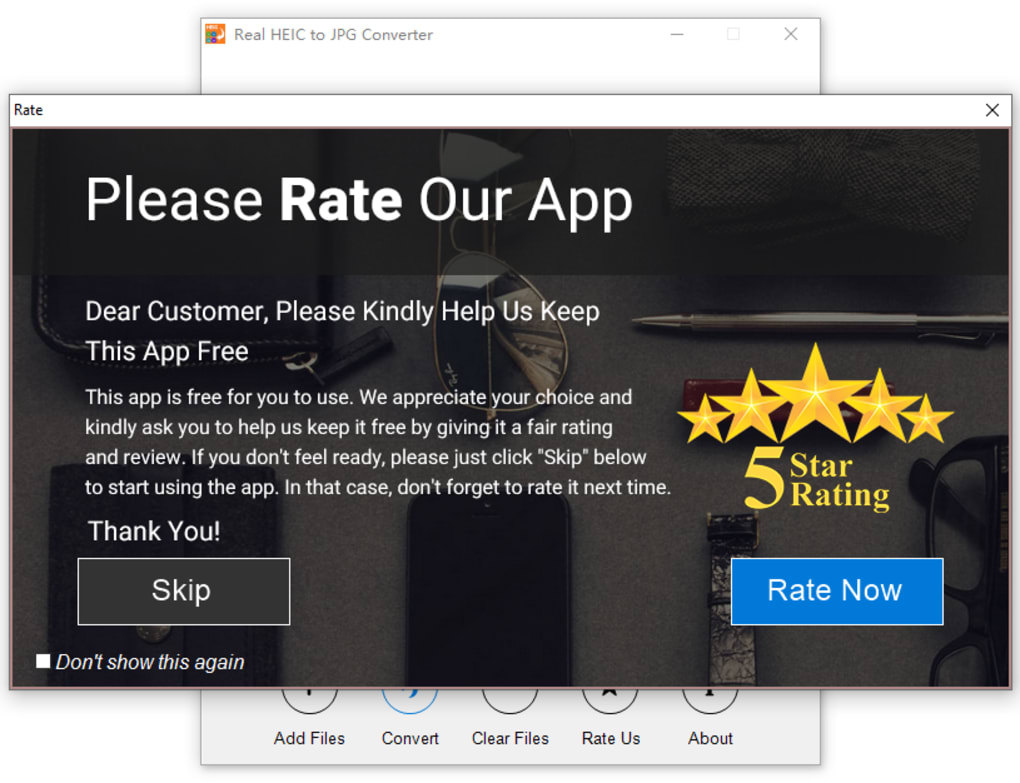
The “Real HEIC to JPG Converter” exemplifies many of these desirable features. While the specific details may vary based on the version, its core functionality centers around facilitating straightforward and efficient HEIC to JPG conversion. Its user-friendly interface simplifies the process, eliminating the need for extensive technical expertise. The program likely supports batch conversion, allowing for the rapid processing of numerous images simultaneously, which is particularly valuable when dealing with bulk conversions of photos from a smartphone or digital camera. The emphasis on maintaining high-quality output ensures that converted JPG files retain their visual appeal. Furthermore, its accessibility through a readily available Windows download signifies its commitment to user convenience.
Beyond Conversion: Exploring Additional Software Options
While dedicated HEIC to JPG converters offer a specialized solution, several other software applications and online services can handle HEIC to JPG conversions as a secondary function. These options provide alternatives depending on your specific needs and existing software setup:
- Image Editing Software: Many professional-grade image editing programs, such as Adobe Photoshop and GIMP, support HEIC file opening and saving as JPGs. These programs offer more advanced editing capabilities alongside the conversion functionality but may require a steeper learning curve.
-
Operating System Features: Some newer operating systems now include built-in support for HEIC files, allowing for seamless conversion or viewing without relying on third-party software. Check your operating system’s image viewing capabilities to see if built-in conversion is an option.
-
Online Converters: Numerous websites offer free online HEIC to JPG converters. These services are convenient for occasional conversions but may have limitations on file size or processing speed. Always be cautious about uploading sensitive images to online services, ensuring the website’s security and privacy practices are acceptable.
The choice of using a dedicated converter like “Real HEIC to JPG Converter” or leveraging the conversion capabilities of other software depends on individual priorities. For users solely needing efficient HEIC to JPG conversion without the added complexity of extensive image editing capabilities, a dedicated converter often provides the most streamlined solution.
Conclusion: Choosing the Right HEIC to JPG Converter for Your Needs
The choice of a suitable HEIC to JPG converter depends on your individual workflow, technical expertise, and the volume of conversions you need to perform. While several options exist, a dedicated converter such as the “Real HEIC to JPG Converter” often provides a straightforward, efficient, and user-friendly approach for converting HEIC images to the widely compatible JPEG format. Its simplicity, likely batch processing capabilities, and focus on maintaining image quality make it an attractive choice for users of all skill levels who require a reliable and easy-to-use solution for converting their HEIC files. Remember to always download software from reputable sources to ensure the safety and security of your computer. Before committing to any software, consider reading user reviews and comparing features to determine the best fit for your specific requirements. Ultimately, the goal is to seamlessly integrate HEIC image management into your digital workflow, ensuring broad accessibility and compatibility.
File Information
- License: “Free”
- Version: “2.1.14”
- Latest update: “February 6, 2024”
- Platform: “Windows”
- OS: “Windows 11”
- Language: “English”
- Downloads: “6.1K”


