
REAPER, short for Rapid Environment for Audio Prototyping and Efficient Recording, is a remarkably powerful and flexible digital audio workstation (DAW) that has garnered a devoted following among audio professionals and enthusiasts alike. Unlike many commercial DAWs with bloated interfaces and hefty price tags, REAPER offers a surprisingly comprehensive feature set within a lightweight and highly customizable environment. This review delves into its capabilities, strengths, and weaknesses, providing a comprehensive understanding of what makes REAPER a unique and compelling choice in the competitive landscape of audio production software.
Unveiling REAPER’s Core Strengths: Functionality and Flexibility
At its heart, REAPER is a multi-track audio editor and recorder. It allows users to record, edit, mix, and master audio, all within a single, streamlined interface. However, its true power lies in its extensibility and adaptability. While offering a robust set of built-in features, REAPER’s architecture is designed to integrate seamlessly with a vast array of third-party plugins, extensions, and scripts, enabling users to tailor the software to their specific workflow and creative needs. This open-source philosophy fosters a vibrant community of developers and users, continuously contributing to its improvement and expansion.
One of REAPER’s most significant advantages is its remarkably small footprint. The installer is incredibly lightweight, often less than 1 megabyte, defying the expectation of a DAW packed with professional-grade tools. This lightweight nature contributes to faster loading times and smoother performance, particularly on systems with limited resources. This doesn’t compromise functionality; REAPER handles large projects with numerous tracks and plugins efficiently. Its resource-friendly design is a considerable asset for users with older hardware or those working on laptops where system performance is a priority.
The core functionality of REAPER encompasses a wide range of essential audio editing capabilities:
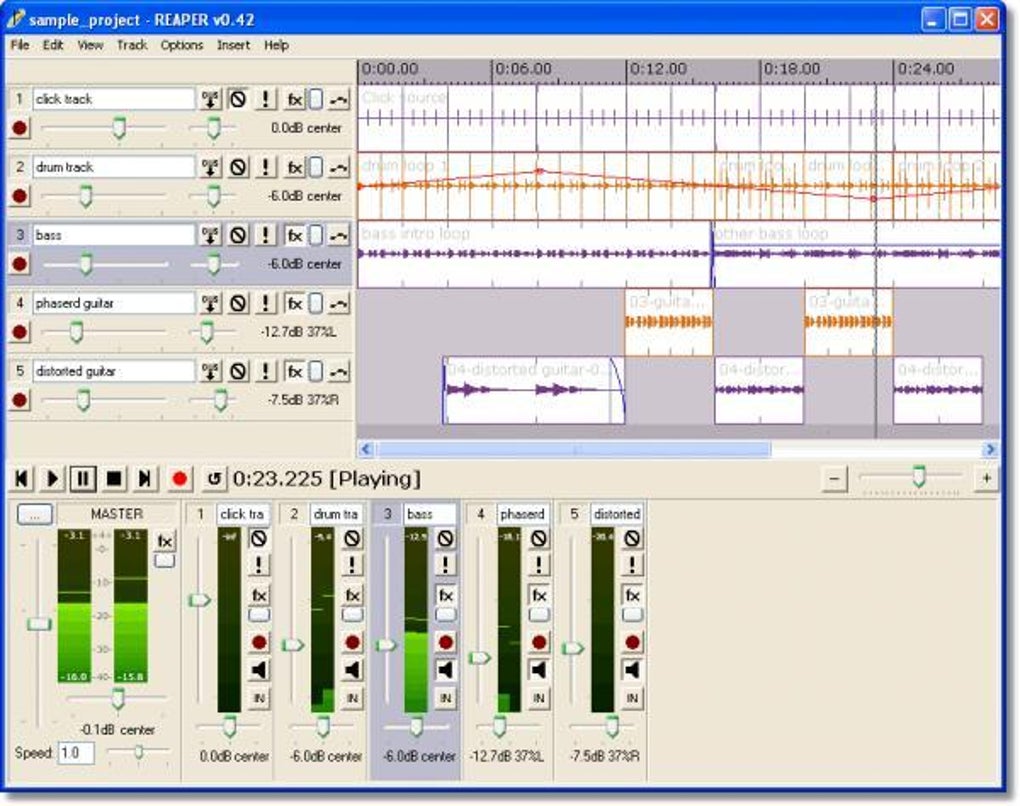
- Multi-track recording: Simultaneous recording of multiple audio sources, crucial for capturing live performances or complex productions.
- Non-destructive editing: Edits are applied without permanently altering the original audio data, ensuring flexibility and the ability to revert changes.
- Advanced editing tools: Features such as time stretching, pitch shifting, and various automation options are seamlessly integrated into the workflow.
- MIDI support: Comprehensive support for MIDI input, allowing for the use of MIDI instruments, controllers, and sequencers.
- Effect processing: A built-in collection of effects, plus the ability to use thousands of VST and AU plugins, offers extensive creative possibilities.
- Mixing and mastering: Tools for balancing levels, applying equalization and compression, and preparing tracks for final output.
The User Interface: A Blend of Simplicity and Power
REAPER’s user interface (UI) is a topic of frequent discussion. While some users find it initially daunting, its customizability allows for tailored experiences to suit individual preferences. The default layout is functional but not overly intuitive, possibly overwhelming newcomers compared to the more visually guided interfaces of other DAWs. However, this initial learning curve is often rewarded by the immense power and flexibility that unfolds once users master the system.
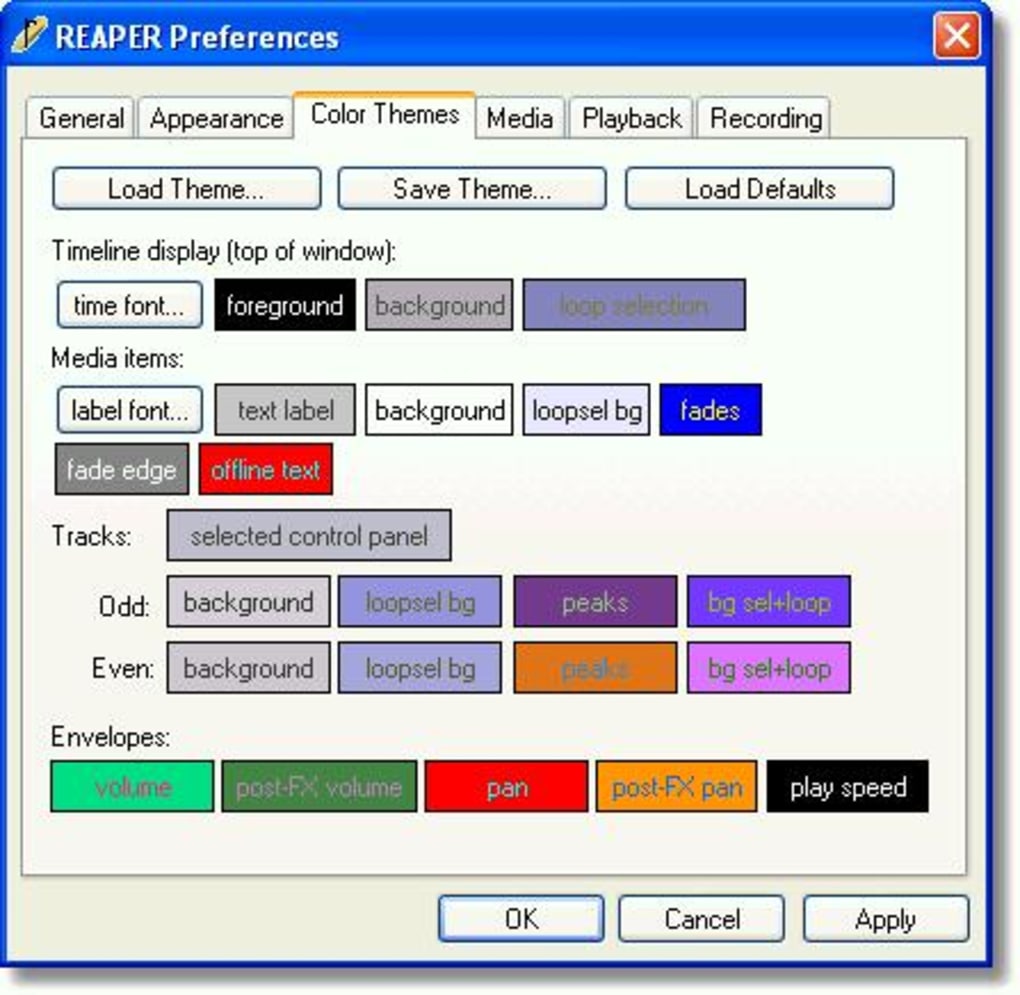
The extensive keyboard shortcut customization allows users to streamline their workflow significantly. Users can assign shortcuts to virtually any function, leading to rapid and efficient editing. This is a crucial aspect for professional users working against deadlines. The interface’s adaptability also extends to its visual layout. Users can rearrange panels, docks, and windows, creating a workspace perfectly suited to their preferences. This flexibility eliminates the constraints of a rigid, pre-defined interface. The ability to save and load custom workspace configurations further enhances workflow efficiency.
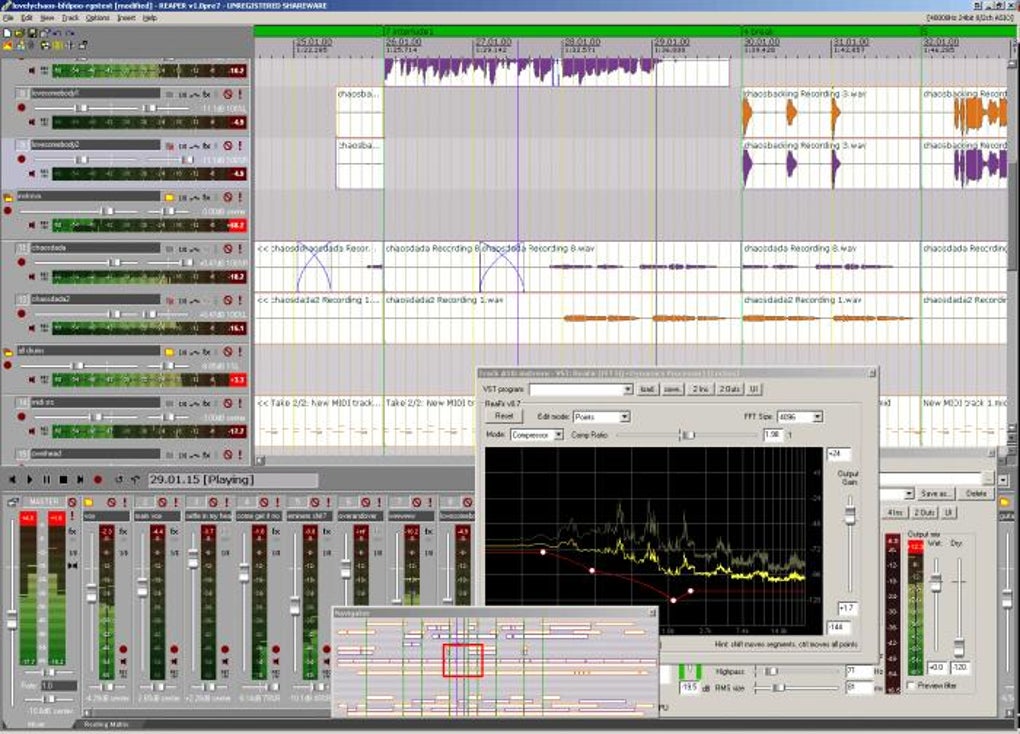
Despite the potential initial learning curve, the inherent flexibility ensures that the user experience evolves to match the user’s skill and project needs. Numerous tutorials and community resources are available to assist new users, easing the transition into REAPER’s powerful feature set.
Extensibility and the Thriving REAPER Community
One of REAPER’s most compelling strengths is its open architecture. It embraces a vast ecosystem of third-party extensions, plugins, and scripts, created and shared by a dedicated and active community. This continuous development contributes significantly to the software’s ongoing evolution and adaptability.
- VST and AU plugin support: REAPER flawlessly integrates with a wide range of VST (Virtual Studio Technology) and AU (Audio Units) plugins, opening up access to a vast library of effects, instruments, and other tools developed by various companies and independent developers. This is a massive advantage, as users aren’t limited to the built-in tools.
- JS scripting: REAPER’s support for JavaScript scripting provides advanced users with an incredible level of control over the software’s functionality. Custom scripts can automate tasks, extend existing features, and create entirely new functionalities, tailoring the DAW to highly specific needs.
- Community support: The vibrant REAPER community provides a wealth of resources, including forums, tutorials, and user-created extensions. This collective knowledge base offers valuable assistance to both beginners and experienced users, providing answers to questions, troubleshooting solutions, and a constant flow of new developments.
The strength of this community is a testament to REAPER’s appeal. It fosters a collaborative environment where users can share their knowledge, contribute to the development of the software, and benefit from the collective expertise of others. This collaborative aspect enhances the software’s longevity and appeal.
Pricing and Licensing: Value for Money
REAPER’s pricing model is remarkably competitive compared to other professional DAWs. The software operates on a perpetual license model, meaning that users pay a one-time fee for a lifetime license, with no recurring subscription costs. This offers exceptional value for money, particularly for long-term users. While a fully featured license costs a relatively modest sum, a fully functional trial version is also available, allowing users to extensively test the software’s capabilities before making a purchase. This trial period offers sufficient time to assess if REAPER fits the user’s workflow and requirements. The lack of ongoing subscription costs makes REAPER a fiscally responsible choice for both professionals and hobbyists.
Conclusion: REAPER’s Position in the DAW Landscape
REAPER occupies a unique niche in the digital audio workstation market. It stands out through its powerful and versatile feature set, highly customizable interface, robust extensibility, and a highly active and supportive community. While the initial learning curve might be steeper compared to some competitor DAWs, the rewards of mastering REAPER are significant. Its open architecture and community-driven development ensure its ongoing relevance and adaptability, making it a strong contender for both seasoned professionals and aspiring audio producers seeking a flexible and powerful tool for their creative endeavors. Its combination of power, affordability, and community support makes it a compelling option for users of all experience levels.
File Information
- License: “Free”
- Latest update: “January 13, 2025”
- Platform: “Windows”
- OS: “Windows 8”
- Language: “English”
- Downloads: “81.3K”
- Size: “15.45 MB”


