
Recrini is a free Android application designed to simplify the creation and management of customized menus for diverse purposes. Its intuitive interface empowers users to generate new categories effortlessly, aligning perfectly with individual preferences and needs. This adaptability allows for the seamless construction and refinement of menus, catering to specific requirements and occasions. The application’s unique strength lies in its capacity to handle multiple, independent menus, transforming it into a versatile tool for anyone seeking to organize their culinary selections, whether for personal use or in professional settings. Recrini streamlines the entire menu creation process, ensuring users can readily adapt their choices to various contexts.
Streamlining Menu Creation and Management
Recrini tackles the often-tedious task of menu creation with a user-friendly approach. Gone are the days of struggling with spreadsheets or handwritten notes to organize culinary options. Recrini provides a centralized platform to manage multiple menus simultaneously, eliminating the confusion and time wastage associated with juggling different lists. The app’s design focuses on simplicity and ease of use, making it accessible to users of all technical skill levels.
The core functionality revolves around the creation and customization of individual menu categories. Users can define categories based on their needs, whether it’s a daily meal planner, a party menu, a restaurant’s offerings, or a collection of recipes for specific dietary restrictions. Within each category, users can add, edit, and delete items with ease. This flexibility allows for granular control over the menu’s structure and content, ensuring it perfectly reflects the user’s requirements.
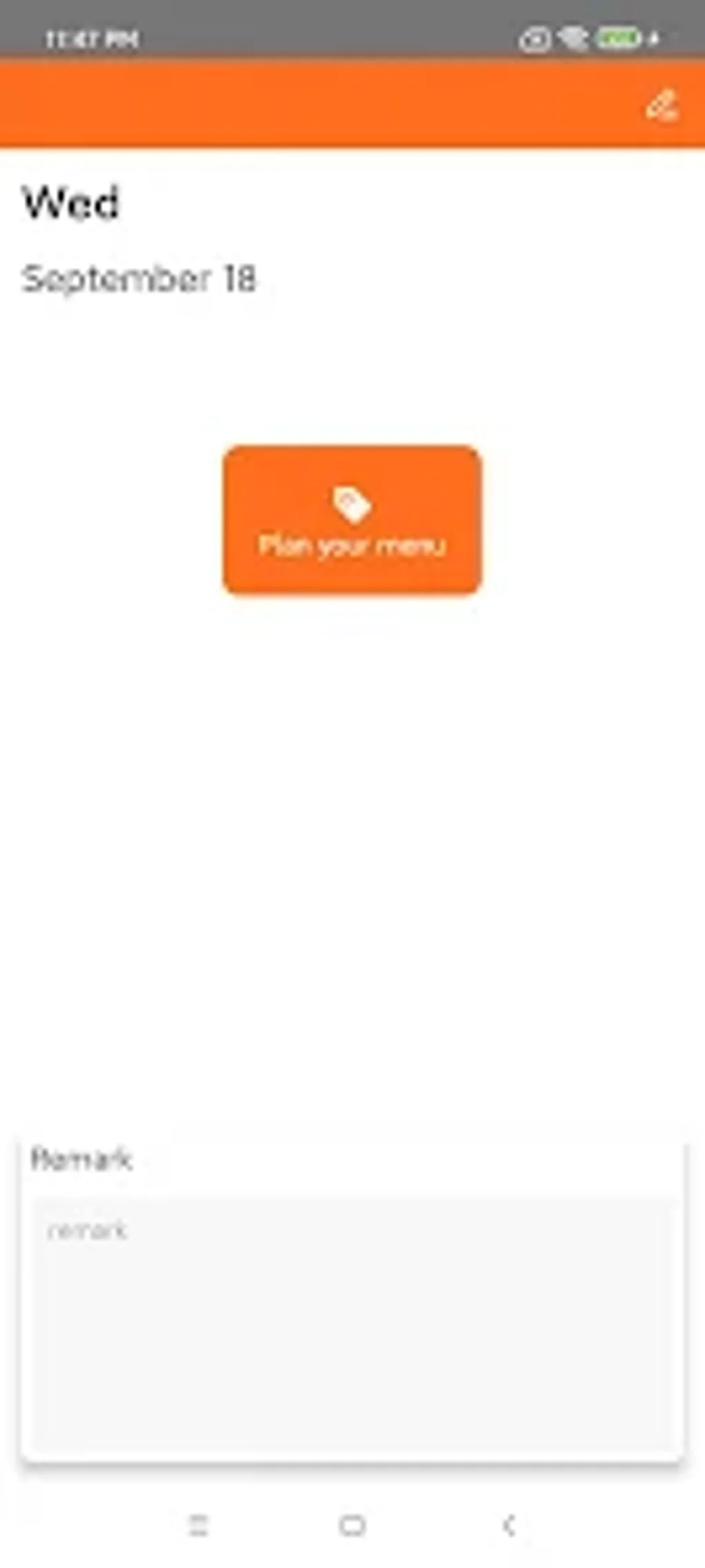
Beyond basic item addition and deletion, Recrini incorporates features that enhance the menu management experience. Users can assign attributes to menu items, such as descriptions, prices, ingredients, preparation time, or dietary information. This level of detail transforms Recrini from a simple list-maker into a comprehensive culinary management tool. These detailed attributes not only improve the clarity of the menu but also facilitate efficient searching and filtering. Need to find a vegetarian option? A quick filter will present only the appropriate items.
The ability to create multiple, independent menus is a standout feature of Recrini. Users can effortlessly switch between different menus, such as a weekly meal plan and a holiday catering menu, without losing track of their progress or having to navigate complex organizational structures. This feature is particularly valuable for those with diverse culinary needs or who manage menus for different occasions.
Customization and Personalization: Catering to Individual Needs
Recrini goes beyond simple menu creation; it empowers users to personalize their culinary experience. The app recognizes that menu requirements are highly individual, varying based on personal preferences, dietary needs, and lifestyle choices. Therefore, Recrini provides a range of customization options to ensure that the application adapts to the user, not the other way around.
One key aspect of personalization is the ability to customize the visual appearance of the menus. Users can choose from a selection of themes or create their own, altering fonts, colors, and layouts to match their personal style or branding requirements. This aesthetic flexibility allows users to create menus that are not only functional but also visually appealing.
Further customization extends to the functionality of the app itself. Users can select which attributes are displayed for each menu item, allowing for a tailored view that highlights only the most relevant information. This level of control prevents information overload and ensures a streamlined user experience. Users can choose to prioritize ingredients, prices, preparation times, or any other attribute they find most important.
Furthermore, Recrini allows users to integrate external resources to expand its functionality. The app might support integration with recipe databases, online grocery stores, or other culinary-related services. This opens up a wide range of possibilities, allowing users to seamlessly transition from menu planning to grocery shopping or recipe discovery.
Versatility: Applications Across Diverse Contexts
Recrini’s versatility extends far beyond personal use. Its ability to handle multiple menus and customize attributes makes it suitable for a wide range of applications, from professional catering to restaurant management and even personal event planning.
For individuals, Recrini offers a centralized platform for managing their personal culinary choices. It can be used for daily meal planning, tracking dietary intake, managing grocery lists, or organizing recipes for specific occasions. The app’s ability to handle multiple menus ensures that even complex dietary requirements can be managed effortlessly.
Professionals in the food industry can leverage Recrini’s capabilities for streamlined menu management. Restaurant owners can use it to manage their daily specials, catering menus, or seasonal offerings. Event planners can use it to coordinate catering requirements for various occasions, ensuring that all dietary restrictions and preferences are taken into account.
The flexibility of Recrini allows for adaptation to various scenarios. From a simple weekly meal planner to a complex catering menu for a large event, the application scales to fit the needs of the user. The ability to export menus in various formats, such as PDF or CSV, facilitates seamless integration with other systems or communication methods.
User Experience and Interface Design
Recrini prioritizes a user-friendly experience. The interface is designed to be intuitive and easy to navigate, minimizing the learning curve for users of all technical backgrounds. The app’s clean design and straightforward controls ensure that users can focus on managing their menus, rather than wrestling with a complex interface. The app’s focus on usability ensures that the task of menu creation and management remains efficient and enjoyable. Features are logically grouped and accessible, allowing users to perform actions quickly and without frustration.
The design also emphasizes efficiency. Common tasks, such as adding menu items or modifying existing ones, are performed with minimal taps and interactions. This reduction in unnecessary steps saves time and effort, allowing users to focus on the core task of creating and managing their menus. The overall aesthetic is clean and modern, creating a visually appealing experience that complements the app’s functionality. The app is designed to be visually engaging but avoids overwhelming users with excessive animations or unnecessary graphical elements.
Conclusion: Recrini – Your Culinary Organization Solution
Recrini stands out as a comprehensive and user-friendly application for managing and organizing menus. Its versatility, adaptability, and intuitive interface cater to a broad spectrum of users, from individuals seeking a simple meal planner to professionals managing complex catering operations. The app’s ability to handle multiple menus, personalize settings, and integrate external resources solidifies its position as a powerful tool for all culinary organization needs. Its streamlined design and intuitive functionality make menu management an efficient and enjoyable experience, regardless of the user’s level of technical expertise. The capacity for customization allows users to tailor the application precisely to their unique needs, ensuring that Recrini fits seamlessly into their workflow. From simple meal planning to complex event catering, Recrini offers a versatile and adaptable solution for all culinary organization requirements.
File Information
- License: “Free”
- Version: “1.1.5”
- Latest update: “May 10, 2025”
- Platform: “Android”
- OS: “Android 13.0”
- Language: “English”
- Downloads: “2.1K”
- Download Options: “Google Play”


