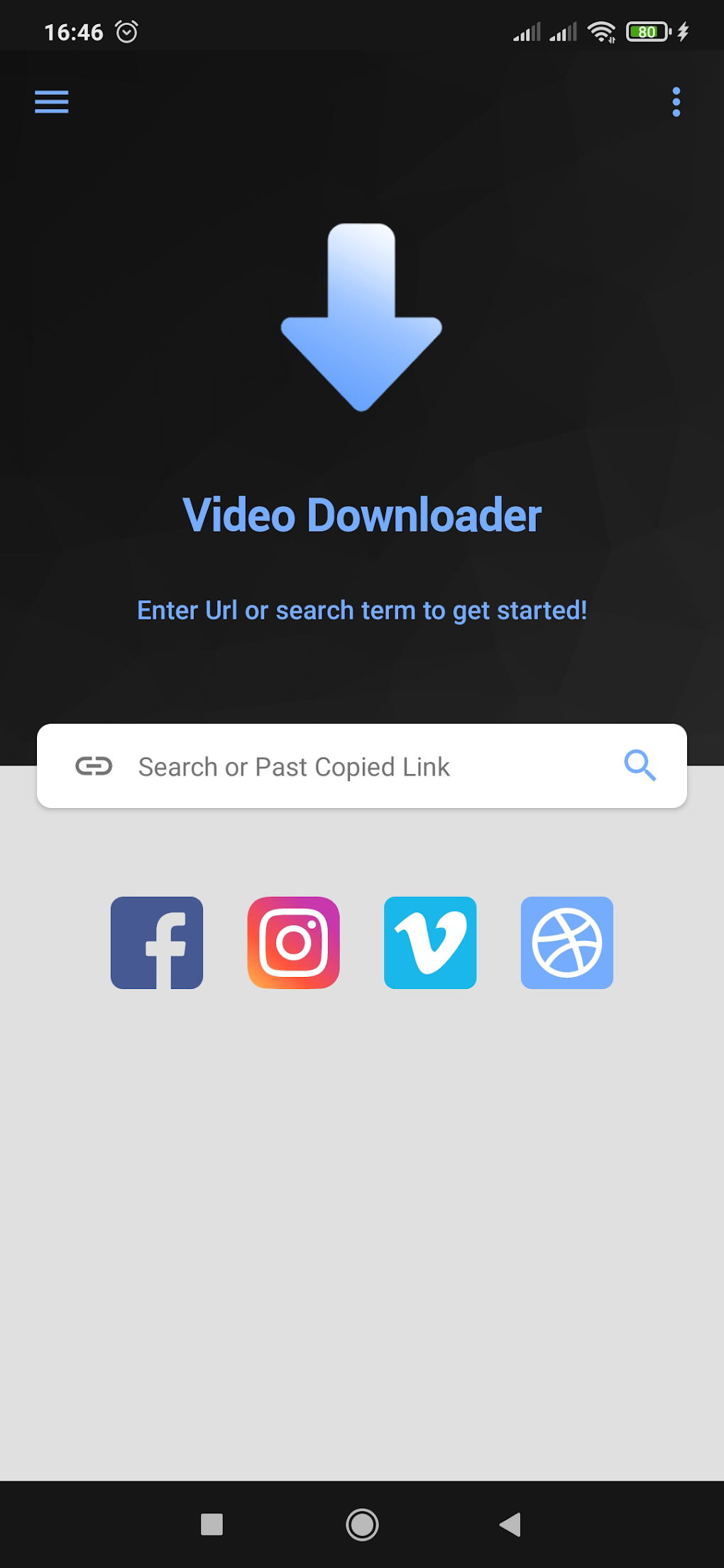
RedGifs Video Downloader is an Android application designed to simplify the process of downloading videos from the RedGifs platform. This app offers a user-friendly interface, fast download speeds, and the ability to save videos in their original quality, making it a popular choice for users who want to enjoy their favorite RedGifs content offline. This comprehensive guide will explore the app’s features, functionality, usage instructions, and address common concerns surrounding its use.
Understanding RedGifs Video Downloader
At its core, RedGifs Video Downloader functions as a bridge between the RedGifs website and your Android device. It eliminates the cumbersome process of manually saving videos, allowing for quick and efficient downloads. The app’s primary strength lies in its straightforward design, making it accessible even to users with limited technical expertise.
The app’s core functionalities include:
-
Video Link Extraction and Pasting: The most fundamental function involves copying a video link from the RedGifs website and pasting it into the RedGifs Video Downloader app. This eliminates the need for complex procedures or third-party tools.
-
Video Preview: Before initiating the download, users can preview the video within the app to ensure they are downloading the desired content. This prevents accidental downloads of unwanted videos.
-
High-Quality Downloads: The app prides itself on downloading videos in their original resolution and quality, preserving the visual fidelity of the original content. No compression or quality reduction occurs during the download process.
-
Unlimited Downloads: Unlike some downloaders that impose limitations on the number of downloads, RedGifs Video Downloader allows users to download as many videos as they wish, without any restrictions or limitations.
-
Lightweight and Ad-Free: The app is designed to be lightweight, minimizing its impact on device resources. It operates without intrusive advertisements or pop-ups, providing a smooth and uninterrupted user experience.
-
Fast Processing and Seamless Downloads: The application utilizes optimized algorithms to ensure rapid video processing and download speeds. This contributes to a streamlined user experience, reducing wait times.
How to Use RedGifs Video Downloader
The process of downloading videos using RedGifs Video Downloader is incredibly simple and intuitive:
-
Locate the Video: First, navigate to the RedGifs website and find the video you wish to download.
-
Copy the Video Link: Once you’ve identified the desired video, locate its shareable link or URL. This is usually achieved by tapping the “share” or similar icon associated with the video. Copy the link to your device’s clipboard.
-
Open the App: Launch the RedGifs Video Downloader application on your Android device.
-
Paste the Link: Within the RedGifs Video Downloader app, you’ll find a designated field for pasting the copied video link. Paste the link into this field.
-
Preview (Optional): The app may offer a preview option. This allows you to verify the video before initiating the download.
-
Initiate Download: Once you’ve confirmed the video is correct, initiate the download process by tapping the appropriate button within the app.
-
Save Location: The app typically allows you to select a save location for the downloaded video. Choose your preferred directory on your device’s storage.
-
Completion: Once the download is complete, the video will be saved to your chosen location, readily available for offline viewing.
Advantages and Disadvantages of RedGifs Video Downloader
Like any application, RedGifs Video Downloader presents both advantages and disadvantages:
Advantages:
-
Ease of Use: The app’s intuitive interface and straightforward process make it highly accessible to users of all technical skill levels.
-
High Download Speeds: The app is optimized for fast download speeds, minimizing the time required to acquire videos.
-
Preservation of Original Quality: Videos are downloaded without any loss of quality or compression, ensuring optimal viewing experience.
-
Unlimited Downloads: Users can download numerous videos without facing any restrictions or limitations imposed by the app itself.
-
Lightweight and Efficient: The app is designed to be lightweight, consuming minimal device resources and running smoothly on a wide range of Android devices.
-
Ad-Free Experience: The absence of advertisements ensures a smooth and uninterrupted user experience, free from distractions.
Disadvantages:
-
Platform Specificity: The app is exclusively designed for Android devices. Users of other operating systems (iOS, Windows, macOS) cannot use it.
-
Dependence on RedGifs: The app’s functionality is limited to downloading videos from RedGifs only. It does not support other video-sharing platforms.
-
Potential Legal Concerns: Downloading copyrighted content without permission is illegal in many jurisdictions. Users should always ensure they have the right to download the videos they acquire.
-
App Updates and Maintenance: Like any application, the app’s functionality is dependent on continuous updates and maintenance from the developer. Any lack of updates or maintenance could impact its functionality.
Legal Considerations and Ethical Use
It’s crucial to emphasize the legal and ethical implications of downloading videos from RedGifs or any online platform. Copyright laws vary significantly across different countries and regions. Downloading copyrighted content without the explicit permission of the copyright holder is illegal in most jurisdictions and could lead to legal repercussions, including fines or lawsuits.
Users should always be mindful of copyright laws and respect the intellectual property rights of content creators. Before downloading any video, it is advisable to check the terms of service of RedGifs and determine whether downloading the video is permitted. If the video is copyrighted and you lack permission to download it, refrain from doing so to avoid legal consequences.
Using RedGifs Video Downloader responsibly and ethically is essential to avoid any potential legal issues. Respect the rights of content creators and only download videos that you are legally permitted to access and download.
Conclusion
RedGifs Video Downloader provides a convenient and efficient way to download videos from the RedGifs platform. Its user-friendly interface, fast download speeds, and preservation of original video quality make it a practical tool for many users. However, it’s crucial to use the app responsibly and ethically, adhering to copyright laws and respecting the intellectual property rights of content creators. Always ensure you have the legal right to download any video before using the app. By employing the app responsibly and ethically, users can enjoy its benefits while respecting legal and ethical considerations.
File Information
- License: “Free”
- Version: “1.1”
- Latest update: “March 27, 2025”
- Platform: “Android”
- OS: “Android 13.0”
- Language: “English”
- Downloads: “160”
- Download Options: “Google Play”