Regedit Mobile FFH4X is a free Android application designed to optimize in-game sensitivity settings for enhanced gameplay, particularly within first-person shooter (FPS) titles. This tool focuses on refining individual player controls without the need for macros, scripts, or external files, allowing for a more streamlined and potentially less risky approach to sensitivity adjustments. It aims to empower players to achieve pinpoint accuracy and improved reaction times through meticulous configuration of their device’s sensitivity settings. While straightforward in its approach, it offers a valuable service for those seeking a simple yet effective method of enhancing their gaming experience.
Understanding the Core Functionality
Regedit Mobile FFH4X operates by providing a user-friendly interface to modify various sensitivity parameters directly impacting a player’s in-game control. Instead of relying on complex scripting or third-party modifications, it directly interacts with the device’s system settings to adjust sensitivity, often impacting the DPI (dots per inch) of the touch input and the virtual button sizes on screen. This direct manipulation allows for a level of precision that many other sensitivity adjustment tools may lack. The app presents users with a range of pre-configured sensitivity profiles, serving as starting points for experimentation. This allows users to quickly assess the impact of different settings and fine-tune them based on their personal preference and the specific demands of the game being played.
This approach avoids the potential risks associated with macros or modified game files, which often violate game terms of service or introduce vulnerabilities to malware. However, it is important to note that the effectiveness of Regedit Mobile FFH4X is entirely dependent on the individual’s ability to fine-tune the settings to their unique play style and device characteristics. There isn’t a “one-size-fits-all” solution, and a considerable amount of experimentation may be necessary to achieve optimal results. The app’s simplicity, while a strength for some users, may be a limitation for others seeking more sophisticated or automated adjustments.
Advantages and Disadvantages of Using Regedit Mobile FFH4X
Pros:
- Ease of Use: The user interface is designed for simplicity, making it accessible to a wide range of players regardless of their technical expertise. The lack of complex configurations or scripting significantly reduces the learning curve.
- Direct System Interaction: The application directly adjusts system-level sensitivity settings, ensuring a cleaner and more reliable modification process compared to methods that rely on external overlays or injected code.
- Enhanced Precision: The ability to fine-tune sensitivity parameters allows for increased control and accuracy in aiming and movement, particularly beneficial in fast-paced FPS games.
- No Macros or External Files: The reliance on direct system adjustments eliminates the risk and potential complications associated with macros or external game modifications, which are frequently banned by game developers.
- Improved Gameplay: The potential to improve the precision of in-game controls translates directly to better gameplay, allowing players to react more quickly and accurately to in-game events.
Cons:
- Time-Consuming Calibration: Finding the ideal sensitivity settings often requires extensive experimentation. The lack of automated optimization means users must manually adjust parameters and test them within their chosen game. This trial-and-error process can be time-consuming and potentially frustrating for some.
- Limited Advanced Features: The app focuses on a core set of sensitivity controls and lacks more advanced features found in some competitor applications. Users looking for sophisticated customization options or additional functionalities might be disappointed.
- Game-Specific Adjustments: The optimal settings may vary significantly depending on the specific game being played, meaning users will need to recalibrate their settings for each game they intend to use the application with. This can be a cumbersome task for players with a diverse game library.
- Device Dependency: The effectiveness of the app is also affected by the device itself, including the responsiveness of the touchscreen, processor speed, and other system factors. Users with lower-end devices may experience limitations in how much the app can enhance their gameplay.
- Potential for Incompatibility: While Regedit Mobile FFH4X aims for broad compatibility, there is always a potential for incompatibility with certain games or Android versions. Users should be aware of this risk before using the application.
Comparing Regedit Mobile FFH4X with Alternative Solutions
Several alternative applications offer similar functionality, but Regedit Mobile FFH4X stands apart in its focus on simplicity and direct system interaction. Many competing apps rely on overlay systems or require rooting access, which can increase the risk of security vulnerabilities or game bans. The direct approach taken by Regedit Mobile FFH4X presents a lower risk and a simpler user experience, although this comes at the cost of potentially less sophisticated adjustment options. Other applications might offer advanced features like automated sensitivity profiling or more extensive customization options for specific games, but these additional features often come with added complexity.
The choice between Regedit Mobile FFH4X and alternative solutions ultimately depends on the individual player’s priorities. If simplicity and ease of use are paramount, then Regedit Mobile FFH4X is a solid option. However, those seeking advanced features or a more comprehensive suite of customization tools may find other applications better suited to their needs. It’s important to research and compare features before choosing an application to ensure it aligns with your gaming style and expectations.
Installation and Usage Guide
The installation process of Regedit Mobile FFH4X is relatively straightforward. Typically, downloading the APK file from a trusted source is the first step. After downloading, enable installation from unknown sources in your Android settings (under Security or similar settings depending on your Android version). This allows installation of APKs outside the Google Play Store. Once enabled, locate the downloaded APK file and follow the on-screen instructions to install. The process is similar to installing any other Android application.
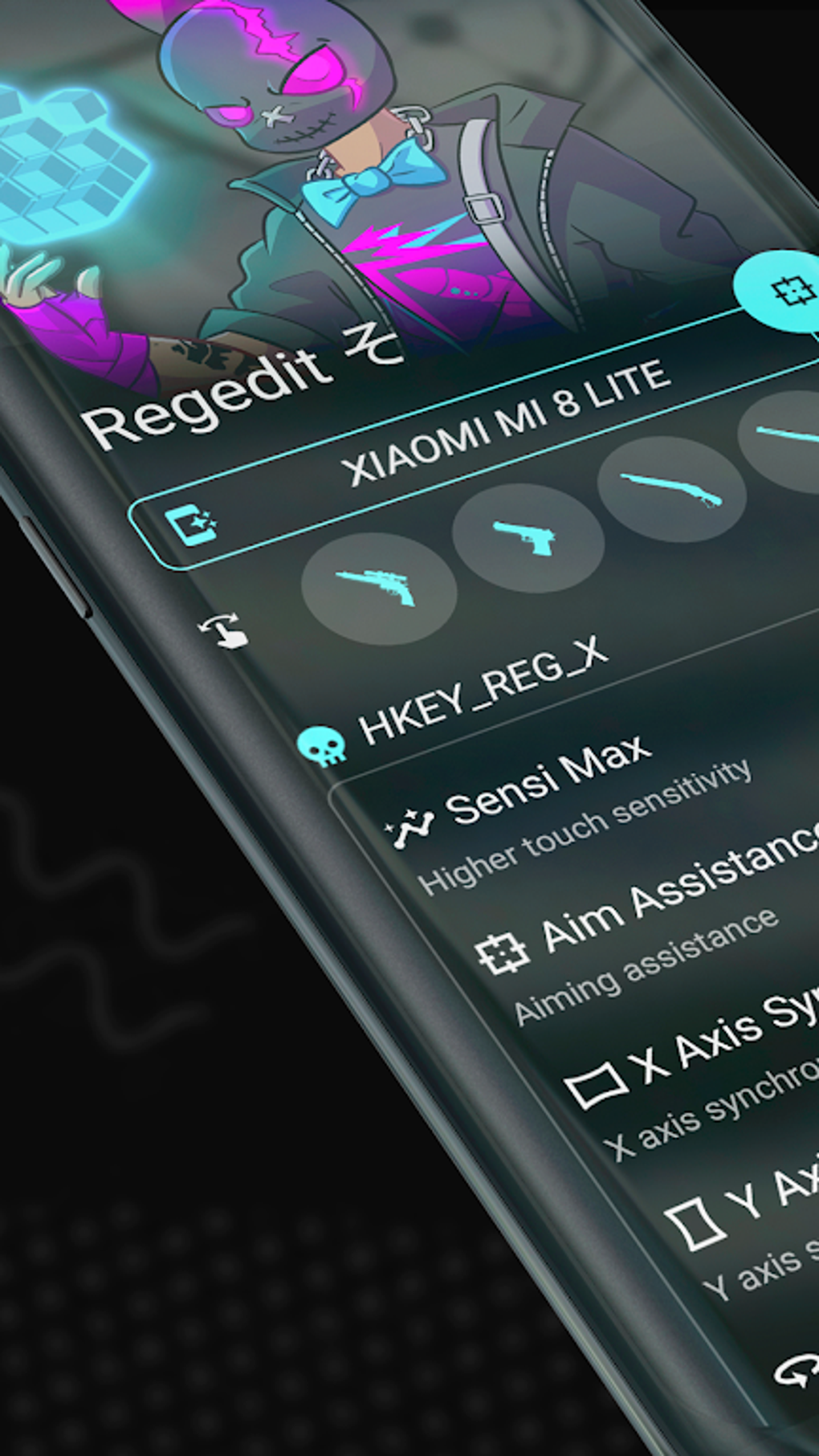
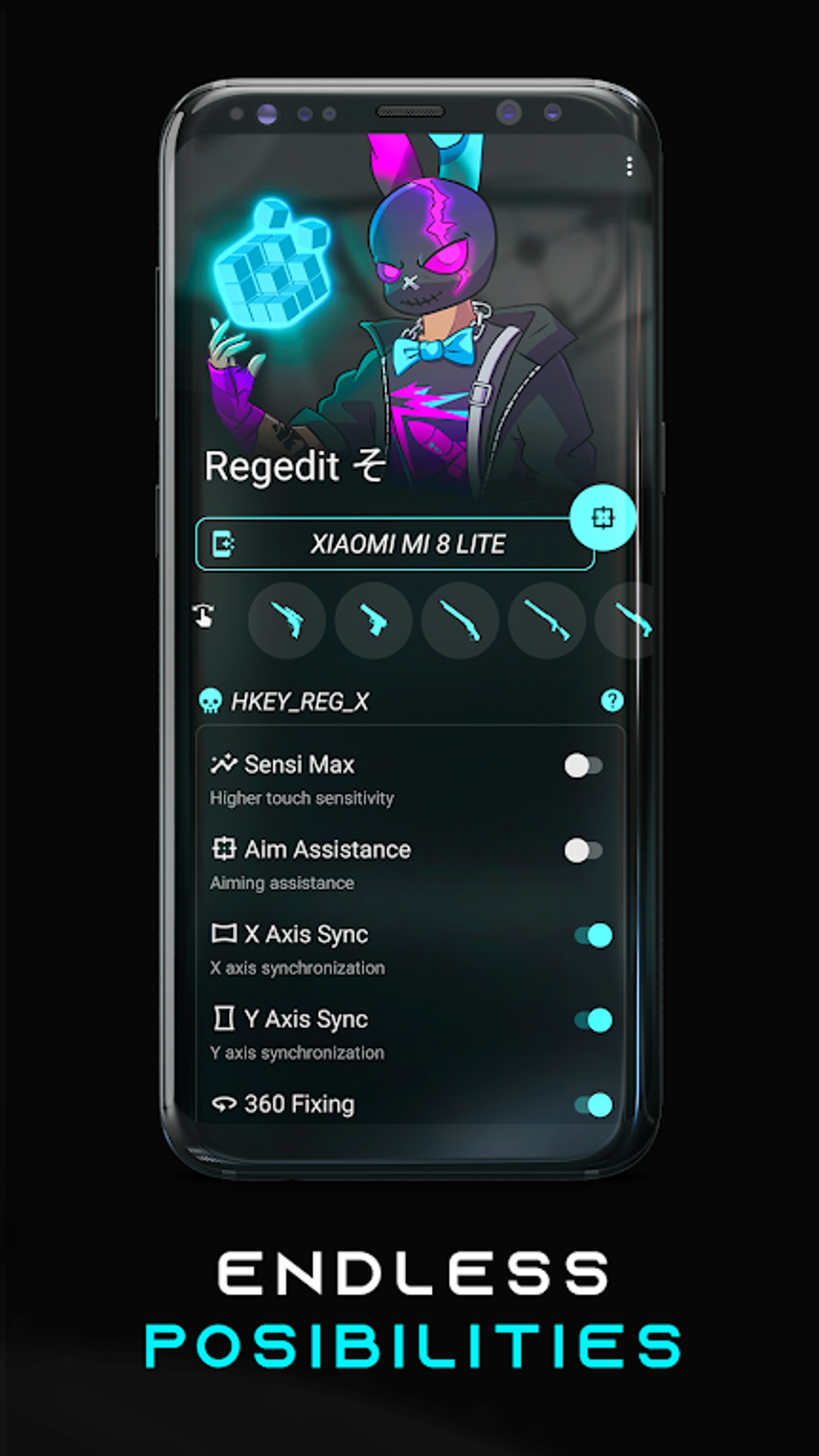
After installation, launching the app will present the user with the main interface. This typically involves a series of adjustable sliders and buttons for modifying sensitivity settings. Starting with one of the pre-configured profiles is recommended. Users can then fine-tune these settings by incrementally adjusting values and testing the results within their game. Remember, finding the optimal sensitivity is a trial-and-error process, so patience and experimentation are key. After achieving satisfactory results, users should carefully save their customized profiles to avoid repeating the calibration process.
It’s crucial to remember that using any third-party application to modify game settings carries potential risks. It’s essential to download the application from a reliable and reputable source to minimize the risk of malware or viruses. Always back up important data before making significant system changes, even if the changes are temporary. The app should be used responsibly and within the terms of service of the game being played. Violating terms of service could result in game bans or account restrictions.
Legal Disclaimer
Laws regarding the use of this type of software vary significantly from country to country. PhanMemFree does not endorse or condone the use of this program if it violates any applicable laws or the terms of service of any specific game. Users are solely responsible for understanding and complying with all relevant laws and regulations. PhanMemFree provides information for educational purposes only and accepts no liability for any consequences resulting from the use of this software. Always use software responsibly and ethically.
File Information
- License: “Free”
- Version: “1.0”
- Latest update: “July 1, 2025”
- Platform: “Android”
- OS: “Android 12.0”
- Language: “English”
- Downloads: “22.2K”
- Size: “56.75 MB”
- Download Options: “APK, Google Play”
- Filename: “gg.manuelita.freeregedit_1.0.apk”