
Remote Control Collection is a software application designed to provide remote access and control of your personal computer (PC) from mobile devices like Android and Blackberry phones. While its core functionality is straightforward—allowing users to remotely manage various PC functions—its practical applications are somewhat limited by its reliance on a shared Wi-Fi network and the inconsistent performance of certain control features. This review delves into the software’s capabilities, ease of use, strengths, and weaknesses, offering a comprehensive assessment of its suitability for various user needs.
Ease of Setup and Connection
One of Remote Control Collection’s notable strengths lies in its straightforward setup and connection process. The server-side component, Remote Control Server, presents users with their IP address upon first launch. This simplifies the connection process significantly, eliminating the need for manual IP address searches. Users simply need to launch the application on their mobile device and ensure both their PC and mobile device are connected to the same Wi-Fi network. A simple “scan” function then facilitates the pairing process, establishing a connection between the mobile device and the PC server. This user-friendly approach makes the application accessible to users with varying levels of technical expertise, reducing the typical hurdles associated with configuring remote access software. However, the reliance on a shared Wi-Fi network restricts its usefulness in scenarios where such a network isn’t available. The inability to connect across different networks severely limits its practical applications for users needing remote access beyond their home or local area network.
Functionality and Control Options
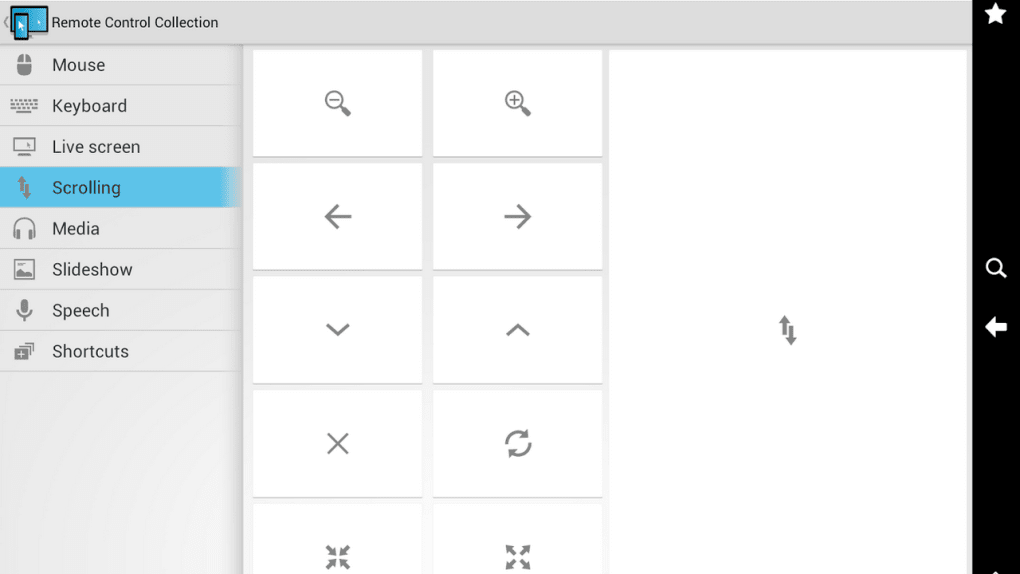
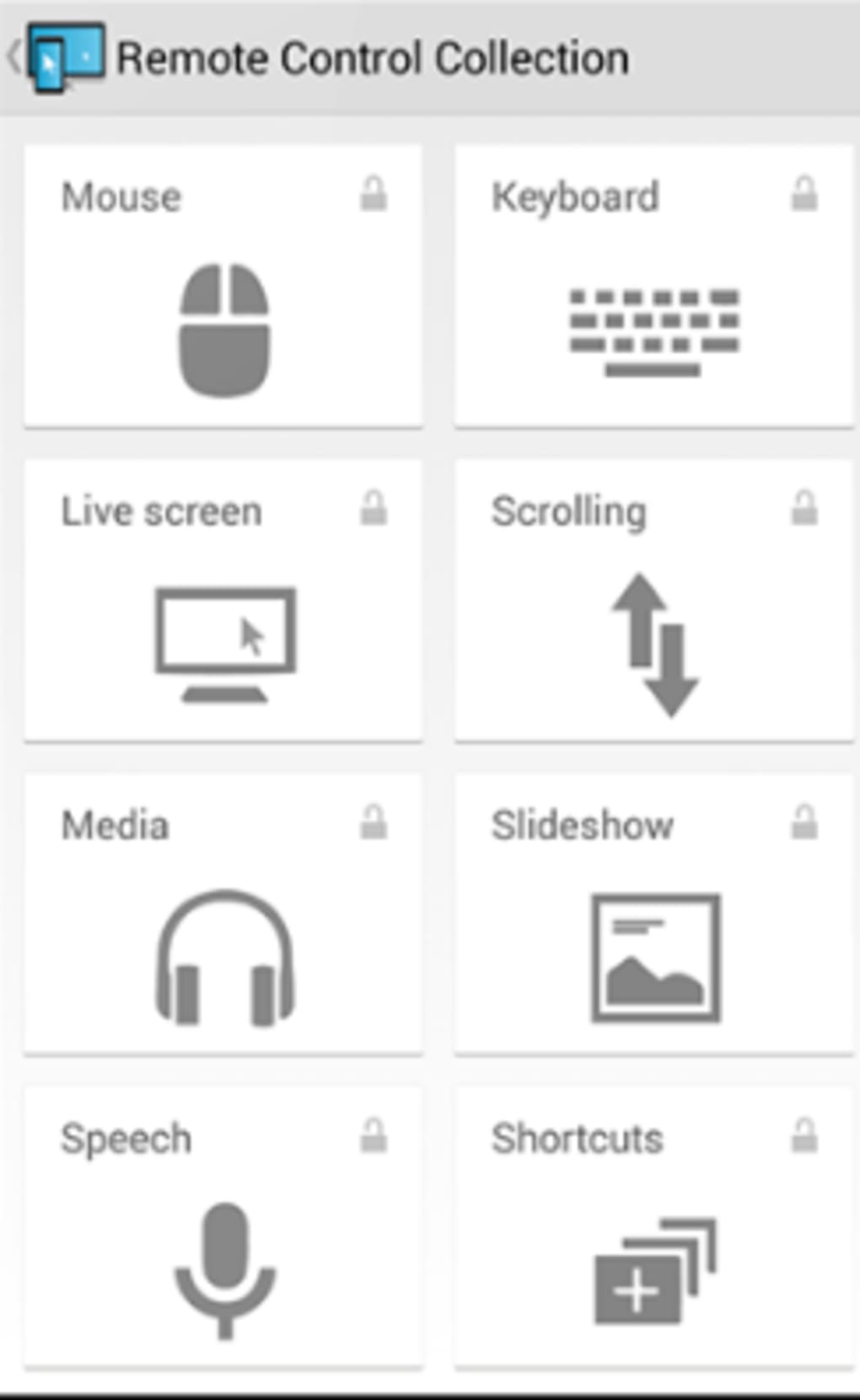
Remote Control Collection offers a diverse array of control functionalities, enabling users to perform a variety of actions on their PC remotely. These features include the ability to:
-
Shut down the PC remotely: A crucial feature allowing for convenient system shutdown from a distance. This is particularly beneficial for situations requiring remote system maintenance or security measures.
-
Control media players remotely: Users can control music playback, video streaming, and other multimedia applications on their PC from their mobile devices, providing a convenient way to manage entertainment remotely.
-
Use mobile devices as a remote control for presentations: The application enables users to employ their mobile device as a PowerPoint presentation remote, eliminating the need for a physical remote and providing more freedom of movement during presentations.
-
Control the mouse remotely: This feature allows users to remotely operate their PC’s mouse cursor using their mobile device’s touchscreen, effectively providing a virtual mouse for precise control over applications and desktop navigation.
-
Dictate voice commands to the PC: This advanced feature allows users to issue commands to their PC using voice input from their mobile device, enhancing accessibility and hands-free control.
-
View the PC screen on the mobile device: Providing a real-time visual representation of the PC screen on the mobile device is essential for monitoring and troubleshooting remote PC activities. This mirroring function ensures users maintain visual access to their PC’s activities.
The breadth of functionalities offered by Remote Control Collection is impressive, potentially fulfilling various user needs. However, the review highlights that not all control features perform equally well. The performance inconsistencies across these functions suggest areas where optimization and refinement could improve the overall user experience.
Strengths and Limitations
While Remote Control Collection showcases some significant strengths, primarily in its ease of setup and the range of functionalities, certain limitations hinder its overall effectiveness.
Strengths:
-
Simple setup: The straightforward setup process is a significant advantage, making the application readily accessible to a broader user base. This intuitive design minimizes the time and technical expertise required to establish a connection and begin utilizing the software’s features.
-
Diverse control features: The wide range of functionalities addresses diverse user needs, including remote shutdown, media control, presentation control, mouse control, voice commands, and screen mirroring. This versatility makes it potentially useful across various scenarios.
-
Free software: The application’s availability as free software eliminates financial barriers to entry, making it readily accessible to users seeking affordable remote control solutions.
Limitations:
-
Wi-Fi dependency: The sole reliance on a shared Wi-Fi network is a significant limitation, restricting its usability to situations where devices are connected to the same network. The inability to establish connections across different networks substantially restricts the app’s practical applications.
-
Inconsistent performance: Some control features are reported to exhibit inconsistent performance, impacting the overall reliability and usability of the application. Improving the performance and stability of all features is crucial to enhance user satisfaction.
- Limited practical applications: Despite the wide range of features, the app’s overall practical use is limited, particularly due to its Wi-Fi dependency and performance issues. Addressing these limitations could significantly expand the application’s potential and appeal.
Alternatives and Comparisons
Several alternative applications offer similar functionalities with potentially greater efficiency and reliability. These alternatives often include more robust features, broader compatibility, and enhanced security protocols. While Remote Control Collection provides a basic level of remote access, competing applications frequently offer superior cross-platform compatibility, cloud-based solutions, and remote access capabilities extending beyond a local network. The choice of which application to utilize depends on the specific user needs and the importance placed on factors such as reliability, security, and cross-platform compatibility. A thorough comparison with competitive products would offer more concrete insights into Remote Control Collection’s position within the market.
Conclusion
Remote Control Collection presents a simple and accessible solution for users seeking basic remote access to their PC within a shared Wi-Fi network. Its user-friendly setup and diverse control features offer convenience for specific tasks. However, its significant reliance on a shared Wi-Fi network and inconsistent feature performance limit its overall effectiveness and practicality. While suitable for basic remote control needs within a confined network environment, users seeking more robust, reliable, and widely applicable remote access solutions might find more comprehensive alternatives better suited to their requirements. The application’s future development would greatly benefit from addressing the performance inconsistencies and exploring options to extend its connectivity beyond the limitations of a shared Wi-Fi network.
File Information
- License: “Free”
- Latest update: “January 15, 2022”
- Platform: “Windows”
- OS: “Windows XP”
- Language: “English”
- Downloads: “73.3K”
- Size: “2.28 MB”


