Losing your TV remote or juggling multiple remotes for different devices can be frustrating. The Remote Control For Sharp TV app offers a convenient solution, transforming your Android smartphone or tablet into a fully functional remote for your Sharp TV. This comprehensive guide delves into the app’s features, functionality, and potential uses, providing a detailed overview for prospective users.
App Overview and Functionality
Remote Control For Sharp TV, developed by mlStudios, is a free utility app compatible with Android 9.0 and higher. It’s designed to seamlessly integrate with both newer Sharp Android TVs and older models equipped with infrared (IR) functionality. This broad compatibility makes it a versatile tool for a wide range of Sharp TV owners, eliminating the need for multiple remotes and offering a convenient backup solution should your original remote malfunction or get lost.
The app boasts a user-friendly interface, prioritizing ease of use and intuitive navigation. Basic TV control functions are readily accessible, allowing for effortless channel switching, volume adjustment, and menu navigation. This intuitive design ensures a smooth and efficient user experience, regardless of technical proficiency. Beyond basic control, the app enhances functionality with a built-in virtual mouse and keyboard. This feature opens up a world of possibilities, allowing users to easily browse the internet, type in passwords, search for content, and navigate complex on-screen menus with precision.
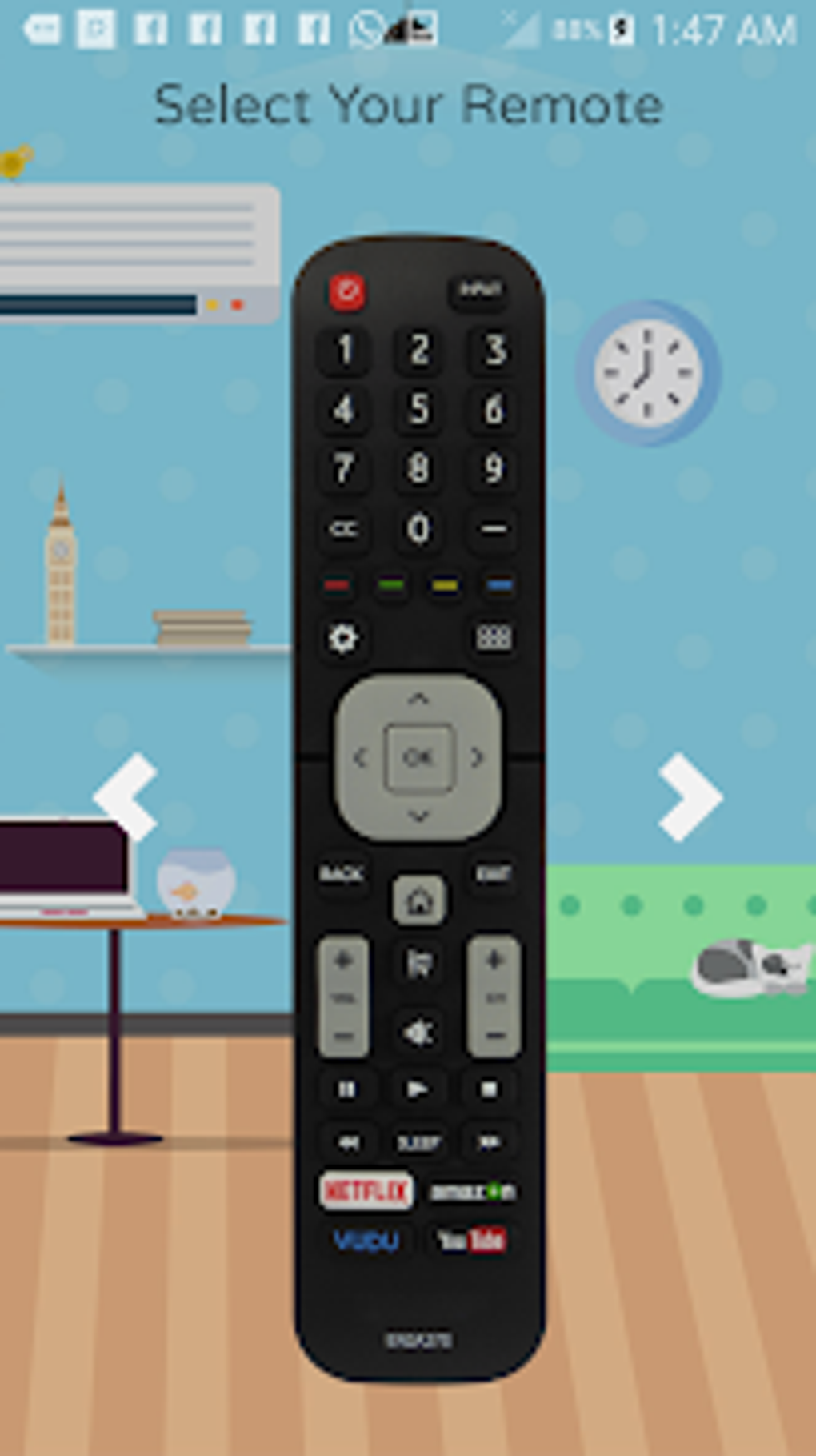
The connection process is straightforward. Users can connect their smartphone or tablet to their Sharp TV via either Wi-Fi or IR, depending on their TV’s capabilities. This flexibility caters to a broader range of Sharp TV models and ensures compatibility for most users. Once connected, the app provides a stable and responsive remote control experience, offering a seamless alternative to the physical remote.
The app’s developers have prioritized efficiency and simplicity, providing a streamlined solution for controlling your Sharp TV. The intuitive design, combined with the inclusion of a virtual mouse and keyboard, ensures a comprehensive and user-friendly experience that simplifies TV viewing and enhances overall convenience.
App Features and Capabilities: Beyond Basic Control
The Remote Control For Sharp TV app goes beyond simply mimicking the functions of a standard remote. Its features are designed to enhance the overall TV viewing experience, offering greater control and convenience.
Basic TV Control:
-
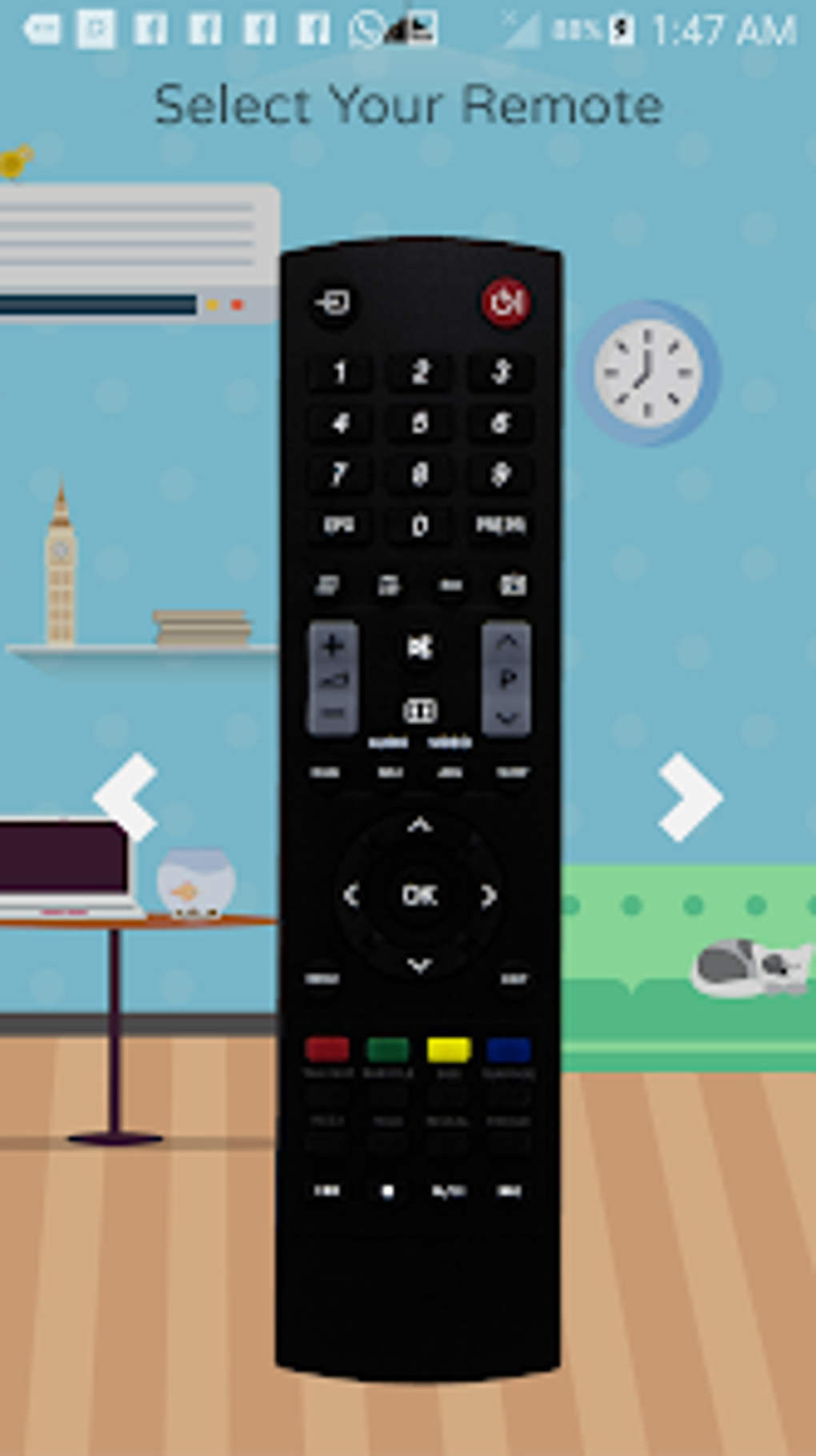
Channel Switching: Effortlessly change channels using the intuitive on-screen controls. The app mimics the physical remote’s channel buttons for a familiar and user-friendly experience.
-
Volume Adjustment: Precisely adjust the volume level, providing granular control over audio output. The app’s interface allows for easy volume increases and decreases, replicating the physical remote’s functionality.
-
Menu Navigation: Navigate through the TV’s on-screen menus with ease. The virtual directional pad provides precise control, enabling effortless access to all TV settings and options.
-
Power Control: Turn your Sharp TV on and off directly from your smartphone or tablet. This convenient feature eliminates the need to reach for the physical remote, enhancing overall usability.
Advanced Features:
-
Virtual Mouse: The integrated virtual mouse allows for effortless navigation of web browsers, streaming apps, and other applications requiring precise cursor control. This feature greatly enhances the app’s versatility and expands its functionality beyond basic TV control.
-
Virtual Keyboard: The included virtual keyboard facilitates easy text input, enabling users to effortlessly search for content, enter passwords, and complete other tasks requiring text entry directly on the TV screen.
-
Wi-Fi and IR Support: The app supports both Wi-Fi and IR connections, offering flexible compatibility with a wide range of Sharp TV models. This dual-connectivity ensures that users can connect their smartphones or tablets regardless of their TV’s specific features.
Apps, Games, and News Access via the Sharp TV Remote
While the core functionality of the Remote Control For Sharp TV app centers on controlling the TV itself, its virtual mouse and keyboard open up opportunities to access and interact with various apps, games, and news sources directly through your Sharp TV. This seamless integration enhances the overall user experience, extending the app’s usefulness beyond simple TV control.
Apps:
The ability to use the virtual mouse and keyboard allows for easy navigation and usage of various apps available on your Sharp TV’s platform. This includes streaming services, such as Netflix, Hulu, and others, enabling a smooth and user-friendly experience for accessing and controlling your favorite entertainment. The precise cursor control provided by the virtual mouse ensures a seamless experience similar to using a physical remote or a standard pointing device.
Games:
Playing games on your Sharp TV becomes significantly more convenient with the Remote Control For Sharp TV app. The virtual mouse provides intuitive control for games requiring pointer accuracy, while the keyboard allows for text input in games that require it. This integration transforms your smartphone into a versatile gaming controller, enhancing the gaming experience on your Sharp TV.
News:
Access and navigate news apps directly from your smartphone or tablet using the virtual mouse and keyboard. This feature allows for seamless browsing of news websites and applications available on your Sharp TV, providing a comfortable and convenient way to stay updated on current events.
Remote Control For Sharp TV: For Business and Professional Applications
While primarily designed for home use, the Remote Control For Sharp TV app also offers potential applications in business and professional settings. Its versatility and ease of use make it a potential tool for various presentations and demonstrations.
The ability to control a Sharp TV remotely eliminates the need for physical proximity, allowing for presentations to be managed from a distance. This is particularly beneficial in scenarios where controlling the TV from the audience area is necessary. The virtual mouse and keyboard further enhance the flexibility of this application, permitting remote navigation and control of various interactive presentations displayed on the TV screen. Furthermore, the intuitive interface ensures a straightforward and efficient remote control experience, even for users unfamiliar with the app. This makes it a potentially valuable tool for business users needing quick and easy remote control of their Sharp TV.
Android Integration and User Experience
The Remote Control For Sharp TV app leverages the capabilities of the Android operating system to provide a seamless and intuitive user experience. Its integration with Android’s features makes it a convenient and user-friendly tool for controlling your Sharp TV.
The app’s compatibility with various Android versions ensures broad accessibility, making it usable on a wide range of Android devices. The intuitive design and straightforward navigation further contribute to a positive user experience, minimizing the learning curve and ensuring that even less tech-savvy users can quickly grasp and utilize the app’s functionality. The incorporation of a virtual mouse and keyboard enhances the overall experience, providing a level of control and precision not typically found in standard TV remotes. This creates a robust and adaptable remote control solution perfectly tailored to the capabilities of the Android platform.
Utilities & Tools: Enhancing the Remote Control Experience
The Remote Control For Sharp TV app stands out as a valuable utility and tool for managing your Sharp TV. Beyond its core remote control function, its additional features further solidify its position as a valuable addition to any Android user’s toolkit. The virtual mouse and keyboard are particularly noteworthy, extending the app’s utility beyond basic remote control and enabling a multitude of interactive possibilities. The app’s ability to seamlessly integrate with the Android operating system enhances its usability and makes it a convenient and practical tool for many Android users. It successfully merges the convenience of a mobile remote with the precision of a mouse and keyboard, providing a comprehensive control solution for Sharp TVs.
In conclusion, the Remote Control For Sharp TV app offers a compelling blend of functionality, convenience, and user-friendliness. Its simple interface, coupled with its advanced features like the virtual mouse and keyboard, elevates it beyond a simple remote control application. Its wide compatibility and versatile capabilities make it a valuable tool for users of all technical skill levels, streamlining the Sharp TV viewing experience and offering a versatile solution for various usage scenarios, both personal and professional.
File Information
- License: “Free”
- Latest update: “May 29, 2025”
- Platform: “Android”
- OS: “Android 13.0”
- Language: “English”
- Downloads: “1.4K”
- Size: “33.63 MB”
- Download Options: “APK, Google Play”
- Filename: “com.amplez.sharp_remotes_10.1.2.0.apk”