
The proliferation of smart TVs has simplified entertainment access, but sometimes the included remote isn’t enough. For Sceptre TV owners seeking a supplementary or alternative control method, a dedicated remote app offers a convenient solution. This article explores the features, functionality, and limitations of the “Remote for Sceptre TV” Android application, along with alternative options and considerations for optimal TV control.
Understanding the Remote for Sceptre TV App
The “Remote for Sceptre TV” Android app, developed by Guten Morgen, provides a basic remote control functionality for compatible Sceptre TVs. Its primary purpose is to mimic the standard remote’s functions, allowing users to control power, volume, channel selection, and potentially other features depending on the Sceptre TV model. The app is free to download and use, boasting a simple, intuitive interface designed for ease of navigation. Its popularity, evidenced by its download numbers, underscores its utility amongst Sceptre TV users.
However, it’s crucial to understand the app’s limitations. It is not an official Sceptre product. This means it’s not directly supported by Sceptre, and its functionality may vary depending on your specific TV model and software version. While generally reliable, the app may not support all advanced features of your Sceptre TV, such as smart TV functions or accessing specific menus. Furthermore, it requires a crucial hardware component to function correctly: an infrared (IR) emitter.
Essential Hardware: The IR Emitter
The “Remote for Sceptre TV” app relies on an IR emitter, a small device that transmits infrared signals. Without this hardware component, the app is essentially useless. The IR emitter connects to your Android device, usually via the headphone jack, transforming your smartphone or tablet into a functional remote control. Many universal remote apps function similarly, sending infrared signals to control various devices. The key is that the IR signal emitted must be compatible with the infrared receiver built into your Sceptre TV. If the frequencies don’t match, the app will fail to control the television.
Therefore, before downloading and using the “Remote for Sceptre TV” app, ensure you have a compatible IR emitter. These emitters are relatively inexpensive and readily available online or at electronics retailers. It’s worth noting that some newer Android devices have removed the headphone jack, requiring a USB-C or other adapter to connect the IR emitter, adding another layer of potential incompatibility.
Functionality and Interface: A Simple Approach
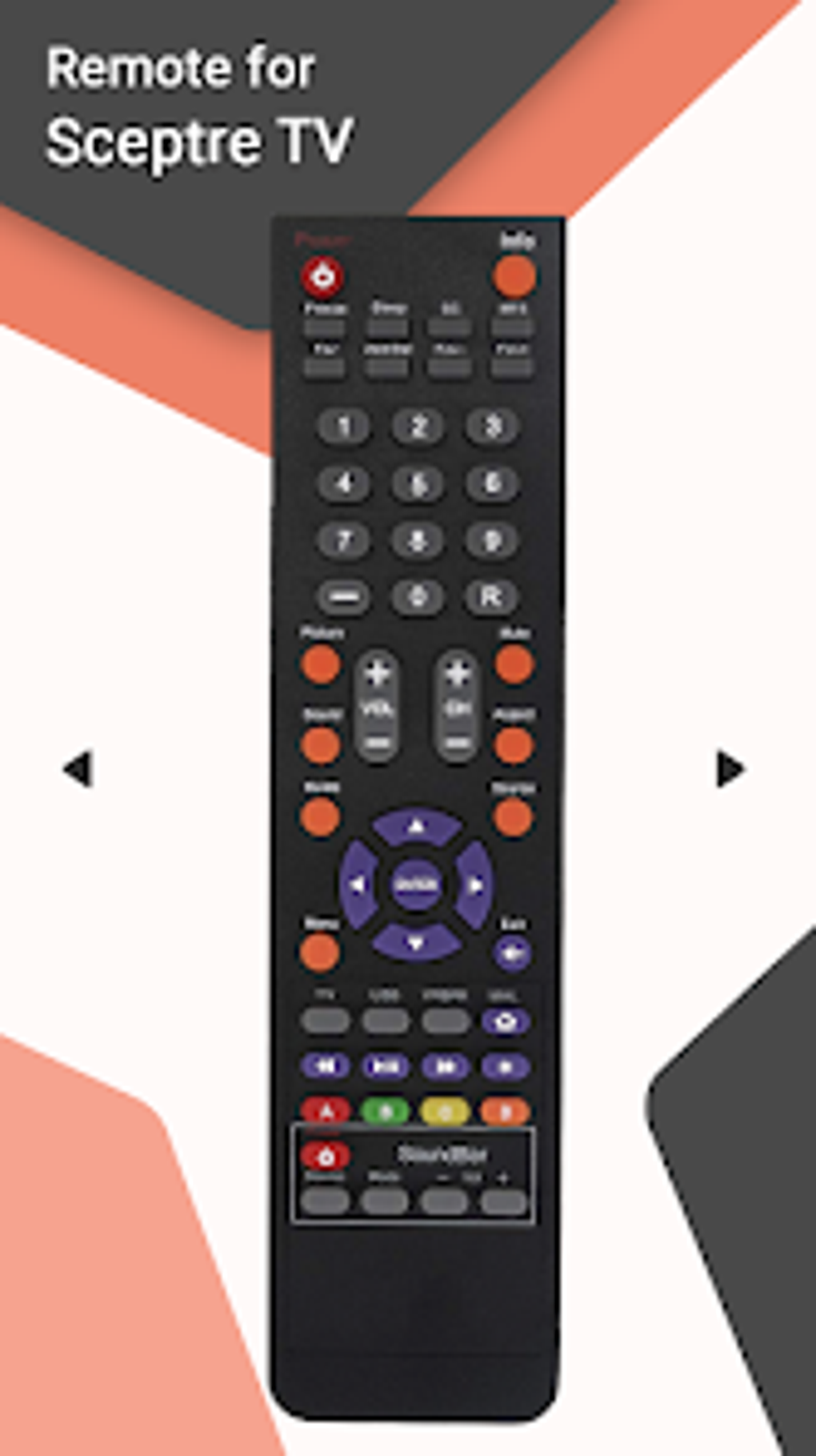
The app’s strength lies in its simplicity. The interface is designed for ease of use, featuring large, clearly labeled buttons for essential functions. Volume controls are usually prominently displayed, alongside channel up/down buttons and a power button. Some versions may include additional buttons for accessing the Sceptre TV’s menu or navigating through channels. However, the complexity and extent of these features can vary, lacking the extensive functionality of a dedicated Sceptre TV remote. The lack of advanced features reflects the app’s focus on providing a streamlined, user-friendly experience for basic TV control.
The absence of extensive customization options is a trade-off for simplicity. Users cannot typically remap buttons or create custom macros, a feature available in more advanced universal remote applications. This limitation targets users primarily needing a straightforward solution for basic TV control, without requiring technical expertise or extensive configuration.
Alternatives to the “Remote for Sceptre TV” App
While the “Remote for Sceptre TV” app serves a purpose, several alternatives offer broader compatibility, advanced features, or better support. These alternatives include:
- Official Sceptre Remote App (if available): Sceptre may offer its own official remote control app, providing superior compatibility and support. Check the Sceptre website or your TV’s documentation for more information. Official apps often benefit from direct integration with TV functions and software updates.
-
Universal Remote Control Apps: Numerous universal remote control apps are available on the Google Play Store. These apps support a wide array of TV brands and often include advanced features, such as macro programming and customizable button layouts. Popular options may offer a broader range of supported devices. Researching reviews is essential to select a reliable and functional app.
-
Smart Home Systems: If you have a smart home system (e.g., Google Home, Amazon Alexa, Apple HomeKit), you might be able to control your Sceptre TV through voice commands or integrated apps. This option offers hands-free control, but requires compatibility with your Sceptre TV’s smart features. The integration level varies depending on the smart home system and Sceptre TV model.
Troubleshooting and Common Issues
Despite its simplicity, the “Remote for Sceptre TV” app might experience occasional issues. Some common problems include:
-
IR Emitter Compatibility: Incorrect connection or incompatible IR emitter can prevent the app from working correctly. Verify the correct connection and try a different IR emitter if necessary.
-
Distance and Obstructions: Infrared signals are easily blocked by obstructions. Ensure a clear line of sight between the IR emitter and your Sceptre TV.
-
Software Conflicts: Conflicts with other apps or background processes on your Android device could interfere with the app’s functionality. Try restarting your device or closing unnecessary background apps.
-
TV Software Version: Compatibility issues might arise due to outdated TV firmware. Updating the Sceptre TV’s software to the latest version might resolve some issues.
-
Battery Life (on IR emitter): The IR emitter requires power. Low batteries can lead to unreliable signal transmission. Replace batteries as needed.
Conclusion: A Simple Solution with Caveats
The “Remote for Sceptre TV” app provides a basic, no-frills solution for controlling your Sceptre TV using an Android device. Its ease of use is its most significant advantage. However, the reliance on an external IR emitter and its limited functionality should be carefully considered. If you require advanced features, broader compatibility, or more reliable control, explore the alternative options mentioned above. Before committing to this specific app, understanding its limitations and exploring alternative solutions allows for a more informed decision about your Sceptre TV control strategy.
File Information
- License: “Free”
- Version: “2.6”
- Latest update: “April 1, 2025”
- Platform: “Android”
- OS: “Android 13.0”
- Language: “English”
- Downloads: “557”
- Download Options: “Google Play”


