
RetroArch isn’t just another emulator; it’s a multifaceted, open-source project that’s redefined the landscape of retro gaming. This comprehensive platform leverages the Libretro development interface to provide a unified and highly customizable environment for emulating a vast array of classic gaming systems, playing media files, and even engaging in online multiplayer sessions. Unlike many emulators that focus on a single console or system, RetroArch boasts unparalleled versatility, acting as a one-stop shop for retro gaming enthusiasts. This article delves into the intricacies of RetroArch, exploring its features, capabilities, advantages, and the challenges that newcomers might encounter.
Unlocking a Universe of Retro Gaming
RetroArch’s core strength lies in its ability to seamlessly integrate and manage various emulation “cores.” These cores are essentially individual emulators tailored to specific systems, such as Nintendo’s NES, SNES, Game Boy, Sega Genesis, PlayStation, and many more, even encompassing arcade systems through MAME (Multiple Arcade Machine Emulator) compatibility. This modular design allows for continuous updates and improvements to individual cores without affecting the overall RetroArch framework, ensuring consistent performance and accuracy. The ability to switch between cores effortlessly offers users an unparalleled level of flexibility, transforming RetroArch into a powerful, all-in-one retro gaming solution.
Instead of needing to install and manage numerous individual emulators, users can consolidate their retro gaming library within RetroArch’s unified interface. This centralized approach simplifies organization, streamlining game management and enhancing the overall gaming experience. The intuitive, albeit initially complex, user interface (UI) provides access to a wealth of features and settings, allowing for precise customization tailored to individual needs and preferences.
Beyond Emulation: Multimedia Capabilities and Enhanced User Experience
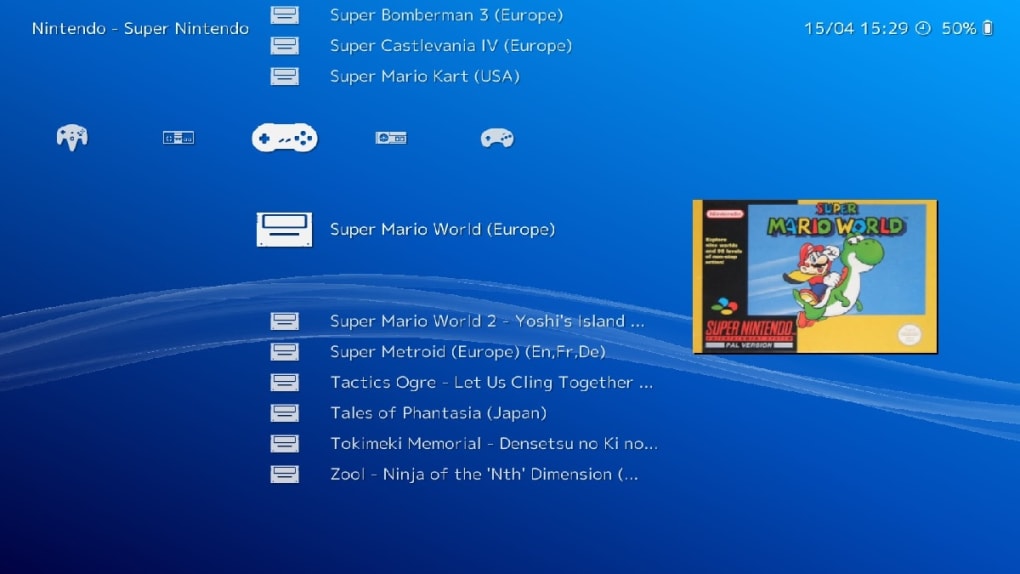
RetroArch’s capabilities extend far beyond classic game emulation. It offers a robust suite of features designed to enhance the overall user experience. These features include:
-
Intuitive (but initially steep) UI: While the learning curve can be initially steep, the user interface is designed to be intuitive once mastered. It provides a central hub for managing games, cores, and settings.
-
Extensive Core Support: RetroArch’s extensive library of cores is continuously updated, offering compatibility with a wide range of gaming systems, from handheld consoles to arcade cabinets. This ensures that users have access to a diverse catalog of classic titles.
-
Built-in Media Player: Beyond games, RetroArch can also be used to play various multimedia files, expanding its functionality beyond the realm of emulation.
-
Collection Management: Organizing your game library is made simple through RetroArch’s collection management features. It allows you to categorize your games, create playlists, and effortlessly switch between titles.
-
Game Database Integration: RetroArch connects to online databases, automatically downloading box art, game descriptions, and other metadata, enhancing the presentation of your game library.
-
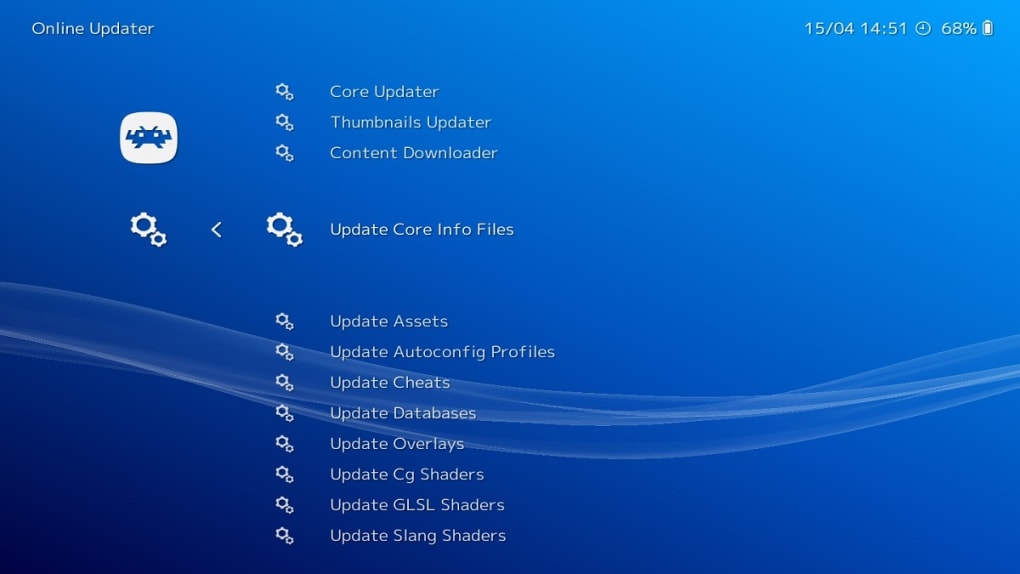
Seamless Core Download and Updates: The process of adding new cores or updating existing ones is streamlined through RetroArch’s integrated system, minimizing the need for manual downloads and installations.
-
Game & Watch Emulator: RetroArch provides emulation support for Nintendo’s iconic Game & Watch handheld series, adding another layer of retro gaming nostalgia.
-
Input Remapping: Users can fully customize their controller configurations, remapping buttons and axes to suit their preferred play style.
-
Cheat Support: RetroArch supports cheat codes, allowing players to modify game parameters for easier gameplay or to explore hidden content.
-
Multi-Language Support: The interface supports multiple languages, catering to a broader audience of users.
-
NetPlay Multiplayer: Engage in online multiplayer sessions with friends, reliving the collaborative spirit of classic gaming. This feature allows you to play many games online against others, reviving a social aspect of gaming from a previous era.
-
Shader Support: Enhance visuals through shader options, allowing for customized visual effects that can significantly improve the appearance of older games.
Customization and Adaptability: Tailoring RetroArch to Your Needs
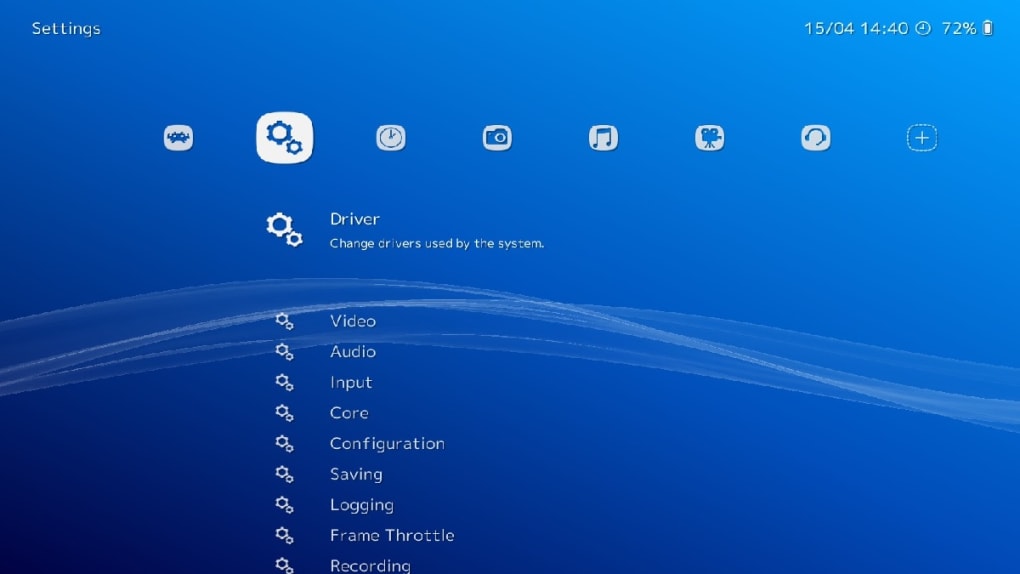
The highly customizable nature of RetroArch is a significant advantage. Users can tweak numerous settings to optimize performance and enhance the visual experience. This includes adjusting resolution, aspect ratio, and applying various shaders to improve the graphical fidelity of older games. The ability to fine-tune controller configurations, utilizing custom mappings, ensures a comfortable and personalized gaming experience. This degree of customization allows RetroArch to adapt to a broad spectrum of hardware, ranging from low-power devices to high-end gaming PCs.
However, this extensive configurability can also be a double-edged sword. The sheer number of settings and options can initially feel overwhelming, particularly for novice users. Understanding the intricacies of each setting can require significant experimentation and a willingness to delve into the program’s documentation. The learning curve is undeniably steep, and users should be prepared to invest time in learning the system before fully realizing its potential.
Performance Considerations: Hardware and Optimization
While RetroArch offers impressive versatility, its performance is intrinsically linked to the underlying hardware. More powerful processors and graphics cards will naturally yield better results, allowing for smoother gameplay, especially with demanding titles. However, RetroArch offers several optimization features to mitigate the impact of less powerful systems:
-
Hardware Acceleration: Enabling hardware acceleration, where possible, significantly offloads processing tasks to the graphics card, improving performance and reducing CPU load.
-
Controller Configuration: Optimizing controller settings can reduce input lag and enhance responsiveness.
-
Shader Settings: Different shader options offer varying performance characteristics. Choosing appropriately can improve or decrease the performance of a game.
Conclusion: A Powerful but Demanding Retro Gaming Solution
RetroArch emerges as a powerful and versatile tool for retro gaming enthusiasts. Its open-source nature, cross-platform compatibility, and extensive customization options make it a truly remarkable platform. However, it’s crucial to acknowledge the steep learning curve. Newcomers should expect to invest considerable time in learning the intricacies of the interface and configuration options before fully harnessing its capabilities. The effort is richly rewarded, however, with a system capable of emulating a vast library of classic games and offering an unparalleled level of control and customization. For dedicated retro gamers willing to invest the necessary time and effort, RetroArch is a treasure trove of nostalgic experiences and endless gaming possibilities. Its open-source nature fosters a vibrant community, continually contributing to its improvement and enhancement. This constant evolution ensures that RetroArch remains at the forefront of retro gaming technology. The combination of extensive functionality, consistent updates, and community support cements RetroArch’s position as a leading choice for those seeking a comprehensive and adaptable retro gaming solution.
File Information
- License: “Free”
- Latest update: “November 15, 2024”
- Platform: “Windows”
- OS: “Windows XP”
- Language: “English”
- Downloads: “13.8K”
- Size: “184.25 MB”


