
In the ever-evolving digital landscape, websites increasingly employ JavaScript to restrict user interactions, often preventing simple actions like right-clicking. This limitation can be incredibly frustrating, particularly when you need to access information, copy text, or perform other standard actions that are inexplicably blocked. RightToClick is a Firefox add-on designed to combat this frustrating limitation, empowering users to regain control over their browsing experience. This comprehensive review delves into the functionality, features, advantages, and disadvantages of RightToClick, providing a thorough assessment of its value and usability.
Understanding RightToClick’s Functionality
RightToClick is a lightweight Firefox extension that primarily focuses on restoring the basic right-click functionality on websites that have disabled it using JavaScript. This seemingly simple function has significant implications for user experience, particularly when encountering websites that overly restrict user interaction for reasons that may not be immediately apparent or justifiable.
The extension operates by overriding the JavaScript code that blocks right-click events. Once installed and enabled, RightToClick allows users to perform all standard right-click actions, including:
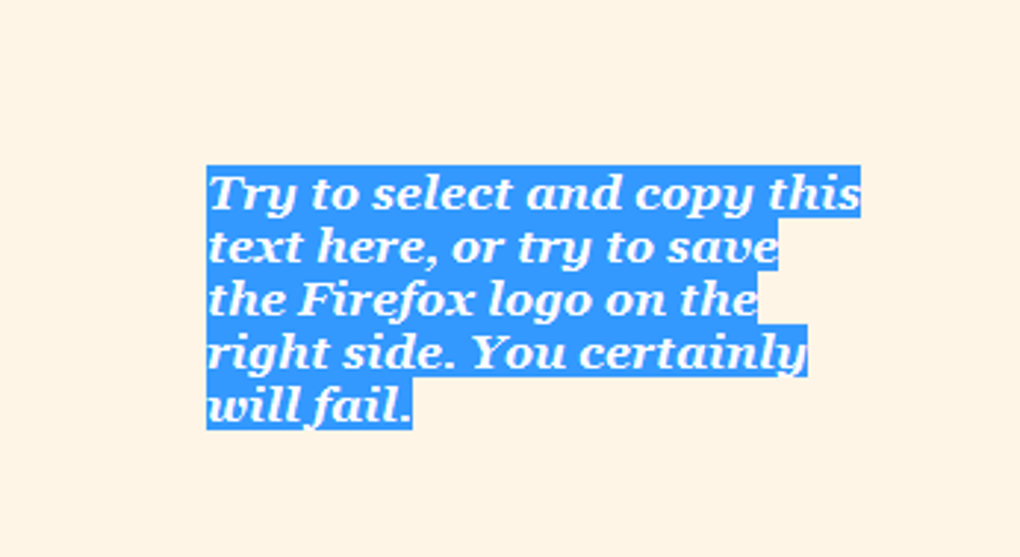
- Highlighting text: Easily select and copy text from any part of a webpage, regardless of any JavaScript restrictions.
- Copying text: Quickly copy selected text to your clipboard for use elsewhere.
- Dragging and dropping: Utilize drag-and-drop functionality where it would otherwise be blocked.
- Accessing context menus: Gain access to the standard right-click menu and its various options.
- Bypassing popup alerts: Circumvent annoying popup alerts that may interfere with your browsing experience.
In essence, RightToClick acts as a crucial tool for restoring the default functionality of your web browser, preventing websites from unduly limiting your interaction.
Ease of Use and Installation
RightToClick’s strength lies in its simplicity. Installation is straightforward, involving a simple download and add-on installation process within the Firefox browser. Once installed, the extension adds two readily identifiable icons to your browser interface – one in the navigation bar and another in the status bar. Enabling RightToClick involves a single click on either icon, providing an instant and user-friendly activation process. This ease of use is a significant advantage, making it accessible to users of all technical skill levels. The lack of complex setup procedures ensures a smooth onboarding experience.
Advanced Configuration Options: A Double-Edged Sword
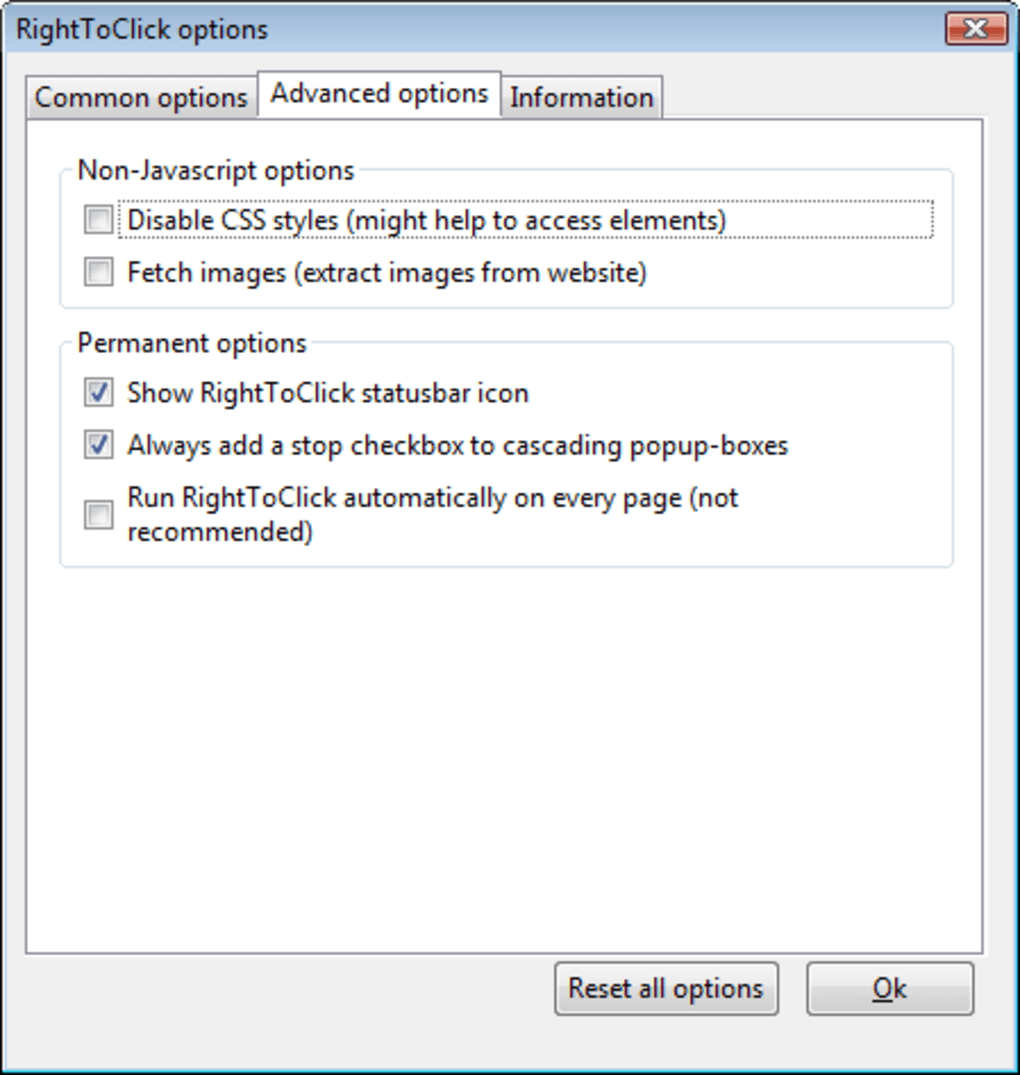
While RightToClick boasts a user-friendly interface and straightforward activation, it also includes a set of advanced configuration options. These options allow for fine-grained control over the extension’s functionality, offering users the ability to customize its behavior to suit their specific needs. However, these options are not clearly explained, making them potentially inaccessible to less technically inclined users. The lack of clear documentation and user-friendly explanations for these settings represents a significant drawback. While experienced users might appreciate the level of customization, the absence of comprehensive guidance significantly reduces the accessibility of these powerful features for the average user.
Benefits and Drawbacks of Using RightToClick
RightToClick offers several key advantages:
- Restores basic functionality: The core benefit is the restoration of standard right-click functionality on websites that have intentionally disabled it. This removes a significant hurdle for users who need to access information or perform actions blocked by JavaScript.
- Enhanced browsing experience: By eliminating restrictions, RightToClick enhances overall browsing efficiency and user satisfaction, significantly reducing the frustration associated with blocked right-click interactions.
- Access to blocked elements: It grants access to website elements that might be intentionally hidden or obscured by website developers, enabling users to fully interact with the webpage’s content.
- Simple to use: Its intuitive interface and effortless installation and activation process make it easily accessible to a wide range of users.
Despite its benefits, RightToClick also presents certain drawbacks:
- Poorly explained configuration options: The advanced configuration options are not well documented, making them difficult for novice users to understand and utilize effectively. This lack of clarity limits the accessibility of the more powerful features.
- Limited compatibility: While effective on Firefox, it isn’t designed for other browsers, limiting its reach.
- Potential conflicts: Although infrequent, there’s a potential for conflicts with other browser extensions or website scripts. This necessitates troubleshooting in cases of unexpected behavior.
- Outdated last update: The last update occurred on March 12, 2019, which indicates a lack of ongoing development and potential compatibility issues with newer websites and browser versions. This raises concerns about long-term support and maintenance.
RightToClick’s Place in the Browser Ecosystem
In the context of the broader browser extension landscape, RightToClick occupies a niche role, addressing a specific problem faced by web users. Its functionality is focused and targeted, catering to users who encounter websites that have excessively restricted right-click functionality. While its simplicity is a strength, the lack of ongoing development and the poorly explained advanced options represent significant weaknesses that hinder its wider adoption and potential. The extension’s outdated nature further diminishes its overall effectiveness and reliability in the modern web browsing environment.
Alternatives and Competitors
While RightToClick addresses a particular issue, other browser extensions and techniques offer alternative solutions for dealing with websites that restrict right-click functionality. Many browsers include built-in developer tools that allow for more sophisticated manipulation of web page elements, potentially providing more comprehensive solutions than RightToClick. These developer tools usually provide the ability to inspect and modify web page code directly, which offers greater flexibility than a simple right-click restoration tool. Exploring such alternatives may offer more robust and up-to-date methods for overcoming website restrictions.
Conclusion: A Useful but Limited Tool
RightToClick is a functional tool that effectively restores the right-click functionality on websites where it has been disabled. Its ease of use and simple interface make it a viable solution for users who frequently encounter this issue. However, the significant drawbacks, particularly the lack of clear documentation for the advanced settings and the outdated last update, significantly limit its potential. While helpful in specific situations, the absence of ongoing development and the lack of clarity regarding its configuration options suggest that users should consider exploring alternative methods for overcoming website restrictions. The existence of more robust and comprehensive tools within most modern browsers should be taken into account when evaluating RightToClick’s usefulness in the current digital landscape. The overall value proposition is somewhat hampered by its limitations, leaving its long-term viability uncertain in a constantly evolving browser environment.
File Information
- License: “Free”
- Version: “2.8.1”
- Latest update: “March 12, 2019”
- Platform: “Windows”
- OS: “Windows 8”
- Language: “English”
- Downloads: “8.8K”
- Size: “52.12 KB”


