
RingRing is a free personalization app for Android devices, developed by Arindam Ghosh. Its primary function is to provide a visually appealing and customizable battery indicator in the form of a ring displayed in the top right corner of your screen. This allows for quick and easy monitoring of your device’s battery life, offering a more intuitive alternative to the standard Android battery indicator. Beyond its basic functionality, RingRing boasts a range of customization options, making it a personalized tool for managing battery power.
Customizable Battery Ring Display
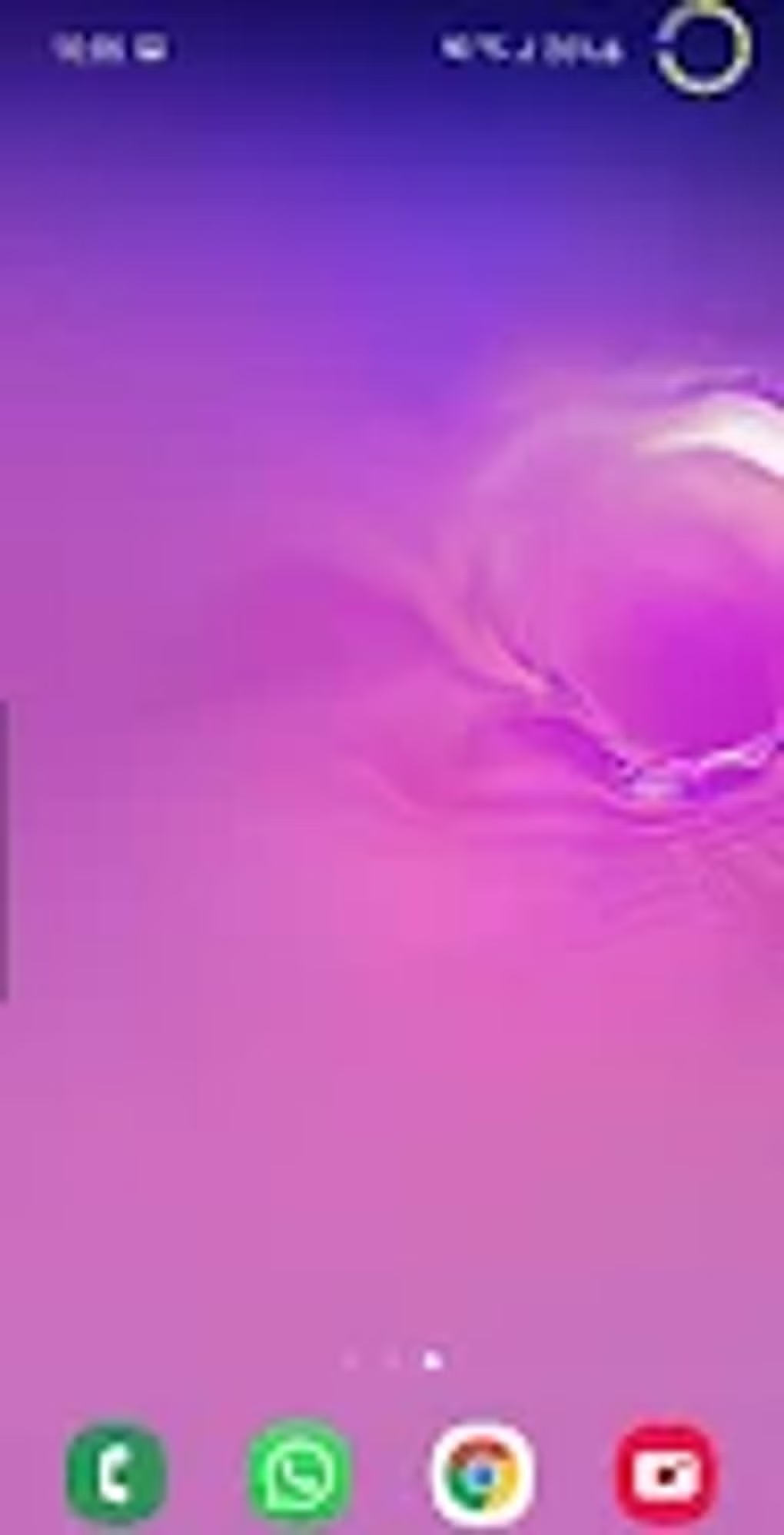
The core feature of RingRing is its circular battery indicator, or “power ring.” This ring dynamically changes its appearance based on the current battery level. This visual representation provides an at-a-glance understanding of your remaining battery life. The app offers a diverse palette of colors for customization. Users can select a single color or even create a gradient effect, blending multiple colors seamlessly. This allows for perfect harmonization with your device’s wallpaper, ensuring the power ring complements rather than clashes with your aesthetic preferences.
The level of customization extends beyond color. Users have complete control over the ring’s thickness and size, tailoring it to their specific preferences and screen dimensions. Whether you prefer a subtle, thin ring or a bolder, more prominent display, RingRing offers the flexibility to adjust the ring’s visual impact. Furthermore, the direction of the ring’s progress can also be customized, choosing between clockwise, counter-clockwise, or even bidirectional animation. These options empower users to personalize the visual experience according to their individual taste, offering a level of control rarely found in standard battery indicator implementations.
.webp)
Beyond Aesthetics: Functionality and Notifications
While the customizable visuals are a key selling point, RingRing goes beyond mere aesthetics. The app provides clear and timely notifications when your battery reaches critical levels. This proactive approach prevents unexpected shutdowns, ensuring you’re always aware of your device’s battery status. The color-coding of the battery ring further enhances this functionality, instantly signaling whether your battery is in a safe or critical state, allowing you to act accordingly. This combination of visual feedback and notifications promotes proactive battery management, minimizing the risk of unexpected power loss.
The app’s direct access to battery performance data is also a significant advantage. Unlike some applications that only indirectly estimate battery life, RingRing leverages the device’s internal battery information to provide accurate and real-time readings. This accuracy ensures that the battery level displayed accurately reflects the device’s actual state, minimizing potential discrepancies. The seamless integration of the battery ring onto the screen provides an always-visible, continuously updating display of battery information. This allows for convenient and constant monitoring without needing to actively open the app or navigate to the system battery settings.
Limitations and Potential Drawbacks
Despite its numerous advantages and features, RingRing also presents some limitations users should be aware of. One significant drawback is the app’s lack of automatic updates. Unlike applications distributed through official app stores, RingRing may not automatically receive updates to fix bugs, enhance functionality, or implement security patches. Users will need to manually check for and install updates from the source they downloaded it from, a process that can sometimes be cumbersome.
.webp)
Furthermore, the constant monitoring and display of the battery ring, combined with the app’s background processes, can contribute to increased battery drain. While this impact may vary depending on the device and its usage, the app itself is a consumer of battery resources, potentially offsetting some of the benefits of its battery monitoring functions. Users who are particularly sensitive to battery life should carefully consider the potential impact before installing the app, particularly if they regularly use their devices extensively on the go.
Another noticeable issue is the persistent nature of the battery ring, even when capturing screenshots. If you take a screenshot of your screen while the RingRing battery indicator is active, the ring will be visible in the screenshot. This can be undesirable in situations where you want to capture a clean screenshot without any overlaying elements. This behavior is inherent to the app’s design and is not a configurable option.
.webp)
User Experience and Interface
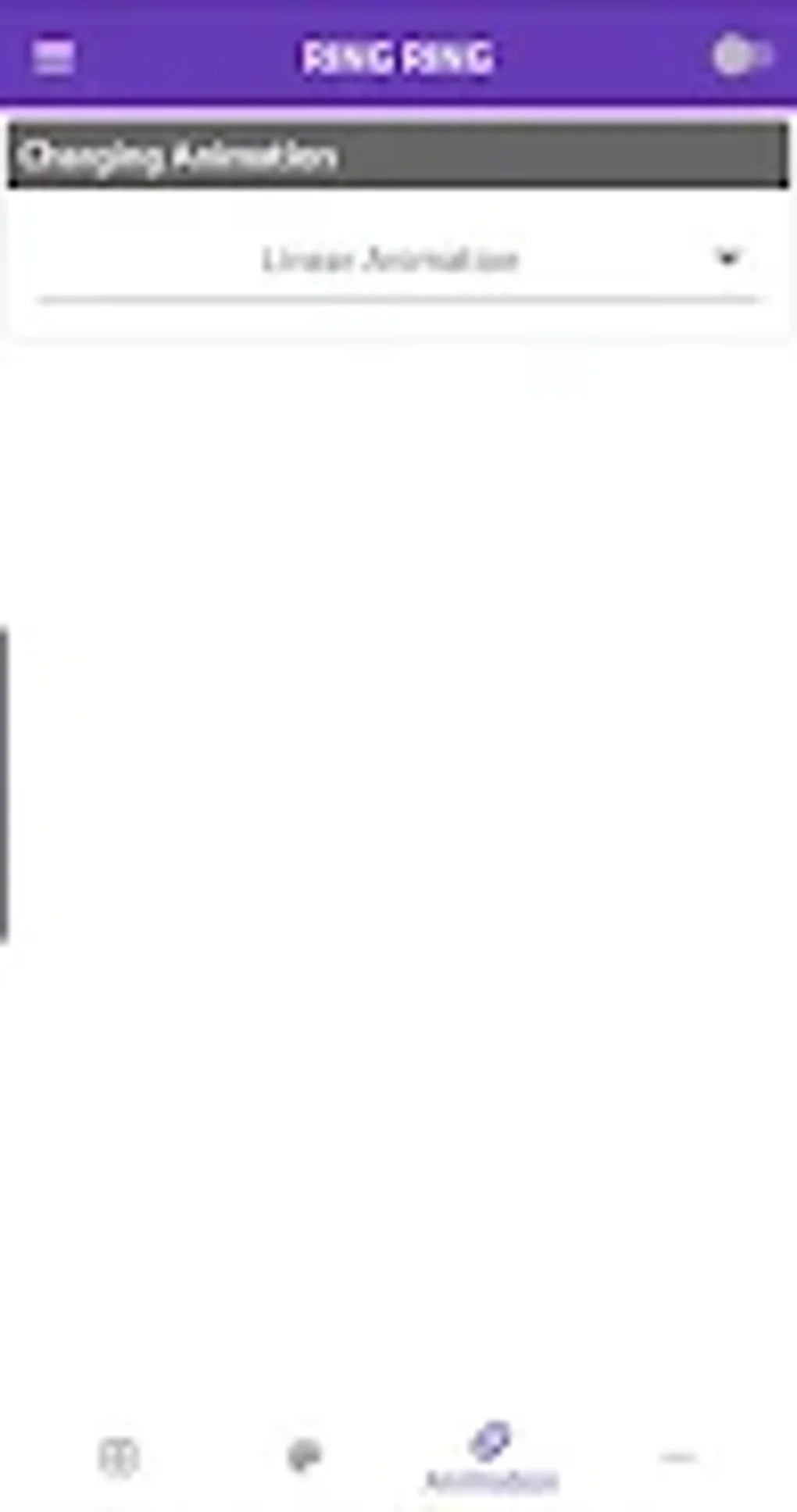
RingRing boasts a user-friendly interface, designed for ease of use and quick adaptation. The settings are intuitively arranged, allowing for easy customization of the battery ring’s appearance. Navigating the app’s options requires minimal technical expertise, ensuring that even users unfamiliar with advanced Android settings can effectively personalize their battery indicator. The clean design and streamlined navigation enhance the overall user experience, making the app accessible to a wide range of users.
The simple and effective interface ensures that the core functionality remains the focus. It avoids unnecessary complexity, maintaining a balance between customization and ease of use. The intuitive nature of the interface makes it a suitable application for both novice and experienced Android users alike. The immediate visual feedback from the customizable power ring adds to the user-friendly design, providing an instantly clear and easily understandable indication of battery life.
Alternatives and Comparison
Several alternative apps offer similar battery indicator features, but RingRing distinguishes itself through its extensive customization options and visual appeal. While other apps might offer basic battery level information, RingRing empowers users to tailor the presentation to match their personal preferences. This level of personalization offers a unique advantage compared to other, more simplistic battery indicators. The ability to precisely control the ring’s color, size, thickness, and animation sets it apart.
Other apps may focus on more comprehensive battery management tools, offering features like battery optimization or charging recommendations. RingRing, however, prioritizes a visually engaging and customizable battery indicator above other extensive management functionalities. Users seeking a comprehensive battery management suite might consider alternative apps, but users prioritizing a stylish and personalized visual display of battery life will find RingRing a compelling choice. The selection between alternative applications will ultimately depend on individual needs and preferences.
Conclusion: RingRing’s Strengths and Weaknesses
RingRing offers a unique and appealing way to monitor your Android device’s battery life. Its strengths lie in its extensive customization options, allowing for a highly personalized display that complements the user’s aesthetic preferences. The immediate visual feedback from the continuously updated power ring is a key advantage, improving the ease and speed of battery monitoring. However, the lack of automatic updates, potential for increased battery drain, and persistent visibility in screenshots are noteworthy drawbacks that users should consider.
Ultimately, the decision to use RingRing depends on individual priorities. If the highly customizable visual representation and immediate visual feedback of battery life outweigh the potential for increased battery drain and lack of automatic updates, RingRing is a viable and attractive option. However, users who prioritize automatic updates, minimized battery consumption, or clean screenshots should carefully evaluate these trade-offs before installing the application. RingRing, therefore, presents a compelling alternative to standard battery indicators, but not a universally perfect solution for all Android users.
File Information
- License: “Free”
- Version: “4”
- Latest update: “February 13, 2023”
- Platform: “Android”
- OS: “Android 5.0”
- Language: “English”
- Downloads: “741.9K”
- Size: “7.91 MB”
- Download Options: “APK, Google Play”
- Filename: “RingRing_4.apk”


