
Rino Movies is a free Android application developed by HyperArt GEN, designed to streamline your movie, anime, and TV show tracking experience. Unlike streaming services, Rino Movies serves as a comprehensive organizational tool, allowing you to meticulously manage your viewing lists, track progress, and discover new content tailored to your preferences. This in-depth review explores its features, functionality, and overall user experience.
Effortless Tracking and Organization
At its core, Rino Movies excels at simplifying the process of tracking your media consumption. Whether you’re a seasoned film buff, an avid anime enthusiast, or a dedicated follower of the latest TV series, the app offers a clean and intuitive interface to manage your extensive watchlist. You can easily add movies, anime, and TV shows to your “To Watch” list, marking them as “Watched” upon completion. This straightforward system allows you to maintain a well-organized record of your viewing history, eliminating the need for scattered notes or cumbersome spreadsheets.
The app goes beyond simple list management, providing detailed information for each entry. Each title includes a high-quality poster image, ensuring visual appeal and easy identification. Beyond the visual aspect, users gain access to comprehensive information including the title, cast, crew, and a concise synopsis. This wealth of data ensures you’re fully informed about the content before committing to watching it, allowing for more informed choices. For those who appreciate a sneak peek, Rino Movies also provides links to trailers, allowing you to watch previews before deciding whether a particular movie, anime, or show aligns with your interests.
Personalized Recommendations: Discovering Your Next Favorite
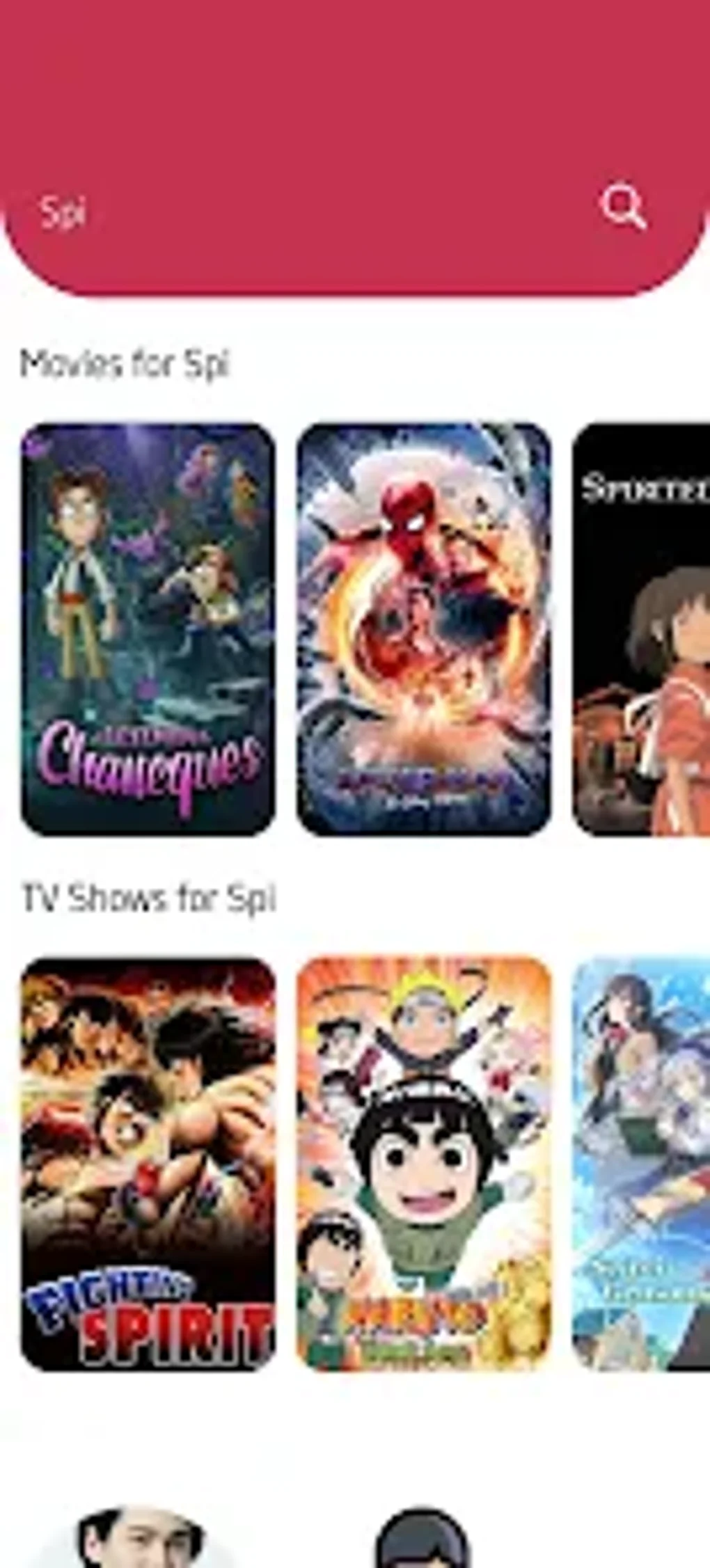
One of Rino Movies’ standout features is its intelligent personalized recommendation system. Leveraging your viewing history and preferences, the app curates a selection of titles you might enjoy. This feature proves invaluable for discovering new content that aligns with your established tastes. Instead of endlessly browsing through extensive catalogs, Rino Movies intelligently suggests potential new favorites, saving you valuable time and effort in your search for compelling entertainment. The algorithm continuously learns from your actions, refining its suggestions to ensure they remain relevant and engaging.
Beyond Tracking: Enhanced Features and Customization
Rino Movies transcends its core functionality as a tracking tool by offering several additional features that enhance the overall user experience. The app incorporates a “Quotes” section, providing a curated collection of inspiring and thought-provoking quotes from various sources. While seemingly unrelated to the primary function, this addition provides a pleasant and unexpected element of enrichment.
For those who prefer planning their movie outings, Rino Movies includes a “Movie Theater App Locator.” This convenient tool simplifies the process of finding nearby theaters, enabling you to seamlessly integrate the app into your movie-going experiences. No more tedious searches online; Rino Movies handles the location aspect, simplifying your planning process.
Customization is a key element of the user experience, with Rino Movies offering the option to switch between dark and light themes. This caters to individual preferences and adapts to various lighting conditions, optimizing the visual comfort for each user. The choice to personalize the app’s appearance is a small detail, but contributes significantly to an enhanced user experience.
Data Sourcing and Content Rights
Rino Movies leverages the extensive library of The Movie Database (TMDb) as its primary data source for posters, titles, cast, and crew information. This collaboration guarantees the accuracy and comprehensiveness of the data presented within the application. It’s essential to note that Rino Movies itself does not host or stream any video content. Instead, it acts as a comprehensive cataloging and organizational system, drawing its information from a reputable source. The app adheres strictly to TMDb’s content rights and terms of use, as clearly stated within the app’s settings, ensuring responsible and compliant data usage.
User Experience and Interface
The user interface of Rino Movies is designed for simplicity and ease of use. Navigation is intuitive, even for users unfamiliar with similar tracking apps. The app’s clean design minimizes clutter, ensuring a pleasant and focused viewing experience. The streamlined design prioritizes functionality, offering a straightforward path to managing your viewing lists and exploring recommendations. The app’s responsiveness is another key element of the user experience, with quick loading times and seamless transitions between screens, ensuring a smooth and efficient operation.
Conclusion: A Must-Have for Movie, Anime, and TV Show Enthusiasts
Rino Movies stands out as a well-designed and highly functional app for anyone who desires a centralized platform to manage their movie, anime, and TV show tracking needs. Its blend of intuitive organization tools, intelligent recommendations, and added features elevates it beyond a simple watchlist application. The app’s commitment to user experience, personalization options, and adherence to content rights cements its position as a valuable tool for any media enthusiast. The clean interface and seamless functionality make tracking your favorite shows a breeze, while the personalized recommendations open doors to discovering new favorites. If you’re seeking an efficient and enjoyable way to organize and track your entertainment consumption, Rino Movies is a strong contender and highly recommended.
File Information
- License: “Free”
- Version: “v1.5.3”
- Latest update: “June 5, 2024”
- Platform: “Android”
- OS: “Android 13.0”
- Language: “English”
- Downloads: “1.1K”
- Download Options: “Google Play”


