
Root Checker is a free utility application developed by joeykrim designed to quickly and easily determine the root status of an Android device. This simple, one-tap operation eliminates the need for complex setups or configurations, making it an accessible tool for users of all technical skill levels. This article delves into the functionality, uses, limitations, and alternatives to Root Checker, offering a comprehensive understanding of its role in managing Android root access.
Understanding Root Access and its Implications
Before exploring Root Checker, it’s crucial to understand what root access entails. Rooting an Android device grants elevated privileges, allowing users to access and modify system files and settings typically restricted to the operating system. This level of access can be beneficial for several reasons, including:
-
Enhanced Customization: Rooting allows for extensive customization of the Android operating system, including the ability to install custom ROMs, themes, and kernels, offering a level of personalization beyond the capabilities of standard Android installations.
-
Removal of Bloatware: Many Android devices come pre-installed with applications (“bloatware”) that users may find unnecessary or intrusive. Rooting enables the removal of these applications, freeing up storage space and improving device performance.
-
Increased System Control: Root access provides users with greater control over various aspects of their device, including the ability to manage system processes, optimize battery life, and overclock the processor (although this latter action carries risks).
-
Installation of Restricted Applications: Some Android applications require root access to function correctly. These applications may offer advanced features or functionality unavailable to non-rooted devices.
However, rooting also carries risks:
-
Voiding Warranties: Rooting your device often voids its manufacturer’s warranty, meaning you will be responsible for repair costs if issues arise.
-
Security Vulnerabilities: Incorrectly rooting a device can compromise its security, making it vulnerable to malware and other threats. This is why it’s crucial to use reputable rooting software and follow instructions carefully.
-
Bricking the Device: In the worst-case scenario, incorrect rooting procedures can “brick” the device, rendering it unusable. This is a serious risk, and it’s essential to proceed with caution and have a backup plan.
-
Software Conflicts: Rooting can lead to conflicts with certain applications or services that rely on a standard, un-rooted operating system. This can cause instability or malfunction.
How Root Checker Works and its Functionality
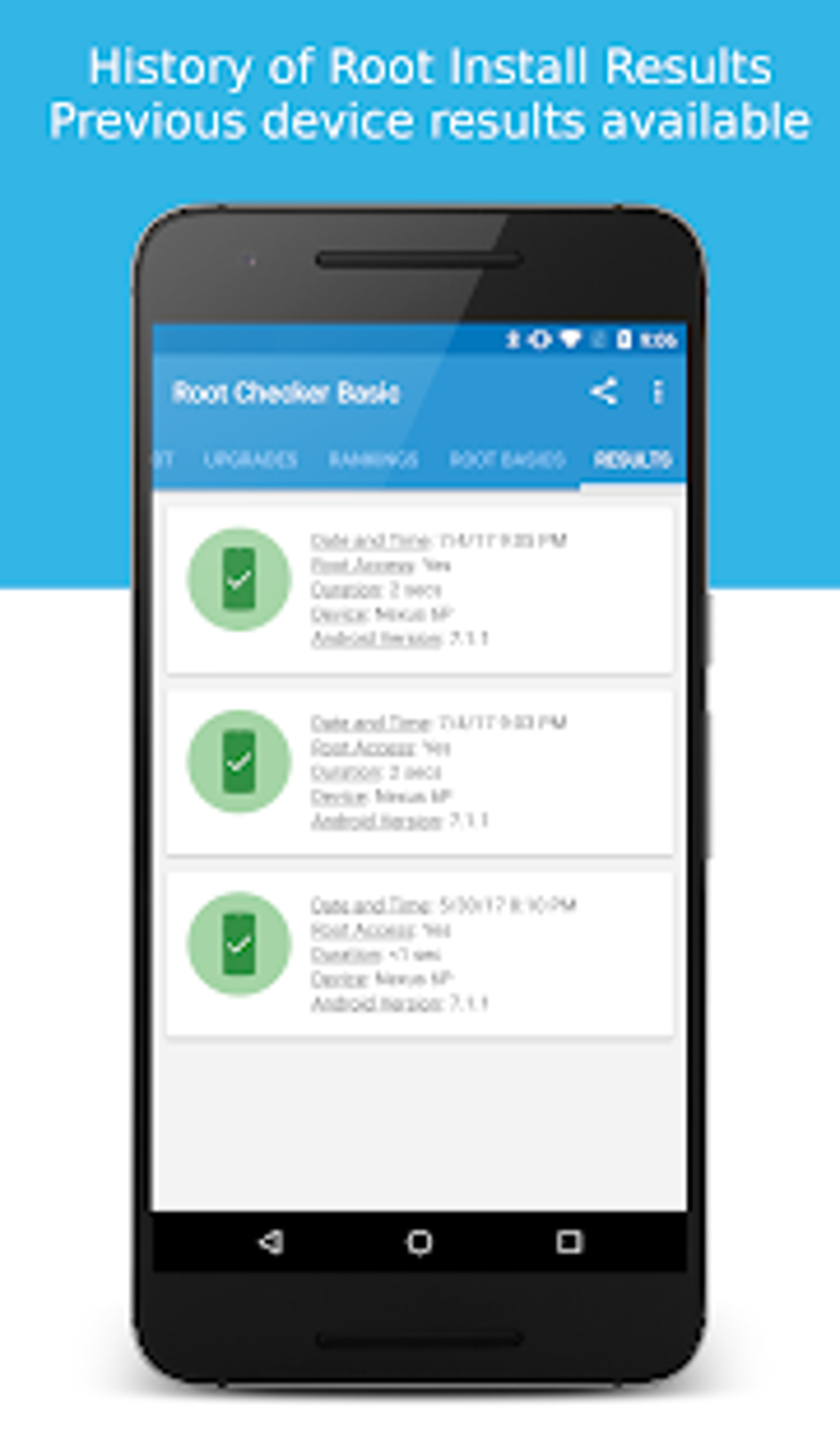
Root Checker operates on a simple principle: it checks for the presence of specific files and directories associated with root access on the Android system. Upon launching the application, it performs a quick scan and provides a clear indication of whether root access is present. This is typically displayed as a simple “Rooted” or “Not Rooted” message. The application’s effectiveness relies on its ability to detect the common indicators of a rooted environment. Its simplicity is a key advantage, requiring no user input beyond launching the app. The results are usually immediate and unambiguous.
Uses of Root Checker
Root Checker’s primary use is to confirm the root status of an Android device. This information is vital in various situations:
-
Before Installing Apps: Some applications explicitly require root access to function correctly. Before attempting to install such an app, using Root Checker ensures compatibility and avoids frustrating installation failures.
-
Troubleshooting App Issues: If an app isn’t functioning properly, and it requires root access, Root Checker can identify if the lack of root access is the cause of the problem.
-
Verifying Rooting Attempts: After attempting to root a device, Root Checker can confirm that the process was successful.
-
Second-hand Device Assessment: When purchasing a used Android device, Root Checker provides a quick way to verify whether the previous owner has rooted the device, allowing you to assess any potential security concerns or warranty implications.
- Troubleshooting Software Conflicts: If your device is experiencing unexpected behavior or software conflicts, Root Checker can help determine if root access is contributing to the issue.
Limitations and Alternatives to Root Checker
Despite its simplicity and utility, Root Checker does have some limitations:
-
Outdated: The app hasn’t received updates in some time, meaning it may not detect the latest root methods or system configurations. Newer, more sophisticated root techniques might go undetected by the older version.
-
Conflicts with other Root Checkers: Running multiple root checkers simultaneously can cause conflicts and lead to inaccurate results.
-
Lack of Detailed Diagnostics: The app simply indicates whether root access is present or absent. It doesn’t provide details about why a device might not be rooted correctly or any specific issues.
-
Installation Issues: Root Checker may fail to install on some already-rooted devices, potentially due to conflicts with existing root management applications or system modifications. The application is designed to work on standard un-rooted systems as well as rooted devices.
-
Paid Features Ambiguity: The description of any paid upgrade features available is unclear, leaving potential users uncertain about what additional functionality the paid version might offer.
Several alternatives to Root Checker exist, offering different features and functionalities:
-
SuperSU: This popular root management application provides comprehensive control over root access, often including the ability to check for root privileges.
-
Magisk: Magisk is a more advanced root solution that allows for a less-detectable root environment, making it more suitable for situations where maintaining root access without detection is crucial.
-
Rooting Apps: Many rooting applications offer root access verification as part of their functionality.
These alternative applications often provide more detailed information than Root Checker, offering diagnostics to assist troubleshooting. They might also offer other root-related tools and functionalities.
Is Rooting Illegal?
The legality of rooting an Android device is a complex issue, varying depending on jurisdiction and intent. In itself, the act of gaining root access is not illegal. However, using root access for illegal activities, such as unauthorized software modification or data theft, is certainly unlawful. Similarly, using root access to circumvent security measures or for malicious purposes is illegal. Therefore, it’s imperative to use root access responsibly and only for legitimate purposes. Manufacturer warranties often state that rooting will void the warranty. However, the act of rooting itself is not against the law, provided it’s used ethically and legally.
Conclusion
Root Checker provides a simple and effective method for verifying the root status of an Android device. While it has limitations due to its age and lack of recent updates, its straightforward operation makes it a handy tool for quick verification. However, users should be aware of its limitations and consider the alternatives if more detailed information or advanced root management capabilities are needed. Regardless of the method used, understanding the implications of root access is crucial for responsible device management and avoiding potential security risks. Always back up your data before attempting any actions that modify your device’s core functionality.
File Information
- License: “Free”
- Latest update: “February 24, 2025”
- Platform: “Android”
- OS: “Android 9.0”
- Downloads: “110.1K”
- Size: “10.33 MB”
- Download Options: “APK, Google Play”
- Filename: “com-joeykrim-rootcheck-197-64011946-e926f4a430b18c98eed9a6a5208f1cf6.apk”


