
S Note, developed by Samsung Electronics Co. Ltd., is a free, versatile note-taking application available for Android and other platforms. This in-depth review explores its features, functionality, ease of use, and compares it to alternative note-taking apps. We’ll delve into what makes S Note a compelling option for users seeking a simple yet effective way to capture ideas, create lists, and manage information.
Key Features and Functionality of S Note
S Note distinguishes itself as a free-form, interactive note-taking tool. Unlike more rigid note-taking apps that primarily focus on text input, S Note embraces a multi-faceted approach. Users can seamlessly switch between writing, drawing, and typing, making it incredibly flexible for various note-taking styles. The application’s intuitive interface allows users to jot down quick notes, create detailed outlines, or even sketch diagrams with ease.
The core strength of S Note lies in its adaptability. The blank canvas approach empowers users to structure their notes as they see fit, without being confined to pre-defined templates or formats. This freedom is especially beneficial for brainstorming sessions, mind mapping, or capturing visual ideas. The ability to seamlessly integrate text, handwritten notes, and drawings within a single note enhances organization and clarity.
Beyond the blank canvas functionality, S Note also incorporates built-in forms for structured data entry. These forms prove particularly helpful for creating lists, checklists, or recording specific data points. This dual functionality caters to both free-flowing creative note-taking and structured, organized record-keeping.
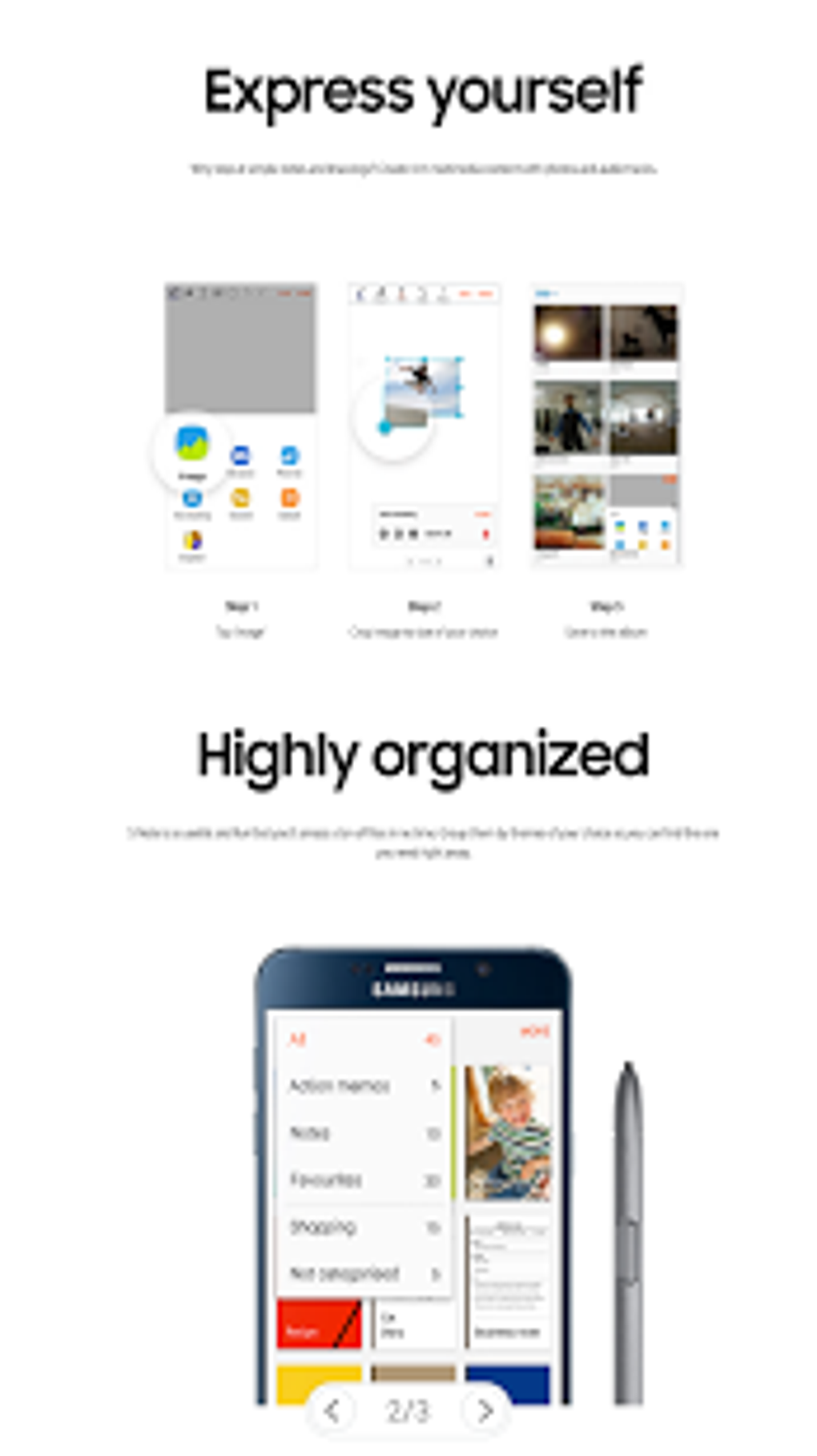
The app’s image integration capabilities further enhance its versatility. Users can directly incorporate images into their notes, providing a visual context to their written or drawn content. This is advantageous for documenting meetings, projects, or any scenario requiring visual aids.
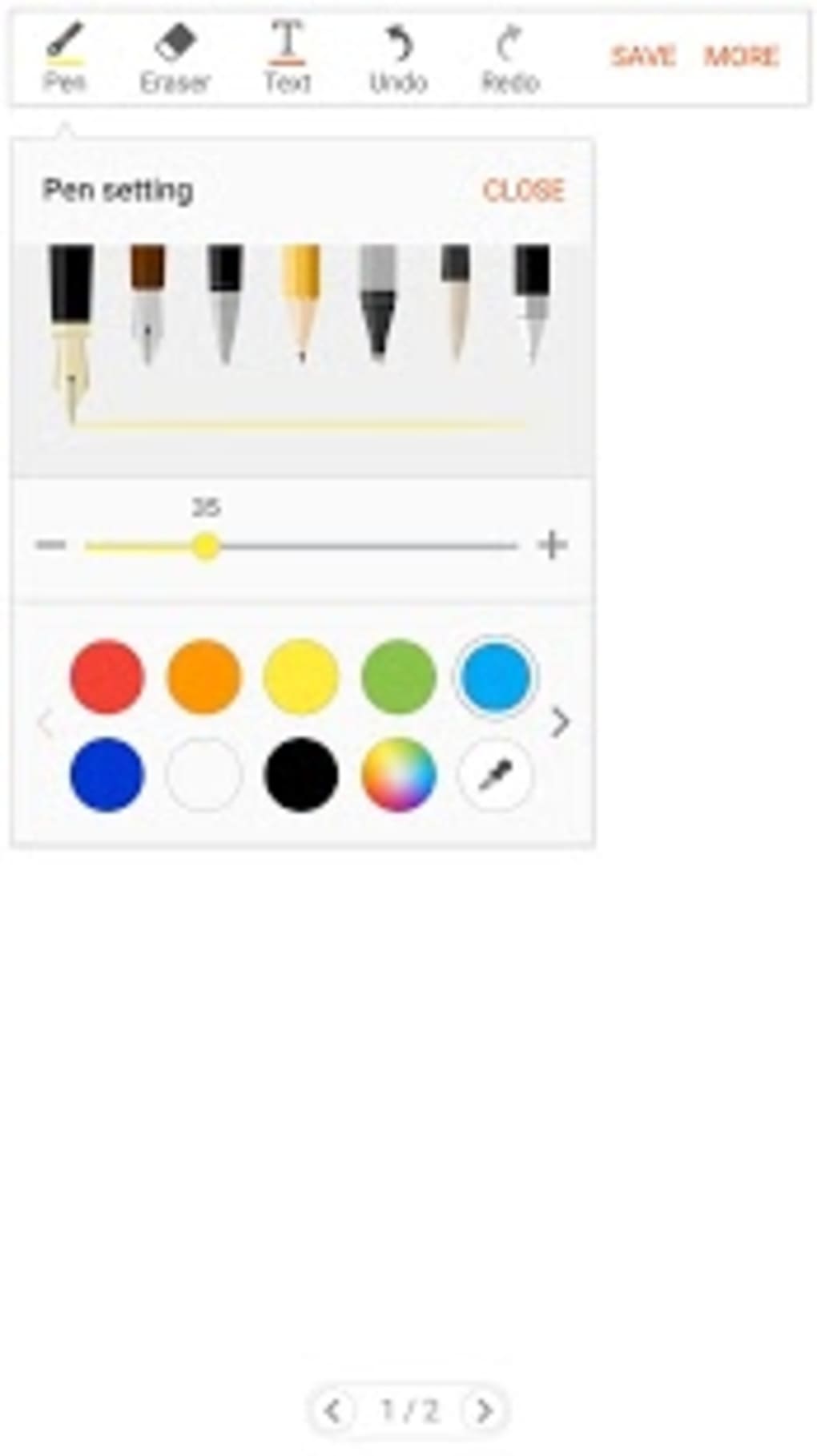
Customization options within S Note are another noteworthy aspect. Users can modify the text’s font, color, and style to personalize their notes and enhance readability. This granular control allows users to tailor the visual appearance of their notes to their preference.
Finally, S Note stands out as an ad-free application with no in-app purchases. This eliminates distractions and ensures a streamlined user experience.
Ease of Use and User Interface
S Note is designed with user-friendliness in mind. The intuitive interface is uncluttered and straightforward, making it easy to navigate even for first-time users. The app’s core functions are readily accessible, requiring minimal learning curve. Whether you’re a seasoned note-taker or a novice, S Note’s simple layout ensures a seamless experience.
The app’s responsiveness is also impressive. Handwriting recognition is accurate and swift, minimizing any lag between writing and the digital rendering. This ensures a smooth and natural workflow, similar to writing on paper. The transition between different input methods – writing, drawing, and typing – is also smooth and effortless.
Comparison with Alternative Note-Taking Apps
While S Note offers a compelling combination of features, it’s essential to compare it against other popular note-taking applications. Several alternatives, such as Samsung Notes, Penly: Digital Planner & Notes, and S Memo, cater to similar needs. However, each application has its own strengths and weaknesses.
Samsung Notes: This app, also from Samsung, boasts a more polished and refined interface. It integrates well within the Samsung ecosystem, offering enhanced syncing and collaboration features. While often considered a more powerful note-taker than S Note, it lacks the complete freedom of the blank canvas approach.
Penly: Digital Planner & Notes: This app focuses on providing highly customizable planner features. If planning and scheduling are primary needs, Penly might be a stronger choice. However, its focus on planning might detract from its suitability for free-form note-taking.
S Memo: A simpler, more basic note-taking app from Samsung, S Memo is ideal for users seeking minimal functionality. It’s lightweight and efficient but lacks the versatility and advanced features of S Note.
In comparison, S Note occupies a unique middle ground. It balances the flexibility of a blank canvas approach with sufficient features to handle diverse note-taking needs. While it might not match the advanced features of some competitors, its simplicity and ease of use make it an accessible and effective solution for many users.
S Note’s Strengths and Weaknesses
Strengths:
- Free-form note-taking: The ability to freely write, draw, and type within a single note is a significant advantage, promoting creative and flexible note-taking.
- Intuitive interface: The straightforward and uncluttered design makes it easy to learn and use, even for users unfamiliar with note-taking apps.
- Image integration: Incorporating images directly into notes adds context and visual richness.
- Built-in forms: Structured forms assist in creating lists, checklists, and organized data entries.
- Customizable text: Users can modify font, color, and style to personalize their notes.
- Free and ad-free: No in-app purchases or intrusive advertising ensures a smooth and uninterrupted user experience.
Weaknesses:
- Limited collaboration features: Compared to some competitors, S Note lacks robust collaboration capabilities, making it less suitable for team projects.
- Fewer advanced features: It might lack some advanced features found in more sophisticated note-taking apps, such as cloud synchronization across multiple devices or advanced organization tools.
- Platform limitations: While available on Android and other platforms, its integration and performance might vary across different operating systems.
Conclusion: Is S Note the Right Note-Taking App for You?
S Note offers a compelling blend of simplicity and functionality. Its intuitive interface and versatile approach to note-taking make it a suitable choice for a wide range of users. The ability to seamlessly switch between writing, drawing, and typing, combined with its free and ad-free nature, sets it apart.
However, users seeking advanced features such as robust collaboration tools or extensive cloud syncing might find its capabilities limited compared to more powerful alternatives. The app’s lack of sophisticated organization features might also be a drawback for users with complex note-taking needs.
Ultimately, the suitability of S Note depends on individual preferences and requirements. If you prioritize a simple, user-friendly, and versatile note-taking experience without the need for advanced features, S Note is an excellent choice. Its free availability and lack of intrusive ads make it a risk-free option to try. However, users requiring more sophisticated features might be better served by exploring other note-taking applications. The decision comes down to balancing the need for simplicity versus the desire for advanced functionality.
File Information
- License: “Free”
- Version: “5.2.07.13”
- Latest update: “July 12, 2023”
- Platform: “Android”
- OS: “Android 9.0”
- Downloads: “5.1K”
- Download Options: “Google Play”


