
Samsung Calculator is a versatile and free utility application developed by Samsung Electronics Co., Ltd. Initially a default application on Samsung mobile devices, its functionality and availability have expanded, making it accessible for download on a broader range of Android devices. This review delves into its features, usability, pros and cons, and compares it to alternative calculator apps.
Core Functionality and Interface
At its core, Samsung Calculator provides a comprehensive suite of calculation capabilities, catering to both basic and advanced mathematical needs. In its standard (portrait) orientation, the app functions as a straightforward calculator, readily handling addition, subtraction, multiplication, and division. This simplicity makes it ideal for everyday quick calculations, such as balancing a checkbook, calculating tips, or performing simple conversions. The interface is clean, intuitive, and easy to navigate, even for users unfamiliar with calculator apps. Large, clearly defined buttons minimize the chance of accidental key presses, enhancing the overall user experience.
Scientific Calculator Capabilities: Unlocking Advanced Functions
However, the true versatility of Samsung Calculator is revealed when the device is rotated to landscape mode. This simple action transforms the app into a full-fledged scientific calculator, unlocking a wealth of advanced mathematical functions. Users gain access to trigonometric functions (sine, cosine, tangent), logarithmic functions, exponential functions, and more. This feature significantly expands the calculator’s utility, making it suitable for students, engineers, scientists, or anyone requiring more complex calculations. The transition between the standard and scientific calculator modes is seamless and instantaneous, providing a fluid and efficient user experience. This dual functionality within a single app avoids the need for installing separate apps for basic and advanced calculations, thus streamlining the user’s workflow.
Unit Conversion: A Practical Addition
Beyond its mathematical functions, Samsung Calculator incorporates a valuable unit conversion feature. This allows users to effortlessly convert units of measurement across various categories, including length, area, volume, weight, temperature, currency, and more. This feature proves incredibly practical in various contexts, from everyday tasks like converting recipes to more specialized applications involving engineering or scientific calculations. The straightforward interface for unit conversion mirrors the simplicity of the basic calculator, enhancing the app’s user-friendliness. The inclusion of this feature within the calculator app makes it a truly all-in-one tool for handling various mathematical and measurement-related needs.
History Feature: Tracking Your Calculations
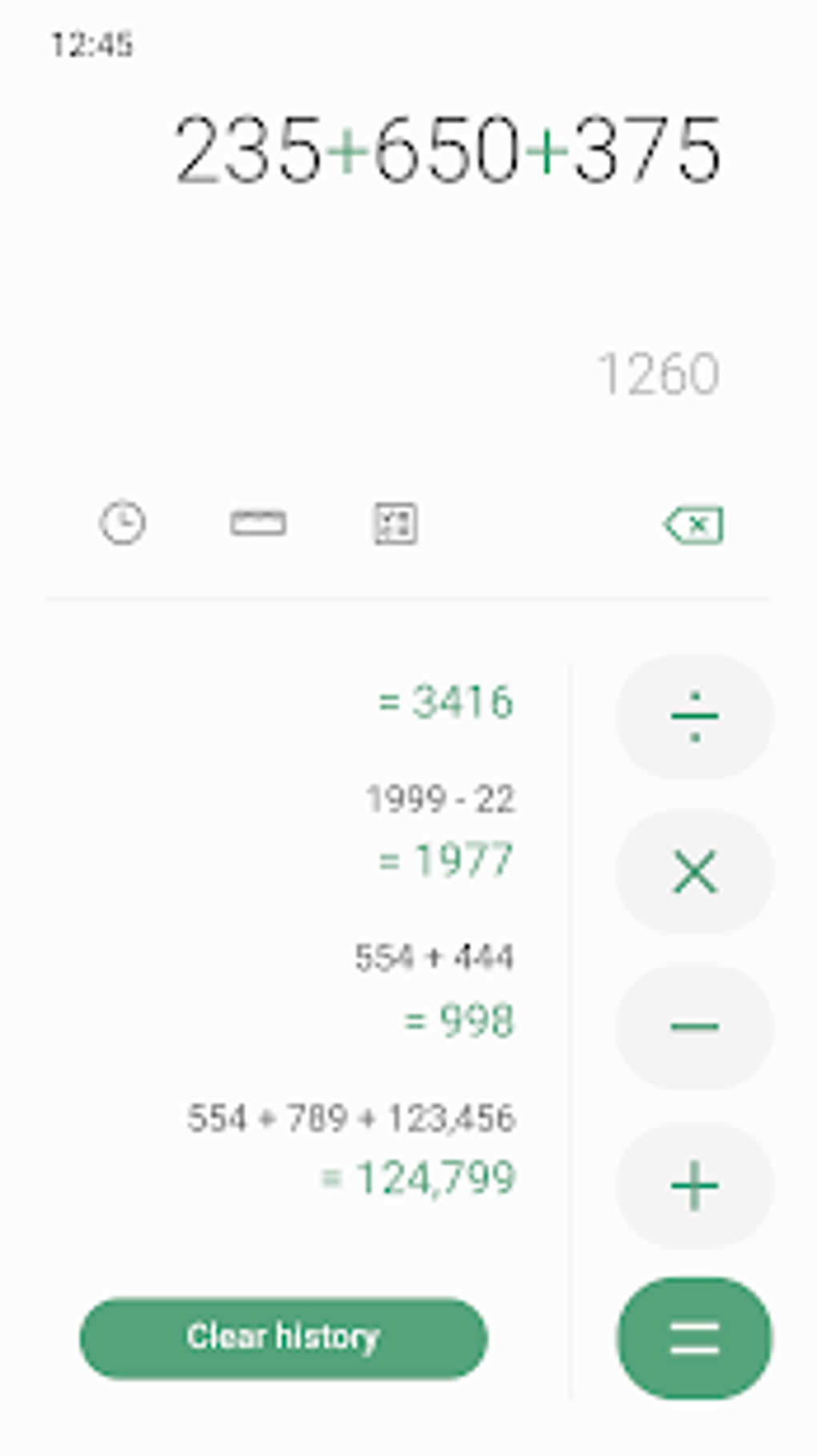
Samsung Calculator includes a “History” function, conveniently accessed via a clock icon. This feature allows users to review previous calculations, providing a valuable tool for error checking, referencing past results, or simply retracing steps in a complex calculation. The history log is easily navigable, allowing users to scroll through their calculation history to find specific past entries. This feature is particularly useful for those working on extended calculations or requiring verification of previous steps. The history feature enhances the overall functionality of the app by adding a layer of accountability and transparency to the calculation process.
Device Compatibility and Limitations
While Samsung Calculator is readily available for download on Android devices, it’s important to note its initial exclusivity to Samsung devices. While now accessible to a broader audience, this history might explain certain limitations or quirks that might not be present in similar calculators designed from the ground up for diverse Android ecosystems. While the app generally functions flawlessly on most Android devices, compatibility issues might arise depending on the device’s Android version, manufacturer, or specific hardware. This means that users outside the Samsung ecosystem should carefully check reviews and user feedback before installing the app to ascertain if it meets their specific device’s capabilities and expectations.
Pros and Cons of Samsung Calculator
Pros:
- Dual Functionality: Combines basic and scientific calculator functionality in a single app.
- Intuitive Interface: Easy to navigate and use, even for users unfamiliar with similar apps.
- Unit Conversion: Provides effortless unit conversions for various measurement types.
- History Feature: Allows users to review and access previous calculations.
- Free and Accessible: Available for free download on Android devices (though initially a Samsung exclusive).
- Regular Updates: The app receives regular updates, indicating continuous improvement and bug fixes.
Cons:
- Device Compatibility: Not guaranteed to be perfectly compatible with all Android devices, potentially leading to usability issues or glitches on certain models.
- Limited Customization: Offers limited options for customization, such as changing themes or adding personal preferences. The app’s design is largely fixed.
- No Advanced Features (Compared to Others): While featuring a comprehensive set of basic and scientific functions, it might lack specialized features found in some more advanced calculator applications, like graphing capabilities or programming functionality.
Comparison with Alternative Calculator Apps
Numerous alternative calculator applications are available on the Google Play Store and other app marketplaces. Some offer similar functionality to Samsung Calculator, while others specialize in specific areas, such as graphing calculators, engineering calculators, or financial calculators. Direct comparisons depend heavily on specific user needs and preferences. For example, while Samsung Calculator excels at ease of use and dual functionality, another app might prioritize advanced graphing features or programming capabilities. The best alternative depends entirely on individual user requirements and preferences.
Conclusion: A Solid Choice for Many Users
Samsung Calculator presents a valuable and versatile tool for everyday calculations and more complex mathematical tasks. Its dual functionality, intuitive interface, and useful features like unit conversion and calculation history make it a strong contender among calculator apps. While not entirely without limitations regarding device compatibility and customization options, it remains a user-friendly and robust option for a wide range of users. Its strength lies in its simplicity and ability to cater to both casual and more demanding computational needs within a single, easily accessible package. Considering the widespread availability and continuous updates, Samsung Calculator remains a viable and reliable choice for Android users seeking a capable and versatile calculator.
File Information
- License: “Free”
- Latest update: “March 7, 2025”
- Platform: “Android”
- OS: “Android 13.0”
- Downloads: “15.7K”
- Download Options: “Google Play”


