Samsung Good Lock is a powerful, free utility application developed by Good Lock Labs, designed specifically for Samsung devices. It acts as a comprehensive toolkit, offering a wide array of features and options to significantly enhance the user experience on Samsung smartphones and tablets. Think of it as a Swiss Army knife for your device, providing extra functionality beyond the standard One UI interface. Unlike other apps that might add a single feature, Good Lock offers a modular approach, allowing users to selectively install only the features they need and want. This means you can customize your experience without cluttering your device with unnecessary applications. This detailed guide explores the app’s functionalities, benefits, and limitations.
Understanding Samsung Good Lock’s Modular System
Samsung Good Lock isn’t a single app; it’s a platform hosting numerous individual modules. Each module offers a specific enhancement or customization option for different aspects of the One UI. This modular design is a key strength, allowing for flexibility and tailored customization. Users can browse through the available modules and choose only those that appeal to them, preventing unnecessary storage consumption and maintaining a streamlined user experience. The modules range from simple tweaks to more advanced functionality, catering to a wide range of user preferences and technical skills. New modules are frequently added, keeping the experience fresh and ensuring compatibility with updates to Samsung’s One UI.
Exploring Key Good Lock Modules: Features and Benefits
The true power of Good Lock lies in its diverse range of modules. While the specific modules and their features can change over time with updates, some consistently popular and useful ones include:
-
Camera Assistant: This module empowers users to fine-tune their camera settings. Features often include options for Auto HDR, allowing for richer detail and dynamic range in photos; Lens Switching, enabling quicker transitions between different camera modes; and various other camera-specific enhancements. These features are not typically available in the standard camera app, providing a noticeable improvement for photography enthusiasts.
-
MultiStar: This module allows for improved multitasking by providing a more efficient and customisable approach to handling multiple apps simultaneously. This can significantly improve workflow, particularly for those who frequently juggle between different apps.
-
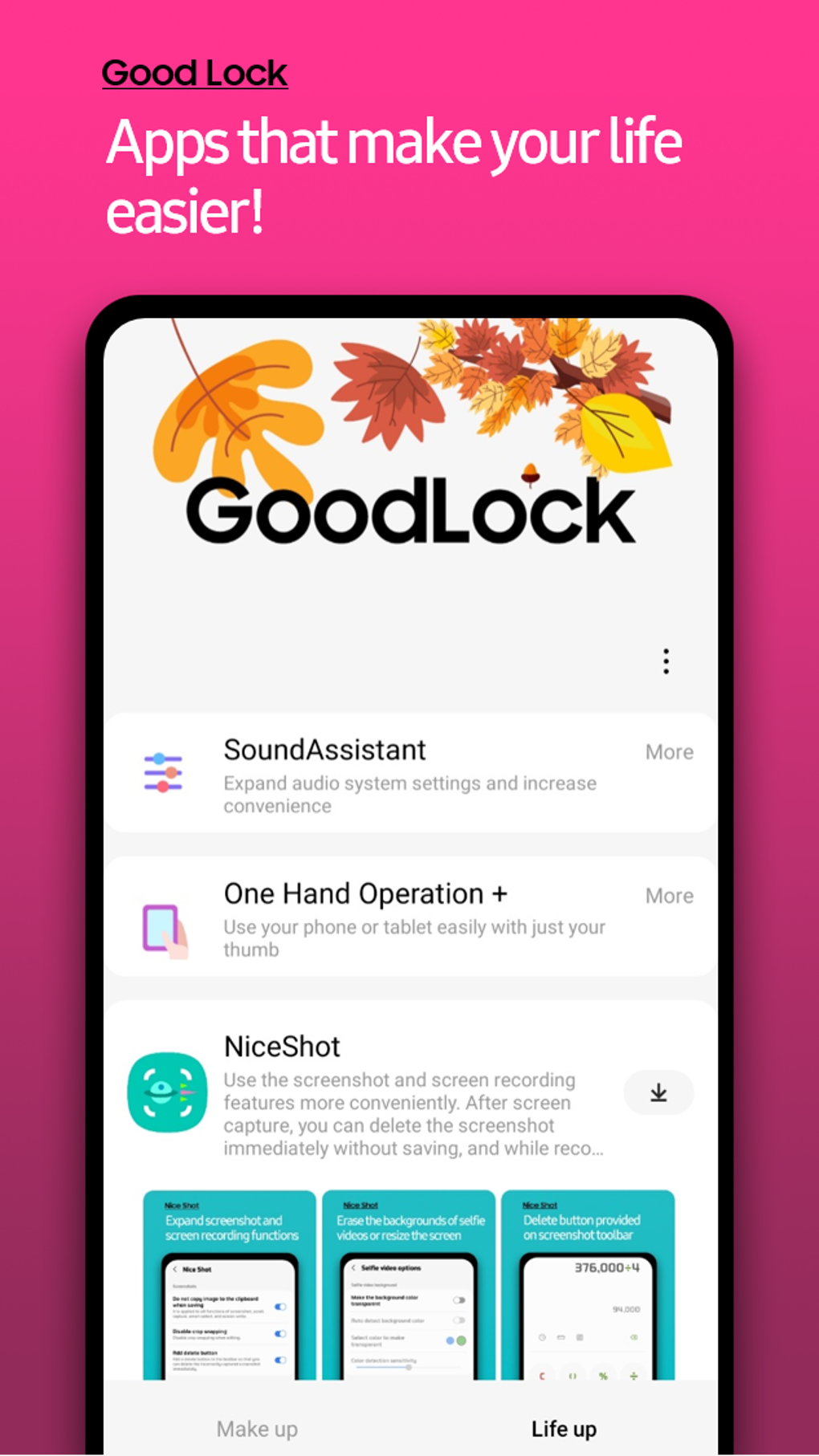
NiceCatch: This module is a great screen recorder that offers an enhanced recording experience with customizable settings. Users can easily capture gameplay, video calls, and more with superior quality. It often offers features beyond the basic screen recording functionalities built into the device, enhancing the overall video capture experience.
-
QuickStar: A useful module that provides customisation options for the quick settings panel. This allows users to tailor the quick settings panel to their specific needs, including adding frequently used toggles and rearrange them for easy access. This significantly improves efficiency when it comes to accessing frequently used functions.
-
Edge Lighting: This module customises the edge lighting effects on compatible Samsung devices, providing the user with numerous options for colour, style, and responsiveness. This allows for more personal expression and visual flair.
-
SoundAssistant: This module fine-tunes the audio output of the device, allowing users to adjust volume levels for different apps, set custom sound profiles, and even modify audio effects. This offers a higher level of audio control than usually found in standard settings.
-
Home Up: Allows for customisation of your home screen, offering possibilities that may not be available in the stock Android launcher or the default Samsung launcher. This improves the overall user experience.
These are just a few examples of the many modules available. New ones are added regularly, providing continuous enhancement and innovation. The variety ensures that Good Lock caters to a wide audience, from casual users seeking minor improvements to power users craving extensive customization. The ability to selectively choose and install modules ensures that the experience remains tailored to individual preferences, preventing bloatware and maximizing efficiency.
System Requirements and Compatibility
It is crucial to understand that Samsung Good Lock is only compatible with specific Samsung devices. Compatibility isn’t guaranteed across all Samsung models; therefore, it’s vital to check the compatibility list before installing the app. This is due to the deep integration that Good Lock requires with the underlying Samsung operating system and hardware. Attempting to install Good Lock on an unsupported device will likely result in failure. The specific Android version requirements can also vary depending on the modules being installed, with some requiring newer operating systems than others. Before installation, ensure that your device meets the minimum requirements listed on the official app store listing to avoid incompatibility issues.
Installation and Usage
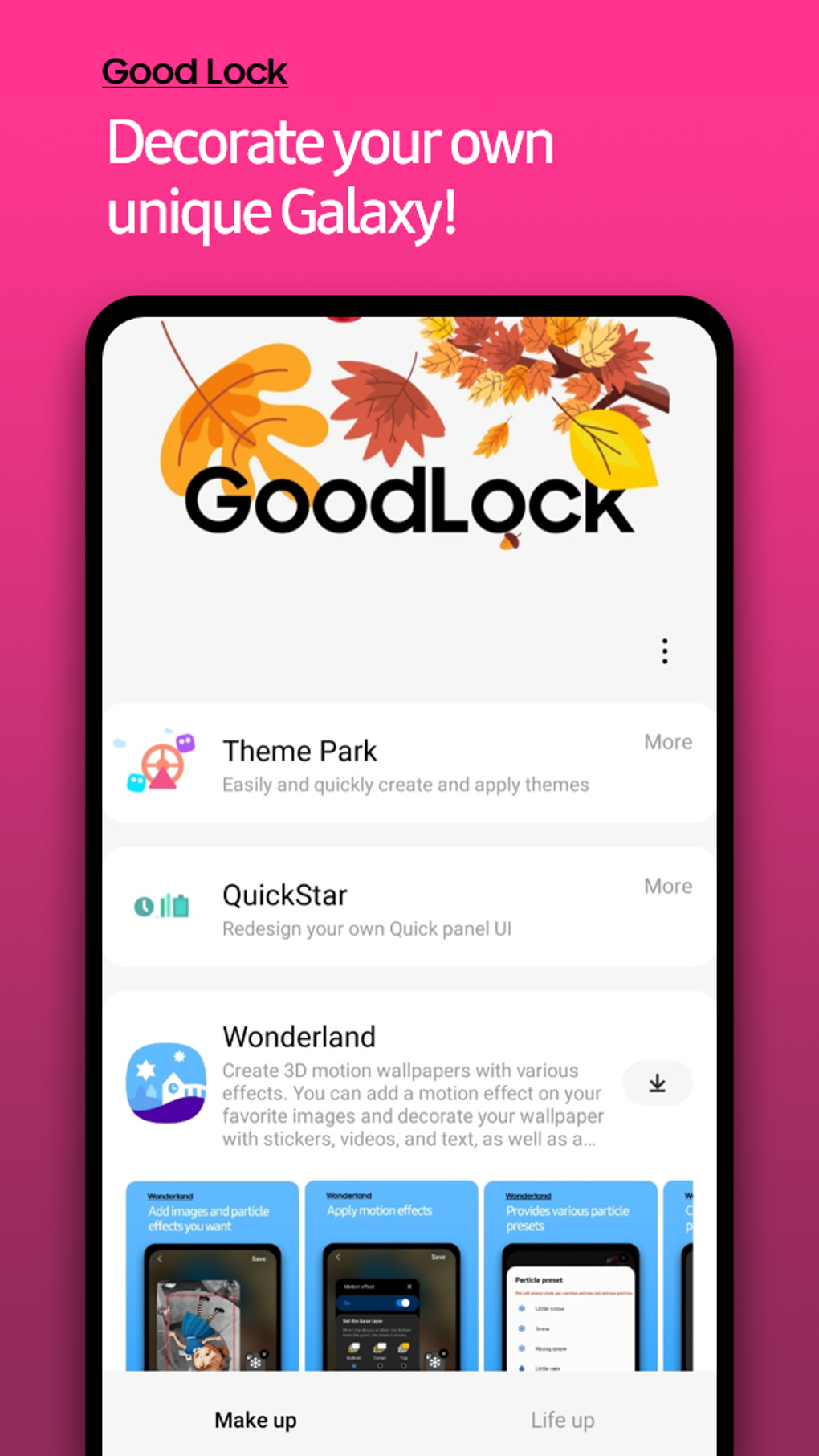
Installing Samsung Good Lock is generally straightforward. The application is available through the Galaxy Store, Samsung’s official app store. Once downloaded and installed, the app provides a clear and intuitive interface for browsing and installing the various modules. Each module has its own settings and options, which are usually straightforward to navigate. The app is designed to be user-friendly, even for those who are not tech-savvy. The user experience is designed for intuitive selection and simple configuration, allowing for customisation without complex procedures. The app also provides clear instructions for each module, further simplifying the process.
Benefits of Using Samsung Good Lock
The benefits of using Samsung Good Lock are numerous and impactful:
-
Enhanced Customization: This is the core benefit. Good Lock enables a level of customization rarely seen in stock Android or other operating systems. Users can truly personalize their device, tailoring it to their specific needs and preferences.
-
Improved Functionality: Many modules add functionality that isn’t available in the standard Samsung One UI. This expands the device’s capabilities and improves its overall usefulness.
-
Modular Approach: The modular system allows users to only install the features they need, minimizing storage space usage and keeping the system clean and efficient.
-
Regular Updates: The app receives regular updates, introducing new modules, features, and enhancements, ensuring that the experience remains fresh and current.
-
Free to Use: The app is entirely free to download and use, offering significant enhancements without any financial commitment.
-
Seamless Integration: The modules are designed to integrate seamlessly with Samsung’s One UI, providing a cohesive and unified user experience.
Potential Drawbacks and Considerations
Despite its numerous advantages, some drawbacks exist:
-
Compatibility Limitations: The app’s compatibility is restricted to specific Samsung devices. Users with non-Samsung devices cannot utilize Good Lock.
-
Potential for Bugs: As with any software, bugs can occur. Although Samsung strives for stability, occasional glitches or incompatibilities might arise.
-
Dependency on Samsung: Good Lock is deeply intertwined with the Samsung ecosystem. Switching to another brand means losing access to all features.
Conclusion: Is Samsung Good Lock Right for You?
If you own a compatible Samsung device and desire a significant level of customization and added functionality, Samsung Good Lock is highly recommended. The modular approach, combined with the vast array of features, allows for a truly personalized and optimized user experience. The app offers significant improvements to the standard functionality, turning a good device into a great one. While some compatibility limitations exist, the benefits generally outweigh the drawbacks for most Samsung users. By downloading and exploring the available modules, users can effortlessly transform their Samsung device into a truly personalized and efficient tool. The app represents Samsung’s commitment to continuous improvement and user empowerment, offering a considerable boost to the overall Android experience on compatible devices.
File Information
- License: “Free”
- Version: “2.2.04.78”
- Latest update: “November 16, 2023”
- Platform: “Android”
- OS: “Android 10.0”
- Language: “English”
- Downloads: “253K”
- Size: “12.20 MB”
- Download Options: “APK, Google Play”
- Filename: “Samsung_Good_Lock_v2.2.04.78.apk”