
Samsung Music is a free multimedia application specifically designed for Samsung devices. This comprehensive music player offers a robust feature set, blending ease of use with advanced functionality to enhance the music listening experience for Samsung users. From managing your personal library to exploring new music through Spotify integration, Samsung Music aims to be a one-stop shop for all your audio needs. However, its close integration with the Samsung ecosystem also means some limitations exist for users outside that environment.
Seamless Music Management and Intuitive Interface
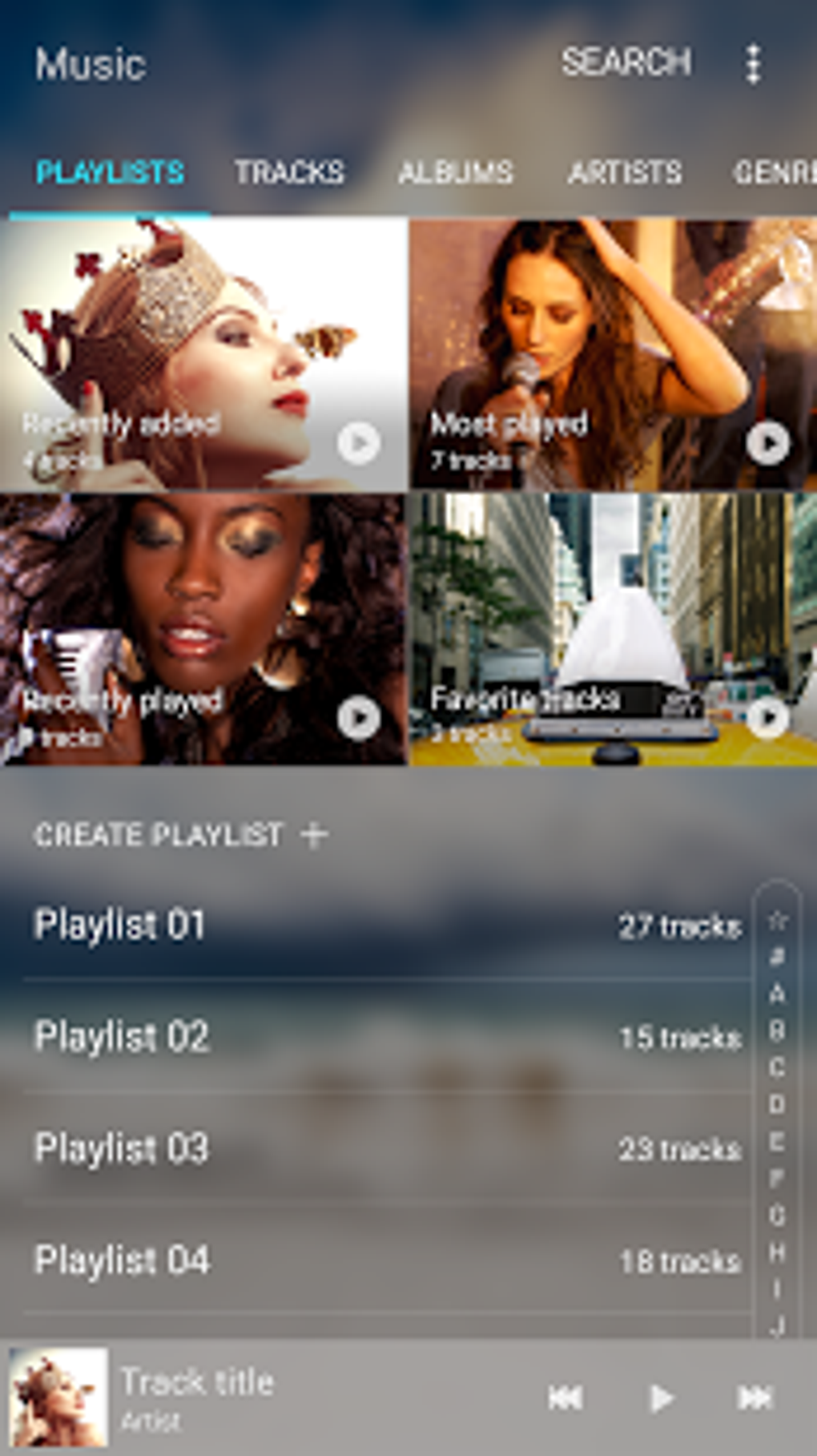
One of Samsung Music’s standout features is its user-friendly interface. The home screen presents a curated view of recently played tracks, frequently accessed playlists, and commonly listened-to artists, ensuring quick access to your favorites. This intuitive design makes navigation simple and efficient, minimizing the time spent searching for specific songs or albums.
Playlist management is another area where Samsung Music excels. Users can effortlessly create, edit, and customize playlists to reflect their musical tastes and preferences. The intuitive drag-and-drop functionality allows for easy reordering of songs within a playlist, offering complete control over the playback sequence. This simple yet powerful feature significantly improves the overall user experience, allowing for personalized listening sessions tailored to different moods or activities.
The app boasts broad compatibility with various audio file formats, including popular choices like MP3, WMA, AAC, and FLAC. This extensive support ensures that users can easily manage and enjoy a wide range of music files from different sources, without the need for conversion or compatibility issues. The ability to handle diverse formats is a crucial element in a music player, demonstrating its versatility and adaptability to a variety of user preferences and music collections.
Furthermore, Samsung Music seamlessly integrates with Spotify, offering access to Spotify’s extensive music library directly within the app. This integration allows users to discover new music, explore curated playlists, and enjoy personalized recommendations, all without the need to switch between different applications. The convenience of this integration streamlines the music discovery process, offering a richer and more comprehensive listening experience. However, it’s important to note that accessing the full functionality of Spotify integration requires a Spotify Premium subscription.
Advanced Features and Device Integration
Beyond basic music management, Samsung Music incorporates several advanced features. The app provides easy storage of audio files, supporting both internal storage and external storage devices like SD cards. This allows users to build extensive music libraries without being constrained by device storage limitations. The ability to access music from an SD card is a significant advantage, especially for users with large music collections or those who prefer storing their music on external media.
Certain Samsung devices, such as the Galaxy S4, Note 3, and Note 4, offer additional functionality through voice control. Users on these devices can manage their music hands-free, issuing commands to play, pause, skip tracks, or adjust the volume. This hands-free control enhances convenience, particularly in situations where manual operation of the device is impractical or inconvenient. However, it is important to note that this voice control feature is not universal and is limited to specific Samsung models.

Spotify Integration: Expanding Your Musical Horizons
The seamless integration with Spotify is a key differentiator for Samsung Music. It effectively transforms the app from a simple music player into a comprehensive music discovery platform. By accessing Spotify’s vast catalog, users can explore a wide range of genres, artists, and playlists beyond their personal music library. This integration leverages Spotify’s advanced recommendation engine to provide personalized suggestions, helping users discover new music they might otherwise have missed. This feature adds significant value to the app, particularly for users who enjoy discovering new artists and exploring diverse musical styles. However, the full potential of this integration is contingent upon a Spotify Premium subscription; free users will have access to some features but not the full range of Spotify’s curated playlists and personalized recommendations.
Limitations and Compatibility Considerations
While Samsung Music offers a robust and user-friendly experience, its functionality is primarily tailored for Samsung devices. While it may technically function on other Android devices, the full suite of features and optimal performance are not guaranteed. Users on non-Samsung Android phones may experience limitations in features, integration, or overall performance. This device-specific design limits its appeal to a narrower audience compared to more universally compatible music players available on the Google Play Store.
Another point to consider is the dependence on a Spotify Premium subscription to unlock the full potential of Spotify integration. While free users can still access Spotify through the app, the personalized recommendations and extensive playlist options remain inaccessible. This dependence on a paid subscription might limit the appeal of the app for budget-conscious users who are reluctant to commit to additional subscription services.
Samsung Music: A Verdict
In conclusion, Samsung Music provides a solid and enjoyable music experience, particularly for users of Samsung Android devices. Its intuitive interface, comprehensive playlist management tools, broad audio format support, and seamless Spotify integration contribute to a compelling overall experience. The app effectively streamlines music organization and discovery, offering a user-friendly approach to managing both personal music libraries and exploring new music through Spotify.
However, the app’s close ties to the Samsung ecosystem and its reliance on a Spotify Premium subscription for full functionality represent significant limitations. Users outside the Samsung ecosystem may find its functionality limited, while those seeking a free, fully-featured experience might find themselves needing to explore alternative music players. Therefore, while Samsung Music is an excellent option for many Samsung device users, its appeal and practicality extend less broadly to other Android users or those seeking features without a premium Spotify subscription. Ultimately, the decision to use Samsung Music hinges on individual needs and preferences, particularly concerning device compatibility and willingness to subscribe to premium services.
File Information
- License: “Free”
- Latest update: “May 6, 2025”
- Platform: “Android”
- OS: “Android 13.0”
- Downloads: “98.6K”
- Download Options: “Google Play”


