
Screen Marker is a free, lightweight design and photography tool exclusively available for Windows. Developed by Tnk-bootblock, it gained popularity for its straightforward approach to on-screen annotation, finding particular use in remote administration sessions and design collaborations. While no longer actively updated (last updated August 13, 2018), its simplicity and functionality have secured it a notable user base and over 108,100 downloads. This review delves into Screen Marker’s capabilities, user experiences, and its place within the landscape of screen annotation software.
Functionality and Use Cases
Screen Marker’s core function is straightforward: to allow users to draw directly onto their active screen. This capability makes it a versatile tool for a range of applications:
1. Remote Collaboration and Technical Support: The primary application, as suggested by many user reviews, lies in remote assistance sessions. Technicians or collaborators can use Screen Marker to highlight specific areas on a user’s screen, guiding them through troubleshooting steps or explaining complex processes with visual aids. The ability to draw directly onto the screen avoids the need for separate screenshots or confusing verbal descriptions.
2. Design and Project Collaboration: Screen Marker also proves useful for design projects. Team members can annotate mockups, designs, or images directly, eliminating the need for constant file transfers and revisions. This streamlined process accelerates feedback and iteration, fostering more efficient collaborative work. Users can mark areas requiring attention, suggest alterations, or provide clarification within the visual context of the project.
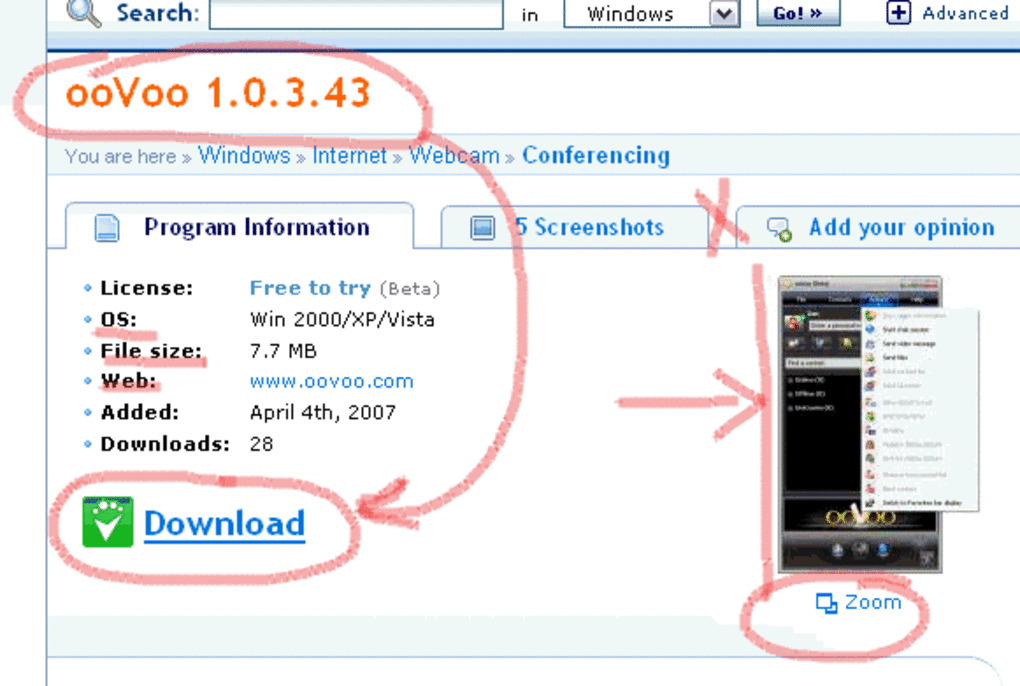
3. Creating Tutorials and Instructional Materials: The software’s simplicity lends itself well to creating quick and effective visual tutorials. Users can record their screen activity while using Screen Marker to highlight important steps, providing a dynamic and intuitive learning experience. This eliminates the need for complex video editing software, making it a practical tool for educators and instructional designers.
4. Capturing and Sharing Visual Information: After annotating the screen, users can capture a screenshot of the marked-up screen, instantly sharing the annotated image via email or other communication channels. This allows for rapid dissemination of information with clear visual cues. This functionality is valuable in situations where visual clarity is crucial for understanding or explanation.
5. General Annotation and Note-Taking: Beyond specific use cases, Screen Marker can function as a quick and easy annotation tool for any on-screen content. It provides a simple means of highlighting information, adding notes, or marking important areas within documents, websites, or applications.
User Interface and Experience
Screen Marker’s strength lies in its minimalist design. The interface is uncluttered and intuitive, allowing users to quickly start annotating their screens without navigating complex menus or options. This ease of use contributes to its popularity among users who need a quick and efficient solution for on-screen drawing. This simplicity avoids a steep learning curve, making it accessible to users with varying levels of technical proficiency.
While the lack of extensive features may be seen as a limitation by some, it also ensures the software remains lightweight and responsive. This is particularly beneficial for users with older hardware or those working in resource-constrained environments. The immediate availability of tools minimizes the disruption to workflow.
The absence of advanced features like undo/redo functionality (as noted in some user reviews) is a clear limitation. While the software’s simplicity is desirable, the lack of an undo function could be frustrating, especially during detailed annotation tasks. The addition of such features in future versions (even if unlikely, given the software’s inactive development status) would considerably enhance user experience.
Technical Specifications and System Requirements
Screen Marker is a surprisingly small application, demanding minimal storage space. Its small footprint contributes to its quick loading times and efficient resource utilization. The software’s compatibility with older Windows versions (Windows 98 and earlier) highlights its design focus on resource efficiency and broad accessibility. However, this compatibility also limits its potential integration with modern features and operating system functionalities. The software supports only English.
The absence of regular updates is a significant drawback. While the current version (0.103.2) may function adequately on many systems, security vulnerabilities may exist and are not being addressed by the developer’s inactivity. This is a considerable concern for users concerned about software security.
Comparison with Alternative Software
Several alternative screen annotation applications offer more comprehensive functionalities than Screen Marker. Some popular options include:
-
WhiteBoard: A more feature-rich alternative, WhiteBoard often provides more sophisticated drawing tools and potentially additional features like shape drawing, text insertion, and collaborative functionalities. The trade-off is a larger application size and more complex interface.
-
SlideMate: Another alternative offering similar basic drawing capabilities but may include additional features or integrations depending on the specific version. Evaluation of its features relative to Screen Marker’s strengths and limitations would depend on the user’s specific needs.
-
Pencil: If animation capabilities are desired, Pencil may offer a more advanced option, though it might also present a steeper learning curve.
-
Other Commercial and Open-Source Software: The market for screen annotation tools includes numerous commercial applications with extensive features (including advanced collaboration capabilities) and open-source projects. These can provide more powerful capabilities at the cost of complexity or a different licensing scheme.
Choosing the optimal alternative depends on individual requirements. For users who need simple, immediate on-screen annotation without the need for advanced features, Screen Marker remains a valid choice due to its ease of use and small size. However, if users require more functionality or better security guarantees, alternative options might be more suitable.
User Reviews and Feedback
User reviews are generally positive, highlighting the software’s ease of use and its effectiveness for specific tasks, particularly in remote collaboration and creating simple tutorials. However, recurring criticism focuses on the lack of an undo function and the absence of regular updates. This underscores the tension between the simplicity and usability of the software and the need for more robust functionality and continued security support. The overwhelmingly positive feedback on simplicity suggests a significant audience for whom these shortcomings are outweighed by the program’s ease of use and immediate practical utility.
Conclusion
Screen Marker provides a simple and effective solution for basic on-screen annotation. Its ease of use and small size make it a valuable tool for quick tasks requiring direct screen marking. However, the lack of advanced features like undo/redo, the absence of regular updates, and limited functionality restrict its appeal for users requiring more sophisticated tools or increased security. For users primarily seeking a lightweight and straightforward annotation solution for specific tasks, such as remote collaboration or simple tutorial creation, Screen Marker’s simplicity might outweigh its shortcomings. However, those seeking broader functionality or needing assurance of ongoing security updates should explore alternative options available in the market. The software’s legacy and long history of downloads highlight the value that its focused functionality has brought to a niche audience.
File Information
- License: “Free”
- Version: “0.10”
- Latest update: “August 13, 2018”
- Platform: “Windows”
- OS: “Windows XP”
- Language: “English”
- Downloads: “108.3K”
- Size: “92.28 KB”


