
ScreenGrab is a Firefox extension designed to simplify the process of capturing web pages as images. This powerful tool offers a variety of capture options, catering to different needs and making it a valuable asset for web developers, researchers, and anyone who frequently needs to document online content. Unlike many screenshot tools that require multiple steps and potentially complex image editing afterwards, ScreenGrab provides a streamlined, in-browser solution for capturing web pages with ease.
Comprehensive Capture Capabilities: From Selection to Full Page
ScreenGrab’s versatility lies in its ability to capture web pages in several ways. Users can select a specific region of a webpage using a draggable selection tool, ensuring precise capture of only the desired content. This feature is particularly useful for highlighting specific elements or extracting sections of a webpage without including extraneous information.
Alternatively, the extension can capture the currently visible portion of the webpage within the browser window. This is a quick and efficient method for capturing content that’s immediately visible, ideal for rapidly documenting a webpage’s main content without concern for elements that require scrolling to view.
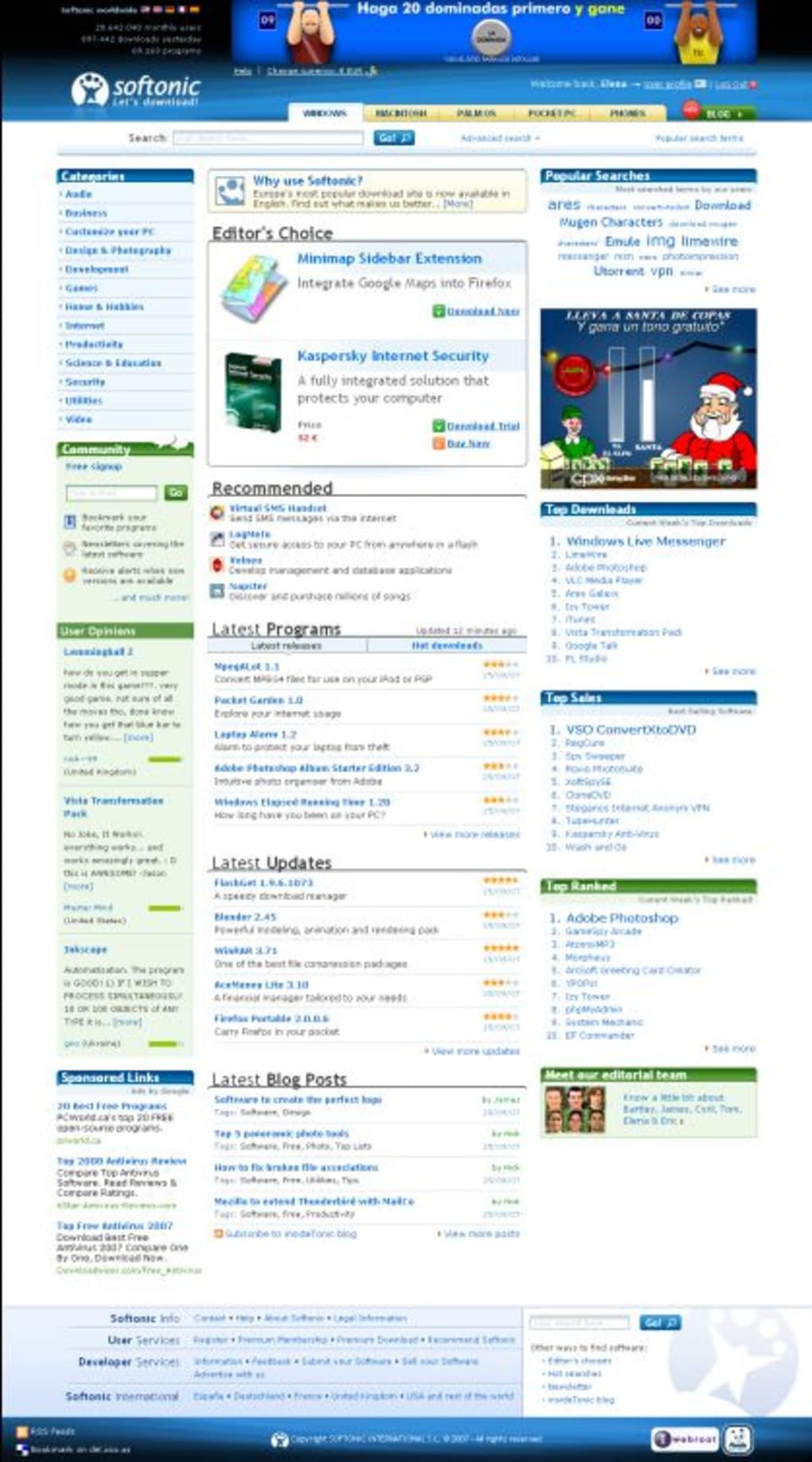
However, ScreenGrab truly shines with its capability to capture the entire webpage, even sections that extend beyond the visible browser window. This full-page capture functionality is its most significant advantage. Many screenshot tools struggle with long webpages, requiring multiple captures and manual stitching in an image editor. ScreenGrab eliminates this tedious process by automatically capturing the entire scrollable content in a single operation, providing a complete and seamless image of the webpage’s entirety. This feature is invaluable for archiving articles, preserving long forms, or creating comprehensive documentation of websites. It’s a particularly useful tool for anyone who regularly needs to document information across extensive webpages. The time savings alone make this feature a significant productivity booster.
Finally, ScreenGrab extends its functionality to individual frames within a webpage. This allows users to precisely select and capture the content of specific frames or iframes, bypassing the need to handle the surrounding content. This precise capture capability is perfect for isolating elements within complex websites or web applications, providing a focused snapshot of the desired information.
User-Friendly Interface and Simple Workflow
ScreenGrab prioritizes a user-friendly experience. The extension integrates seamlessly into the Firefox right-click context menu. Users simply right-click anywhere on the desired webpage and select “Screengrab” from the menu. This straightforward approach eliminates the need to navigate to a separate toolbar or window, streamlining the capture process and enhancing overall efficiency.
Following the right-click selection, a straightforward interface presents the different capture options. Users can choose to capture a selected region, the visible portion of the page, or the complete scrollable content, all within a clear and intuitive menu.
After selecting the desired capture method, ScreenGrab instantly generates the image. The user can then choose to save the image directly to their computer, providing options for both JPEG and PNG formats. Alternatively, users can opt to copy the captured image directly to their system’s clipboard, allowing them to instantly paste the image into other applications, such as word processors, email clients, or image editing software. This added flexibility allows for seamless integration with various workflows and applications.
Strengths and Limitations: A Balanced Perspective
ScreenGrab’s strengths are clear: it’s a powerful, convenient, and readily accessible tool for capturing webpages within the Firefox browser. Its full-page capture functionality stands out, eliminating the frustration and manual effort often associated with capturing long webpages. The intuitive interface, seamless integration with Firefox’s right-click menu, and the options for saving directly or copying to the clipboard greatly enhance its usability.
However, as with any tool, ScreenGrab has limitations. While it offers JPEG and PNG formats, support for additional image formats could enhance its versatility. The need to manually add the file extension when saving is a minor inconvenience, though it’s a relatively small drawback compared to the advantages the extension provides.
The limited format support might be a concern for users needing specific image formats for particular applications or workflows. Similarly, the absence of advanced editing capabilities within the extension itself necessitates the use of external image editing software for any post-capture modifications. While this isn’t necessarily a weakness, users expecting integrated editing features within ScreenGrab should be aware of this limitation.
Alternatives and Comparison
While ScreenGrab offers a compelling solution for web page capture, several alternative tools exist. FireShot, for example, is another popular option providing similar functionality, including full-page capture and editing features. However, FireShot’s editing capabilities often lead to a more complex interface, making ScreenGrab a more appealing option for users who prioritize simplicity and speed. Similarly, other extensions and standalone applications offer screenshot capabilities, but many lack the seamless full-page capture feature that makes ScreenGrab stand out.
iMacros is a more advanced automation tool that can handle web page capture but focuses on macros and scripting rather than straightforward screenshotting. This makes it a better fit for users needing to automate repetitive tasks involving web page captures, but it may be overkill for users requiring a simpler solution. Ultimately, the best tool depends on individual needs and priorities.
Conclusion: A Valuable Addition to the Firefox Toolkit
ScreenGrab is a highly effective and user-friendly Firefox extension for capturing web pages. Its ability to capture full webpages, selected regions, or visible areas within a single click makes it a time-saver for anyone frequently interacting with online content. While it has some minor limitations, these are outweighed by its ease of use, strong performance, and especially its efficient full-page capture capabilities. For users who value simplicity, speed, and the ability to seamlessly capture entire webpages within Firefox, ScreenGrab offers a robust and valuable solution. It’s a worthwhile addition to the Firefox toolkit for anyone looking for a streamlined approach to web page capture.
File Information
- License: “Free”
- Latest update: “July 28, 2020”
- Platform: “Windows”
- OS: “Windows XP”
- Language: “English”
- Downloads: “46.8K”
- Size: “77.79 KB”


