
SelfImage is a free, open-source utility designed for creating and restoring images of hard drives and partitions. While its ease of use makes it accessible to beginners, its advanced features rival those found in commercial software like Norton Ghost. This makes SelfImage a compelling choice for users ranging from home users needing backups to system administrators managing complex network environments. This detailed review explores SelfImage’s capabilities, strengths, weaknesses, and overall value proposition.
Creating and Restoring Disk Images
SelfImage’s core functionality centers around creating complete images of hard drives or individual partitions. This encompasses the entire drive structure, including the Master Boot Record (MBR), partition table, and all contained partitions. The process is straightforward, even for novice users. However, understanding the differences between imaging an entire drive versus a single partition is crucial. Imaging the entire drive ensures a fully bootable backup, while imaging a partition may not be directly bootable depending on the circumstances (as detailed later). This is a key aspect that, while powerful, also necessitates a clear understanding for optimal usage.
The software’s ability to create images of Linux partitions directly from a Windows environment is particularly noteworthy. This capability greatly simplifies the creation of dual-boot systems, eliminating the need for additional tools or operating system switching. Furthermore, SelfImage supports restoring images to any partition, even those that are currently mounted, provided there are no open files within the target partition. This flexibility adds to its practicality and usability.
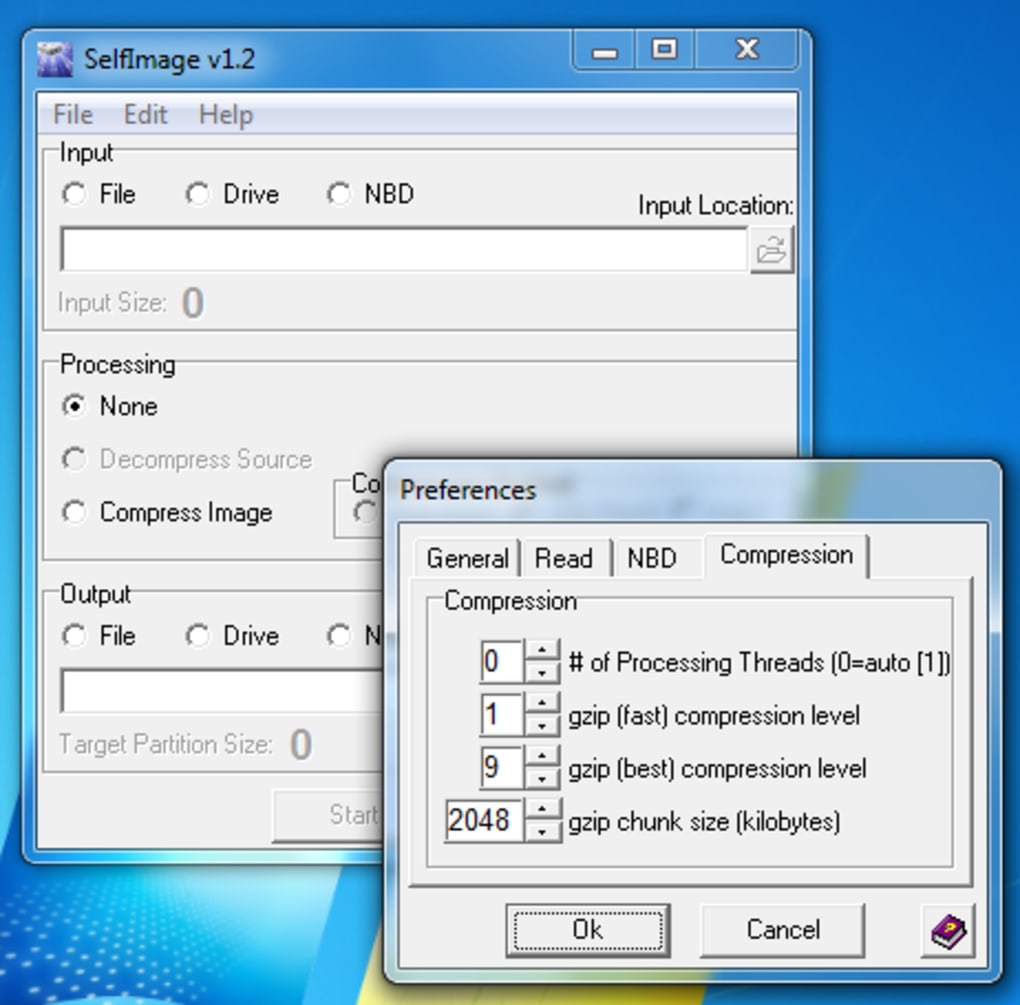
A notable feature that sets SelfImage apart is its optimization for multi-core processors. It leverages the processing power of modern CPUs, performing on-the-fly compression to significantly speed up the image creation process. This results in faster backup times, which is a significant advantage compared to other, less optimized utilities.
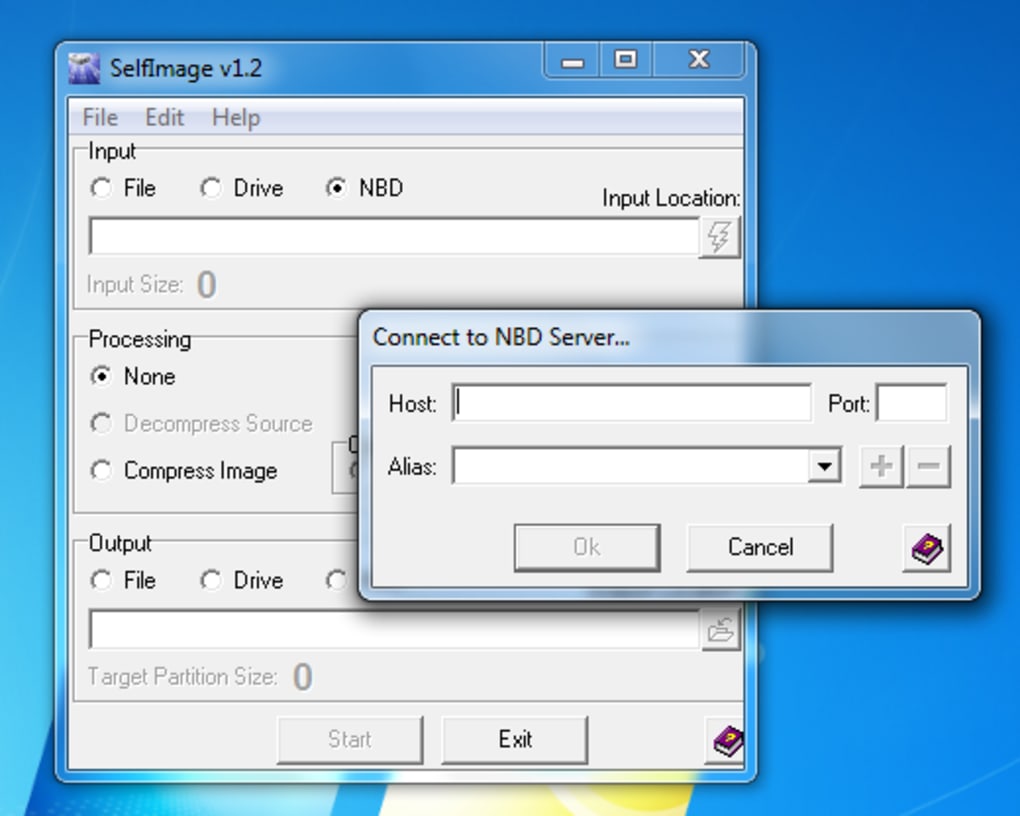
For network administrators, SelfImage’s support for Network Block Devices (NBD) is a game-changer. This allows for the creation and restoration of disk images on remote machines, streamlining system administration tasks within a network environment. The ability to manage and back up remote systems directly from a central location enhances efficiency and simplifies disaster recovery planning.
Speed and Performance: A Comparative Advantage
One of the most striking aspects of SelfImage is its speed. The software is noticeably faster than many comparable utilities, largely due to its efficient algorithms and optimization for multi-core processors. The on-the-fly compression helps minimize the overall image size, further enhancing the speed of both creation and restoration. This performance advantage is crucial in today’s environment where time is a valuable asset. The speed boost provided by multi-core processor optimization is a testament to the developers’ focus on efficiency.
Limitations and Areas for Improvement
While SelfImage offers a robust feature set and impressive performance, it’s not without its shortcomings. The most significant drawback is the lack of comprehensive documentation and support. The limited instructions can be challenging for beginners, leading to potential confusion and misuse. The absence of readily available help resources further exacerbates this issue, potentially hindering the adoption of this otherwise powerful utility. The fact that the project is no longer actively supported contributes to this lack of current assistance.

Another area needing improvement is the clarity regarding image bootability. While SelfImage can create images of partitions, the resulting image may not always be directly bootable, especially if only a partition, and not the entire hard drive, is imaged. Users need a strong understanding of the intricacies of bootloaders and partition tables to successfully restore and boot from a partition image. This lack of clear guidance on this limitation can lead to user frustration and misinterpretations of its capabilities.
User Reviews and Feedback: Real-World Experiences
User reviews highlight both the strengths and weaknesses of SelfImage. Positive feedback consistently emphasizes the software’s speed, power, and ability to handle both whole-drive and partition images. Users often praise its effectiveness in creating dual-boot systems and managing remote systems via its Network Block Device support.
However, several critical reviews highlight the lack of user-friendly instructions and the absence of readily accessible support resources. Some users report difficulties in understanding the process, particularly regarding bootable images, and express frustration over the absence of clear error messages or troubleshooting guidance. The mixed feedback underscores the importance of better documentation and ongoing support to maximize the user experience and prevent confusion. The need for more explicit details about the limitations of partition imaging is a recurring theme in user feedback.
Comparison to Commercial Alternatives
Compared to commercial disk imaging software, SelfImage stands out due to its price: free. This makes it an extremely attractive option for users on a budget or those seeking a powerful alternative to paid solutions. However, commercial alternatives generally provide more comprehensive documentation, technical support, and advanced features like scheduled backups, incremental backups, and more robust error handling. The trade-off lies in the cost; SelfImage sacrifices some polish and user-friendliness for affordability and open-source accessibility.
Conclusion: A Powerful Tool with Potential
SelfImage is a remarkably powerful and fast disk imaging utility, especially considering its open-source and free nature. Its ability to create and restore images of entire drives and partitions, including Linux partitions from within Windows, is a significant strength. However, the lack of sufficient documentation, readily available support, and clear guidance on bootable images hinders its accessibility and usability. Addressing these shortcomings would significantly improve the user experience and solidify its position as a leading free disk imaging solution. Despite its limitations, its raw power and speed make it a compelling choice for users comfortable navigating a less user-friendly interface and who prioritize functionality over polished user experience. It remains a valuable tool for experienced users and system administrators, but could benefit greatly from improvements in documentation and community support to better serve a wider audience.
File Information
- License: “Free”
- Latest update: “July 10, 2023”
- Platform: “Windows”
- OS: “Windows 98”
- Language: “English”
- Downloads: “42.3K”
- Size: “678.78 KB”


