
Serif DrawPlus Starter Edition, often referred to as DrawPlus SE, was a free graphic design and drawing program developed for Windows. While the download is no longer available through the original source, its legacy and the features it offered provide valuable insight into the world of free vector graphics software. This review explores its capabilities, features, limitations, and alternatives.
What was Serif DrawPlus Starter Edition?
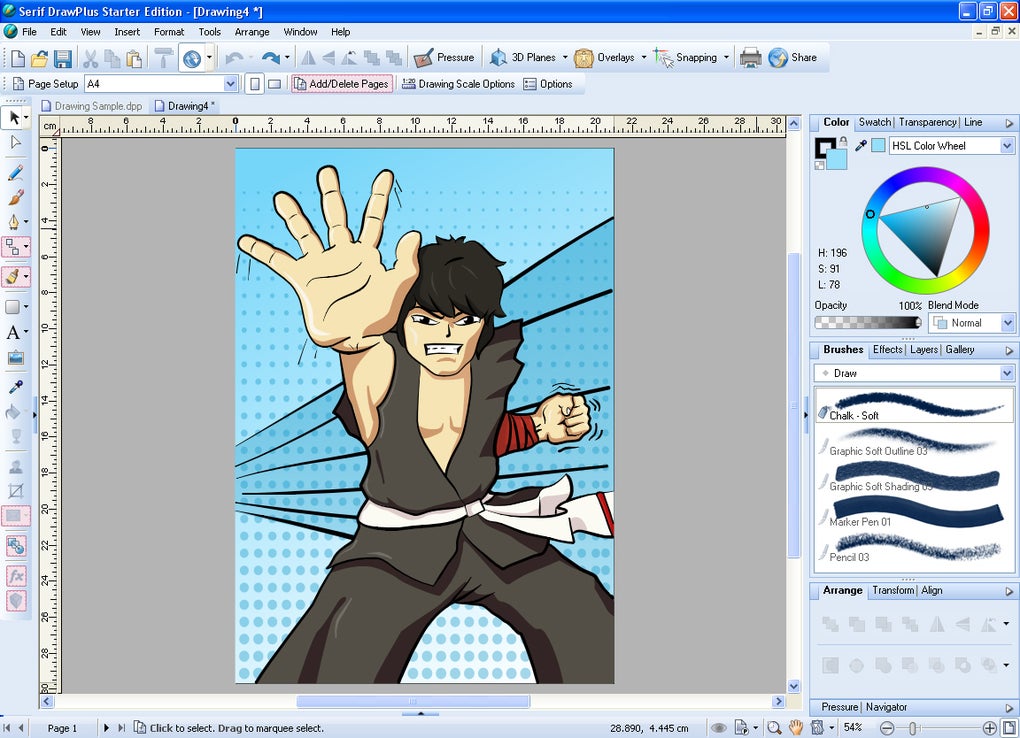
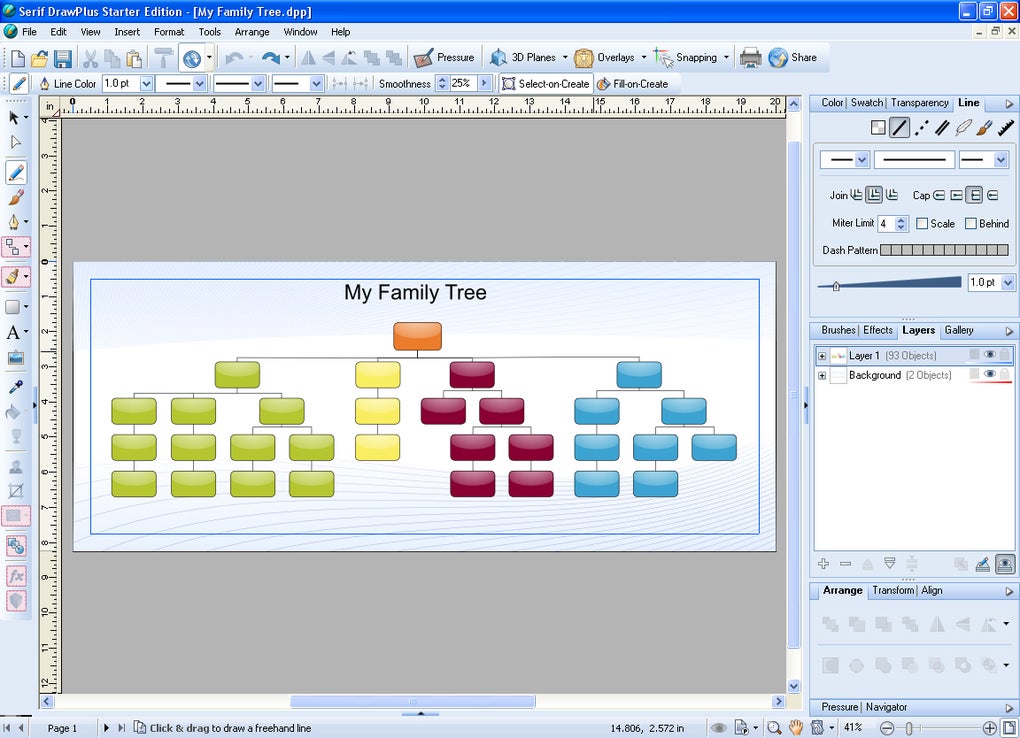
Serif DrawPlus Starter Edition was a free software application designed for creating and editing vector graphics. Unlike raster graphics, which are composed of pixels, vector graphics use mathematical formulas to define images. This means that vector images can be scaled to any size without losing quality – a crucial advantage for designs intended for multiple uses and resolutions. The software provided a user-friendly interface for creating various graphic elements, including website animations, layouts, brochures, vector graphics, ISO-format drawings, and even family trees. Its capabilities extended to both simple illustrations and more complex design projects.
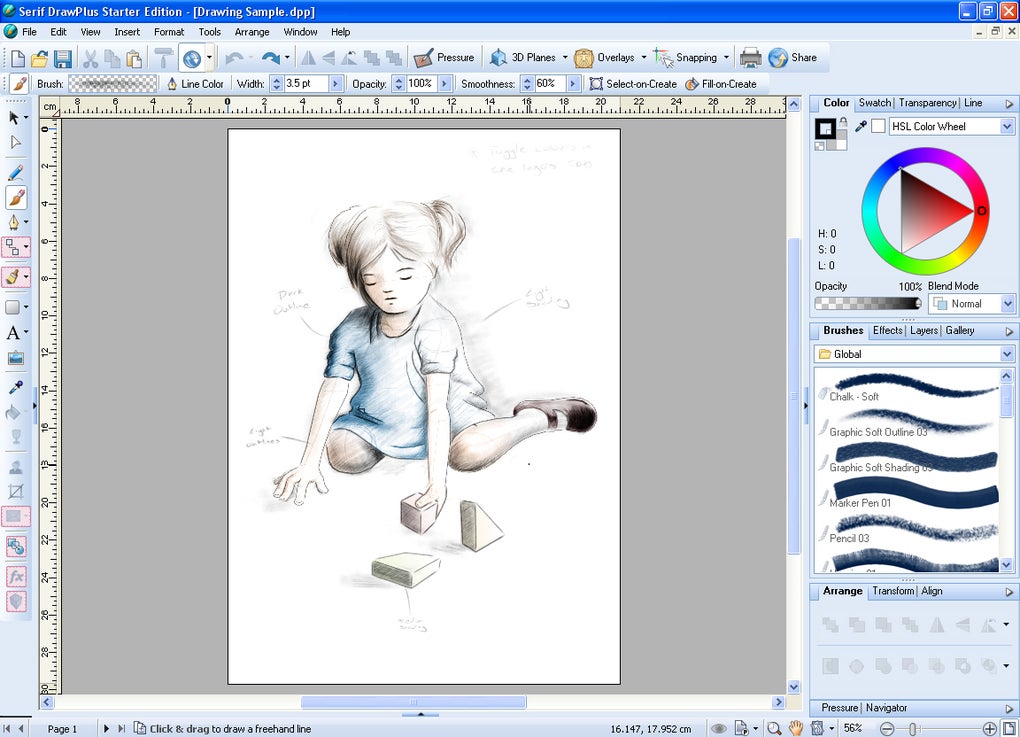
DrawPlus SE offered a range of tools for precise drawing and editing. Users could modify curves, customize shapes, and experiment with different brushes and color palettes. The inclusion of layer editing and blend modes allowed for sophisticated visual effects, enabling users to achieve professional-looking results even within the limitations of the free edition. Furthermore, the software facilitated image manipulation, allowing adjustments to brightness, focus, contrast, and position. Perhaps its most compelling feature was the ability to create animations, transforming static drawings into dynamic visuals. This made it a valuable tool for producing simple animations for websites or presentations.
Key Features and Capabilities
Serif DrawPlus Starter Edition boasted a robust set of features, despite its free status. Its strengths lay primarily in its vector-based drawing capabilities and ease of use.
Precise Drawing and Editing: The core strength of DrawPlus SE resided in its powerful tools for creating and manipulating vector graphics. Users could draw with precision, using various tools to ensure smooth lines and accurate shapes. The software’s curve-editing tools allowed for fine-tuning and adjustments without sacrificing image quality.
Customizable Shapes and Tools: The program allowed users to create customized shapes and modify existing ones with ease. One-click settings simplified many aspects of shape creation and manipulation, making it accessible to users with varying levels of experience.
Natural Media Brushes: Beyond the typical vector drawing tools, DrawPlus SE also included a range of pressure-sensitive brushes that mimicked traditional painting media, such as pencils, charcoal, chalk, and spray brushes. This feature added a more organic feel to digital artwork, enhancing the creative process. The pressure sensitivity was particularly useful for users with graphics tablets, enhancing the control and accuracy of strokes.
Blend Modes and Effects: The software offered an array of blend modes that facilitated the creation of unique effects and professional-quality visuals by combining colors and textures in innovative ways. These effects significantly increased the depth and versatility of the software’s capabilities.
Animation Tools: A notable feature was the ability to create simple animations. This allowed users to convert their static drawings into moving images, opening up new creative avenues.
File Compatibility: Serif DrawPlus SE supported a variety of file formats, including JPG, PNG, TGA, EMF, MBP, and WMF, ensuring compatibility with other graphic design programs and platforms. The support for multiple file formats significantly improved its usability and workflow efficiency.
Differences Between Serif DrawPlus Starter Edition and DrawPlus (Affinity Designer)
Serif DrawPlus Starter Edition served as an entry point to the full-fledged DrawPlus software, which evolved into Affinity Designer. The Starter Edition offered a taste of the professional-level features available in the paid version. While it included many of the core tools and functionalities, several advanced features were restricted. These limitations often manifested as pop-ups encouraging users to upgrade to the paid version whenever restricted features were accessed. This tactic served as an effective marketing strategy, giving potential users a practical demonstration of the software’s full capabilities before committing to a purchase. Restricted features included 3D effects, advanced color modification options, specialized filters, certain shape creation tools, and a more limited range of export formats.
However, despite these limitations, the free tools provided in the Starter Edition were still competitive with other free graphic design software available at the time. It provided a valuable learning experience for aspiring graphic designers and hobbyists. The user experience was largely consistent between the free and paid versions, allowing for a smooth transition if a user chose to upgrade.
Professional Use and Alternatives
While the full DrawPlus (Affinity Designer) software is a professional-grade tool, Serif DrawPlus Starter Edition was more suitable for beginners and casual users. Its user-friendly interface and powerful, yet limited, tools allowed users to learn the basics of vector graphics without the commitment of a costly professional application.
For professional-level work, however, more feature-rich alternatives such as Inkscape and Adobe Illustrator CC offer significantly expanded functionality and support for advanced techniques and workflows. Inkscape, a free and open-source vector graphics editor, presents a compelling alternative with a broader array of features, making it a worthwhile consideration for users who need more extensive tools without the cost of a proprietary solution. Adobe Illustrator CC, on the other hand, stands as the industry standard, offering unparalleled capabilities for graphic design professionals. However, it comes at a significant cost, making it less accessible to casual users.
Should You Have Downloaded Serif DrawPlus Starter Edition (If It Were Still Available)?
For artists and designers seeking a free, user-friendly introduction to vector graphics, Serif DrawPlus Starter Edition would have been a worthwhile download. It provided a glimpse into professional-level software and served as an excellent learning tool for creating various types of graphics. The ability to easily learn to convert drawings into animation and generate web graphics, technical artwork, logos, brochures, and more was a significant advantage. However, its restricted features should have been considered in relation to the user’s needs and expectations.
Pros:
- User-friendly interface.
- Powerful tools for drawing and editing vector graphics.
- Ability to create animations.
- Support for various file formats.
- Free to use.
Cons:
- Some features were locked behind a paywall.
- Limited functionality compared to professional-grade alternatives.
The availability of alternatives, both free and paid, means that users should weigh their specific requirements and budget before choosing a vector graphics editor. While Serif DrawPlus Starter Edition fulfilled a niche in providing an accessible introduction to vector graphics, the current availability of other alternatives should guide your selection of similar software today.
File Information
- License: “Free”
- Version: “2.0.3”
- Latest update: “November 9, 2022”
- Platform: “Windows”
- OS: “Windows 8”
- Language: “English”
- Downloads: “60.1K”
- Size: “107.55 MB”


