
SHAREit is a versatile, free file-sharing application designed for seamless transfer of data across various devices, both online and offline. Available on Android, iOS, Mac, and Windows, SHAREit transcends its core function as a file-transfer tool, incorporating a gaming center, video streaming service, and a range of additional utilities into its user interface. While offering a compelling array of features, it also raises some security concerns that users should be aware of before installing and using the application. This review will explore SHAREit’s capabilities, strengths, weaknesses, and potential risks.
SHAREit: Functionality and Features
SHAREit functions as a comprehensive application compatible with computers, laptops, smartphones, and tablets. Its primary function is the fast and efficient transfer of multimedia content, including applications, games, music, pictures, and videos. A key advantage is its ability to operate both online and offline, eliminating the need for a Wi-Fi or Bluetooth connection. This offline capability is particularly useful in areas with limited or unreliable internet access. SHAREit achieves this high-speed transfer without consuming significant data resources, making it a cost-effective solution for sharing large files.
The application itself is designed to be lightweight, minimizing its impact on device storage space. Beyond file sharing, SHAREit boasts a suite of integrated features, enhancing its appeal to a broad user base:
-
Built-in Multimedia Player: SHAREit includes a native media player that allows users to directly play audio and video content within the app, eliminating the need to switch to external players. This streamlined functionality adds to the app’s overall convenience.
-
Extensive Game Center: A significant portion of SHAREit’s user base consists of gamers, drawn to its extensive catalog of free-to-play games. The game center offers a diverse selection of titles, downloadable and playable directly within the application. No separate installations are required for many of these games, making access quick and straightforward. This feature extends beyond simple games; it also provides access to HTML5 games and gaming videos. SHAREit actively promotes “hot games,” ensuring that the selection remains current and engaging.
-
Video Streaming Service: SHAREit’s built-in streaming service facilitates the viewing of videos directly through the application. The service supports HD video streaming, providing a quality viewing experience.
-
Integrated File Manager: To improve organization and ease of access, SHAREit incorporates a file manager. This allows users to browse, select, and organize their files before initiating a transfer. This feature significantly streamlines the file-sharing process.
-
Additional Utilities: Beyond core functionalities, SHAREit offers several additional tools, including a PDF converter and a built-in “Shop” for convenient online purchasing. It also caters to specific user groups, such as Muslim users, with features like prayer time reminders. A “Safebox” function provides enhanced privacy for photos and videos. For smartphone users, the “Phone Clone” (or Smart Switch) simplifies the transition to a new device by efficiently transferring contacts, apps, videos, and images between various phone brands including Samsung, Xiaomi, and iPhone.
SHAREit: Security and Privacy Considerations
While SHAREit offers a wide range of features and functionality, it’s crucial to address the potential security and privacy implications. The application’s cleaning service, designed to optimize device speed by removing unnecessary files, raises concerns due to its access to sensitive personal information. The service scans the entire system, potentially deleting important files if not used cautiously. This extensive access to personal data represents a significant privacy risk.
Several reports indicate that some antivirus programs have flagged SHAREit as malware. Although this doesn’t definitively confirm malicious intent, it underlines the importance of caution. The potential for accidental data deletion and the extensive access granted to personal files through the cleaning service warrant a cautious approach. Users should carefully evaluate the risks before enabling this feature. It is advisable to use a reputable antivirus program alongside SHAREit, and to regularly backup important data.
SHAREit: User Experience and Interface
SHAREit’s user interface, while functional, is often described as cluttered and overwhelming due to the sheer number of features included. The abundance of content, while beneficial in offering diverse options, can sometimes detract from ease of navigation. The QR code connection method, while modern, might be less intuitive for users unfamiliar with this technology. The connection process between desktop and mobile devices may require a learning curve. However, the file transfer process itself, once the connection is established, is relatively straightforward, utilizing a user-friendly drag-and-drop system for sending files.
SHAREit: Updates and Availability
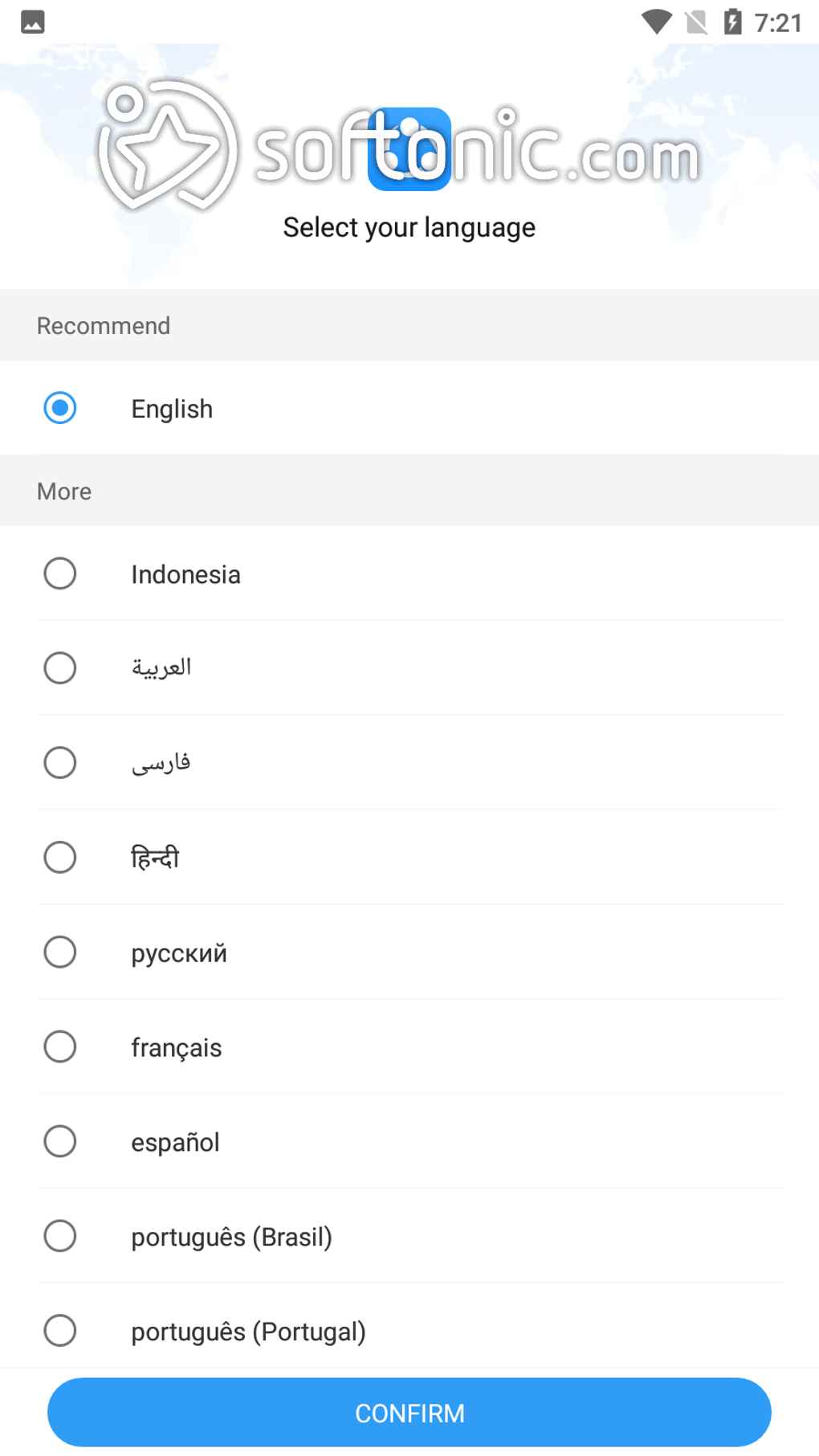
The developers of SHAREit maintain a consistent release cycle of software updates to improve performance and address bug fixes. Although these updates rarely modify the overall visual layout of the interface, they are crucial for maintaining the software’s stability and security. SHAREit’s global reach is reflected in its support for 45 different languages, catering to a diverse international user base.
SHAREit: Advantages and Disadvantages
Advantages:
.webp)
- High-Speed File Transfer: SHAREit offers remarkably fast transfer speeds, both online and offline.
- Cross-Platform Compatibility: The app supports a wide range of operating systems, enhancing its accessibility.
- Offline Functionality: The ability to share files without an internet connection is a significant advantage.
- Integrated Multimedia Player and Game Center: These integrated features significantly increase the application’s utility.
- Additional Utilities: The inclusion of PDF conversion, a shopping feature, and other tools provides added functionality.
- Phone Clone Feature: This feature simplifies the transfer of data when switching mobile devices.
Disadvantages:
- Unverified Safety: Concerns regarding the cleaning service and reports of malware detection raise security questions.
- Cluttered Interface: The abundance of features contributes to a cluttered and sometimes confusing user experience.
- Learning Curve: The initial connection process, particularly using QR codes, may be challenging for some users.
SHAREit Alternatives
Several alternative file-sharing applications offer comparable functionality, including AirDroid, Xender, and Zapya. These applications offer similar cross-platform support and file-transfer capabilities, allowing users to compare options based on their specific needs and preferences. It is recommended to research and compare alternatives to ensure you select the option that best fits your requirements and aligns with your comfort level regarding data security.
In conclusion, SHAREit is a powerful and versatile application that provides a comprehensive range of file-sharing and entertainment features. However, users must carefully weigh the benefits against the potential risks associated with the app’s access to personal data and the concerns raised by certain security software. Thorough research and careful consideration of privacy implications are paramount before installing and using SHAREit. Exploring alternative applications is also recommended to ensure a choice that aligns with your individual needs and security priorities.
.webp)
File Information
- License: “Free”
- Latest update: “April 9, 2025”
- Platform: “Android”
- OS: “Android 13.0”
- Downloads: “49.2M”
- Size: “63.17 MB”
- Download Options: “APK, Google Play”
- Filename: “com-lenovo-anyshare-gps-4065178-70386637-08d05fadd35852aa112a3441ef743f6f.apk”


