
Siri for Android Assistant was a third-party application designed to mimic the functionality and personality of Apple’s Siri virtual assistant on Android devices. Developed by Unique App Inc., a small independent developer, the app aimed to provide Android users with a similar voice-controlled experience to that found on iOS devices. While it offered a charming imitation of Siri’s playful responses and basic functionality, its limitations in terms of reliability, feature set, and privacy concerns ultimately prevented it from becoming a serious competitor to established Android assistants like Google Assistant or Amazon Alexa. The app is no longer available for download, likely due to a combination of factors including limited functionality, privacy concerns, and possibly even security issues. This article explores the app’s features, limitations, and the reasons behind its eventual demise, providing a comprehensive overview for those curious about this once-available alternative.
Mimicking Siri’s Persona and Functionality
Siri for Android Assistant sought to replicate the user experience of interacting with Apple’s Siri. This included attempting to emulate Siri’s characteristically cheerful and sometimes witty responses to user queries and commands. The app’s core functionality revolved around voice-activated commands allowing users to perform a variety of tasks directly through voice interaction. These tasks included:
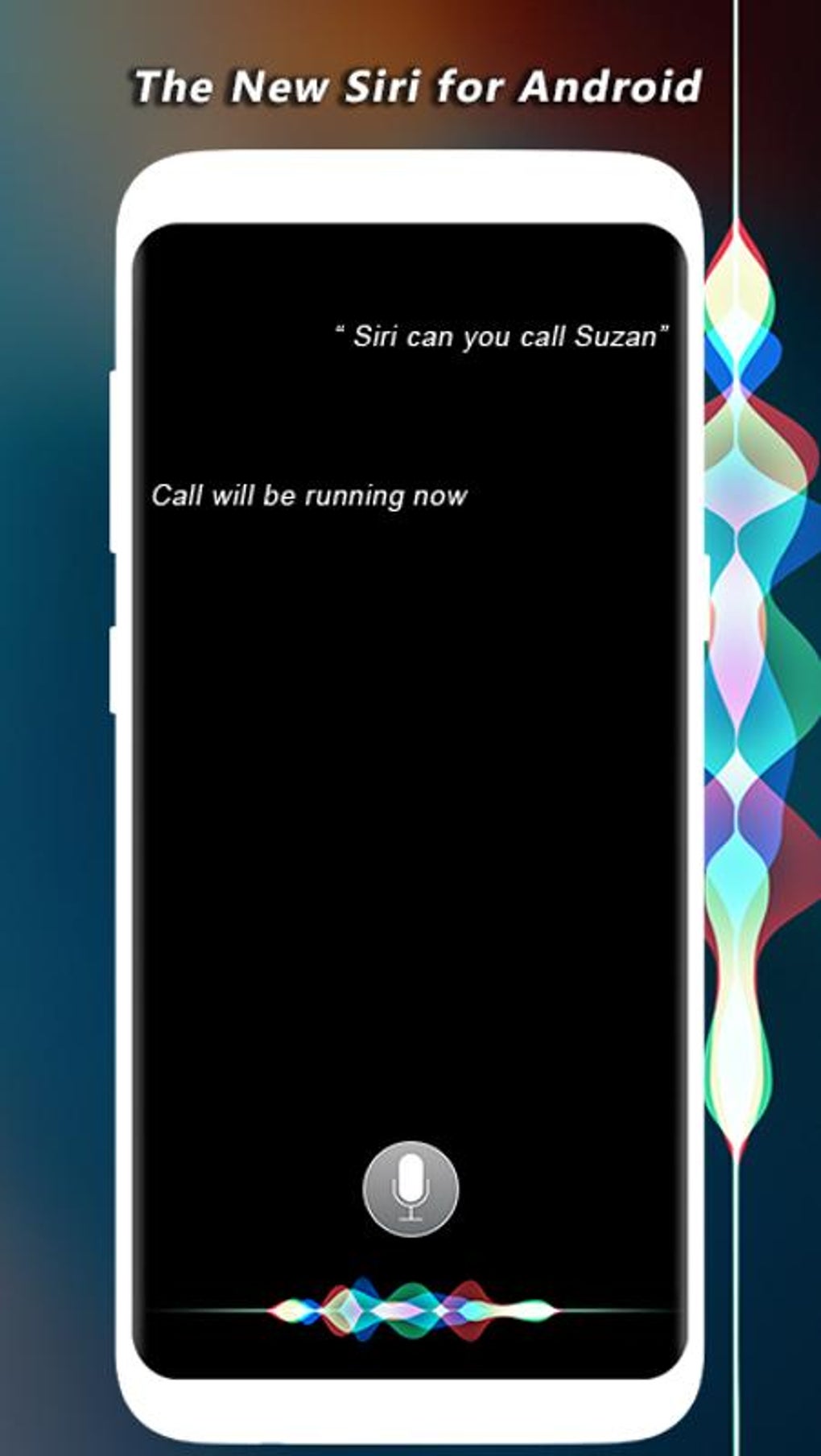
- Making phone calls: Users could initiate calls by verbally stating the contact’s name or phone number.
- Sending text messages: The app allowed users to dictate text messages, eliminating the need for manual typing.
- Setting reminders and alarms: Users could easily schedule reminders and alarms using simple voice commands.
- Playing music: The app offered basic music playback controls through voice commands, integrating with the device’s existing music player.
- Performing web searches: Users could use voice commands to conduct web searches, with the results displayed within the app or through the device’s default browser.
The app’s interface was intentionally minimalistic, requiring only microphone permissions and internet access for operation. This simplicity contributed to its ease of installation and use. However, this simplicity also contributed to its limitations.
Performance and Reliability Issues
Despite its attempt to replicate the Siri experience, Siri for Android Assistant suffered from significant performance inconsistencies. The app’s voice recognition capabilities were often unreliable, particularly when dealing with less structured or spontaneous phrasing. This resulted in frequent misinterpretations of commands and a high failure rate in executing the requested actions. Users frequently reported issues with the app failing to understand or properly process their voice commands.
Beyond the voice recognition problems, the app heavily relied on a constant internet connection. This dependence had two significant drawbacks:
- Battery drain: The continuous background activity required for internet access and background listening for voice commands led to excessive battery consumption on user devices.
- Privacy concerns: The app’s reliance on forwarding voice data to cloud servers raised significant privacy concerns for users. There was a lack of clear documentation regarding the storage, management, and deletion of this voice data, unlike more established virtual assistants which generally provide more transparency regarding their data handling practices.
Limited Feature Set and Integration
Another crucial limitation of Siri for Android Assistant was its restricted range of supported commands. Unlike its Apple counterpart or established Android alternatives, the app lacked the breadth of features and functionalities that are commonly expected from a modern virtual assistant. This lack of functionality included a noticeable absence of deeper integration with the Android operating system itself. The app failed to seamlessly integrate with core system functions, resulting in a less fluid and less comprehensive user experience. For example, it likely couldn’t directly control smart home devices or perform more complex tasks requiring deeper system access.
Security and Privacy Implications
As a third-party application, Siri for Android Assistant did not offer the same level of security and data protection as officially supported virtual assistants. The app’s requirement for constant microphone access, coupled with its transmission of voice data to cloud servers, raised legitimate privacy concerns for users. The lack of clear information regarding data handling procedures further exacerbated these concerns. There was no readily available information on how user voice data was stored, managed, or deleted, leaving users to question the potential misuse or unauthorized access of their private information. This lack of transparency was a significant disadvantage compared to more established assistants that usually provide detailed information on their privacy policies and data handling practices.
Comparing to Established Virtual Assistants
Siri for Android Assistant’s performance and feature set paled in comparison to the established virtual assistants available on Android devices. Google Assistant, for instance, offered far superior voice recognition accuracy, a broader range of functionalities, tighter integration with the Android operating system, and significantly more transparency regarding user data privacy. Amazon’s Alexa, while primarily known for its smart speaker integration, also offered a robust mobile application with comparable capabilities to Google Assistant. Even other third-party assistants often provided a more polished and reliable experience.
The key differentiators were:
- Accuracy and reliability: Google Assistant and Alexa boasted substantially more accurate and reliable voice recognition, leading to far fewer instances of misinterpretations and failed commands.
- Feature richness: The established assistants provided a significantly wider array of functionalities, including smart home control, scheduling, reminders, information retrieval, and much more.
- System integration: Google Assistant, in particular, had deep integration with the Android operating system, allowing for a seamless and intuitive user experience.
- Privacy and security: Established virtual assistants typically provided clearer and more comprehensive privacy policies, outlining their data handling practices and providing users with more control over their data.
Conclusion: A Fun Gimmick, Not a Replacement
Siri for Android Assistant ultimately served as a nostalgic novelty rather than a practical replacement for established virtual assistants. Its attempt to replicate the playful personality and basic functionality of Apple’s Siri was admirable in its ambition. However, its shortcomings in voice recognition accuracy, limited feature set, heavy reliance on internet connectivity, and considerable privacy concerns prevented it from becoming a truly useful or competitive tool. While its lighthearted approach may have appealed to some users for a short period, its unreliability and lack of sophistication ultimately rendered it unsuitable for everyday use. For users seeking a reliable, feature-rich, and privacy-conscious virtual assistant, Google Assistant, Amazon Alexa, or other comparable alternatives remain far superior choices. The app’s removal from download platforms serves as a testament to its ultimate failure to compete in the increasingly sophisticated market of virtual assistant technology.
File Information
- License: “Free”
- Version: “1.1.1”
- Latest update: “June 30, 2025”
- Platform: “Android”
- OS: “Android 4.2.2”
- Language: “English”
- Downloads: “40K”
- Size: “4.95 MB”
- Download Options: “APK, Google Play”
- Filename: “Siri_For_Android_Assistant_v1.1.1.apk”


