
Sketchable is a powerful and intuitive digital sketching application designed for Windows tablets and touchscreen computers. Transforming your device into a versatile and responsive sketchbook, Sketchable provides a seamless transition from traditional art to the digital realm. Whether you’re a seasoned professional or a budding artist, Sketchable offers a user-friendly interface and a comprehensive set of tools to help you create stunning artwork. Its focus on ease of use and high-quality output makes it an ideal choice for both beginners and experienced digital artists.
A High-Quality Digital Canvas at Your Fingertips
Sketchable’s strength lies in its commitment to providing a high-fidelity art creation experience. The application supports resolutions up to 4K on 64-bit operating systems, ensuring your artwork maintains exceptional detail and clarity. This high-resolution capability allows for intricate work and the creation of large-scale pieces without compromising visual quality. The ability to produce professional-grade artwork directly on your tablet or touchscreen PC makes Sketchable a compelling option for artists seeking a streamlined workflow. No longer are artists bound to traditional desktop setups; Sketchable embraces the mobility and flexibility offered by modern touchscreen devices.
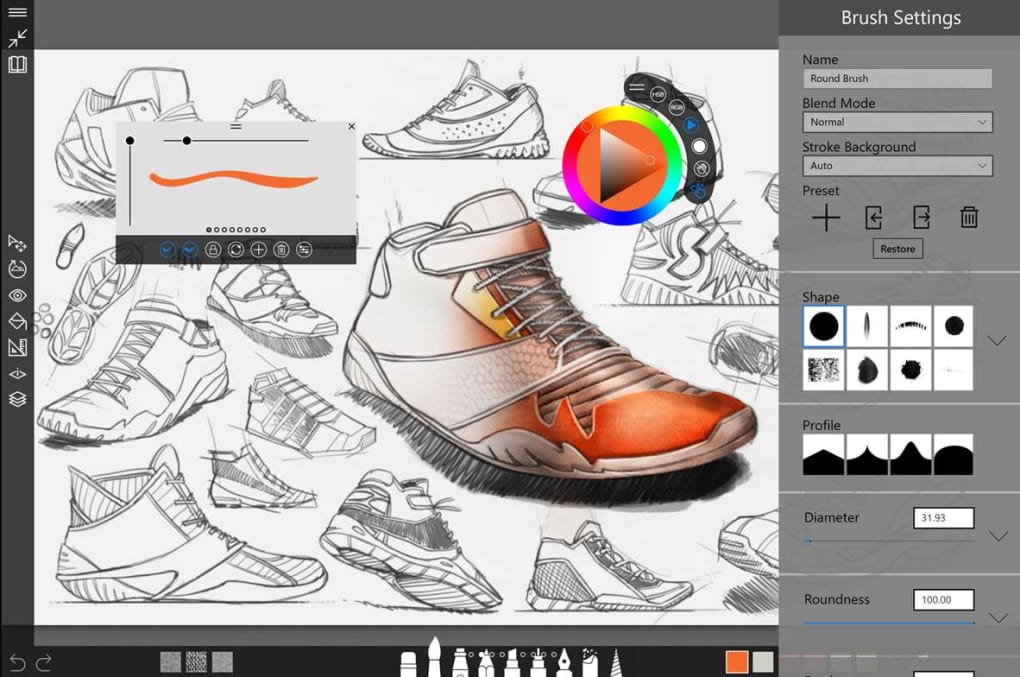
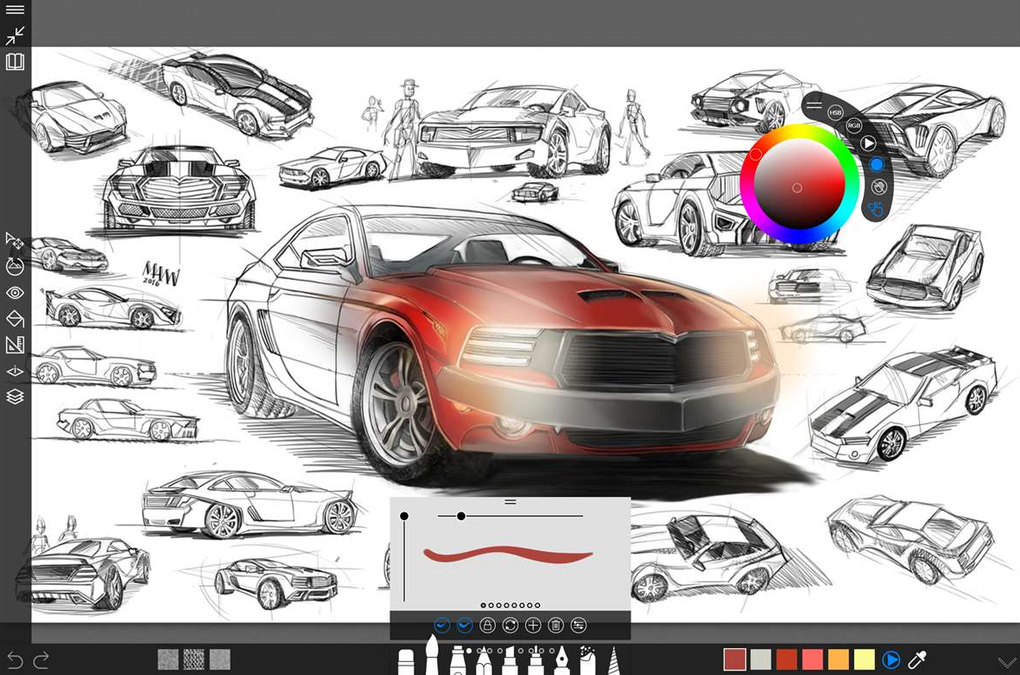
The app empowers artists to craft their ideal workspace by offering customizable controls and a flexible interface. You can adjust the tools, palettes, and canvas to your exact preferences, creating a personalized environment tailored to your unique artistic style and workflow. This level of customization promotes efficiency and comfort, allowing artists to fully immerse themselves in the creative process without distractions from awkward or cumbersome interfaces. The ability to readily customize the interface distinguishes Sketchable from other applications where settings may be more rigid and less intuitive.
Furthermore, Sketchable allows for real-time color modification, enabling effortless experimentation with different hues and shades. The intuitive color picker and mixing tools facilitate spontaneous exploration of color palettes, inspiring artistic expression and innovation. This feature eliminates the need for constant switching between tools or menus, fostering a fluid and engaging creative process. The emphasis on real-time adjustments ensures a continuous flow of inspiration and creation without interrupting the creative momentum.
Seamless Workflow and Export Capabilities
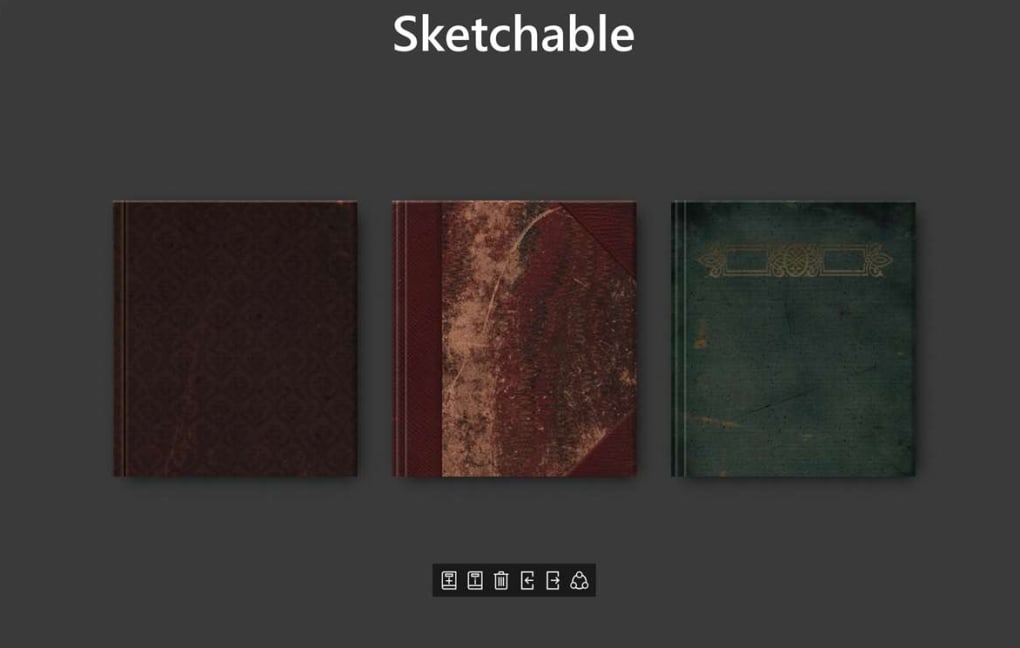
Beyond its core sketching capabilities, Sketchable simplifies the workflow through efficient file management and export options. The application allows you to organize your sketches and images into digital folders, maintaining a structured and easily accessible art library. This organization promotes productivity and prevents the loss or misplacement of valuable artwork. This system is particularly helpful for artists with a large body of work or those who regularly work on multiple projects simultaneously.
One of the standout features is Sketchable’s compatibility with Adobe Photoshop. After completing a sketch or digital painting, you can easily export the file in .PSD format, allowing for seamless transfer to Photoshop for further editing and refinement. This integration with industry-standard software ensures that artists can continue to utilize their preferred tools and techniques without limitations. The compatibility with .PSD enhances workflow flexibility and streamlines the process of incorporating Sketchable’s output into larger projects or professional work. This collaborative aspect broadens the software’s capabilities significantly, surpassing the limitations of solely being a standalone sketching program.
Premium Features: Expanding Your Artistic Toolkit
While the free version of Sketchable offers a robust set of tools, the premium edition unlocks a wider range of features designed to elevate your artistic capabilities. These advanced features include layers, masks, stencils, and transform tools, offering a level of control and precision typically found in professional-grade software. Layers allow for non-destructive editing, enabling artists to experiment with different elements and adjustments without affecting the underlying artwork. Masks provide selective editing capabilities, enabling the isolation and manipulation of specific areas within a composition. Stencils add the ability to incorporate pre-defined shapes and patterns, enhancing the speed and efficiency of the creative process. Transform tools facilitate scaling, rotating, and skewing of elements, creating dynamic compositions.
The inclusion of these professional-level tools differentiates the premium version from the free option. It targets artists who need more advanced features for complex projects or those requiring more control and flexibility during their workflow. The upgrade offers significant value to artists seeking enhanced precision and control in their digital art creation process. It transforms Sketchable from a basic sketching tool to a comprehensive digital art studio.
A Perfect Entry Point into the World of Digital Art
Sketchable’s intuitive interface and robust features make it an ideal program for artists of all skill levels. Beginners can easily grasp the fundamentals of digital art creation without feeling overwhelmed by complex interfaces or excessive functionalities. The application’s user-friendly design emphasizes ease of use, minimizing the learning curve and allowing artists to focus on their creative expression. This low barrier to entry makes Sketchable an accessible option for aspiring artists or individuals exploring digital art for the first time.
Meanwhile, experienced artists can benefit from the premium features, such as layers, masks, and transform tools, to create complex and nuanced artworks. These advanced tools provide a level of precision and control comparable to professional-grade software, catering to the needs of experienced digital artists. Therefore, Sketchable’s scalability ensures that it can grow with the artist’s skillset, providing a consistent and reliable platform for their creative journey. The application’s adaptability to both beginners and experienced users strengthens its position as a versatile tool for artists at all stages of their artistic development.
Sketchable’s approach of combining ease of use with powerful functionality makes it a unique choice in the market. Its ability to be both an accessible entry point and a capable tool for professional-level work caters to a broad spectrum of users, solidifying its position as a valuable addition to any artist’s digital toolbox.
Sketchable: A Comparison with Alternative Applications
Several alternative applications cater to digital sketching and painting needs. However, Sketchable distinguishes itself through a combination of factors. While alternatives like SketchBook Pro offer advanced functionalities, they may come at a higher price point and with a steeper learning curve. Plumbago, a free alternative, might lack the precision and features found in Sketchable’s premium edition. MyPaint, another free option, may focus more on traditional painting techniques and might not offer the same level of customization or compatibility with other industry-standard software such as Photoshop. The free version of Sketchable provides a strong foundation, while its premium edition offers a compelling balance of advanced features and accessibility, making it a competitive choice among its counterparts.
The comparison with other applications reinforces Sketchable’s position as a strong contender. Its blend of free and premium options allows artists to choose the level of functionality suitable for their needs and budget. The streamlined user experience alongside its powerful features addresses a key need within the market for user-friendly yet robust digital art software.
Conclusion: Embrace the Power of Sketchable
Sketchable is more than just a sketching app; it’s a comprehensive digital art platform designed to empower artists of all skill levels. From its high-resolution canvas and customizable interface to its seamless Photoshop integration and powerful premium features, Sketchable delivers a compelling and intuitive artistic experience. Whether you’re creating quick sketches or intricate masterpieces, Sketchable provides the tools and flexibility to bring your artistic vision to life. Download Sketchable today and embark on your journey towards mastering the art of digital creation.
File Information
- License: “Free”
- Version: “5.0.36.0”
- Latest update: “May 24, 2023”
- Platform: “Windows”
- OS: “Windows 10”
- Language: “English”
- Downloads: “72.6K”


