
SketchUp Free, as the name aptly suggests, is the free version of the renowned 3D modeling software, SketchUp. This versatile multimedia web application empowers users to create and manage 3D models from anywhere with a web browser, eliminating the need for complex software downloads. Its user-friendly design makes it an accessible tool for both beginners and experienced 3D modelers, allowing anyone to visualize design ideas effortlessly. This review will delve into the capabilities, advantages, and limitations of SketchUp Free, offering a balanced perspective for potential users.
Accessing and Navigating the SketchUp Free Interface
Accessing SketchUp Free requires a simple registration process. Users can either create a Trimble account or conveniently leverage their existing Google account. Upon successful login, the “Start Modeling” button provides immediate access to the intuitive workspace. New users are guided through a straightforward process of accepting the Terms of Service and Privacy Policy, ensuring a clear understanding of the application’s usage guidelines.
The interface itself stands out for its clean and uncluttered design. The absence of an overwhelming number of buttons minimizes the initial learning curve for beginners, allowing them to focus on the core principles of 3D modeling. The tools are arranged logically, facilitating smooth navigation and precise 3D sculpting. Even novice users can quickly grasp the basic functionalities and create simple printable models within minutes. The intuitive design promotes a seamless user experience, making complex tasks manageable even for those unfamiliar with 3D modeling software.
Core Features and Capabilities of SketchUp Free
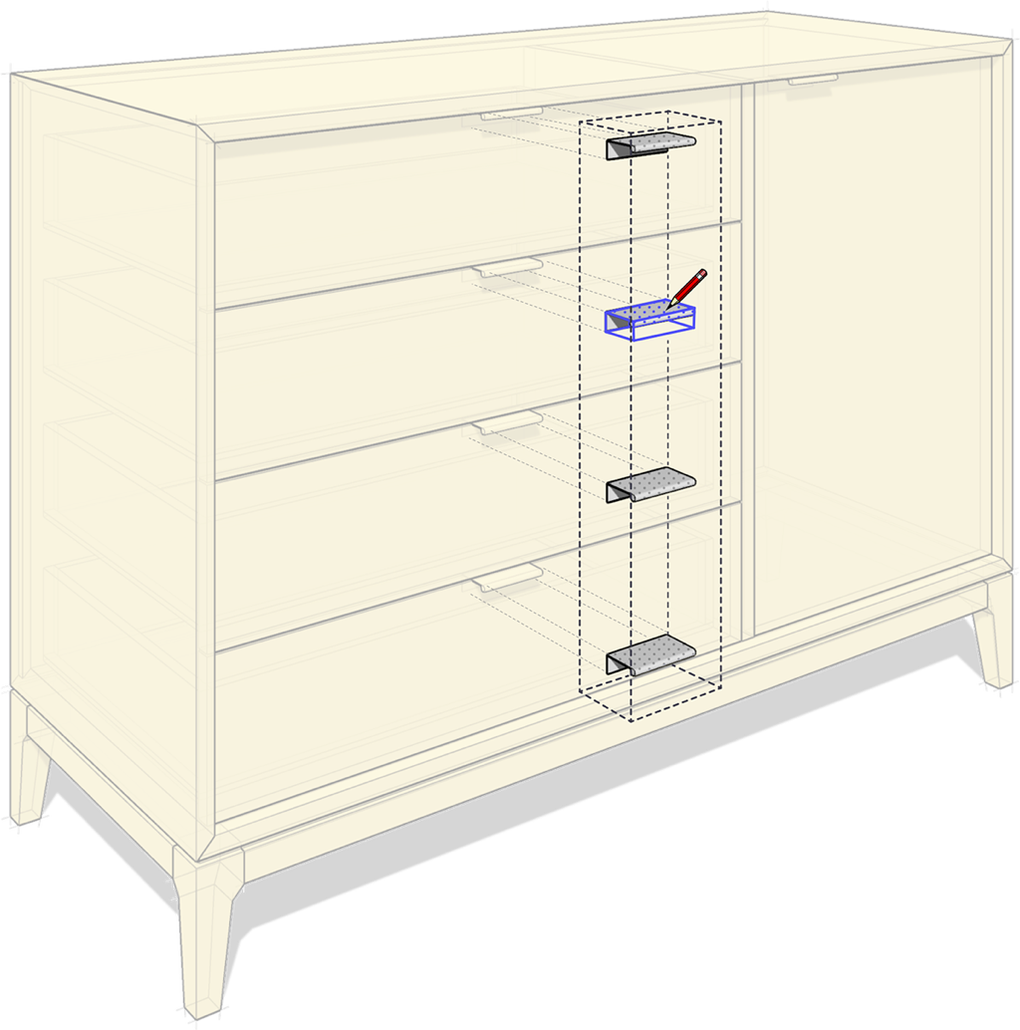
SketchUp Free distinguishes itself as the simplest free 3D modeling software, offering remarkable portability by running directly within a web browser. This key feature allows users to access their projects and workspace from any device with internet access, eliminating concerns about software compatibility and installation issues.
The application includes the core 3D modeling tools essential for creating a wide range of models. Users can seamlessly import various file types, including SKP, JPG, and PNG, ensuring compatibility with existing projects. Export options include SKP, PNG, and STL, offering flexibility in sharing and utilizing created models.
A significant advantage lies in SketchUp Free’s integration with the 3D Warehouse, SketchUp’s extensive online repository of user-generated and manufacturer-produced 3D models. This vast library, containing approximately 2.2 million models, provides an invaluable resource for users seeking pre-made components or inspiration for their projects. While convenient, it’s important to note a size limitation of 50 MB for files stored within the 3D Warehouse.
Cloud storage is another beneficial aspect of SketchUp Free, offering 10 GB of Trimble Connect cloud storage. This allows users to securely save their projects and access them from multiple devices, ensuring data protection and preventing potential loss of work.
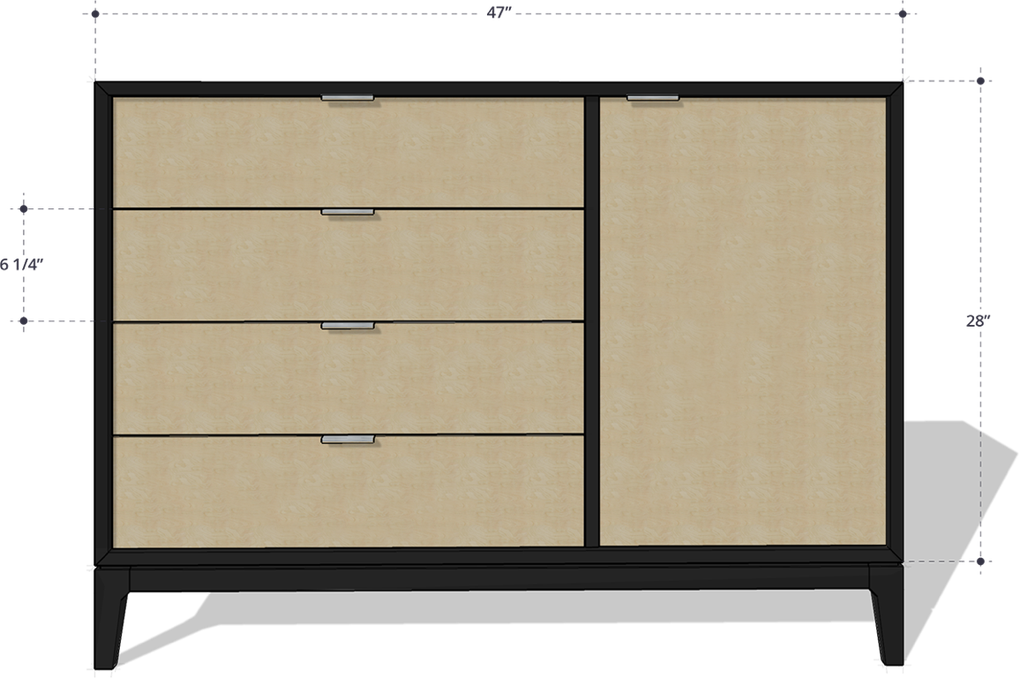
Advantages and Disadvantages of Using SketchUp Free
SketchUp Free presents a compelling proposition for users entering the world of 3D modeling. Its browser-based accessibility simplifies the process significantly, negating the need for software downloads and installations. The inclusion of essential 3D modeling tools allows users to create a variety of models, from simple designs to more complex structures. The straightforward, user-friendly interface further enhances its appeal, making it accessible to beginners and experienced users alike. Access to the 3D Warehouse opens a world of pre-made components and inspires creativity.
However, it is crucial to acknowledge the limitations of the free version. The functionality is not as comprehensive as the professional version, SketchUp Pro. Users should expect certain advanced features and tools to be absent. For instance, the limited cloud storage of 10 GB might prove insufficient for users working on large-scale projects. The lack of extension support further restricts customization and functionality compared to the fully licensed version. While ideal for basic 3D modeling needs, more complex or professional design projects would require the capabilities of SketchUp Pro.
Comparison with Alternative 3D Modeling Software
The market offers various alternatives to SketchUp Free, each with its unique strengths and weaknesses. Some alternatives provide more advanced features or specialize in specific areas of 3D modeling. Direct comparisons are complex and depend heavily on individual user needs and project requirements. However, a general comparison can help to highlight the key differentiators:
Cost: SketchUp Free’s primary advantage is its free access. Many alternative 3D modeling software packages require paid subscriptions or one-time purchases. This cost difference directly impacts accessibility, making SketchUp Free an attractive option for beginners and casual users.
Functionality: While SketchUp Free offers a core set of essential tools, it lacks the comprehensive feature set of professional-grade software. Alternative packages often incorporate advanced features, such as sophisticated rendering capabilities, animation tools, and specialized plugins.
User-friendliness: SketchUp Free excels in its ease of use, thanks to its intuitive interface and straightforward workflow. Some alternative applications may have steeper learning curves, demanding more technical proficiency from users.
Platform Compatibility: SketchUp Free’s web-based nature ensures compatibility across various platforms, making it readily accessible from any device with a web browser. Some alternative applications may be limited to specific operating systems or devices.
Ultimately, the choice of 3D modeling software depends on specific project demands and technical expertise. SketchUp Free serves as an excellent entry point for beginners and casual users, while professional-grade applications provide greater functionality for complex projects.
Conclusion: SketchUp Free – An Ideal Starting Point for 3D Modeling
SketchUp Free successfully bridges the gap between accessible 3D modeling and professional-grade capabilities. Its browser-based nature, intuitive interface, and essential tools make it an ideal starting point for anyone curious about 3D modeling. The integration with the 3D Warehouse and Trimble Connect cloud storage enhances its functionality and user experience. While limitations exist in comparison to the paid version, SketchUp Free offers a significant advantage with its free access, making it a valuable resource for beginners and casual users alike. For users with more advanced needs or demanding projects, upgrading to SketchUp Pro will undoubtedly unlock a greater range of capabilities and features. However, for users seeking a straightforward and accessible introduction to the world of 3D modeling, SketchUp Free is undoubtedly a strong contender.
File Information
- License: “Free”
- Version: “1.0”
- Latest update: “January 21, 2025”
- Platform: “Web Apps”
- OS: “Chrome”
- Language: “English”
- Downloads: “122.3K”


