Sky Go, a multimedia application developed by Sky UK Limited, offers a platform for streaming live television channels and catching up on missed programs. This service integrates live TV viewing, on-demand content, and the ability to download shows for offline viewing, aiming to provide a comprehensive viewing experience for its users. However, its accessibility, performance, and overall user experience are key factors that determine its effectiveness as a streaming service.
Channel Availability and Content Library
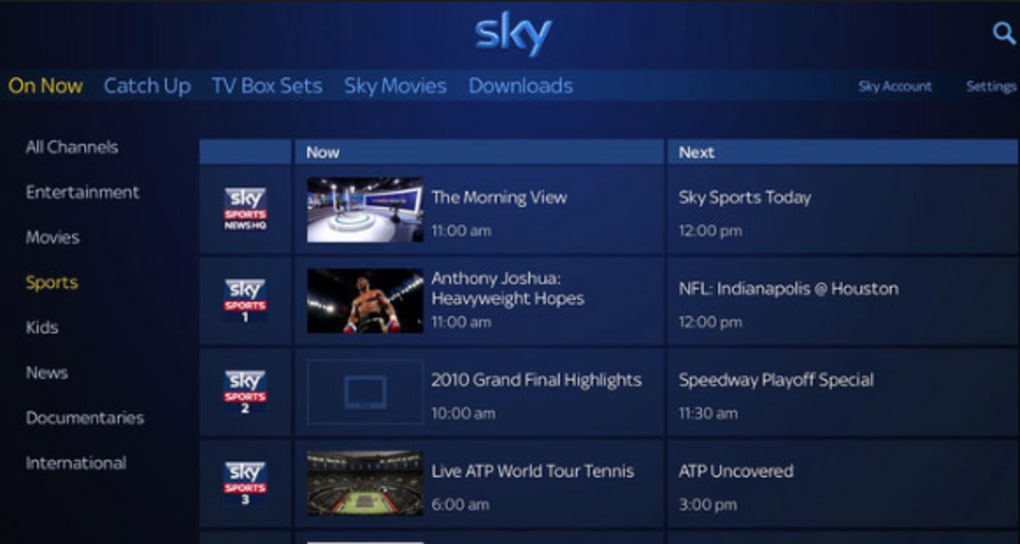
Sky Go’s core strength lies in its vast library of content, providing access to a wide array of channels and programs. Sky subscribers benefit from access to their usual television lineup through the app, ensuring a familiar viewing experience across different devices. The inclusion of Catch Up TV allows viewers to catch up on missed episodes of their favorite shows from channels such as Sky 1, Sky Living, and Sky Partner channels. Furthermore, the “Watch Live” feature replicates the experience of watching television in real-time, mirroring the broadcast schedule. Finally, an extensive on-demand library provides a significant collection of Sky’s on-demand programming, including box sets of popular series and blockbuster movies.
However, the exact content accessible through Sky Go is directly dependent on the user’s existing Sky TV subscription package. Subscribers on lower-tier packages will have access to a more limited selection of channels and on-demand content compared to those on higher-tier packages. This limitation can be frustrating for users who expect a comprehensive streaming service regardless of their subscription level. The tiered approach to content access directly impacts the perceived value of the service, making it crucial for potential users to carefully consider their existing Sky package before relying solely on Sky Go for their entertainment needs.
Device Compatibility and Accessibility
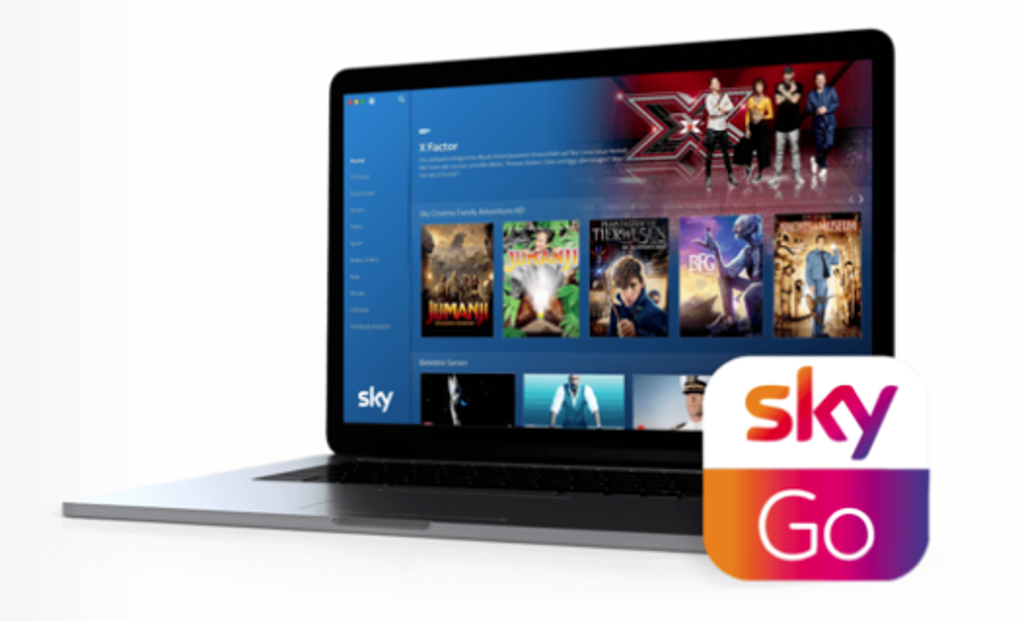
Sky Go boasts commendable device compatibility, ensuring accessibility across a wide range of platforms. Desktop users can access the service on Windows operating systems (8.1 and above) and macOS (OS X 10.7 and above). The app’s compatibility extends to popular gaming consoles, including PlayStation 4, PlayStation 5, Xbox 360, and Xbox One, offering a convenient way to enjoy Sky’s content on home entertainment systems. Mobile users are also well-catered for, with compatibility extending to iPhones (from the 3GS model onwards), Android devices (with OS 4.0 and above), iPads, and Android tablets. This broad compatibility enhances the app’s versatility and allows users to enjoy their favorite shows regardless of their preferred device. The extensive device support is a significant advantage, maximizing the potential reach and user base of the Sky Go service. However, it’s crucial to note that optimal performance on any device relies heavily on the user’s internet connection speed and stability.
User Experience and Performance Issues
Despite its extensive features and broad device compatibility, Sky Go has faced considerable criticism regarding its user experience and performance. Numerous user reviews highlight recurring issues, including slow streaming speeds, subpar video quality, and frequent loading failures. These technical shortcomings significantly detract from the overall viewing experience, causing frustration and impacting user satisfaction. The inconsistent performance can be attributed to several factors, including network congestion during peak usage hours and limitations of the user’s internet connection. The requirement of a minimum 2-3 Mbps internet speed for smooth streaming indicates a potential barrier for users with slower or unreliable internet access.
Furthermore, user feedback consistently points to a lack of adequate customer support for resolving technical issues. The absence of readily available and effective support channels leaves users feeling neglected and increases frustration levels. This lack of responsiveness from Sky’s customer support adds to the negative user experience, hindering the app’s overall appeal. These performance and support issues are major drawbacks that could potentially deter potential users from choosing Sky Go, even if they are existing Sky TV subscribers.
Limitations and Alternatives to Sky Go
One of the most significant limitations of Sky Go is its exclusivity to current Sky TV subscribers. This restriction significantly limits the service’s potential user base and excludes a large segment of the population who may be interested in its features but are not already Sky customers. This restrictive access policy contrasts with other streaming services that offer a standalone subscription option, making them more accessible and attractive to a broader audience. The lack of a standalone subscription option is a significant drawback for Sky Go, limiting its market appeal.
Other limitations include the dependence on a stable internet connection for optimal performance and the limited support for offline viewing. While offline downloads are available for certain programs, this feature is not extended to live television broadcasts, which could be a significant drawback for users who rely on offline viewing capabilities. The content available is also limited by the user’s current Sky TV subscription package, resulting in a potentially restricted viewing experience.
Several strong alternatives exist for users seeking a similar streaming experience without the limitations of Sky Go. Netflix, for example, offers a vast library of movies and TV shows without requiring a separate TV subscription. Its global reach, user-friendly interface, and cross-platform compatibility make it a compelling alternative. NOW TV, also owned by Sky, provides a more flexible, contract-free option for accessing a selection of Sky channels and content. Amazon Prime Video offers a broad library of on-demand content along with other benefits included in an Amazon Prime membership. For live TV streaming, services like BBC iPlayer and Hulu offer strong alternatives, often with superior user interfaces and features. These alternatives often provide a superior user experience at a comparable or lower cost, providing compelling reasons to consider alternatives to Sky Go, especially for those who are not already Sky TV subscribers.
Conclusion: Should You Choose Sky Go?
For current Sky TV subscribers, Sky Go offers a free add-on service that provides access to a broad range of content on various devices. The ability to stream live channels, catch up on missed programs, and download shows for offline viewing offers convenience and flexibility. However, potential users should carefully weigh the potential drawbacks, including the service’s dependence on a reliable internet connection, inconsistent performance reported by users, and the lack of comprehensive customer support. If you are an existing Sky TV subscriber and your internet connection is reliable, experimenting with Sky Go to assess its value is worthwhile.
However, for non-Sky subscribers, the limitations of Sky Go are significant. The requirement of an active Sky TV subscription creates a high barrier to entry, limiting its appeal to those who are not already committed to Sky’s services. In such cases, the alternatives mentioned above — Netflix, NOW TV, Amazon Prime Video, BBC iPlayer, and Hulu — present more accessible and often superior options, offering broader content libraries, better user experiences, and greater flexibility. Therefore, the decision to use Sky Go heavily depends on whether you are already a Sky TV subscriber and whether the potential benefits outweigh the known limitations. A careful evaluation of your individual needs and preferences, alongside consideration of the readily available alternatives, is essential before making a decision.
File Information
- License: “Free”
- Latest update: “November 19, 2024”
- Platform: “Windows”
- OS: “Windows 10”
- Language: “English”
- Downloads: “80K”
- Size: “120.79 MB”