
Slimjet is a web browser that distinguishes itself through its speed, robust feature set, and commitment to user productivity. Built on the Chromium open-source project – the same foundation as Google Chrome – Slimjet offers a familiar browsing experience enhanced by a suite of integrated tools designed to streamline online tasks. This review delves into Slimjet’s strengths and weaknesses, examining its performance, features, and overall user experience.
Performance and Speed
Slimjet’s primary selling point is its speed. Leveraging the efficient Blink engine inherited from Chromium, Slimjet delivers a noticeably fast browsing experience, often outperforming competitors like Opera, Brave, and Firefox in benchmarks and user perception. This speed is not just about page load times; it extends to the browser’s responsiveness and the fluidity of its interface. Even with multiple tabs open and demanding extensions running, Slimjet maintains a smooth and efficient operation, minimizing lag and ensuring a consistent user experience. The lightweight nature of the browser further contributes to its speed, particularly beneficial for users with less powerful hardware.
The browser’s efficiency doesn’t come at the cost of stability. Slimjet is generally reliable, minimizing crashes and unexpected closures, providing a consistent and dependable platform for everyday browsing needs. This stability, combined with its speed, makes Slimjet an appealing option for users who prioritize a seamless and uninterrupted online experience.
Feature-Rich Functionality
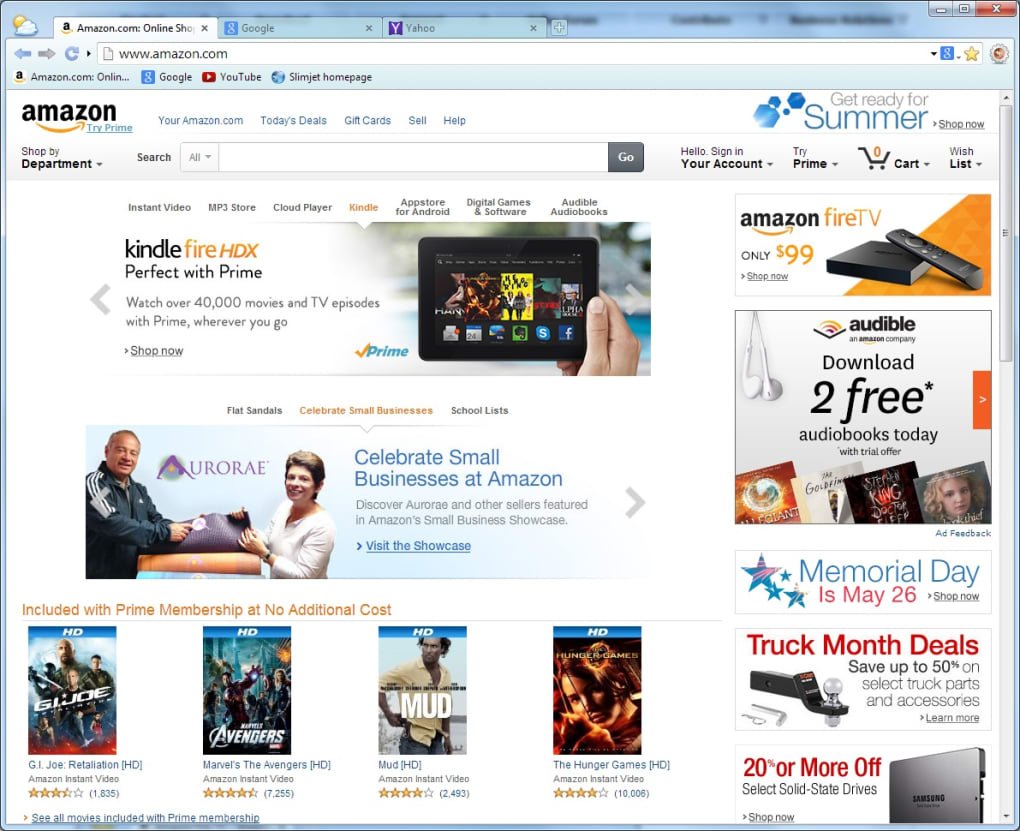
Beyond its speed, Slimjet’s rich feature set truly sets it apart from more basic browsers. It goes beyond the standard offerings of most browsers, integrating several functionalities that users would typically need to download as separate extensions. This integrated approach streamlines the browsing experience, eliminating the need to manage multiple extensions and maintaining a cleaner interface.
Built-in Productivity Tools
Slimjet includes a range of productivity tools that boost efficiency and simplify common online tasks. One standout feature is its integrated QuickFill form filler, a significant upgrade over the basic password manager found in many browsers. QuickFill intelligently remembers and automatically fills in forms and login credentials, significantly reducing the time spent on repetitive data entry. This feature is especially valuable for users who frequently interact with online forms and accounts.
Further enhancing productivity, Slimjet boasts a fully customizable toolbar. This allows users to tailor the browser interface to their exact needs by adding buttons for frequently used functions, making these tools readily accessible with a single click. This level of personalization empowers users to streamline their workflows and optimize the browser for their specific tasks.
Beyond form filling, Slimjet integrates features such as Facebook sharing capabilities, enabling users to quickly share links, text, or images with a single click, making social media interaction more efficient.
Multimedia and Download Management
Slimjet incorporates robust multimedia handling capabilities. The browser includes a built-in online streaming video downloader, eliminating the need for third-party extensions. This built-in downloader extends beyond mere downloading; it also features a converter, allowing users to easily convert downloaded videos from MP4 to MP3 format. This all-in-one approach adds considerable convenience, simplifying the process of acquiring and managing video content.
Slimjet also improves the speed and efficiency of image uploads, providing significantly faster upload times through automatic image compression. The inclusion of a Photo Salon feature adds an extra layer of functionality, enabling users to automatically add frames and effects to photos before uploading.
Enhanced Browser Features
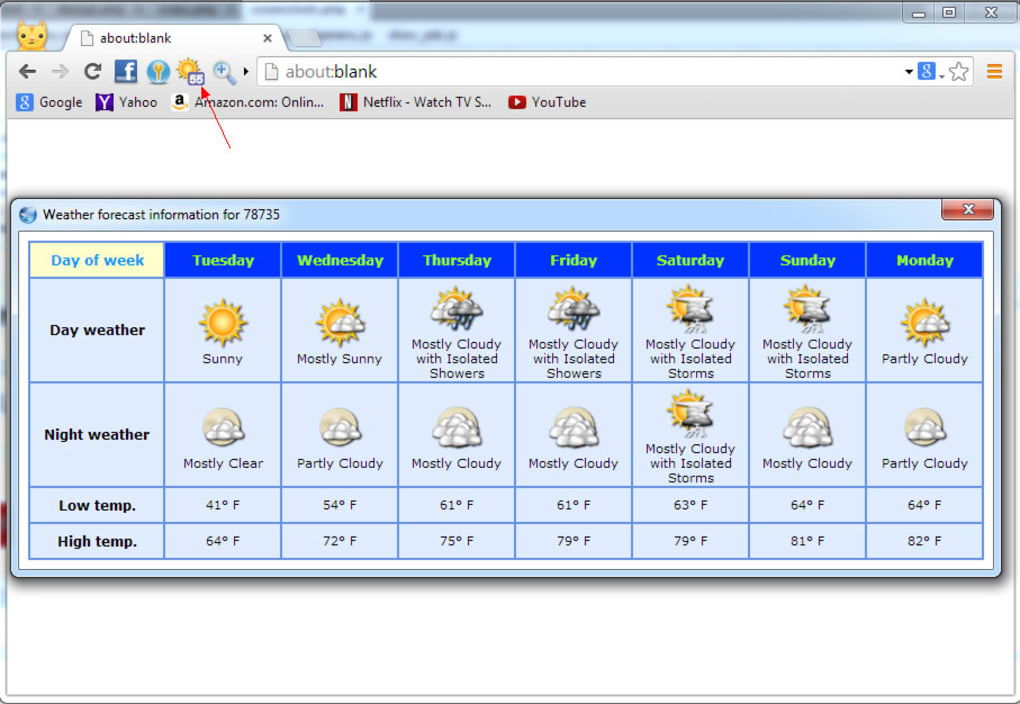
Several additional features in Slimjet contribute to an enhanced browsing experience. Its integrated weather forecast tool provides access to current local weather conditions and seven-day forecasts directly within the browser, eliminating the need to visit a separate weather website. A flexible web page translation feature allows users to translate web pages and text between various languages, making online content accessible to a wider audience.
Customization and Personalization
Slimjet offers extensive customization options, allowing users to tailor the browser to their specific preferences and workflow. The customizable toolbar, as mentioned earlier, plays a key role in this personalization. However, the depth of customization extends beyond the toolbar. Users can adjust numerous settings, ranging from appearance choices like themes and fonts to advanced configurations that control various aspects of browser behavior.
While Slimjet provides extensive customization options, some users may find that achieving certain highly specific customizations requires a more advanced understanding of the browser’s settings. Furthermore, some popular customization options available in other browsers might not be directly available in Slimjet, potentially limiting the level of personalization for advanced users.
Security and Privacy
Slimjet incorporates several security and privacy features to protect users’ online activity. The built-in ad blocker prevents intrusive pop-up advertisements and unwanted trackers, contributing to a cleaner and more secure browsing experience. Additionally, Slimjet emphasizes privacy by refraining from data sharing practices common in other browsers, protecting users’ browsing history and personal information. However, it’s crucial to note that while Slimjet employs these features, maintaining a high level of online security still requires users to practice safe browsing habits and be mindful of the websites they visit. No browser can entirely eliminate all security risks; user vigilance remains crucial.
Support and Community
One area where Slimjet may lag behind more established browsers is community support. While Slimjet offers documentation and FAQs, the size of its user community and the availability of direct support channels might not be as extensive as those of browsers like Chrome or Firefox. This could potentially create challenges for users encountering technical issues or seeking assistance with specific features. However, Slimjet’s user-friendly interface and extensive documentation significantly reduce the likelihood of requiring extensive support.
Conclusion
Slimjet Web Browser presents a compelling alternative to mainstream browsers. Its speed, coupled with its rich feature set and customization options, makes it a highly efficient and productive browsing tool. While it may lack the extensive community support of some competitors and some advanced customization options, its built-in tools and overall performance compensate for these minor drawbacks. Users seeking a fast, feature-rich, and privacy-conscious browser will find Slimjet to be a strong contender. Its intuitive interface and extensive integrated functionalities cater to both casual users and those requiring a more tailored and powerful browsing experience.
File Information
- License: “Free”
- Latest update: “July 18, 2025”
- Platform: “Windows”
- OS: “Windows 8”
- Language: “English”
- Downloads: “43.9K”
- Size: “95.71 MB”


