
Smart IPTV Xtream Player is a free-to-download Android application designed as a multimedia platform for accessing and viewing IPTV content. It acts as a player for various IPTV streaming services, meaning it doesn’t provide its own content library but rather serves as a conduit to access the content offered by your subscribed IPTV provider. While not as widely known as some competitors like OTT Navigator IPTV or Televizo - IPTV player, Smart IPTV Xtream Player boasts a rich feature set and user-friendly interface, making it a compelling option for those seeking a free and reliable IPTV player. This review will delve into its functionality, advantages, drawbacks, and overall user experience.
Apps, Games, and News Integration (or Lack Thereof)
Unlike some comprehensive entertainment hubs, Smart IPTV Xtream Player primarily focuses on delivering IPTV content. There’s no integration with external app stores for games or news sources. The application’s core strength lies in its ability to smoothly stream live television, movies, and TV shows provided by your IPTV subscription. This focused approach may be appealing to users solely interested in a dedicated IPTV player without the clutter of additional, unrelated functionalities. However, for those seeking a more all-in-one entertainment solution, this lack of integrated apps and games may be a significant drawback.
Multimedia Capabilities and Performance
The application’s core functionality centers around its robust multimedia playback capabilities. It supports various video formats commonly used in IPTV streaming, ensuring compatibility with a wide range of content. The player itself is optimized for smooth streaming, minimizing buffering and lag. This optimization is particularly beneficial for users with less-than-ideal internet connections. The developers have clearly prioritized a seamless viewing experience, and this is reflected in the generally positive user feedback regarding streaming speed and reliability. The ability to easily adjust themes and customize the viewing environment further enhances the user experience, allowing for personalization to match individual preferences.
Smart IPTV Xtream Player for Business: Potential Use Cases
While not explicitly marketed as a business solution, Smart IPTV Xtream Player’s functionality could potentially find applications in various business settings. For example, businesses with waiting rooms or customer lounges could utilize the app to provide entertainment to their clientele. Hotels could integrate it into their in-room entertainment options, offering a cost-effective alternative to traditional cable television packages. Furthermore, businesses requiring internal communication channels could leverage the app’s streaming capabilities to broadcast internal news or training videos. However, it is important to note that using this app for commercial purposes would require a suitable IPTV provider offering content and licensing appropriate for such use. The app itself lacks features specifically designed for business applications, so additional infrastructure and management would be required to make it a truly effective business tool.
Android Specific Features and Functionality
Smart IPTV Xtream Player is specifically designed for the Android operating system, taking full advantage of the platform’s capabilities. The application integrates seamlessly with Android devices, making navigation and content access intuitive. Furthermore, the developers have ensured compatibility across a wide range of Android versions, ensuring accessibility for users with older devices. A notable feature is the inclusion of Chromecast support, allowing users to effortlessly cast their content to a larger screen for a more immersive viewing experience. This expands the app’s utility, making it suitable for use on a variety of devices, from smartphones and tablets to larger smart TVs. The utilization of Android’s native features contributes significantly to the app’s user-friendly interface and overall ease of use.
A Detailed Examination of Smart IPTV Xtream Player’s Features
Smart IPTV Xtream Player offers a range of features designed to enhance the user experience. These include:
-
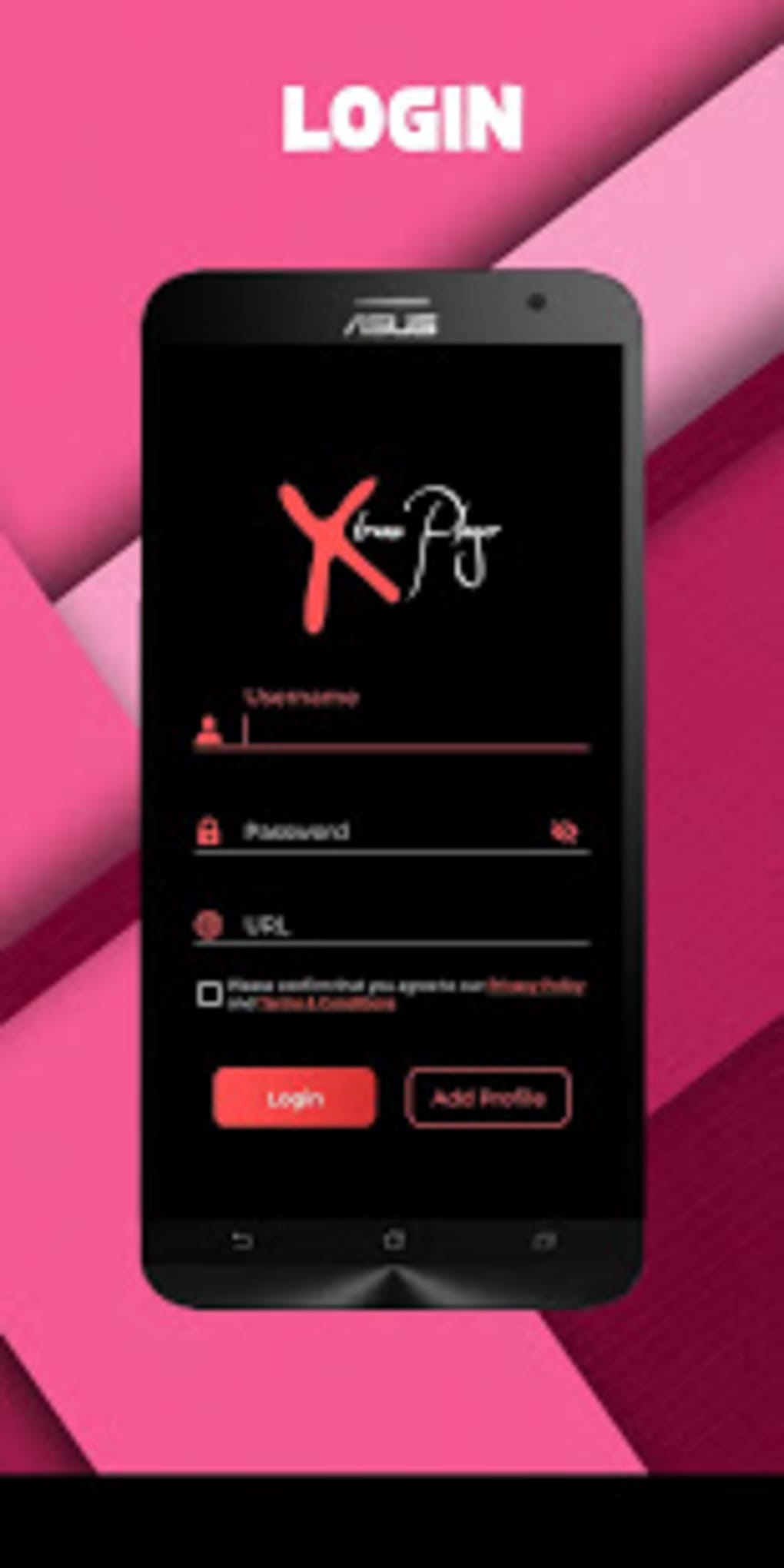
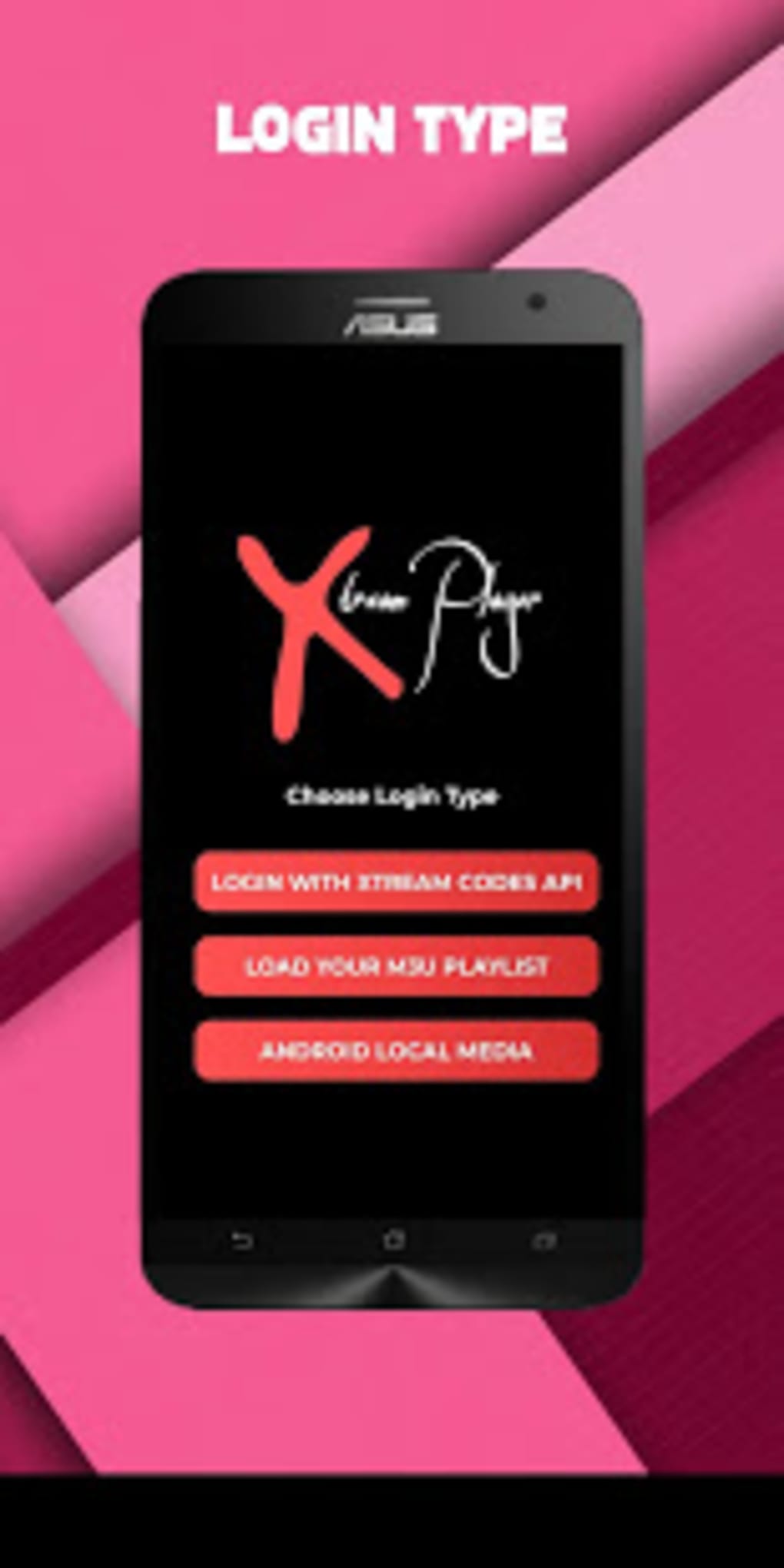
Support for Xtream Codes API and M3U Links: This ensures broad compatibility with various IPTV providers. Users can easily connect their existing IPTV subscriptions, eliminating the need to switch platforms.
-
Intuitive Controls: The app’s controls are designed to be simple and straightforward, allowing for easy navigation and content management. This is particularly beneficial for users who may not be technically inclined.
-
Customizable Themes: Users can personalize the app’s appearance by choosing from various themes, enhancing the overall visual appeal and making the viewing experience more enjoyable.
-
Integrated TV Guide: This feature allows users to easily browse and find the programs they wish to watch, eliminating the need for constant searching. This significantly improves usability, especially for users who prefer a traditional television viewing experience.
-
Chromecast Support: This enables users to effortlessly cast their IPTV content to a larger screen, providing a more engaging and cinematic viewing experience.
-
Fast Streaming Optimization: The app is optimized to ensure quick loading times and minimize buffering, resulting in a smooth and uninterrupted viewing experience.
-
Free to Download and Use: The application is entirely free, making it an accessible option for users who don’t want to pay for IPTV players.
However, despite its considerable strengths, the app also has a significant drawback:
- Inefficient App Layout: While the features are extensive and useful, the overall layout of the app can feel cluttered and disorganized, making navigation less intuitive than it could be. This is a significant area for improvement that could greatly enhance the user experience.
User Reviews and Overall Feedback
While a comprehensive analysis of user reviews requires access to a larger database of user feedback, the available information suggests a mixed bag. Many users praise the app’s fast streaming capabilities and intuitive controls. The ease of customization and the integrated TV guide are also commonly cited as positive aspects. However, the criticism consistently points toward the cluttered and inefficient app layout. This indicates a strong need for a UI/UX redesign to fully unlock the potential of the app’s excellent features. A more streamlined and intuitive interface would likely elevate the user experience significantly and improve overall user satisfaction.
Alternatives and Comparisons
Numerous alternative IPTV player applications are available, each with its own strengths and weaknesses. Direct comparison with competitors like OTT Navigator IPTV and Televizo - IPTV player reveals that Smart IPTV Xtream Player holds its own in terms of streaming speed and reliability, but falls short in terms of user interface design. Competitors often offer a cleaner, more intuitive layout and, in some cases, additional features that are absent from Smart IPTV Xtream Player. Therefore, the choice of application largely depends on individual preferences and priorities. Users prioritizing smooth streaming and a wide range of supported formats may find Smart IPTV Xtream Player perfectly satisfactory, while those who value a visually appealing and highly organized interface might be better served by alternative applications.
Downloading and Installation
Smart IPTV Xtream Player is readily available for download on various platforms. The download process is typically straightforward and involves accessing the application’s official website or the Google Play Store for Android users. The installation process is also simple and generally requires no special technical expertise. Users are advised to download the app only from trusted sources to ensure the safety and security of their devices. Downloading from reputable sources such as the official website or the Google Play Store minimizes the risk of encountering malware or viruses.
Conclusion
Smart IPTV Xtream Player presents a compelling proposition for users seeking a free and functional IPTV player. Its strengths lie in its fast streaming capabilities, customizable interface, and robust support for various IPTV protocols. However, the significant drawback of its inefficient app layout cannot be overlooked. A redesign focusing on improved navigation and a more visually appealing interface would significantly enhance the user experience and elevate the app’s overall rating. While it currently offers a solid, functional experience, addressing this design flaw would transform Smart IPTV Xtream Player into a truly exceptional IPTV player. Despite the layout issues, it remains a viable option for users who prioritize speed and functionality above a visually perfect interface.
File Information
- License: “Free”
- Latest update: “February 6, 2024”
- Platform: “Android”
- OS: “Android 13.0”
- Language: “English”
- Downloads: “71.7K”
- Download Options: “Google Play”


