
Snapseed, a powerhouse photo editing application developed by Google, stands as a testament to the accessibility of professional-grade image manipulation. Completely free to use, Snapseed seamlessly blends a comprehensive suite of features to cater to both novice photographers and seasoned professionals alike. This detailed exploration delves into its capabilities, user experience, safety, and how it stacks up against its competitors.
Understanding Snapseed’s Capabilities
Snapseed is a fully-featured photo editor available for Android, iOS, and as a web application. Its intuitive interface masks a depth of editing power, allowing users to effortlessly transform their images. The app’s strength lies in its balance of ease of use and professional-level tools, making it suitable for a broad range of users, from those casually tweaking snapshots to individuals aiming for more advanced image manipulation.
At its core, Snapseed offers a comprehensive toolkit. The app provides a vast selection of tools and filters, each designed to address specific photo enhancement needs. This versatility allows users to tackle various aspects of photo editing, ranging from minor adjustments to complete image transformations. The app’s functionality encompasses virtually all standard image editing tasks, providing flexibility for diverse creative endeavors.
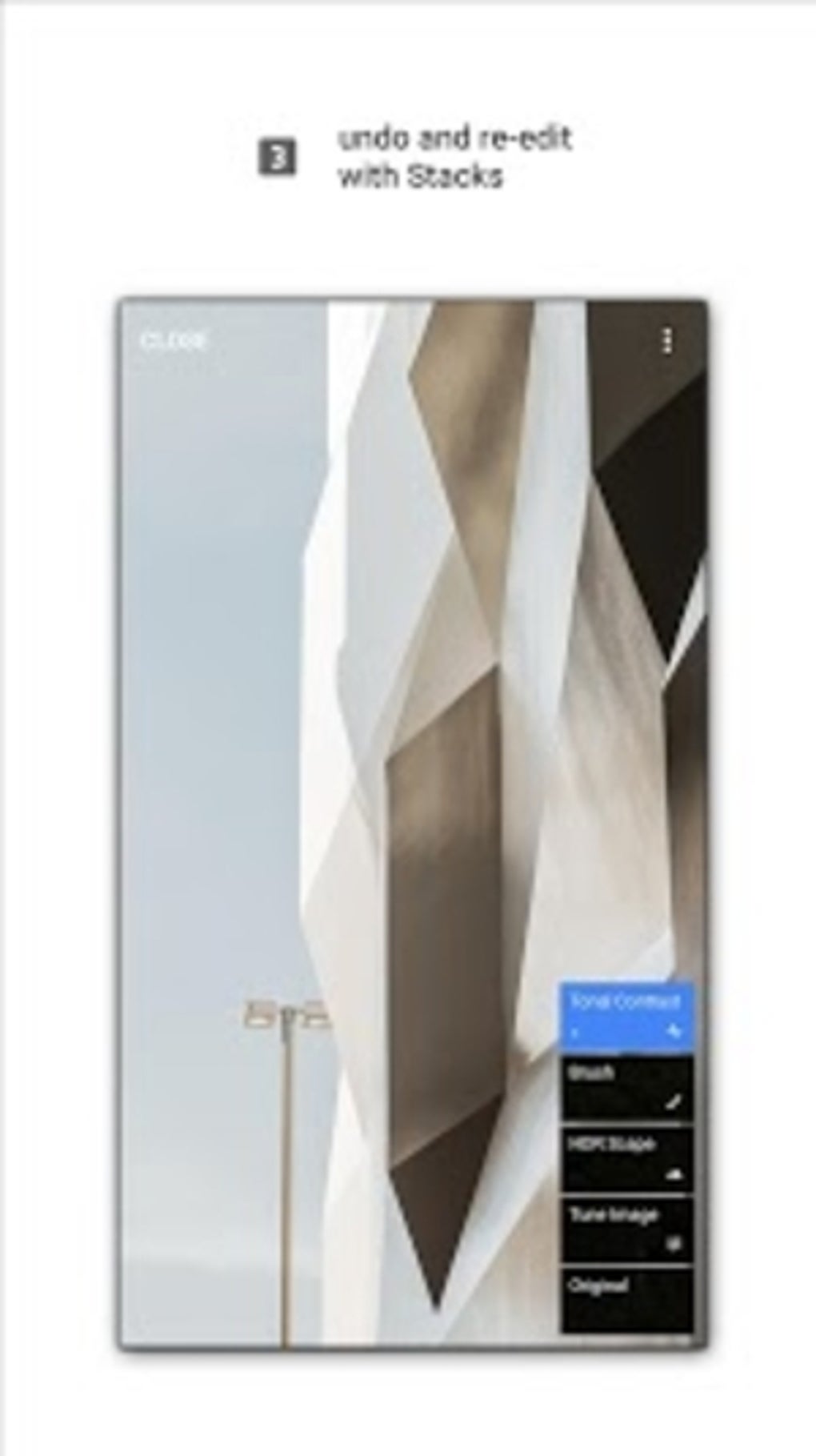
One of Snapseed’s key strengths lies in its non-destructive editing. Unlike some photo editors that overwrite the original image data, Snapseed’s edits are layered and can be adjusted or removed at any time without permanently altering the original photo. This non-destructive workflow protects your original image files and allows for experimenting with different editing styles without the risk of losing your original work.
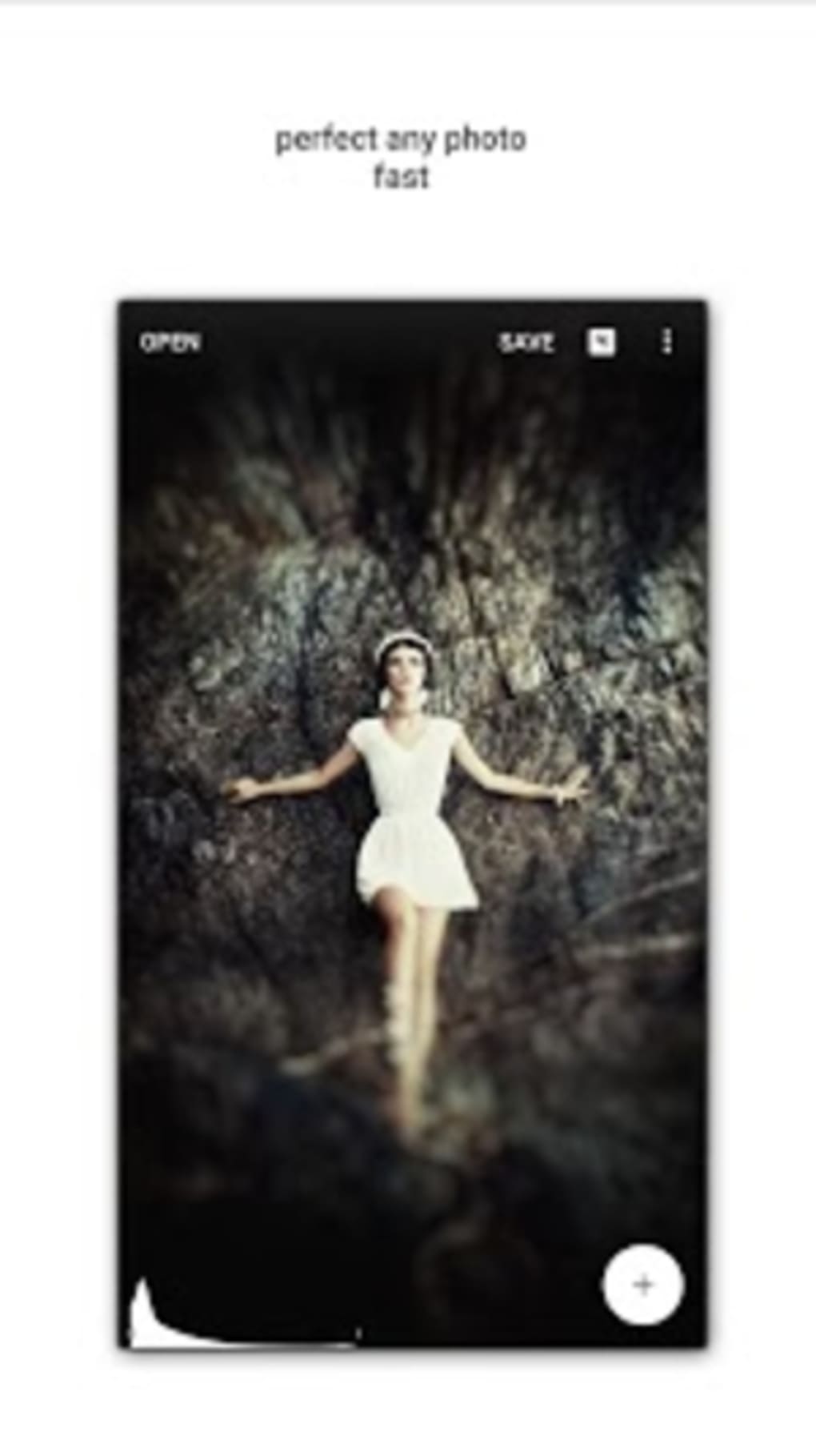
Key Features of Snapseed
Snapseed’s extensive feature set is meticulously designed for both efficiency and precision. This detailed breakdown of its core functionalities offers a glimpse into its comprehensive capabilities:
1. Diverse Toolset: The application boasts an impressive arsenal of over 29 tools and filters. This impressive selection covers a wide array of editing needs, encompassing everything from basic adjustments like cropping and rotating to more advanced techniques like healing, HDRscaping, and perspective correction. Each tool offers detailed controls, providing granular adjustments for precise image manipulation. Users can fine-tune parameters such as brightness, contrast, saturation, sharpness, and more, ensuring they achieve the desired aesthetic with pinpoint accuracy. This level of control enables users to subtly enhance images or create dramatic alterations based on their artistic vision.
2. RAW Editing Support: Snapseed’s support for RAW image formats is a significant advantage for serious photographers. RAW files contain significantly more image data than standard JPEGs, offering unparalleled flexibility during the editing process. By allowing users to work with RAW images, Snapseed enables them to extract maximum detail and dynamic range, resulting in high-quality images with minimized loss of information. This opens up a wealth of possibilities for adjustments and corrections, allowing users to fine-tune exposure, white balance, and other critical parameters with greater precision and control.
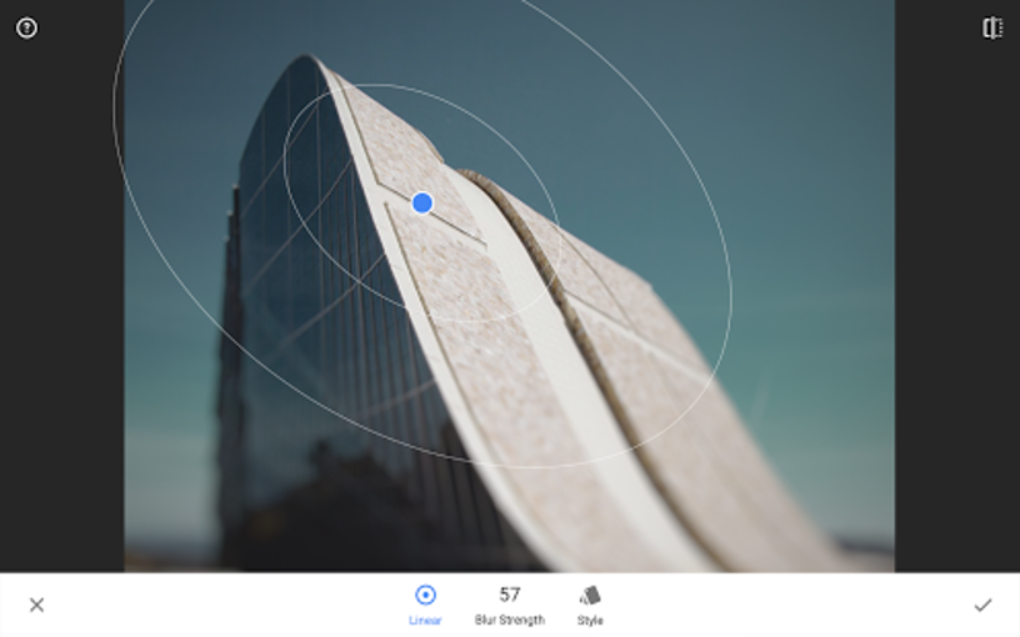
3. Selective Editing Tools: The app offers a robust selection of tools for precise, selective adjustments. The Selective Filter Brush, for instance, allows users to apply specific edits to particular areas of the photo. This is invaluable for tasks such as dodging and burning, selectively adjusting color, or isolating specific elements for targeted enhancements. This ability to focus edits on specific areas provides a degree of control not found in many other photo editing apps, ensuring users can make targeted changes without affecting other parts of the image.
4. Precise Control and Customization: Snapseed’s intuitive interface and granular control over settings ensure users can achieve their desired results with precision. The app’s design prioritizes clarity and ease of navigation, even with its extensive toolset. Users can seamlessly switch between different tools and filters, making the editing process both efficient and enjoyable. The responsiveness of the app, coupled with its precise control over settings, ensures that users can make fine adjustments quickly and accurately.
5. User-Friendly Interface: Despite the complexity of its features, Snapseed maintains a remarkably user-friendly interface. The app’s intuitive layout and straightforward workflow make it accessible to users of all skill levels. The tools are logically organized, and the interface is visually appealing, making the editing process both enjoyable and efficient. Even beginners can quickly grasp the basics and start enhancing their photos. For more advanced users, the app’s powerful features provide ample opportunities for creative exploration and precise manipulation.
Safety and Privacy Considerations
Snapseed’s development by Google provides a strong assurance of user safety and privacy. Google’s established reputation for robust data protection measures ensures that user data is handled responsibly and securely. The app adheres to Google’s rigorous data protection practices, minimizing the risk of data breaches or unauthorized access. Snapseed does not share user data with third parties, upholding user privacy as a key priority.
How to Use Snapseed
Utilizing Snapseed is remarkably straightforward, even for first-time users. The following steps provide a concise guide to navigating the app and achieving desired edits:
-
Launch Snapseed and Import Image: Open the Snapseed app on your device and select the image you wish to edit from your device’s gallery or take a picture directly within the app.
-
Explore Tools and Filters: Familiarize yourself with the app’s extensive range of tools and filters, which are categorized for easy navigation. Each tool provides a clear description of its function and settings.
-
Apply Tools and Filters: Tap on the desired tool or filter to apply it to your selected image. Experiment with different options to discover the best approach for your specific needs.
-
Fine-Tune Settings: Adjust the settings of each applied tool or filter to achieve the desired effect. Snapseed offers a high degree of customization, allowing for precise control over the editing process.
-
Save and Share: Once satisfied with your edits, save the modified image to your device or directly share it across various social media platforms or other apps. The saving options allow for different file formats and resolutions to suit specific needs.
Snapseed Alternatives and Comparison
While Snapseed stands out as a compelling choice, several alternative photo editing applications deserve consideration. A comparison with some of the most popular options helps to illuminate Snapseed’s unique strengths and weaknesses:
1. Adobe Lightroom Mobile: Lightroom Mobile is a highly regarded professional-level photo editing application that offers a wider range of advanced features than Snapseed. However, this enhanced functionality comes at the cost of a steeper learning curve. Lightroom’s advanced features, such as detailed color grading and lens corrections, cater to users requiring more nuanced controls. The app also provides cloud-based synchronization, enabling effortless access across multiple devices.
2. VSCO: VSCO is known for its extensive library of aesthetically pleasing filters and presets, offering a quick and easy way to apply consistent stylistic enhancements to photos. VSCO’s interface is streamlined for simplicity, emphasizing ease of use over advanced control. While VSCO is well-suited for casual users seeking visually appealing edits, its editing capabilities are less extensive compared to Snapseed or Lightroom Mobile.
3. PicsArt: PicsArt offers a blend of photo editing, collage creation, and social sharing features. The app’s broad range of creative tools caters to various needs, from basic enhancements to artistic compositions. While less focused on purely technical image manipulation than Snapseed, PicsArt’s versatile features and user-friendly interface appeal to a wide range of users.
Should You Download Snapseed?
The decision of whether to download Snapseed depends on your individual photo editing needs and preferences. If you’re seeking a powerful, versatile, and user-friendly photo editor that seamlessly integrates a broad range of tools and filters without the complexities of professional software, then Snapseed is an excellent choice. Its combination of ease of use, professional-grade features, and free access makes it a highly attractive option.
Pros:
- Free and Versatile: Snapseed’s free availability and extensive toolset makes it accessible and suitable for a wide range of editing tasks.
- Professional-Grade Tools: The comprehensive tools offer the precision and control needed for advanced photo manipulation.
- Developed by Google: The backing of Google signifies quality, security, and regular updates.
- User-Friendly Interface: The intuitive design and straightforward workflow makes the application accessible to users of all skill levels.
- Regular Updates: Consistent updates introduce new features and enhance existing functionalities.
Cons:
- Occasional Performance Issues: Like many mobile applications, occasional performance issues may arise depending on device capabilities.
- Steep Learning Curve for Advanced Features: While the basic tools are straightforward, mastering the app’s advanced features may require a learning curve.
- Limited Sharing Options within the App: The app’s internal sharing capabilities are somewhat limited compared to some alternatives.
In conclusion, Snapseed emerges as a compelling photo editing solution that effectively bridges the gap between casual use and professional capabilities. Its free availability, powerful feature set, and user-friendly design make it a highly recommended application for both novice and experienced photographers. Download Snapseed today and unlock a world of creative possibilities for your photographic endeavors.
File Information
- License: “Free”
- Latest update: “May 16, 2024”
- Platform: “Android”
- OS: “Android 13.0”
- Downloads: “1.4M”
- Size: “29.58 MB”
- Download Options: “APK, Google Play”
- Filename: “com-niksoftware-snapseed-1435402-67585498-5c1f4db11f3b4942b8460432db542a4e.apk”


