Snaptube - All Video Downloader is a free Android application that allows users to download videos and audio from a wide range of platforms, including YouTube, Facebook, Instagram, TikTok, and more. Developed by Museum Quality Applications, this versatile tool offers a convenient way to save your favorite content for offline viewing and listening. This review delves into the app’s features, performance, pros and cons, and compares it to similar applications available on the market.
Downloading and Converting Videos with Ease
Snaptube’s primary function is its ability to download videos quickly and efficiently. The app’s intuitive interface makes the process incredibly simple. Users can browse videos directly within the app’s integrated browser, or they can paste a video link. Once a video is selected, Snaptube automatically detects the available formats and resolutions, allowing users to choose their preferred quality. This eliminates the need for complicated settings adjustments. Beyond simply downloading videos, Snaptube also allows users to convert videos to various audio formats (such as MP3 and M4A) and video formats (MP4, M4V, MOV, AVI, WMV, and more). This feature is a significant advantage, enabling users to optimize their downloaded content for different devices and applications. The ability to download multiple videos simultaneously further enhances efficiency, although larger files will naturally take longer to download. The app offers standard download controls such as pause and resume, providing flexibility for managing downloads even during periods of interrupted internet connectivity. Failed downloads can be easily restarted, eliminating the frustration of lost progress. The app supports a wide range of file formats, not only for videos and audio but also for documents like DOC, XLS, PDF, and TXT. This functionality goes beyond typical video downloaders, providing a more comprehensive solution for various content needs.
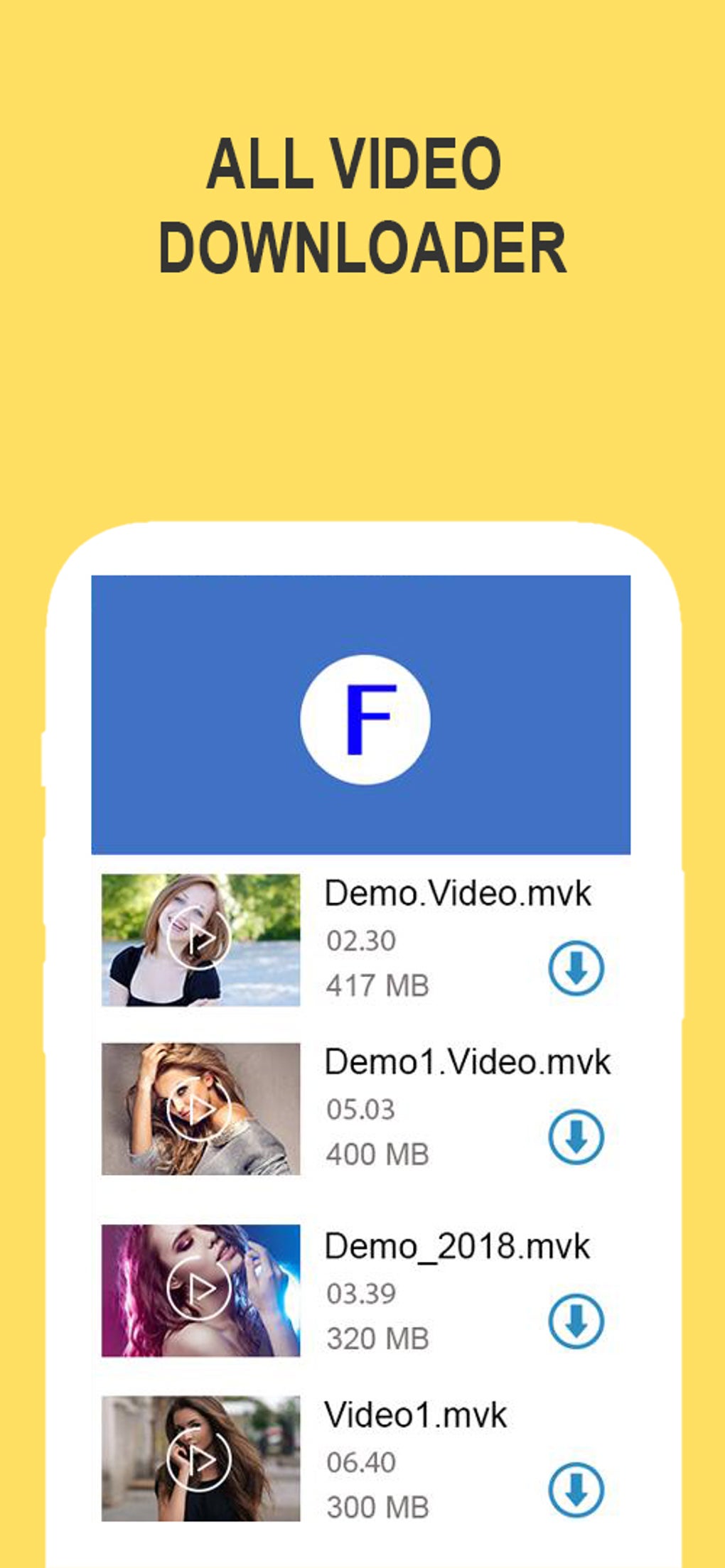
A Seamless Offline Viewing Experience
Snaptube isn’t just a downloader; it also functions as a robust media player, allowing users to watch and listen to their downloaded content offline. This is a significant advantage over some competitors that focus solely on download functionality. The ability to play videos without an internet connection is crucial for users who want to enjoy their favorite content on the go, particularly in areas with limited or unreliable connectivity. This integrated playback feature eliminates the need for switching between separate apps, streamlining the overall user experience.
User Interface and Navigation
The app features a clean, user-friendly interface, ensuring easy navigation even for users unfamiliar with similar applications. The layout is intuitive and well-organized, making it easy to locate and access different functions. The download progress bar clearly displays the status of each download, allowing users to monitor the process without interrupting their workflow. The app also includes a built-in browser, further enhancing convenience by enabling users to search for and select videos directly within the app without switching to a separate web browser. The overall design promotes efficiency and ease of use, minimizing the learning curve for users of all technical skill levels.
Features and Functionality
Snaptube’s comprehensive feature set distinguishes it from more basic video downloaders. Key features include:
- Fast Download Speeds: The app is designed for quick downloads, making the process efficient even for larger files, although download speed will also depend on your internet connection.
- Multiple Platform Support: Snaptube supports numerous platforms, including YouTube, Facebook, Instagram, Twitter, and TikTok, providing a broad scope of content accessibility.
- Comprehensive Format Support: The extensive range of supported video and audio formats offers high flexibility and customization.
- Built-in Browser: The integrated browser simplifies the process of locating and downloading videos.
- Download Management: The app’s download management tools, including pause, resume, and remove options, offer excellent control over downloads.
- Offline Playback: The ability to play downloaded content offline enhances convenience and accessibility.
- Simple User Interface: The app’s intuitive interface is designed for ease of use and navigation.
Comparison to Similar Apps
Snaptube competes with several other popular video downloaders, including VidMate, TubeMate, and X Video Downloader. While each app offers unique features, Snaptube distinguishes itself through its comprehensive functionality, fast download speeds, and user-friendly interface. Other apps might focus more heavily on specific platforms or file formats, but Snaptube’s versatility makes it a strong contender in the video downloader market. Its integrated player and conversion features contribute significantly to its overall user experience, setting it apart from more basic downloaders that only offer downloading functionality.
Pros and Cons
Pros:
- Fast and efficient downloads: Downloads are typically very quick, optimizing users’ time.
- Wide range of supported platforms and formats: Allows downloads from numerous social media and video-sharing websites and offers a large selection of output formats for videos and audio.
- Integrated media player: The built-in player removes the need to use other apps to watch downloaded videos.
- User-friendly interface: Simple to navigate and use.
- Robust download management: The pause, resume, and removal features provide complete control over the download process.
Cons:
- Large file downloads can take time: Although generally fast, the download time for very large files can be significant.
- Requires permissions: Like many apps with similar functionality, Snaptube requires access to storage and network permissions. Users should be aware of and comfortable with these permissions before installation.
Security Considerations
It’s crucial to be aware of the potential security risks associated with downloading and installing third-party apps, especially those that deal with media downloads. While Snaptube has a reputation for being generally safe and reliable, users should always download the app from trusted sources like Phanmemfree.org to minimize the risk of malware. Regularly checking for updates is also recommended to benefit from security patches and performance improvements. Furthermore, being mindful of the permissions the app requests and only granting access necessary for its function is prudent practice to limit any potential vulnerabilities.
Conclusion
Snaptube - All Video Downloader offers a versatile and efficient solution for downloading and managing videos and audio from a wide range of online sources. Its combination of speed, functionality, and user-friendly design makes it a compelling choice for users seeking a reliable and convenient video downloader. While larger file downloads can take time, and like many apps, it requires certain permissions, its comprehensive features and streamlined experience outweigh these minor drawbacks for most users. Remember to exercise caution when installing any third-party app, downloading from trusted sources like Phanmemfree.org, and only granting necessary permissions. Overall, Snaptube stands as a strong competitor in the crowded video downloader market, delivering on its promise of providing easy access to online media for offline enjoyment.
File Information
- License: “Free”
- Version: “1.0”
- Latest update: “January 24, 2023”
- Platform: “Android”
- OS: “Android 9.0”
- Language: “English”
- Downloads: “424.9K”
- Size: “11.61 MB”
- Download Options: “APK, Google Play”
- Filename: “com-hdtubplayer-snapdown-1-58357757-be4cc38c66c1c65f38de3fee5b5cd9dc.apk”