
Soft Keys - Home Back Button is a free Android application designed to provide on-screen home and back buttons, serving as a replacement for malfunctioning physical buttons or as an additional navigation aid. This review will delve into its functionality, ease of use, advantages, disadvantages, and compare it to similar applications. While now somewhat outdated with a successor available, it still offers a viable solution for users with specific needs.
Functionality and Ease of Use: A Simple Navigation Solution
The primary function of Soft Keys - Home Back Button is straightforward: to provide a virtual navigation bar on your Android device’s screen. This virtual bar replicates the functionality of the physical home and back buttons. The app requires permission access upon initial launch. Once granted, users can customize aspects such as the location and size of the on-screen buttons.
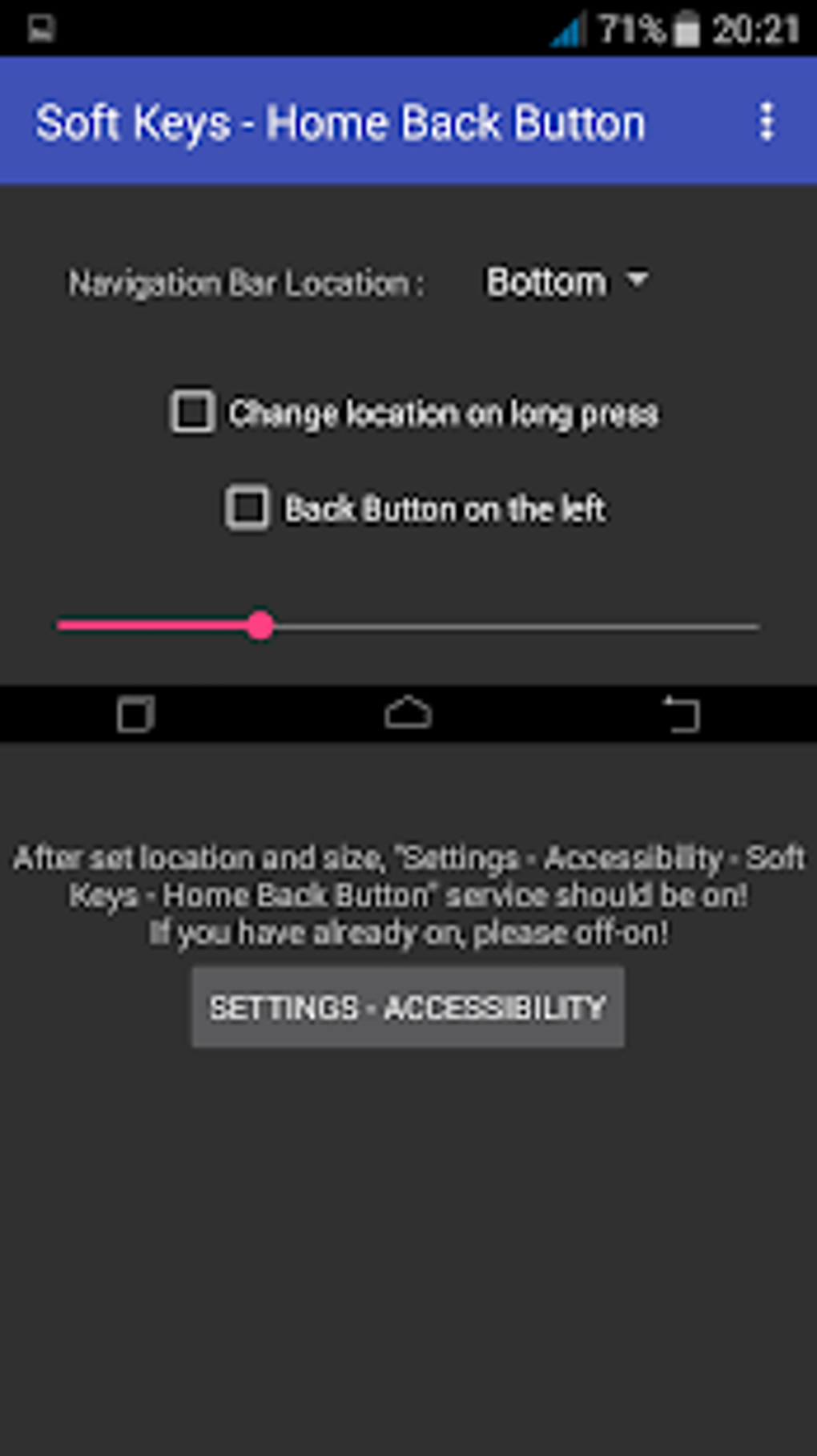
Activation involves navigating to the device’s accessibility settings, locating “Soft Keys - Home Back Button,” and toggling the switch to activate the overlay. The process is relatively user-friendly, even for those unfamiliar with Android’s accessibility features. The simplicity of setup and use is a significant advantage, making it an accessible option for a wide range of users.
Compared to its successor, Soft Keys 2, this original version lacks advanced customization options. However, this minimalistic approach translates to a smaller app size and reduced resource consumption, a significant benefit for users with limited storage space on their devices. The app prioritizes its core functionality—providing reliable on-screen navigation—over extensive customization, making it a lightweight and efficient alternative.
Comparison with Alternative Applications: Striking a Balance Between Features and Simplicity
Several alternative applications offer similar functionality. Soft Keys 2, developed by the same creator, offers significantly more features, including customizable icon themes and the ability to move the navigation bar anywhere on the screen. Applications like EasyTouch - Home Button - Back Button and Navigation Bar Back Home Recent Button provide comparable functionality with varying degrees of customization.
However, the simplicity of Soft Keys - Home Back Button sets it apart. While other apps may boast extensive customization features, they often come with larger app sizes and increased resource usage. This app excels in its streamlined approach, making it an ideal choice for users who prioritize functionality and efficiency over elaborate customization. The trade-off between extensive features and lightweight operation is a key factor to consider when comparing this app to its alternatives. The choice depends heavily on individual user priorities: Those needing extensive customization would opt for a more feature-rich alternative, while those valuing efficiency and minimal resource consumption may find Soft Keys - Home Back Button perfectly suitable.
Advantages and Disadvantages: Weighing the Pros and Cons
Advantages:
- Free: The application is entirely free to download and use, making it an accessible option for all users.
- No Root Required: Unlike some solutions, this app does not require rooting your device, making it safer and more convenient to install and use.
- Easy to Use: The setup and operation are straightforward and simple, even for novice users.
- Lightweight: Its minimalist design ensures that it does not consume significant storage space or system resources.
- Effective Functionality: The app reliably performs its core function of providing on-screen home and back buttons, serving as a reliable replacement for broken or malfunctioning physical buttons.
Disadvantages:
- Outdated: The application is considered outdated, with a newer, more feature-rich successor available.
- Limited Customization: Unlike some competitors, it offers minimal customization options, restricting users’ ability to personalize the on-screen buttons and their placement.
- Accessibility Services Dependency: The app utilizes accessibility services, which might raise privacy concerns for some users. However, this is a common practice for applications of this type.
- No Recent Apps Button: Unlike many other apps, Soft Keys - Home Back Button doesn’t provide a recent apps button, which could be a drawback for some users.
Conclusion: A Suitable Choice for Specific User Needs
Soft Keys - Home Back Button, despite being an older application, remains a viable option for users who need a simple, effective, and lightweight solution for replacing or supplementing their device’s physical home and back buttons. Its ease of use, free access, and minimal resource consumption make it an attractive choice for those who prioritize simplicity and efficiency. The lack of advanced customization options and its outdated status compared to its successor are the main drawbacks.
Ultimately, the decision of whether to use this app depends on individual user priorities. Those needing a basic, reliable solution with minimal resource impact will likely find this app satisfactory. However, users seeking extensive customization or a more modern feature set would be better served by exploring its more advanced successor, Soft Keys 2, or other comparable applications on the market. The key is to understand the trade-offs between simplicity and feature richness before making a decision. This app serves a niche market effectively, providing a valuable tool for those who prioritize functionality and efficiency above extensive customization. It is a functional, lightweight solution, but its limitations should be carefully considered before installation. The comparison with alternative apps helps potential users make informed choices based on their individual needs and preferences.
File Information
- License: “Free”
- Version: “4.0”
- Latest update: “November 19, 2021”
- Platform: “Android”
- OS: “Android 9.0”
- Language: “English”
- Downloads: “100K”
- Size: “2.48 MB”
- Download Options: “APK, Google Play”
- Filename: “com-dogusumit-ortatus-4-31616789-e32737cbe0e4ef7f00158304003a92cd.apk”


