
Solid Explorer File Manager is a free, feature-rich file manager application available for Android devices. Developed by NeatBytes, this app provides a user-friendly interface for managing files on your Android device, connecting to cloud storage, and accessing files on your local network. This review delves into its capabilities, ease of use, and overall performance, providing a detailed assessment of its strengths and weaknesses.
Ease of Use and Interface
Solid Explorer’s strength lies in its intuitive and clean interface. The app avoids unnecessary clutter, presenting a straightforward layout that’s easily navigable even for users unfamiliar with advanced file management tools. The main screen displays a clear hierarchy of folders and files, allowing for quick access to specific locations. The app supports various sorting options, enabling users to arrange files by name, size, date modified, and other criteria. This flexibility caters to different organizational preferences.
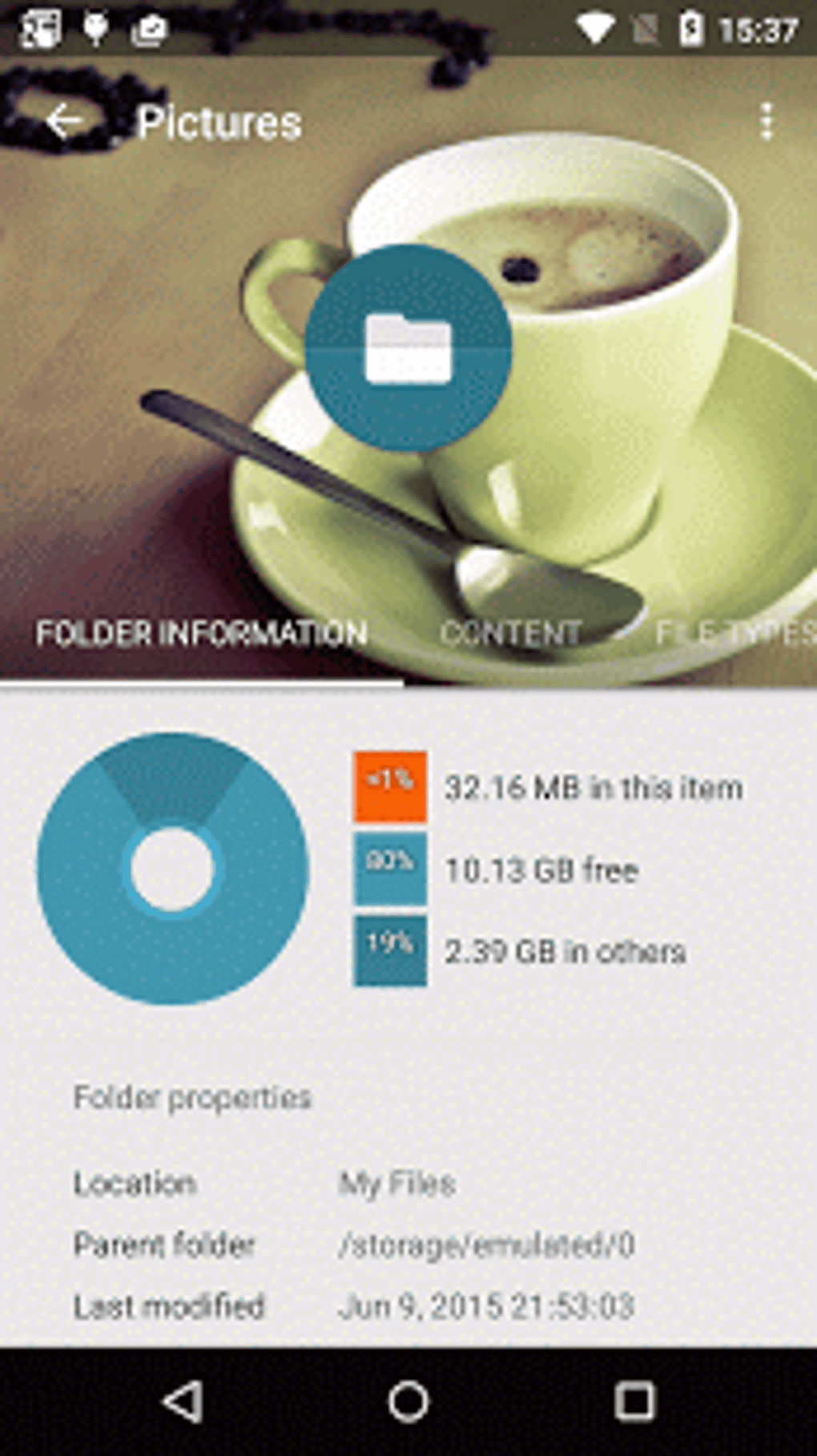
Furthermore, the app’s design is visually appealing. The color scheme is pleasing to the eye, and the icons are well-designed and easily understandable. This contributes to a positive user experience, making file management less of a chore and more of an efficient process. Navigating through the file system is straightforward, and the app provides quick access to common actions such as copying, moving, deleting, renaming, and sharing files. These features are easily accessible through a well-organized menu or context menus.
Feature Set and Functionality
Beyond its basic file management capabilities, Solid Explorer offers a comprehensive set of advanced features that enhance its utility. This includes:
-
Dual-pane view: This feature significantly improves efficiency when managing files. Users can easily drag and drop files between folders, simplifying tasks such as moving or copying files between different directories. The dual-pane interface is reminiscent of desktop file managers, providing a familiar and efficient workflow for users transitioning from desktop environments.
-
Cloud storage integration: Solid Explorer seamlessly integrates with major cloud storage services, including Google Drive, Dropbox, OneDrive, and Box. This allows users to manage their files across multiple cloud platforms from a single, unified interface. The seamless integration eliminates the need to switch between different apps to access files stored in the cloud.
-
Local network access: The app extends its reach beyond the device itself, providing access to files stored on local network shares (SMB/CIFS). This is particularly useful for accessing files from computers or NAS devices on the same network. This functionality transforms the device into a powerful mobile hub for accessing and managing files from various locations.
-
Support for various file types: Solid Explorer handles a broad range of file formats without requiring any additional plugins or extensions. This ensures compatibility with most common file types, reducing the need for other apps to handle specific file formats.
-
Root access support: For experienced users with rooted devices, Solid Explorer offers root access capabilities, allowing for advanced system-level file management. This is useful for experienced users who require access to system files or want to perform specific system modifications. However, caution is necessary when using root access, as improper usage could damage the device.
-
Zip/7z archive support: The ability to create and extract compressed archives is a valuable feature for managing and transferring large files efficiently. This eliminates the need for separate compression apps and streamlines the file management workflow.
Performance and Resource Usage
Solid Explorer is designed for efficiency. It operates smoothly even when handling large numbers of files or large file sizes. The app’s resource usage is relatively low, minimizing its impact on battery life and overall device performance. This is important for users who need a responsive and reliable file manager that won’t slow down their device.
The app’s responsiveness is consistent across various devices and Android versions. This indicates careful optimization by the developers, ensuring a smooth user experience regardless of the device’s hardware capabilities.
Security and Privacy
Solid Explorer prioritizes user security. The app employs robust security measures to protect sensitive user data. The app itself does not collect or share user data without explicit consent. Moreover, the integration with cloud storage providers leverages the security measures already in place within those platforms.
While the app offers root access capabilities, it is crucial to note that these functionalities require caution. Unauthorized access or modifications to system files could potentially damage or compromise the device’s security. Thus, using root access requires a good understanding of its implications and potential risks.
Comparison with Other File Managers
Compared to other Android file managers, Solid Explorer stands out due to its blend of ease of use, comprehensive features, and performance. Many other file managers focus on specific features, while Solid Explorer offers a holistic approach that caters to a wider range of user needs. While some alternative file managers might specialize in a particular area (like cloud storage integration or media management), Solid Explorer provides a more comprehensive solution. Its dual-pane interface, in particular, sets it apart from most competitors, enhancing productivity significantly.
Conclusion
Solid Explorer File Manager is a powerful and user-friendly file management application for Android devices. Its intuitive interface, robust feature set, and excellent performance make it a top choice for users seeking a reliable and versatile solution for managing their files. The ability to manage files on the device, cloud services, and the local network significantly enhances its value, and the seamless integration is a major advantage. While the root access features cater to advanced users, the overall design prioritizes a balance between ease of use and powerful functionality, making it suitable for a wide range of users. The app’s consistent performance, minimal resource usage, and focus on security and privacy further solidify its position as a leading file manager in the Android ecosystem. Whether you’re a casual user or a power user, Solid Explorer is a strong contender worth considering. Its free version offers a comprehensive set of features, making it a valuable tool without the need for any in-app purchases. The occasional updates and developer responsiveness to user feedback showcase a commitment to continuous improvement and user satisfaction. Overall, Solid Explorer deserves high praise for its effectiveness and user-friendliness.
File Information
- License: “Free”
- Latest update: “May 28, 2025”
- Platform: “Android”
- OS: “Android 13.0”
- Language: “English”
- Downloads: “2.2K”
- Download Options: “Google Play”


