
SophiApp is a free utility program for Windows PCs, developed by independent developer Dmitry Nefedov. It represents a significant improvement upon the popular Sophia Script, a PowerShell module renowned for its ability to finely adjust and customize various aspects of the Windows operating system. While Sophia Script offers extensive functionality, its command-line interface can be challenging for users unfamiliar with PowerShell. SophiApp elegantly addresses this limitation by providing a user-friendly graphical user interface (GUI), making the powerful features of Sophia Script accessible to a wider audience.
Enhanced User Interface and Functionality
Compared to other graphical implementations of Sophia Script, such as Sophia Script Wrapper, SophiApp boasts a markedly refined user interface. This enhanced interface significantly improves navigation and simplifies the process of activating its numerous options and features. The improved design is immediately apparent; SophiApp ditches the boxy, high-contrast aesthetic of its predecessors in favor of a modern, sleek presentation. This visual overhaul contributes to a more intuitive and enjoyable user experience.
One of the key improvements lies in the organization and categorization of the menu items. While retaining the convenient side pane for navigation, SophiApp employs a far superior system for structuring its options. This results in a cleaner, more organized layout compared to previous versions. The use of clear, easily readable text, coupled with visually appealing icons, further enhances the overall usability. Beyond simply using checkboxes, SophiApp incorporates buttons and toggles to distinguish between sub-menus and individual settings, adding another layer of clarity and ease of use. These subtle but significant design choices collectively contribute to a more efficient and less overwhelming user experience.
Portability and Ease of Use
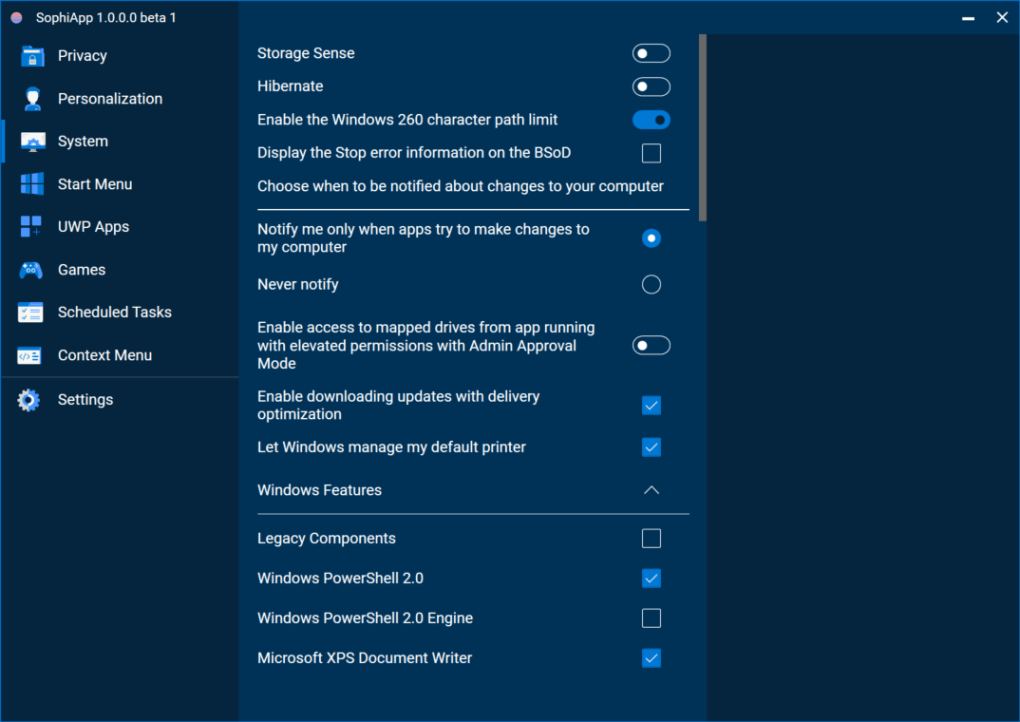
A notable advantage of SophiApp is its portability. Unlike many applications that require installation, SophiApp is fully portable. This means users can simply copy the application to a USB flash drive or other portable storage device and use it on any Windows machine without the need for installation or configuration. This feature is particularly valuable for users who frequently work on multiple computers or prefer to keep their main system clean of unnecessary applications. The ease of use and portability of SophiApp makes it a highly versatile tool for system customization.
Sophia Script’s Powerful Capabilities, Made Accessible
At its core, SophiApp leverages the extensive capabilities of Sophia Script. This underlying PowerShell module provides a vast array of options for tweaking and fine-tuning virtually every aspect of the Windows operating system. Users can customize system settings, manage processes, automate tasks, and much more. The breadth of Sophia Script’s functionality is substantial, encompassing everything from modifying visual elements of the user interface to fine-tuning system performance. However, the command-line nature of Sophia Script presented a barrier to entry for many users. SophiApp effectively bridges this gap, bringing the power of Sophia Script to a wider range of users regardless of their technical expertise.
Beta Status and Future Development
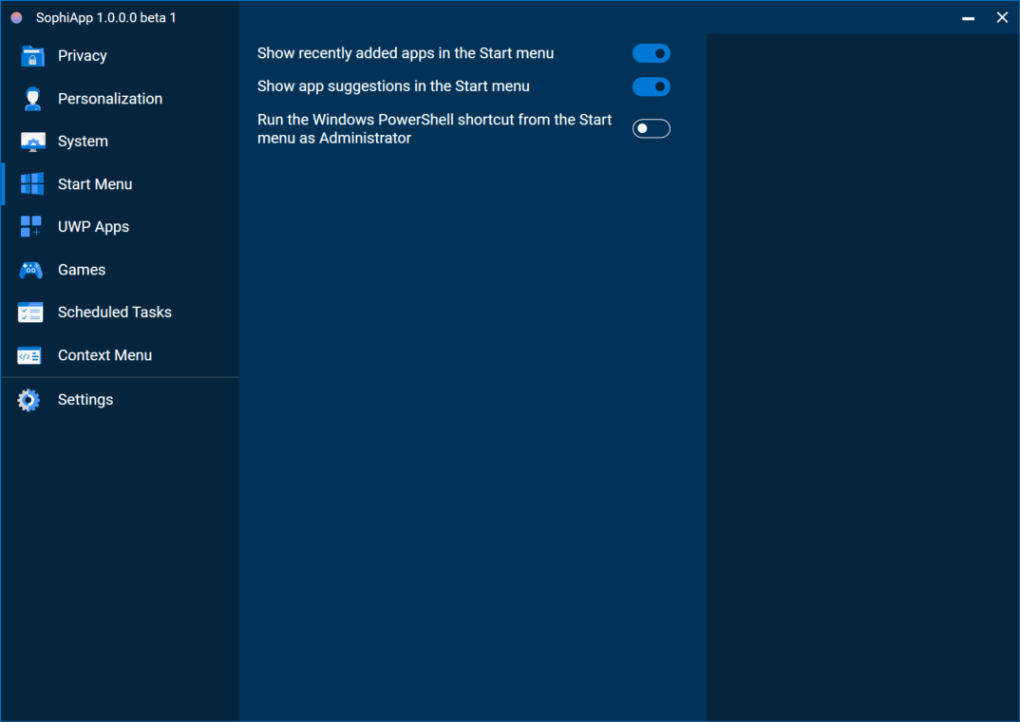
It is important to acknowledge that SophiApp is currently in beta. While generally stable and functional, users should be aware that some bugs might be encountered. However, this beta status also highlights the ongoing development and refinement of the application. The developer, Dmitry Nefedov, is actively working on addressing any reported issues and incorporating user feedback to further improve SophiApp’s functionality and stability. Future updates are expected to address any remaining bugs and potentially introduce new features, enhancing the application even further. This iterative development process underscores the developer’s commitment to delivering a high-quality product.
Comparison to Other Implementations
The creation of SophiApp wasn’t a spontaneous act; it arose from a need to improve upon existing graphical interfaces for Sophia Script. Other attempts to create a GUI for Sophia Script existed, but often lacked the refinement and usability that SophiApp offers. The shortcomings of these previous attempts, primarily concerning menu organization and visual design, motivated the development of SophiApp. By addressing these limitations, SophiApp presents a significant advancement in terms of user experience, effectively transforming a complex command-line utility into an accessible and user-friendly application. This demonstrates a clear understanding of user needs and a commitment to improving upon existing solutions.
System Requirements and Technical Details
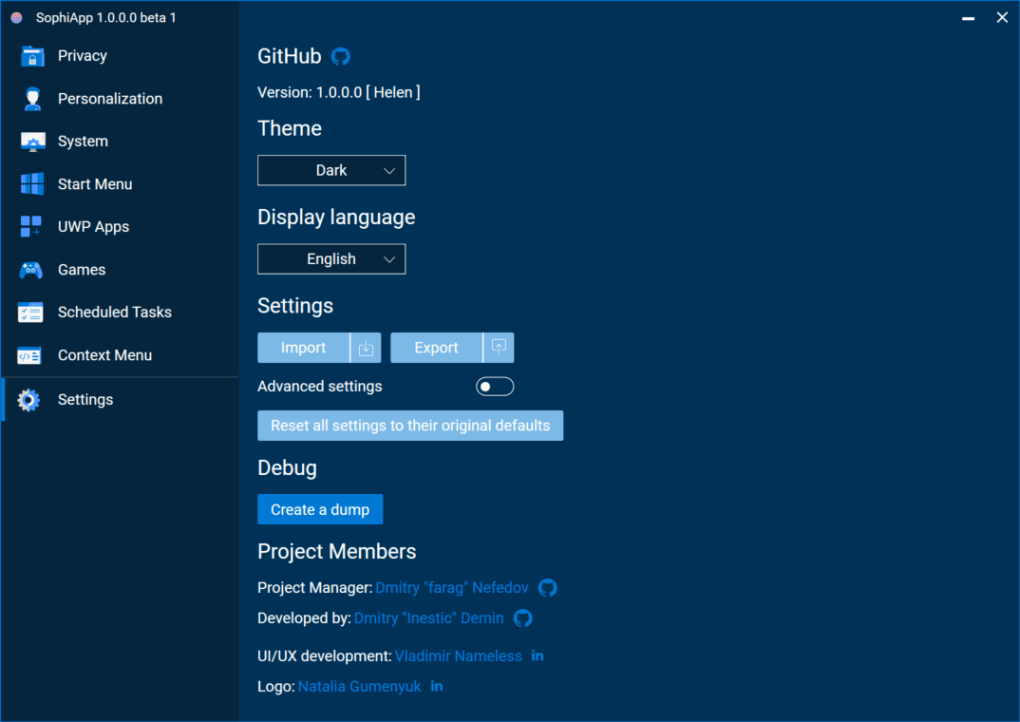
SophiApp is designed for the Windows operating system. While specific version compatibility details might not be explicitly stated, it’s likely compatible with most modern Windows versions, including Windows 10 and Windows 11. The small installation size (around 3.21 MB) contributes to its quick installation and minimal system resource consumption. This makes SophiApp a lightweight application that won’t burden even less powerful systems. The language support includes English and Russian, catering to a diverse user base.
User Reviews and Community Feedback
As a relatively new application, SophiApp might not yet have a large volume of user reviews. However, early feedback is crucial for shaping its future development. The developer’s active engagement in addressing user-reported issues and incorporating suggestions into future releases is a positive sign. The lack of extensive user reviews at this stage is simply a reflection of the application’s recency; this is likely to change as more users experience and provide feedback on SophiApp.
Conclusion: A Powerful Tool for Windows Customization
SophiApp successfully bridges the gap between the powerful functionality of Sophia Script and the need for a user-friendly interface. Its refined GUI, improved organization, portability, and ongoing development make it a compelling option for users seeking to customize their Windows operating system. While the beta status indicates the presence of potential bugs, the ongoing development and commitment to user feedback suggest a promising future for SophiApp. For users comfortable with the inherent risks associated with beta software and those seeking enhanced control over their Windows systems, SophiApp offers a significantly improved and more accessible way to harness the power of Sophia Script. Its intuitive design and powerful features make it a valuable tool for both novice and experienced Windows users.
File Information
- License: “Free”
- Version: “1.0.0-beta”
- Latest update: “January 31, 2022”
- Platform: “Windows”
- OS: “Windows 11”
- Language: “English”
- Downloads: “745”
- Size: “3.21 MB”


