
SPlayer is a lightweight, free media player for Windows that prioritizes simplicity and efficiency. In a world saturated with feature-rich, resource-intensive media players, SPlayer offers a refreshing alternative, proving that sometimes less is more. Its minimalist design doesn’t sacrifice functionality; instead, it streamlines the user experience, allowing users to focus on enjoying their audio and video content without the distraction of a cluttered interface. This makes SPlayer an ideal choice for users who value a clean, uncluttered workspace and appreciate a program that runs smoothly without demanding excessive system resources.
Core Features and Functionality
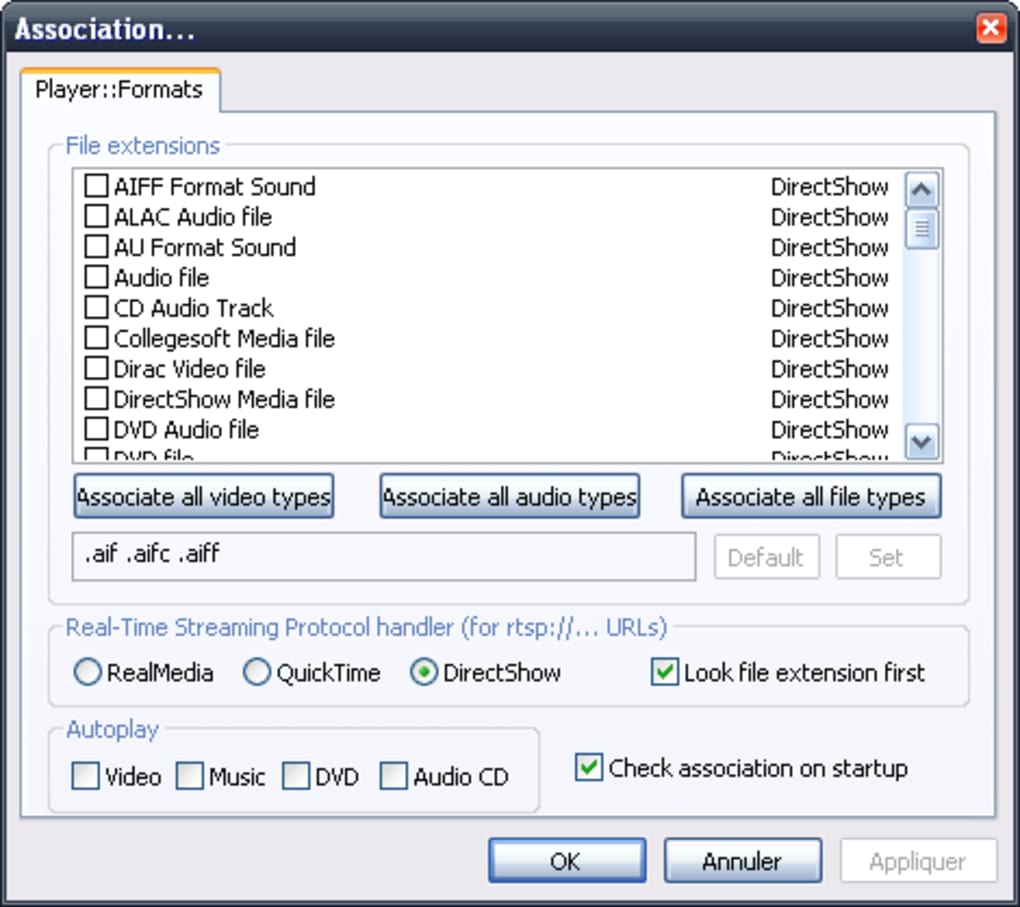
SPlayer’s strength lies in its ability to provide a comprehensive media playback experience without the bloat often associated with similar applications. This lightweight player boasts surprising versatility, supporting a broad range of audio and video formats, ensuring compatibility with most media files. This wide format support extends to DVD playback and even streaming media, making it a versatile tool for various media consumption needs. Users can enjoy their favorite movies, music, and other digital content without needing multiple players for different file types.
Beyond basic playback, SPlayer integrates several notable features that enhance user experience and customization. The inclusion of subtitle support caters to a large audience, allowing for multilingual viewing options and improved accessibility. Furthermore, the built-in audio and video equalizer offers granular control over sound and image settings, allowing for personalization to match individual preferences. This level of control allows users to fine-tune the audio and video to their liking, making the experience far more immersive and satisfying.
A particularly useful feature is the screenshot tool, which allows users to capture individual frames from videos. This proves invaluable for creating memorable stills from movies or saving specific moments from video recordings. The simplicity of accessing this tool makes it an attractive feature for casual users as well as serious enthusiasts.
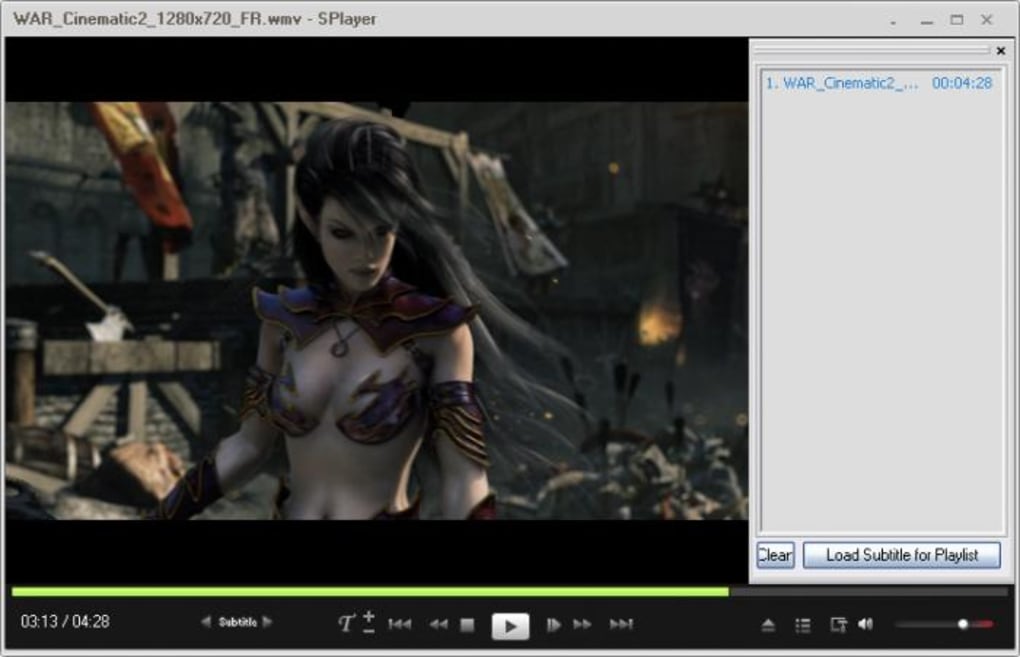
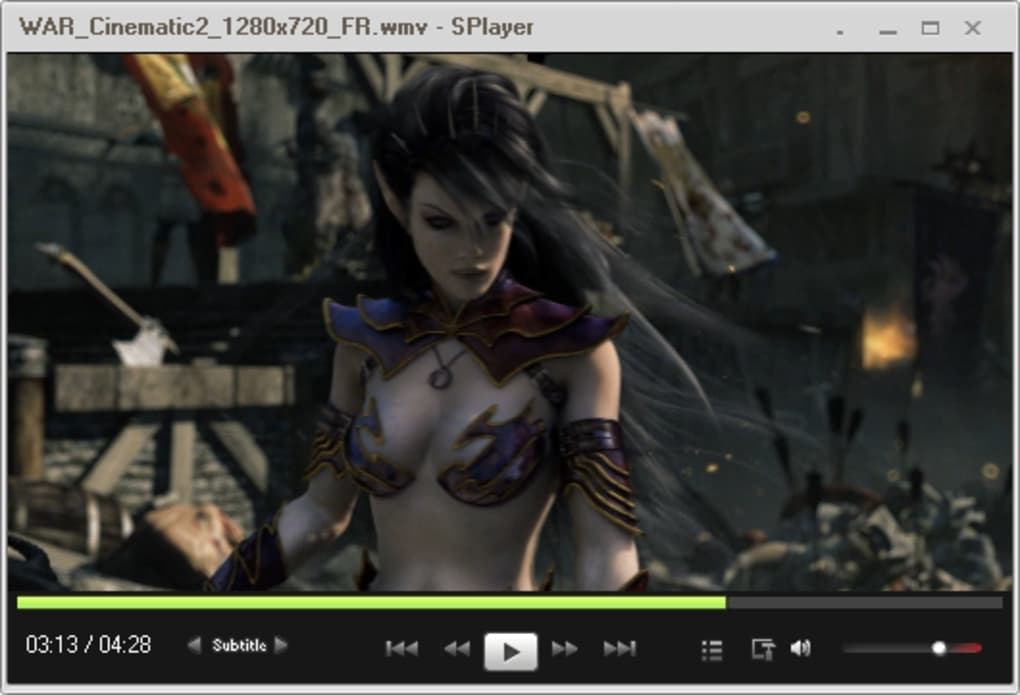
The player also presents users with three distinct interface options: minimal, compact, and standard. The minimal interface provides the bare essentials for playback, prioritizing a clean and distraction-free experience. The compact interface offers a slightly more feature-rich layout, providing convenient access to basic controls without overwhelming the user. Finally, the standard interface offers a more comprehensive set of controls, allowing for greater customization and fine-grained adjustments to playback settings. This adaptability caters to a broad range of user preferences and technical proficiency.
Ease of Use and System Resource Management
One of SPlayer’s most compelling attributes is its intuitive design and ease of use. The interface, regardless of the chosen style, is clean, straightforward, and easy to navigate. Even users with limited experience with media players can quickly grasp the controls and begin enjoying their content. This simplicity is not at the expense of functionality, however. SPlayer’s features are seamlessly integrated into the interface, allowing for effortless access without compromising the clean and efficient layout.
Beyond its user-friendly design, SPlayer is incredibly efficient in its use of system resources. Its lightweight nature minimizes strain on the computer’s processor and memory, ensuring smooth playback even on older or less powerful machines. This is a significant advantage over many other media players, which can be resource-intensive and potentially lead to lag or performance issues, especially when dealing with high-definition video files. This efficient resource management is a testament to SPlayer’s optimized design and development.
User Reviews and Feedback
User reviews consistently highlight SPlayer’s strong points: its excellent audio quality, particularly its handling of surround sound, and its easy-to-use interface. Many users cite its performance as superior to more established players in terms of sound clarity and detail. Positive feedback frequently focuses on the clean audio output, especially when compared to alternatives such as VLC, GOM, KMP, and others. Users have noted a marked improvement in the clarity and strength of 5.1 surround sound, describing SPlayer’s performance in this area as “best of the best.”
However, some user comments point to a perceived lack of features compared to more extensive media players. While some users consider the minimalist interface a positive aspect, others find it too simplistic, particularly the lack of subtitle editing capabilities. Although the majority of users praise the audio quality, some users have noted issues with bass response. The lack of frequent updates is another recurring concern.
Comparisons with Other Media Players
SPlayer occupies a unique niche within the crowded media player market. Unlike feature-packed players like VLC or JetAudio, which offer a vast array of functionalities, SPlayer prioritizes simplicity and efficiency. While it may not match the breadth of features found in these alternatives, its focus on core playback functions and optimized resource management makes it a compelling choice for users who prioritize performance and ease of use over extensive customization options. A comparison with AIMP, another popular lightweight audio player, reveals that SPlayer often excels in video playback and surround sound capabilities while maintaining a similarly efficient footprint. Competitors such as BS.Player and iTunes, while offering comprehensive features, are significantly heavier on system resources.
Compared to these alternatives, SPlayer stands out as a lightweight option that still offers a surprisingly robust set of features. The ability to play a wide range of formats, including DVD and streaming media, along with the added benefits of subtitle support, equalizer controls, and a screenshot tool, makes it a well-rounded media player despite its minimal design.
Conclusion
SPlayer offers a unique value proposition: a surprisingly powerful and versatile media player that prioritizes simplicity and efficiency. Its lightweight design and intuitive interface make it a pleasure to use, while its robust feature set ensures a satisfying media consumption experience. While it may not appeal to users who demand a multitude of advanced customization options, SPlayer is an excellent choice for those who value a streamlined, efficient, and high-performing media player that doesn’t compromise on audio quality. Its success lies in its focused approach, providing a polished core experience without unnecessary bloat, making it a strong contender in the ever-expanding landscape of media player software.
File Information
- License: “Free”
- Latest update: “April 2, 2024”
- Platform: “Windows”
- OS: “Windows 8”
- Language: “English”
- Downloads: “795.1K”
- Size: “65.84 MB”


