
SPlayer - Fast Video Player is a free multimedia application for Android devices developed by S Media Team. This versatile app positions itself as a fast and lightweight video player, offering a robust feature set beyond basic playback capabilities. This review delves into its strengths, weaknesses, and overall user experience, helping you determine if it’s the right video player for your Android device.
Core Functionality: Playback and Supported Formats
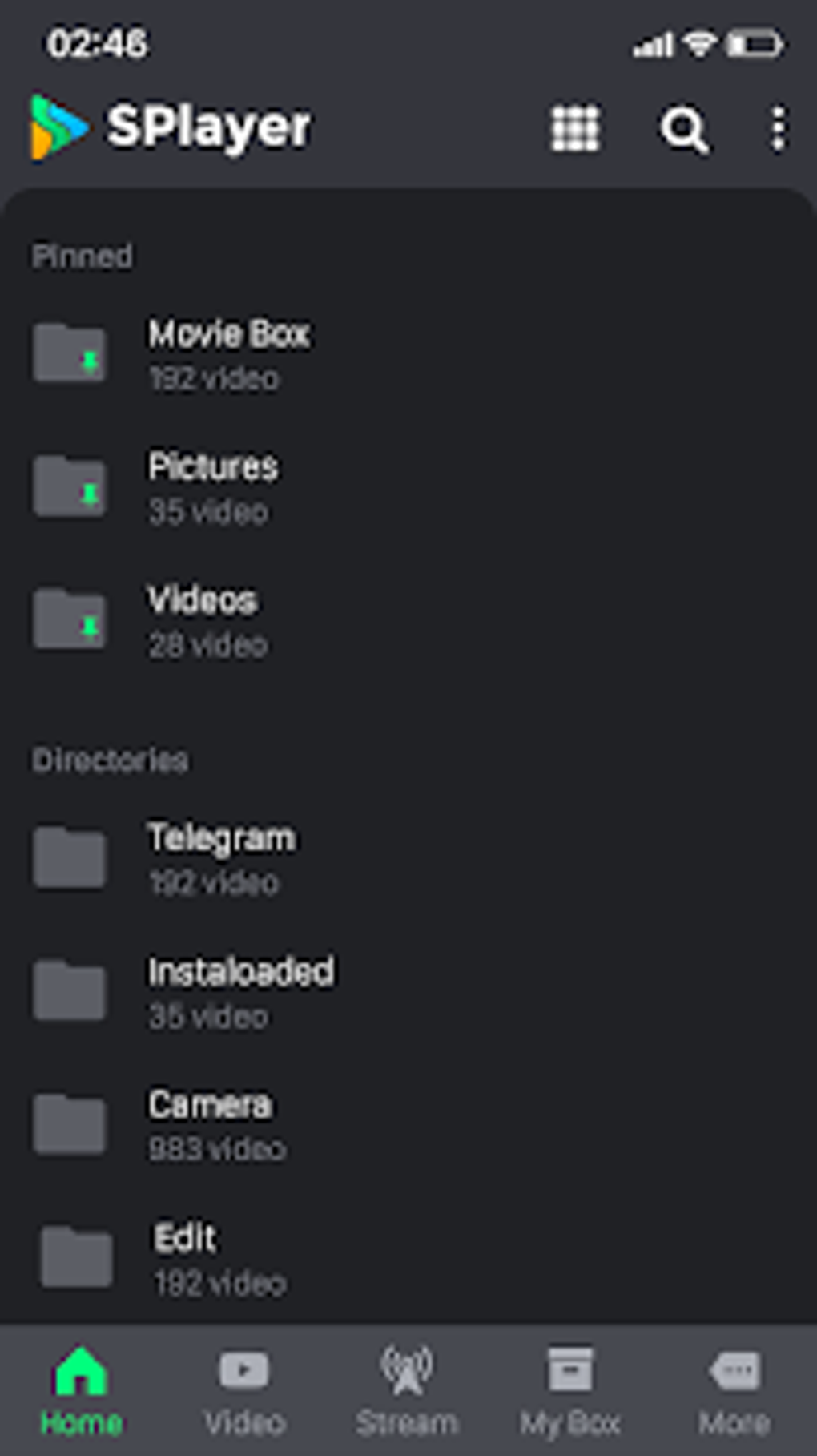
At its core, SPlayer excels as a straightforward video player. Its clean and modern user interface (UI) is intuitive, making navigation and control effortless. The app boasts broad compatibility, supporting virtually all popular video formats, ensuring seamless playback of your existing media library. This eliminates the frustration of encountering unsupported files, a common issue with many less comprehensive players. Beyond basic playback, SPlayer integrates Chromecast support, allowing you to easily stream your videos to compatible devices for a larger screen viewing experience. Gesture-based controls further enhance usability, providing quick access to volume, brightness, and playback adjustments with simple swipes and taps. This intuitive control scheme contributes significantly to the app’s overall user-friendliness. Furthermore, features like audio and brightness boosters offer additional customization to optimize your viewing experience, adapting the playback to your personal preferences and environmental conditions.
Advanced Features: Beyond Basic Playback
SPlayer distinguishes itself from other basic video players through its inclusion of several advanced features. The ability to create private folders adds a layer of security and privacy, allowing users to safeguard sensitive content. Background playback and Picture-in-Picture (PiP) mode provide enhanced multitasking capabilities, allowing you to continue watching videos while using other apps on your device. This is particularly useful for users who frequently multitask or need to keep an eye on a video while completing other tasks. However, the standout feature is arguably its built-in torrent client. This integrated functionality eliminates the need for separate torrent applications, streamlining the process of downloading media from the internet. Support for both .torrent and magnet files allows for broad compatibility with various torrent sources.
The ability to preview videos via live streaming before downloading is a particularly beneficial aspect of this integrated torrent client. This feature allows users to assess video quality and confirm their desired content before committing to a full download, saving both time and data. This proactive approach to content acquisition is a significant advantage over many competing video players that lack this preview functionality. The unlimited download speeds offered by the integrated torrent client are another attractive feature. This uncapped download capability significantly reduces download times, making the acquisition of large video files more efficient.
Areas for Improvement: Addressing Existing Limitations
While SPlayer offers a compelling range of features, there are areas where improvements could significantly enhance the user experience. One notable drawback is the lack of resume functionality for interrupted downloads. Should a download be stopped due to network issues or other interruptions, users must restart the download from the beginning, potentially wasting significant time and data. This limitation represents a significant inconvenience, especially for larger video files. Additionally, occasional disconnection issues during Chromecast streaming detract from the overall smoothness of the casting experience. These instances of interrupted streaming compromise the seamless playback experience that is otherwise a strength of the application. The inconsistent performance of some features, particularly concerning the torrent client, suggests a need for further optimization and stability enhancements.
User Interface and Experience
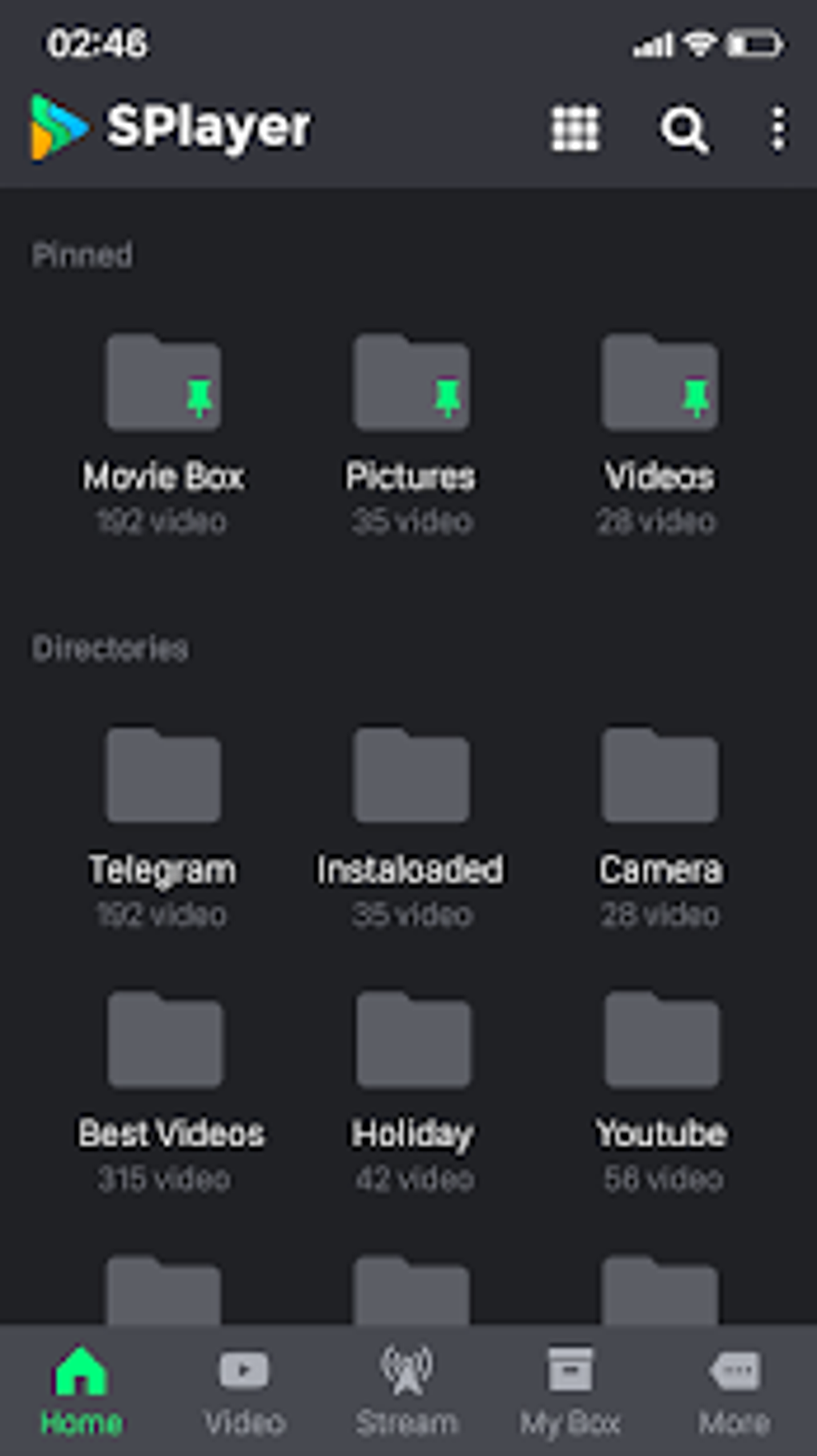
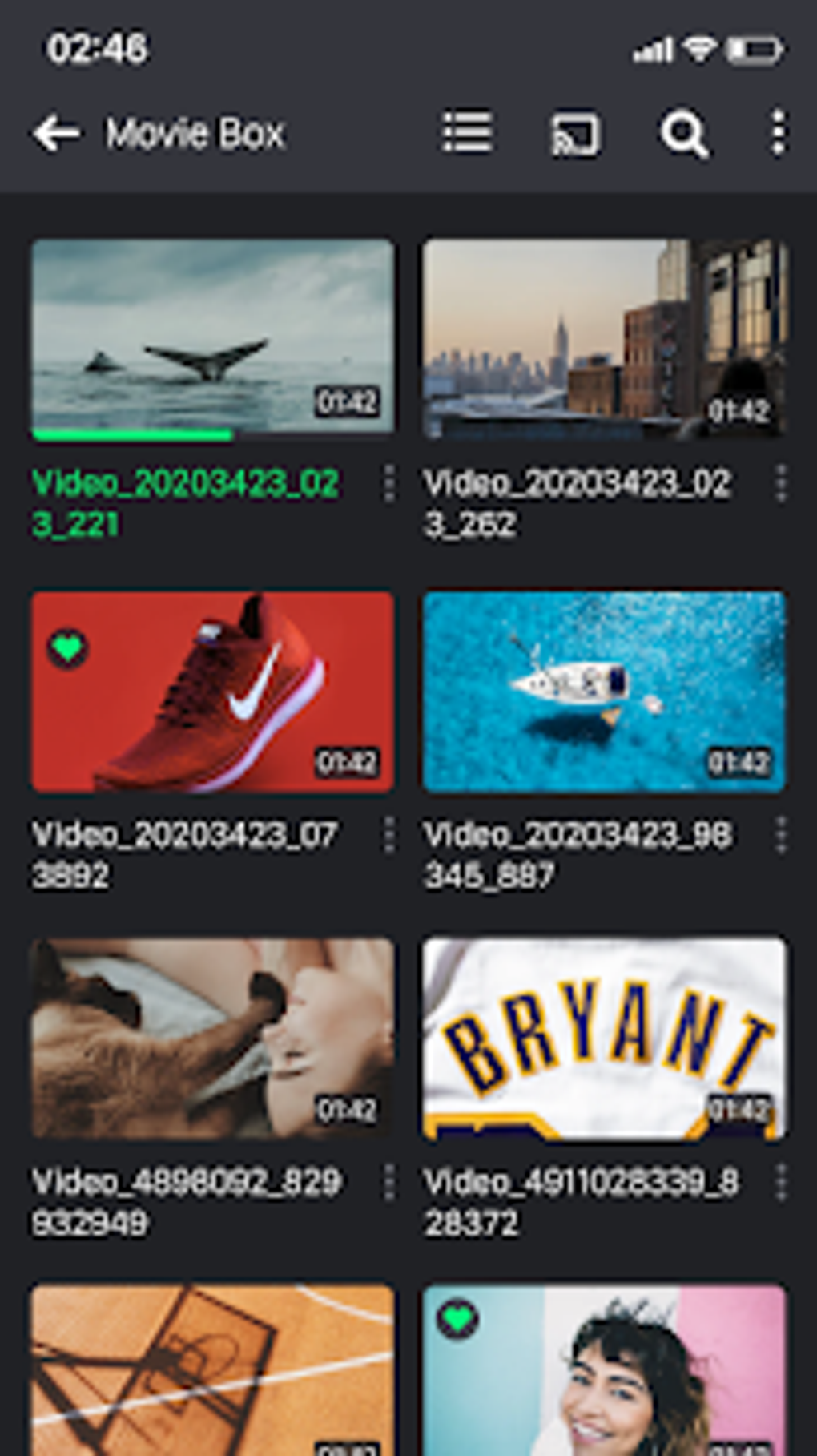
SPlayer’s UI is one of its greatest strengths. It’s clean, modern, and incredibly intuitive. Navigation is straightforward, even for users unfamiliar with video player apps. The gesture-based controls are responsive and seamlessly integrated into the interface, allowing for quick adjustments to brightness, volume, and playback speed without interrupting the viewing experience. The app’s overall aesthetic is pleasing, avoiding clutter and unnecessary complexity. This commitment to a minimalist design contributes to the overall positive user experience. However, while the main interface is exemplary, some submenus or settings sections could benefit from further refinement for improved clarity and ease of navigation.
Comparison with Competitors
SPlayer competes directly with established video players like VLC for Android and MX Player Pro. While these alternatives also offer robust feature sets, SPlayer’s integrated torrent client provides a distinct advantage, simplifying the process of acquiring content directly within the app. This integration eliminates the need for third-party torrent clients, streamlining the overall workflow. However, the stability issues mentioned earlier place SPlayer behind its competitors in terms of overall reliability. VLC and MX Player Pro generally offer a more consistently stable and polished experience. The lack of resume functionality for interrupted downloads further differentiates SPlayer, making it a less appealing option for users who frequently download large video files.
Conclusion: A Promising Player with Room to Grow
SPlayer - Fast Video Player is a promising video player for Android, offering a compelling combination of features and an intuitive UI. Its built-in torrent client, live streaming preview functionality, and support for a wide range of video formats are significant strengths. The addition of private folders, background playback, and Picture-in-Picture mode further enhance its versatility. However, the absence of resume functionality for interrupted downloads and occasional instability issues with Chromecast and the torrent client represent significant drawbacks. The app’s overall performance is reliable for basic video playback, but its advanced features could benefit from further refinement and stability improvements. If the developers address these limitations, SPlayer has the potential to become a leading video player on the Android platform. Its current state makes it a worthy consideration for users who prioritize an integrated torrent client and an intuitive interface, but users seeking uncompromised stability and reliability might prefer more established alternatives.
App Specs and Download Information
- License: Free
- Version: 1.3.7
- Latest Update: July 25, 2025
- Platform: Android OS Android 13.0
- Language: English
- Downloads: 115.8K
- Developer: S Media Team
- Download Options: Google Play
User Reviews
(This section would contain user reviews if available. Since no reviews are provided in the original text, it remains blank here.)
Top Downloads - Multimedia for Android
(This section would list competing apps if requested. Since the original text only briefly mentions competitors, this section is left blank.)
Related Topics
- Video Ringtone For Android
- Mobile
- Fast Video
- Streaming
- Torrent Client
- Media Player For Android
- Multimedia For Android
- Player Games For Android
- Video-player
- Playback Free
File Information
- License: “Free”
- Latest update: “July 25, 2025”
- Platform: “Android”
- OS: “Android 13.0”
- Language: “English”
- Downloads: “110.8K”
- Download Options: “Google Play”


