
Spotify, a ubiquitous music streaming platform, offers a vast library and a user-friendly interface. However, even the most polished applications can benefit from added functionality, and this is where Spotify Tweaks steps in. This Windows-based utility aims to improve the Spotify experience by providing additional features and shortcuts, enhancing user control and convenience. However, while its core concept is sound, the current state of the application reveals a tool with significant potential hampered by developmental shortcomings. This review will delve into its strengths and weaknesses, ultimately assessing whether its current form justifies its use.
Enhanced Functionality: Keyboard Shortcuts and Beyond
Spotify Tweaks’ primary strength lies in its attempt to bridge the gap between user demand for increased control and Spotify’s built-in functionalities. The addition of keyboard shortcuts for core Spotify actions is a notable improvement. This feature significantly streamlines navigation, allowing users to control playback, volume, and other key features without needing to constantly interact with the mouse. This is particularly beneficial for users who prefer a more efficient and streamlined workflow. The elimination of unnecessary mouse movements saves time and improves overall productivity, especially when using Spotify alongside other applications.
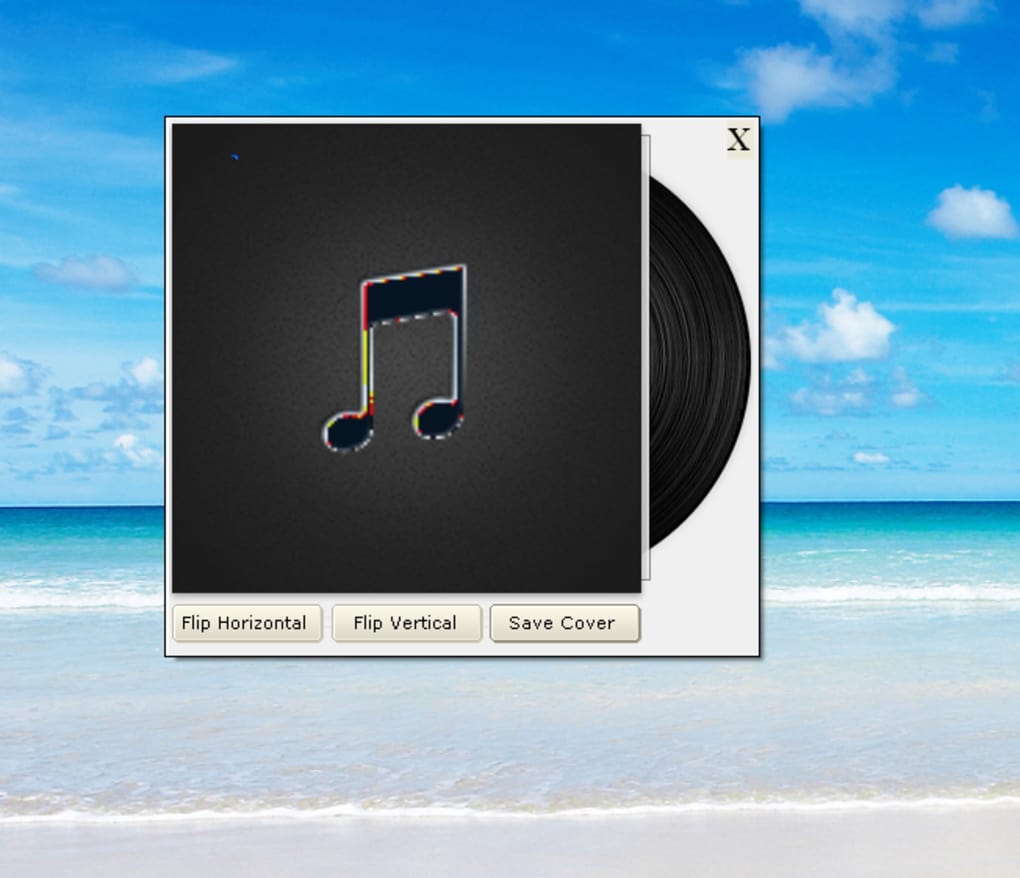
Beyond keyboard shortcuts, Spotify Tweaks introduces several other enhancements, including a small, customizable desktop window that displays the current album art. This provides a visually appealing and easily accessible overview of what’s playing. The functionality of having the album art always in view, even when Spotify is minimized, is a convenient feature, especially for users who prefer a visual reminder of their current listening selection.
Furthermore, the utility integrates a search function, allowing users to quickly locate specific songs or artists within the Spotify platform directly through the tweak’s interface. This bypasses the need to navigate to Spotify’s in-built search, offering a faster and more efficient approach to song discovery. This is a thoughtful inclusion, making the search process more seamless and intuitive.
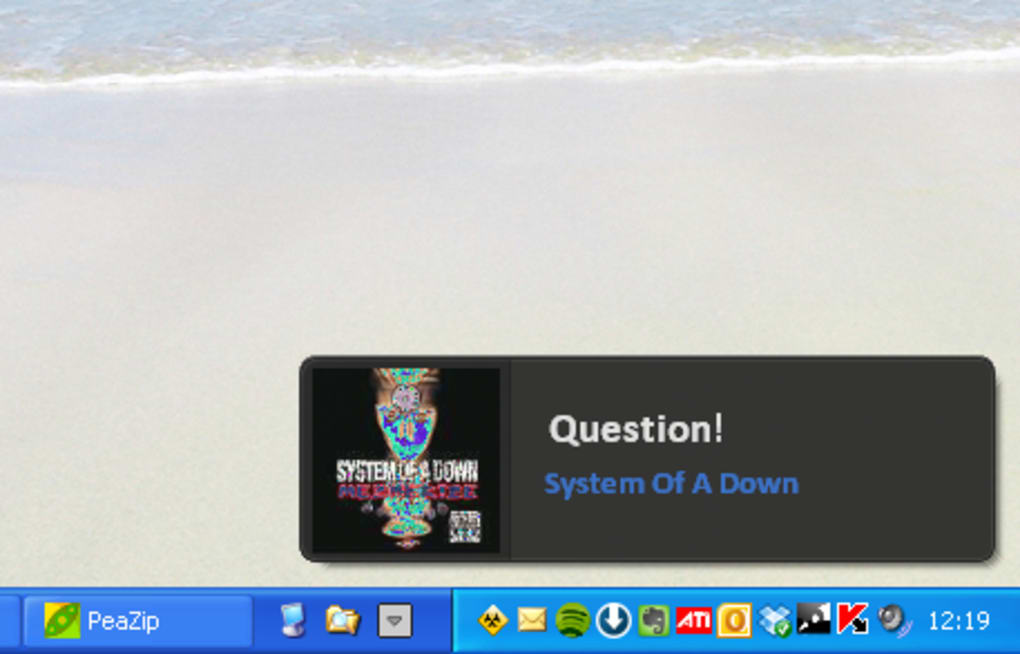
Finally, Spotify Tweaks attempts to incorporate lyric display capabilities. By connecting to various lyric databases (presumably), the application aims to provide real-time lyrics synchronization. While the intended functionality is appealing, its current implementation suffers from significant issues, which will be discussed in more detail later.
Current Limitations: A Work in Progress
Despite the promise of enhanced functionality, Spotify Tweaks suffers from several crucial limitations that significantly detract from the overall user experience. These limitations stem from the application’s apparent early stage of development, indicating a considerable need for refinement and bug fixing.
The most prominent issue lies within the quality of the album art displayed in the miniature desktop window. Reports indicate significantly low-resolution images, diminishing the visual appeal and defeating the purpose of providing an attractive visual representation of the current track. The low resolution compromises the visual appeal and makes the feature less useful than it could be.
Furthermore, the user interface itself suffers from usability problems. Reports of mixed-up buttons in the album art window and the lyrics search tool indicate a critical lack of quality assurance testing. This directly impacts user experience and causes significant frustration when attempting to utilize the intended functionality. Inconsistent button placement and unintuitive controls make the tool clumsy and prone to errors.
The lyrics search functionality, while conceptually appealing, is widely reported to be dysfunctional. The inability to reliably retrieve and display lyrics is a major setback, rendering this core feature practically unusable in its current state. This points to a significant flaw in the application’s core functionality and highlights the need for improvement.
The application’s overall stability is also a concern. While not explicitly stated as a major issue, the prevalence of reported bugs suggests potential instability or unexpected crashes, which could interrupt the user’s listening experience. The lack of a robust testing process before public release points to potential ongoing instability and unexpected disruptions.
Finally, the application’s reliance on external lyric databases introduces a layer of dependence that might be unreliable. Issues with these external sources could directly affect the functionality of the lyrics feature, further emphasizing the importance of a thorough testing phase before a public release. An over-reliance on external sources can lead to unexpected disruptions and impact the overall user experience.
A Comparison with Alternative Solutions
While Spotify Tweaks aims to fill a niche within the Spotify enhancement space, several alternative approaches exist, each with its own strengths and weaknesses. Some users might prefer to utilize browser extensions or third-party applications that offer similar functionalities but with greater stability and maturity. Others might find that customizing their Spotify experience through existing settings and features is sufficient, negating the need for external tools.
Compared to other Spotify enhancements, Spotify Tweaks stands out in its attempt to bundle several features into a single, lightweight application. However, this attempt is currently hampered by the quality of its implementation. The combination of low-resolution imagery, buggy functionality, and inconsistent user interface elements significantly reduces its appeal compared to more polished alternatives.
Many users might opt for individual solutions that address specific needs, such as keyboard shortcut managers or dedicated lyric applications, which may offer a more stable and reliable experience. The lack of a compelling feature set in its current state makes it a less attractive option compared to alternative, more stable solutions.
Future Potential and Recommendations
Despite its current limitations, Spotify Tweaks possesses the potential to become a valuable addition to the Spotify ecosystem. However, significant improvements are necessary to address the reported bugs and refine the user experience. The core concept of providing convenient keyboard shortcuts, album art display, and lyrics integration is highly appealing, and with careful development and rigorous testing, the application could fulfill its promise.
The developers should prioritize addressing the reported bugs as a matter of urgency. This includes improving the quality of album art, fixing the malfunctioning buttons, and ensuring the reliable operation of the lyrics search function. Thorough testing and quality assurance procedures are crucial to ensure a stable and user-friendly experience.
Furthermore, the developers should consider improving the user interface design to enhance intuitiveness and clarity. Streamlining the workflow, implementing clear instructions, and ensuring consistent visual cues will significantly improve usability and overall user satisfaction. A well-designed UI can greatly enhance the overall user experience and make the application more accessible and enjoyable.
Addressing these issues would not only improve the application’s functionality but also boost user confidence and increase its potential for wider adoption. A focus on stability, usability, and refinement could turn Spotify Tweaks from a flawed but promising utility into a valuable tool for enhancing the Spotify experience.
In its current state, Spotify Tweaks remains an incomplete and somewhat frustrating experience. While the intended functionality is admirable, the significant bugs and usability issues render it impractical for most users. Unless substantial improvements are made to address these critical problems, Spotify Tweaks is unlikely to gain widespread adoption, despite its potential to significantly enhance the Spotify experience for those who might want that enhanced experience.
File Information
- License: “Free”
- Version: “1.0”
- Latest update: “July 15, 2022”
- Platform: “Windows”
- OS: “Windows 8”
- Language: “English”
- Downloads: “1.3K”
- Size: “293.52 KB”


