
Sqirlz Morph is a user-friendly software application designed for creating morphing effects between multiple images or videos. This review delves into its features, ease of use, strengths, weaknesses, and compares it to alternative software options available in the market. Whether you’re a seasoned video editor or a novice just starting out, understanding Sqirlz Morph’s capabilities can be invaluable for your multimedia projects.
Intuitive Interface and Ease of Use
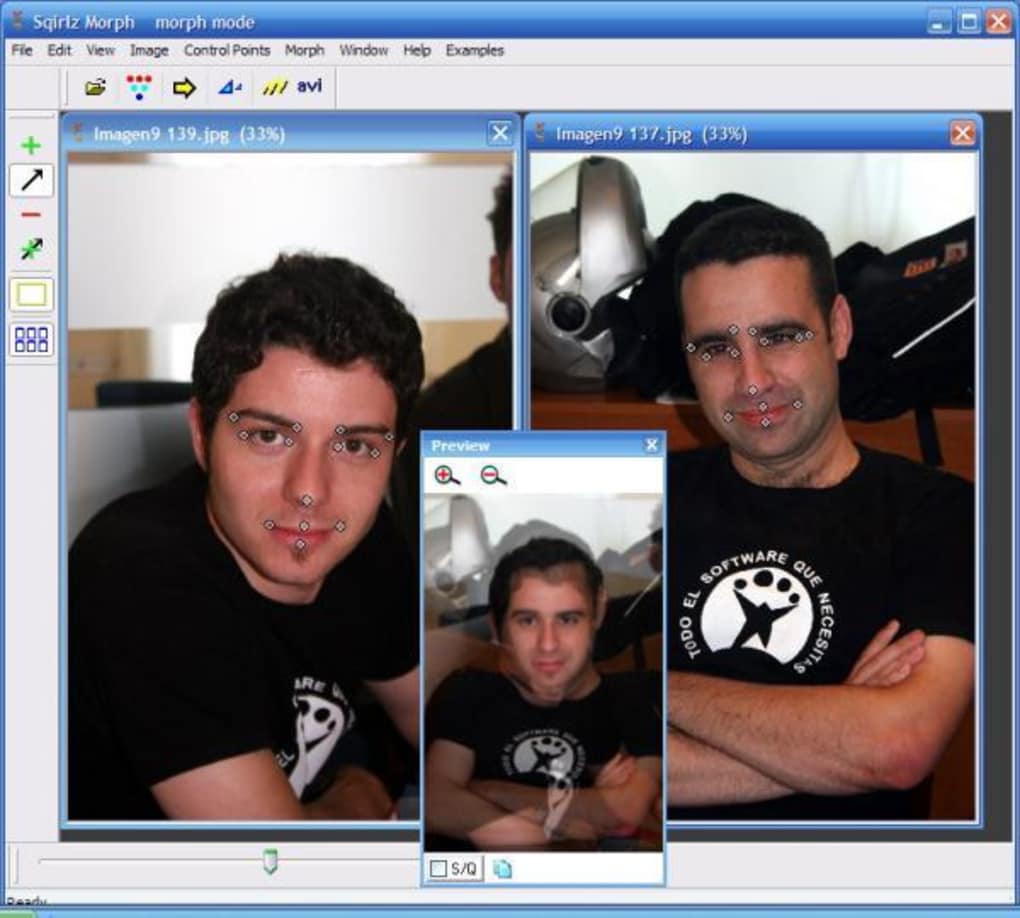
One of Sqirlz Morph’s most significant advantages is its intuitive and easy-to-use interface. The program’s straightforward design makes it accessible to users of all skill levels, from beginners to advanced professionals. The software eliminates the need for complex technical knowledge, allowing users to focus on the creative process of morphing images and videos rather than grappling with intricate settings. This user-friendly approach is a major strength, significantly lowering the barrier to entry for individuals interested in exploring image and video morphing.
The process of creating a morph is remarkably simple. Users select the images or video clips they wish to morph, designate transition points within the software, and then choose the desired output format. This streamlined workflow allows for quick experimentation and iteration, empowering users to efficiently refine their morphs until they achieve the desired effect. The software’s accessibility extends to its output formats as well, offering the flexibility to save animations as AVI, Flash (SWF), or animated GIF files, catering to diverse project requirements.
While mastering the art of creating visually stunning morphs takes time and practice, regardless of the software used, Sqirlz Morph’s simple interface acts as a significant catalyst in the learning process. Beginners can quickly grasp the fundamental functionalities, while advanced users appreciate the efficiency and lack of unnecessary complexities. This balance between simplicity and functionality is a key component of Sqirlz Morph’s overall appeal.
Powerful Morphing Capabilities: Images and Videos
Sqirlz Morph stands out due to its ability to handle both still images and AVI videos. This versatility provides users with considerable flexibility in their projects, enabling them to create morphs using a wide variety of source materials. The software’s capability to seamlessly blend images and video clips opens doors to creative possibilities that are unavailable with software restricted to either still images or video.
Beyond basic morphing, Sqirlz Morph offers a “morph transition smoothing” option. This feature refines the transitions between images or video frames, resulting in more natural and aesthetically pleasing morphs. The smoothing option significantly improves the visual quality of the output, reducing the appearance of abrupt or jarring changes between frames, a common issue in simpler morphing software.
A notable feature is the capacity for multi-morphing. Unlike some programs limited to two images or clips, Sqirlz Morph allows for the combination of any number of sources. This significantly broadens the range of creative possibilities. Imagine morphing multiple family photos together to create a unique, composite image or seamlessly transitioning between a series of video clips for a captivating visual effect. This multi-morphing capability sets Sqirlz Morph apart from some of its competitors, offering a level of flexibility unmatched by many other programs in its class.
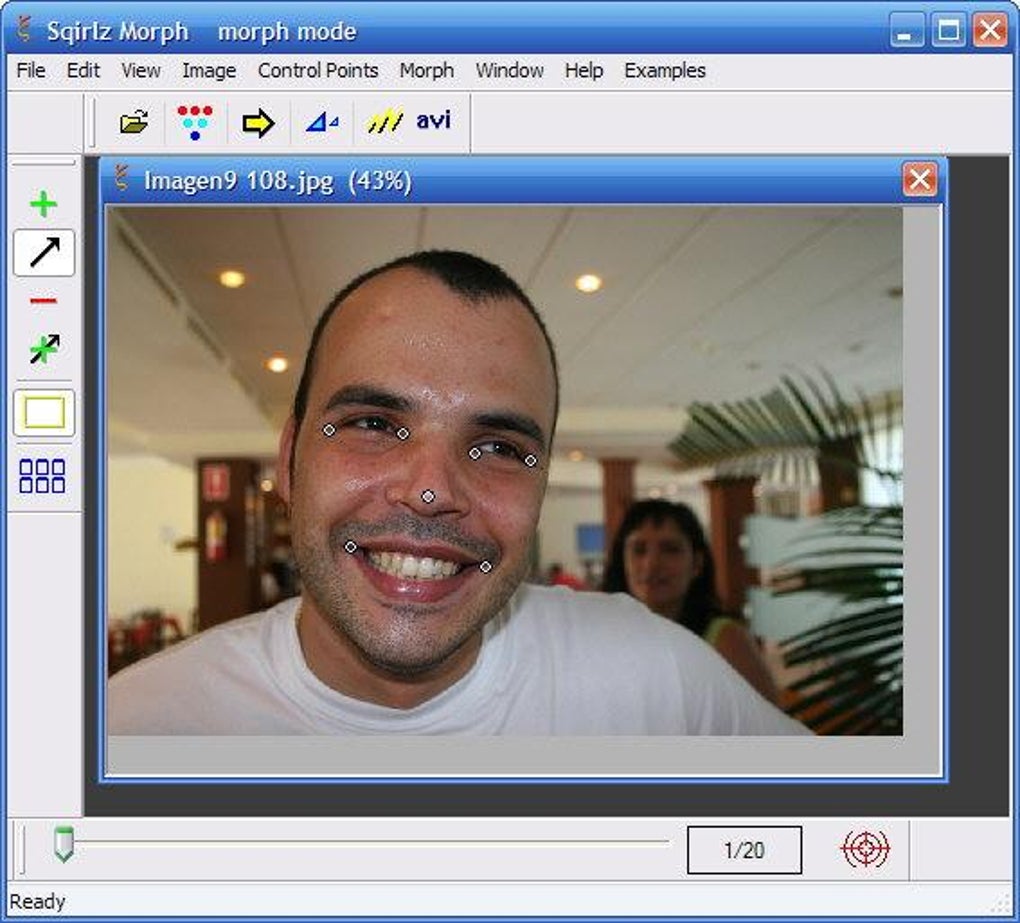
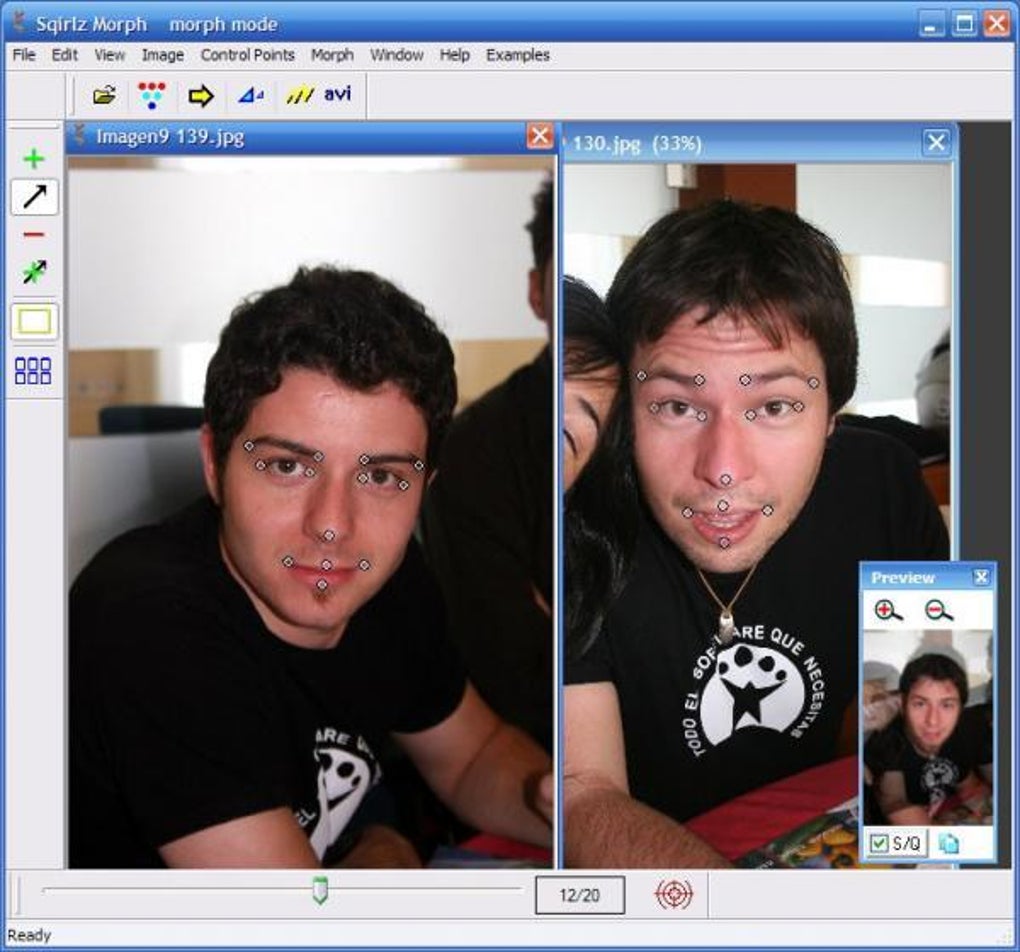
The software also incorporates a sophisticated control point system. Users can mark specific features on the images or videos, guiding the morphing process with precision. This control point system enables users to fine-tune the morphing process, ensuring that the transition occurs smoothly and naturally between specified elements. The ability to select and edit groups of control points efficiently streamlines the workflow, saving valuable time and improving the overall efficiency of the process. This precise control is essential for creating high-quality, professional-looking results.
Output Formats and Compatibility
Sqirlz Morph offers a range of output options, ensuring compatibility across diverse platforms and applications. The ability to export morphs as Macromedia Flash (SWF) files, AVI video clips, bitmap images, and JPEGs ensures that users can seamlessly integrate their creations into various projects. The inclusion of SWF export is particularly relevant for web-based projects, allowing for easy integration into websites and online presentations. The availability of AVI and other video formats caters to more traditional video editing applications. This extensive range of export formats speaks volumes about Sqirlz Morph’s versatility and adaptability. Users aren’t limited in how they utilize their completed projects; the format options are tailored for various contexts.
The software’s compatibility with various image and video formats further enhances its practicality. This broad compatibility reduces the need for pre-processing steps, saving valuable time and streamlining the entire workflow. The software is designed to integrate smoothly into existing multimedia workflows, facilitating efficient and seamless project completion.
Comparison with Alternative Software
While Sqirlz Morph stands out with its user-friendly interface and versatile features, it is important to acknowledge competing software. Programs like WinMorph offer comparable morphing capabilities, often with advanced features. However, WinMorph may lack the same intuitive user experience as Sqirlz Morph, potentially presenting a steeper learning curve for beginners.
Other programs like Morpheus Photo Morpher and various other image editing suites offer morphing as a feature, but they may be bundled with many other tools that a user may not need. This can lead to a bloated user interface, making it less efficient for the sole purpose of morphing images and videos. Sqirlz Morph’s focused design ensures that the software remains lightweight and efficient, prioritizing the morphing function without unnecessary additions. The decision of which software to use comes down to a user’s specific needs and preferences. If ease of use and a straightforward interface are prioritized, Sqirlz Morph emerges as a compelling choice. If advanced features and the willingness to learn a more complex interface are preferred, other options may be more suitable.
The software also faces competition from online tools and web-based applications that offer image morphing capabilities. However, these online tools often have limitations in terms of file size, processing power, and control over the morphing process. Sqirlz Morph offers greater flexibility and control, especially beneficial for larger projects or those requiring more intricate adjustments.
Conclusion
Sqirlz Morph proves to be a powerful yet user-friendly tool for creating image and video morphs. Its intuitive interface, versatile features, including multi-morphing and smoothing options, and wide range of output formats cater to users of all skill levels. While it may not boast every single advanced feature of its competitors, its emphasis on ease of use and efficient workflow makes it a highly attractive option for many users. The software’s strength lies in its ability to balance simplicity and functionality, making complex morphing effects achievable without the need for extensive technical expertise. Ultimately, the decision of whether Sqirlz Morph is the right tool depends on individual needs and preferences; however, its ease of use and versatility solidify its position as a strong contender in the image and video morphing software market.
File Information
- License: “Free”
- Version: “2.0”
- Latest update: “March 12, 2019”
- Platform: “Windows”
- OS: “Windows XP”
- Language: “English”
- Downloads: “60K”
- Size: “1.75 MB”


