
SRWare Iron is a free and open-source web browser built upon the Chromium open-source project. Unlike many popular browsers that prioritize features and market share, SRWare Iron places a paramount emphasis on user privacy and security. This commitment to data protection sets it apart from competitors like Google Chrome and Microsoft Edge, making it an attractive option for users concerned about online tracking and data harvesting. This in-depth review will explore the browser’s features, performance, security implications, and compare it to other available options.
A Privacy-Centric Approach: Stripping Away Tracking
SRWare Iron’s core philosophy centers around minimizing data collection and user tracking. The developers have meticulously removed components from the Chromium source code responsible for sending user data back to Google or other third-party entities. This contrasts sharply with browsers like Chrome, which, while offering incognito mode, still collects various forms of usage data, even in private browsing sessions. SRWare Iron aims to provide a truly private browsing experience by default.
This dedication to privacy is not just a marketing claim; the developers encourage users to verify the browser’s effectiveness using network monitoring tools like Wireshark. By examining network traffic, users can independently confirm that the browser doesn’t transmit identifying information or browsing history to external servers. This transparency fosters trust and allows for independent verification of the browser’s privacy claims. This level of transparency is uncommon among other privacy-focused browsers, which often rely on their stated security features without providing methods for user verification.
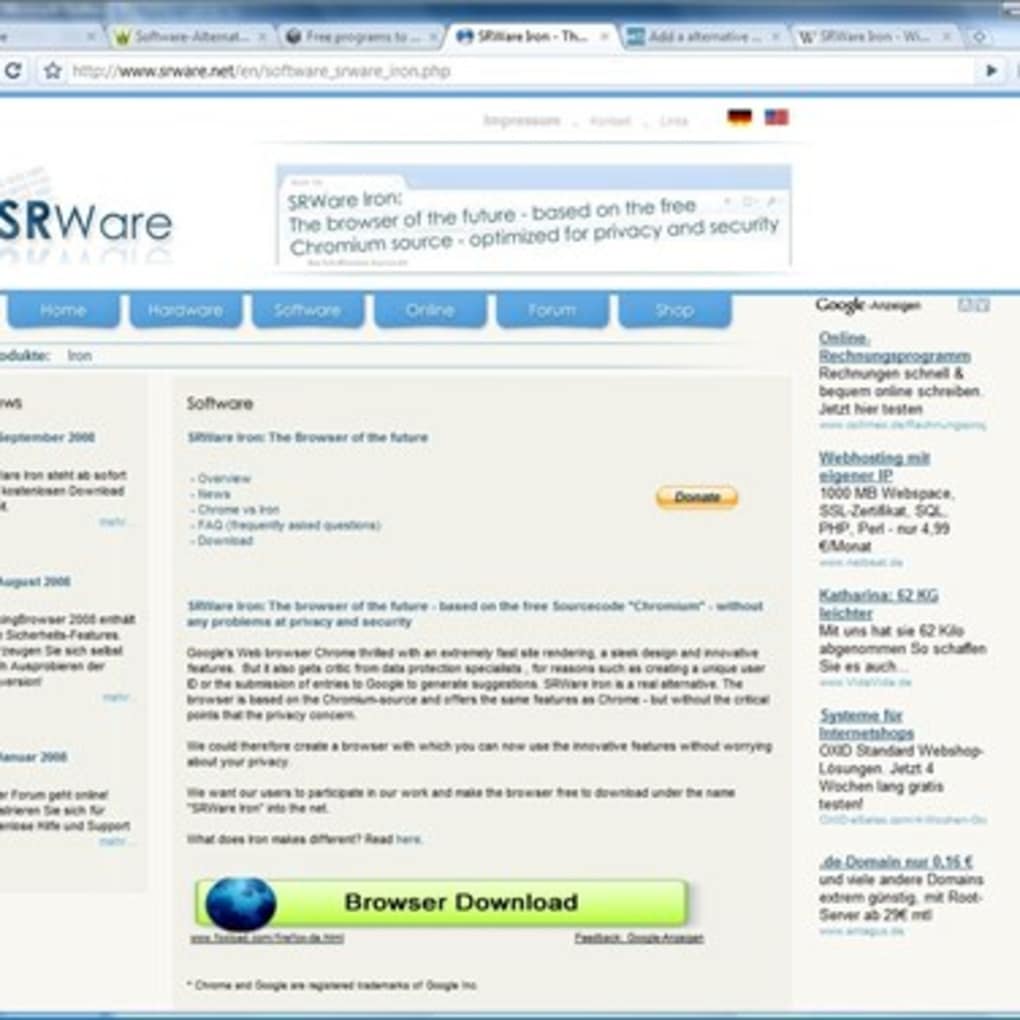
The removal of data-gathering components does not compromise functionality. SRWare Iron maintains the speed and rendering capabilities of its Chromium foundation. Websites load quickly and display correctly, offering a seamless browsing experience that rivals other popular browsers in terms of usability and performance. This ensures users don’t sacrifice convenience for enhanced privacy.
Performance and User Experience: Speed and Simplicity
Despite its focus on privacy, SRWare Iron doesn’t compromise on performance. Built upon the robust Chromium engine, it inherits the speed and efficiency of Chrome, rendering web pages swiftly and accurately. Users will find the browsing experience familiar and intuitive, transitioning seamlessly from other Chromium-based browsers. The interface is clean and uncluttered, allowing for a streamlined and focused browsing experience.
The browser supports extensions, although the availability might be limited compared to the Chrome Web Store. Users should carefully vet any extensions before installation, ensuring they are from reputable sources and align with the browser’s privacy-focused nature. The use of less commonly used extensions adds an additional layer of protection from potentially malicious add-ons found in more popular repositories.
One potential drawback is that the lack of automatic updates might necessitate manual intervention to obtain the latest security patches. While this can be seen as less convenient, users are made aware of their responsibilities, leading to an enhanced understanding of security best practices.

Security Measures Beyond Privacy: Robust Protection
Beyond the privacy enhancements, SRWare Iron incorporates standard security features found in other modern browsers. These include protection against malicious websites, phishing attempts, and malware. The browser’s reliance on the Chromium engine benefits from the constant security updates and improvements within that open-source project.
However, it’s crucial to understand that no browser is entirely impenetrable. Users should maintain best practices, such as using strong passwords, regularly updating the browser, and being cautious of suspicious links and websites. While SRWare Iron removes many common tracking mechanisms, users remain responsible for their own online safety practices.
The removal of Google’s proprietary components also means the absence of features such as integrated Google services and synchronization features. While this might be a limitation for some users, this intentional exclusion is a direct result of the browser’s commitment to privacy. The browser prioritizes the user’s control over their data, even if it means sacrificing the convenience of seamless synchronization across devices.
Comparison with Other Browsers: A Privacy-Focused Landscape
Compared to mainstream browsers like Chrome and Edge, SRWare Iron offers a distinct advantage in terms of privacy. While Chrome and Edge offer incognito mode, they still collect some data even in these private browsing sessions. SRWare Iron, by design, aims to minimize data collection entirely, providing a more private experience by default.
However, browsers like Firefox and Brave also prioritize privacy. Firefox utilizes its own rendering engine and has a strong reputation for privacy-conscious practices. Brave incorporates a built-in ad blocker and rewards users for viewing privacy-respecting ads. The choice between SRWare Iron and these alternatives often depends on individual preferences and the level of privacy features desired. Some users might prefer the enhanced control offered by SRWare Iron while others might appreciate the additional features provided by Firefox or Brave.
Conclusion: A Powerful Choice for the Privacy-Conscious
SRWare Iron fills a niche in the browser market by prioritizing user privacy and security above all else. Its performance is comparable to mainstream browsers, and its commitment to transparency is commendable. While it lacks some of the integrated features found in other browsers, the trade-off for enhanced privacy is a significant benefit for users who value data protection.
The choice of a web browser is a personal one, influenced by individual needs and preferences. For those who prioritize online privacy and wish to minimize their digital footprint, SRWare Iron provides a robust and effective solution. Its simplicity, speed, and commitment to data protection make it a strong contender for anyone seeking a privacy-centric browsing experience. The browser’s active community and continuous development further enhance its appeal, ensuring continued improvements and security updates. Ultimately, SRWare Iron serves as a powerful reminder that privacy can be a priority without sacrificing usability or performance.
File Information
- License: “Free”
- Version: “varies-with-device”
- Latest update: “March 28, 2017”
- Platform: “Windows”
- Language: “English”
- Downloads: “13.3K”


