
Stardock Fences is a desktop utility designed to organize and manage icons, shortcuts, and files on your Windows desktop. It achieves this by creating customizable “fences,” which are essentially categorized groupings of icons, providing a visually appealing and efficient way to declutter and manage what can often become a chaotic collection of desktop items. This review will explore its features, pros and cons, and compare it to other similar applications.
Streamlining Your Desktop: The Core Functionality of Stardock Fences
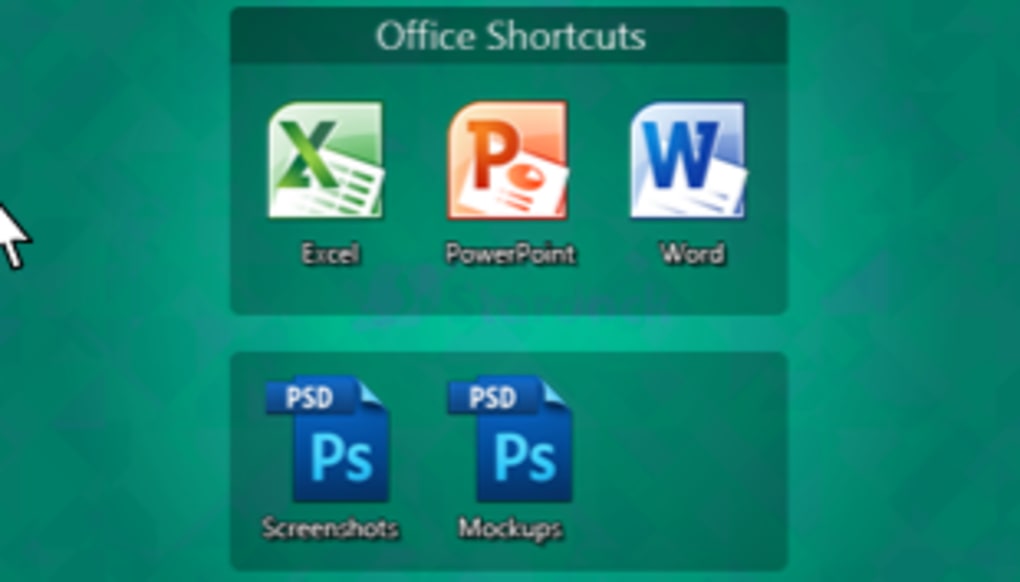
At its heart, Stardock Fences offers a simple yet effective solution to desktop icon management. Instead of a sprawling collection of icons scattered across the screen, Fences allows users to group related items into distinct, easily identifiable sections. These sections, known as “fences,” can be customized in various ways, allowing for a high degree of personalization. Users can adjust the size, color, transparency, and even the label of each fence, creating a visually cohesive and organized desktop environment that reflects their individual preferences.
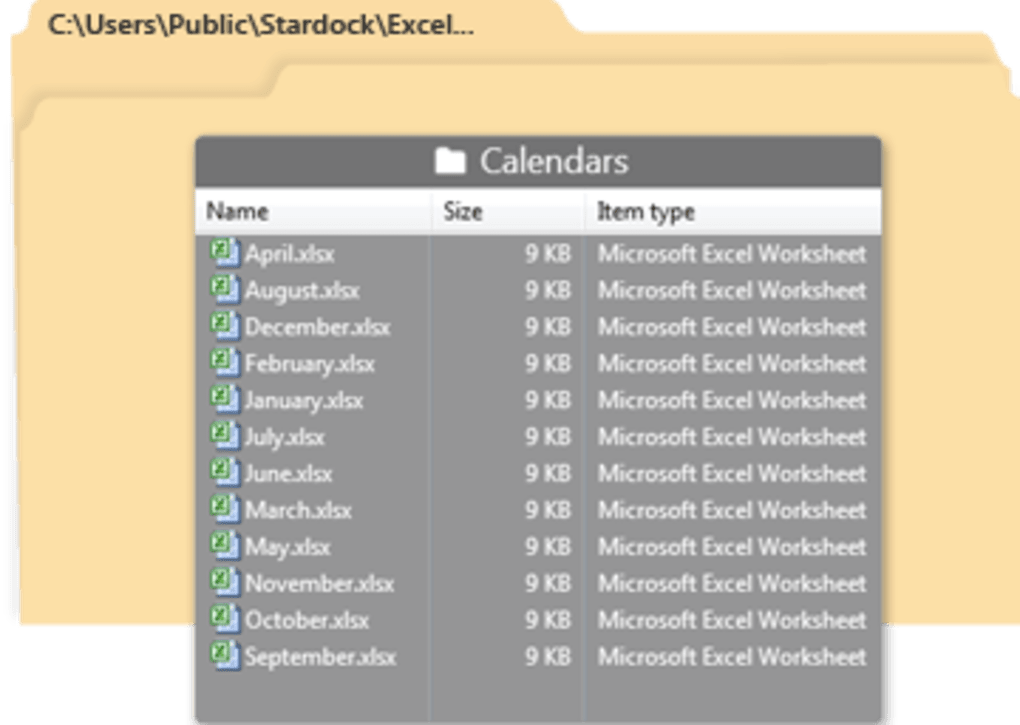
The process of creating and managing fences is intuitive and user-friendly. Users can drag and drop icons directly into existing fences or create new ones with a simple click-and-drag action. This drag-and-drop functionality extends to resizing and repositioning fences, providing flexibility in arranging the desktop layout. Predefined layout templates are available for users who prefer a structured approach, offering various starting points for organizing their desktop. These templates provide a convenient shortcut for users who want to jumpstart their organizational efforts.
One of the standout features of Stardock Fences is its ability to temporarily hide all desktop icons with a simple double-click anywhere on the desktop. This functionality is particularly useful for users who prefer a clean, uncluttered desktop experience when working on specific tasks or applications. A subsequent double-click instantly restores all the hidden icons, ensuring quick and easy access when needed. This “hide-and-reveal” function provides a level of flexibility and control that significantly enhances the user experience.
Customization and Personalization: Tailoring Fences to Your Needs
Stardock Fences stands out from its competitors due to its extensive customization options. Users have complete control over the visual appearance of each fence, enabling them to create a desktop environment that perfectly matches their personal aesthetic preferences. This customization extends to various aspects, including:
-
Color: Adjusting the color of each fence allows users to create visually distinct sections. This can be especially helpful when organizing icons based on function or category, as distinct colors can serve as immediate visual cues. The ability to choose from a wide range of colors enhances the overall visual experience, ensuring a personalized look and feel.
-
Transparency: Adjusting the transparency level allows for a balance between organization and visibility of the underlying desktop wallpaper. Users can choose a level of transparency that best suits their personal preferences and visual comfort. This feature allows for a seamless integration of the fences into the desktop’s visual theme.
-
Labels: Adding clear and concise labels to each fence ensures easy identification and navigation. This feature enhances the functionality of the fences by providing a quick and easy way to understand the content of each section. The ability to customize labels enhances the overall organization and usability of the desktop.
-
Layout Templates: Pre-defined layout templates offer a streamlined approach to desktop organization, especially for users who prefer a structured and systematic approach to managing their icons. These templates provide various pre-designed layouts to serve as a foundation, allowing users to quickly set up their fences without starting from scratch.
While the program offers a wide range of customization options, there is room for improvement. The lack of built-in themes is a notable omission. While users can create their customized look using the individual settings, pre-designed themes would provide additional visual variety and appeal to a wider range of users. The addition of themes would also streamline the process of creating a visually cohesive desktop environment.
Beyond the Basics: Addressing Limitations and Potential Improvements
While Stardock Fences excels in its core functionality and customization options, certain limitations warrant consideration. One notable limitation is the inability to directly add new shortcuts to individual fences. Users must first create the shortcut on the desktop and then manually drag it into the desired fence. This extra step adds unnecessary complexity and reduces the overall efficiency of the process. Integrating a direct shortcut creation function within each fence would significantly improve the user experience.
Another area for improvement lies in the absence of advanced features that could enhance the overall usability. For instance, the inclusion of features such as automatic sorting of icons within fences based on various criteria (e.g., name, date, type) could be a valuable addition. This would help users maintain a consistently organized desktop even as they add new items over time.
While the double-click to hide/show functionality is a unique and useful feature, it could be enhanced with further refinement. Users may encounter situations where this quick-hide function is inadvertently triggered. A more refined mechanism for enabling and disabling this function, or perhaps a user-configurable hotkey alternative, could improve the overall usability and prevent unintended actions.
Comparing Stardock Fences to Alternatives
Several alternative desktop icon organizers exist, each with its unique strengths and weaknesses. While Stardock Fences offers a robust set of customization options and a user-friendly interface, other applications might appeal to users with specific requirements or preferences. Some alternatives may provide more advanced features, while others may focus on a more minimalist approach to desktop organization. Considering the individual needs and preferences of users, the optimal choice will always depend on the specific priorities.
Conclusion: A Powerful Tool for Desktop Organization
Stardock Fences provides a powerful and effective solution for users struggling to manage a cluttered Windows desktop. Its intuitive interface, combined with its extensive customization options, empowers users to create a highly personalized and efficient desktop environment. While some limitations exist, particularly the lack of direct shortcut creation and advanced features, the overall strengths of Stardock Fences make it a valuable tool for anyone seeking to improve their desktop organization and workflow. The ease of use and visually appealing results make it a compelling choice for both casual and power users alike. The potential for future development and improvements further strengthens its position as a leading contender in the field of desktop icon management software.
File Information
- License: “Trial version”
- Latest update: “July 12, 2023”
- Platform: “Windows”
- OS: “Windows 8”
- Language: “English”
- Downloads: “194.1K”
- Size: “12.99 MB”


